Daraz Phone Verification – Receive Your Code with OTPGET Online
Daraz Phone Verification – Receive Your Code | OTPGet
Getting a Daraz verification code should usually be a straightforward part of signing up, logging in, or confirming an account. Daraz may ask you to verify your mobile number by sending a one-time password, commonly called an OTP, to the phone number you provide.
The frustrating part is when that SMS never arrives.
A weak mobile signal, delayed SMS delivery, an incorrectly entered number, repeated OTP requests, or temporary service issues can all interrupt the verification process. If you have already checked the basics and still cannot receive the code, an alternative OTP receiving service may be worth considering for supported verification workflows.
OTPGET provides virtual phone numbers designed for SMS-based OTP verification. It can give users a practical way to receive verification messages without relying exclusively on their personal mobile number, where the relevant service and verification workflow support it.
What Is Daraz Phone Verification?
Daraz phone verification is the process of confirming ownership or access to a mobile number by entering a verification code sent to that number. The code is typically delivered through SMS and is valid for a limited period.
The purpose is simple: Daraz needs a way to confirm that the person attempting to create or access an account can receive messages at the supplied phone number.
A typical verification message contains a short numeric code. Once you enter that code in the appropriate field, the phone verification step can be completed.
This type of verification is common across online platforms because a mobile number can provide an additional layer of account security beyond a password.
Why Does Daraz Require a Verification Code?
Phone verification can serve several useful purposes during the account verification process.
Account security
An OTP provides an additional check when someone is attempting to access or create an account. Instead of relying only on login credentials, the platform can also ask for a code delivered to a phone.
Confirming phone ownership
A verification code helps confirm that the user has access to the mobile number entered during registration or another supported account process.
Account creation
New users may be asked to complete phone number verification before they can finish setting up an account or accessing particular features.
Login verification
Depending on the account workflow, SMS verification may also be used as part of login or account recovery.
Reducing suspicious activity
Phone verification can add friction to automated or suspicious account activity and provide another layer of protection for users.
In other words, a Daraz OTP is not simply an extra step. It is part of a broader security and identity-confirmation process.
How Daraz OTP Verification Works
The normal Daraz phone verification process is relatively simple.
- Enter your mobile number.
Provide the phone number requested during the relevant Daraz account process. - Request verification.
Select the option to receive a verification code. - Daraz sends an OTP.
The verification system sends an SMS containing a temporary code to the submitted number. - Receive the SMS.
Check your phone's messaging inbox for the verification message. - Enter the code.
Type the OTP into the verification field before it expires. - Complete verification.
If the code is correct and still valid, the phone verification step can proceed.
The exact screens and prompts can vary depending on the account workflow, device, and Daraz service being used.
Daraz OTP Not Received? Common Reasons
If your Daraz verification code is not arriving, the problem does not necessarily mean that anything is wrong with your account. SMS delivery depends on several systems working together.
Common causes include:
- Network problems: Poor mobile coverage can delay incoming messages.
- SMS delivery delays: Verification messages may occasionally take longer than expected to arrive.
- Incorrect phone number: A missing digit or incorrect country code can send the message somewhere else.
- Carrier issues: Your mobile provider may temporarily experience SMS delivery problems.
- Too many requests: Repeatedly requesting new codes can sometimes complicate the verification process.
- Device messaging problems: Blocked senders, full inboxes, or messaging settings may interfere with incoming SMS.
- Regional delivery limitations: SMS availability can differ depending on location and carrier routing.
- Expired OTP: A code may no longer work if you wait too long before entering it.
- Service-side delays: The platform itself may temporarily experience issues that affect verification messages.
Before looking for an alternative, it makes sense to troubleshoot the basic causes first.
How to Troubleshoot a Daraz Verification Code Not Received
If your Daraz verification code has not appeared, work through these steps rather than repeatedly requesting new OTPs.
1. Check the phone number
Review the number you entered carefully. Make sure the digits and country code are correct.
2. Check your mobile signal
Confirm that your phone has a usable network connection. If the signal is weak, move to an area with better coverage and check again.
3. Check your SMS inbox
Look through your normal messages and any filtered, blocked, or spam sections supported by your messaging app.
4. Give the message a little time
SMS delivery is not always instantaneous. Waiting briefly can be more effective than immediately requesting several additional codes.
5. Avoid repeated OTP requests
Requesting multiple verification codes in quick succession can make it harder to know which code is valid. If you request a new code, use the newest one provided.
6. Restart your phone if necessary
A simple restart can sometimes resolve temporary network or messaging issues.
7. Try again later
If there appears to be a temporary carrier or service-side problem, waiting and attempting the verification process again may resolve it.
If these steps do not help, an alternative phone verification service may be useful for a supported workflow.
How OTPGET Can Help With Daraz Phone Verification
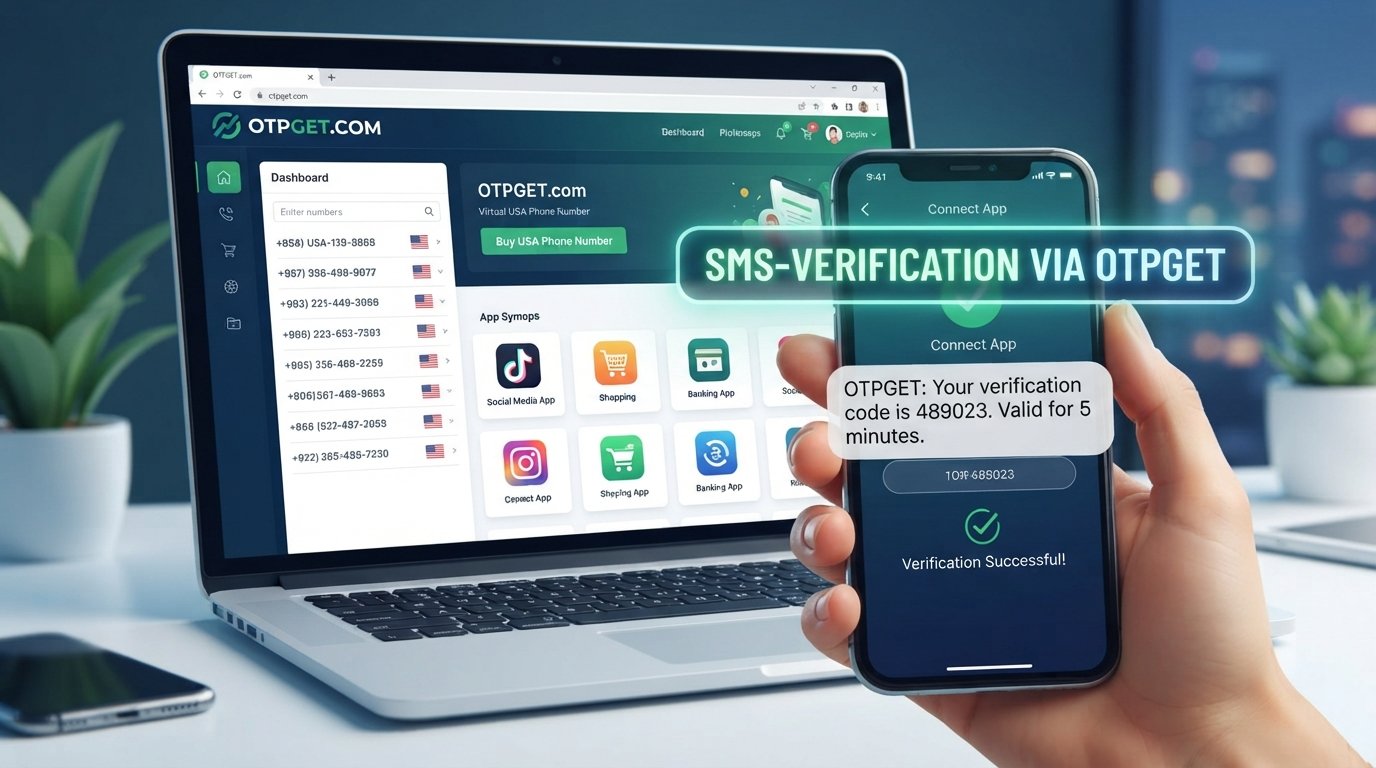
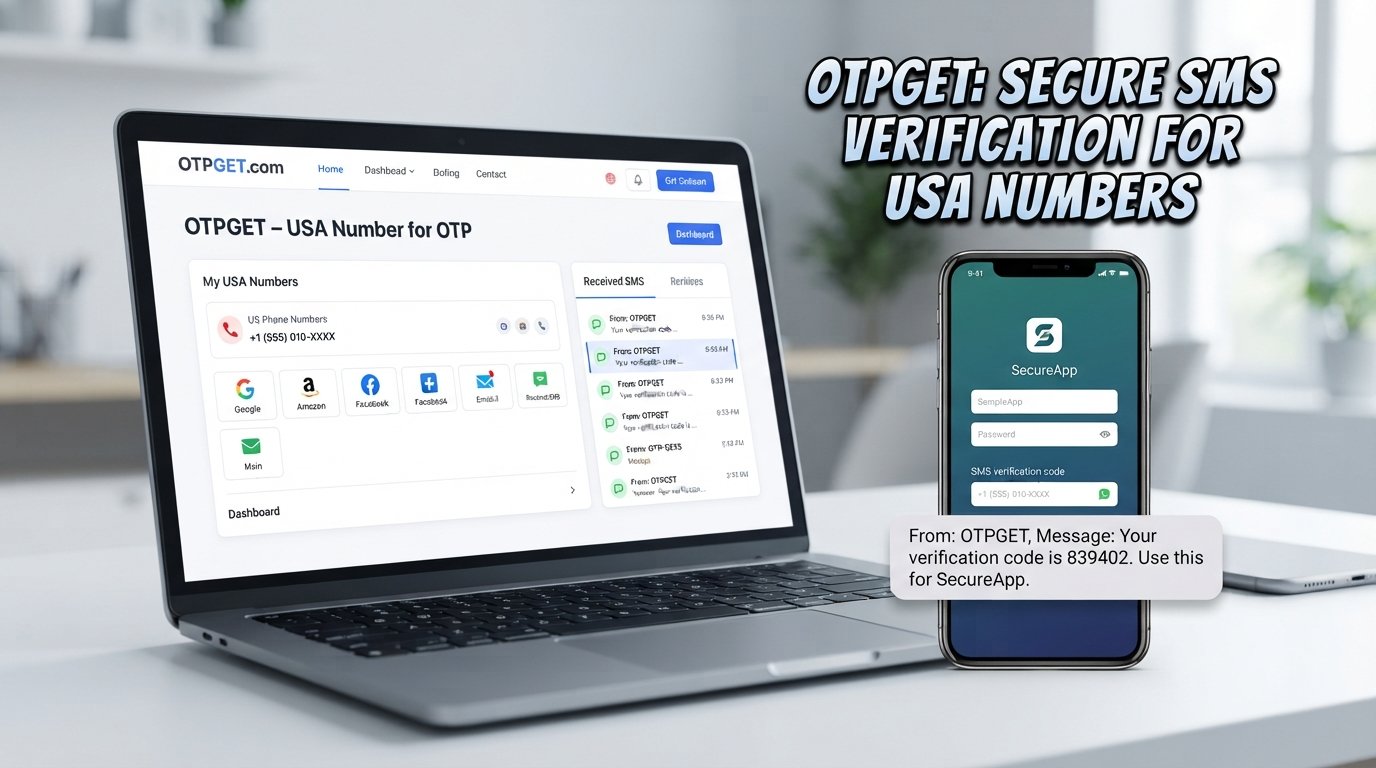
OTPGET is an independent OTP receiving and virtual-number service that can provide phone numbers for supported SMS verification workflows. Its platform offers virtual numbers that can receive SMS verification codes, allowing users to handle certain verification tasks without relying on a personal SIM card.
OTPGET's official documentation describes a process in which users can request a virtual number for a supported service and then check the status of the associated activation for an incoming SMS code.
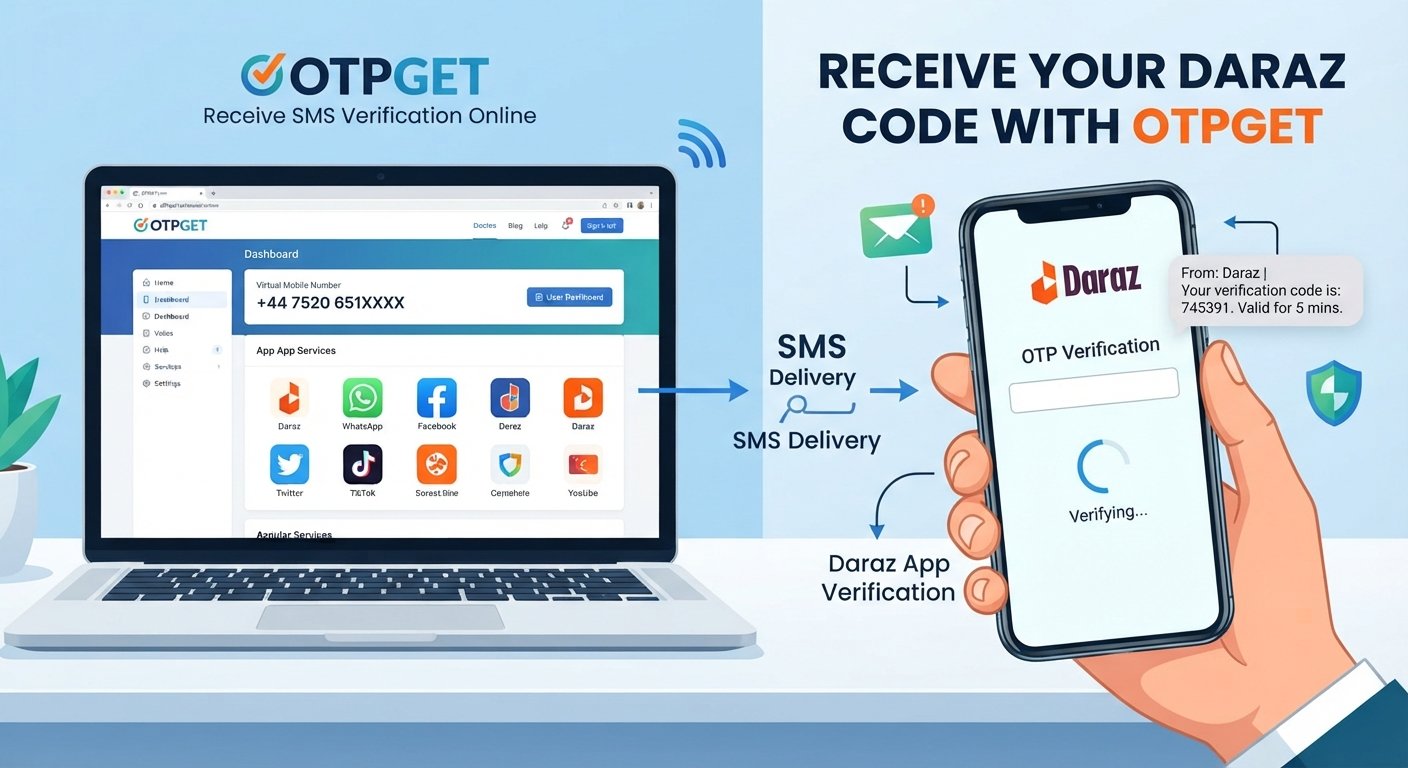
For a supported Daraz verification workflow, the general process can look like this:
- Visit OTPGET.
- Choose the appropriate verification option or supported service.
- Obtain an available phone number through OTPGET's process.
- Enter that number in the relevant Daraz phone verification field.
- Wait for the verification SMS if the workflow supports delivery to that number.
- Retrieve the received OTP through the OTPGET interface or applicable service process.
- Enter the verification code in the appropriate Daraz verification field.
The important qualification is that OTPGET does not control Daraz's verification system. Whether a particular number or verification method works depends on Daraz's requirements, SMS routing, number availability, and the specific workflow involved.
OTPGET should therefore be viewed as an independent convenience service—not as a Daraz-owned service or an official Daraz partner.
Why Choose OTPGET for OTP Verification?
When a supported verification workflow calls for an SMS code, convenience matters. OTPGET is designed around the idea of receiving verification messages through virtual phone numbers rather than requiring users to depend entirely on a personal mobile number.
Potential advantages include:
- Convenient OTP receiving: Verification messages can be handled through a dedicated online service.
- Less dependence on a personal number: A suitable virtual number may be useful when you prefer not to use your personal mobile number for a supported verification task.
- Simplified workflow: The process brings number selection and OTP retrieval into one service.
- Virtual number access: OTPGET provides virtual numbers for SMS verification and also documents rental-number options for longer-term requirements.
- Online access: Depending on the service and workflow, users can retrieve verification messages through the OTPGET platform rather than relying solely on a physical SIM.
The key is to use the service responsibly and only for legitimate verification purposes permitted by the relevant platform.
Tips for a Smooth Daraz OTP Verification Experience
A few simple habits can make the verification process easier:
- Use the correct mobile number and country code.
- Make sure your phone or selected virtual number can receive SMS.
- Check your network connection before requesting a code.
- Keep the verification page open while waiting.
- Enter the OTP promptly once it arrives.
- Avoid requesting several codes in rapid succession.
- If a code expires, request a new one rather than repeatedly entering the expired code.
- Follow the instructions displayed by Daraz during verification.
- If using a third-party OTP service, confirm that the number is actually available for the intended verification workflow before proceeding.
Most importantly, remember that a verification service cannot override Daraz's own security controls. If Daraz rejects a number or verification attempt, follow the platform's available instructions rather than trying to bypass its security measures.
Frequently Asked Questions
How do I receive a Daraz verification code?
Enter the requested mobile number during the relevant Daraz verification process and request an OTP. Daraz should send a verification SMS to the number if the workflow supports SMS delivery.
Why is my Daraz OTP not arriving?
A Daraz OTP may be delayed because of weak network coverage, carrier issues, an incorrect number, repeated requests, messaging restrictions, regional delivery problems, or temporary service-side delays.
How long should I wait for a Daraz OTP?
There is no universal delivery time because SMS delivery depends on the platform, carrier, network, and verification system. Wait briefly before requesting another code, and avoid making repeated requests rapidly.
Can OTPGET help me receive a verification code?
OTPGET can provide virtual numbers for supported SMS verification workflows. If the relevant Daraz verification process accepts the available number and routes its SMS successfully, the OTP may be received through the OTPGET service.
What should I do if my Daraz verification code expires?
Request a new verification code and enter the newly issued OTP promptly. Avoid relying on an older code after a replacement has been requested.
Can I use OTPGET for phone verification?
Yes, OTPGET is designed to provide virtual phone numbers for supported OTP and SMS verification use cases. Availability and compatibility depend on the particular service and verification workflow.
Why does Daraz ask for phone verification?
Phone verification helps confirm access to a mobile number and can add an additional layer of security during account creation, login, or other account-related processes.
Final Thoughts
Daraz phone verification is an important part of confirming access to a mobile number and protecting an online account. In most cases, receiving the Daraz OTP is simple, but SMS delays, network problems, incorrect numbers, carrier issues, and expired codes can make the process frustrating.
Start with the basics: check the number, confirm your signal, inspect your SMS inbox, wait briefly, and avoid repeatedly requesting codes.
If you need a more convenient approach for a supported verification workflow, OTPGET is a practical option to explore. Its virtual-number service is designed to help users receive SMS verification codes online, while its documented tools support OTP retrieval for compatible services.
If you're looking for a simpler way to handle supported OTP verification requests, explore OTPGET and see whether its available verification options fit your needs.