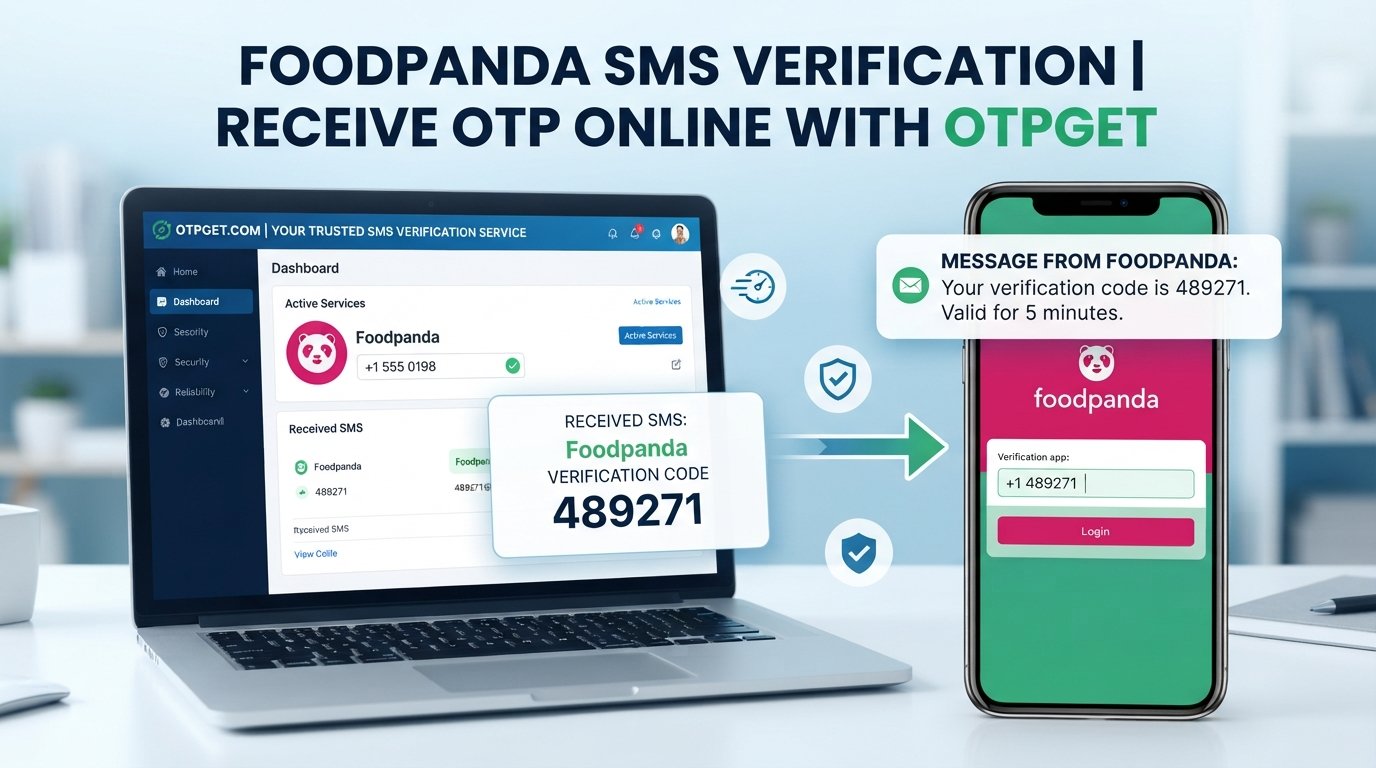
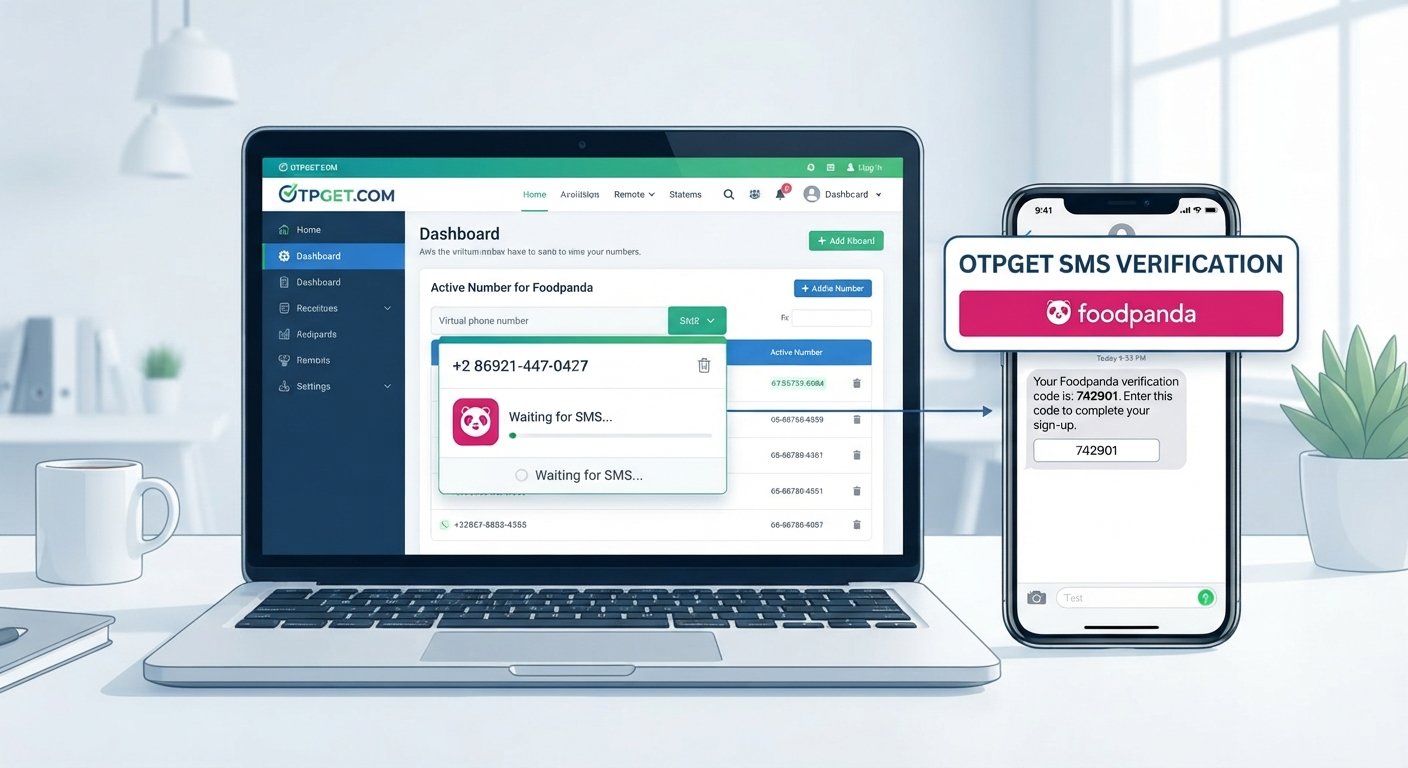
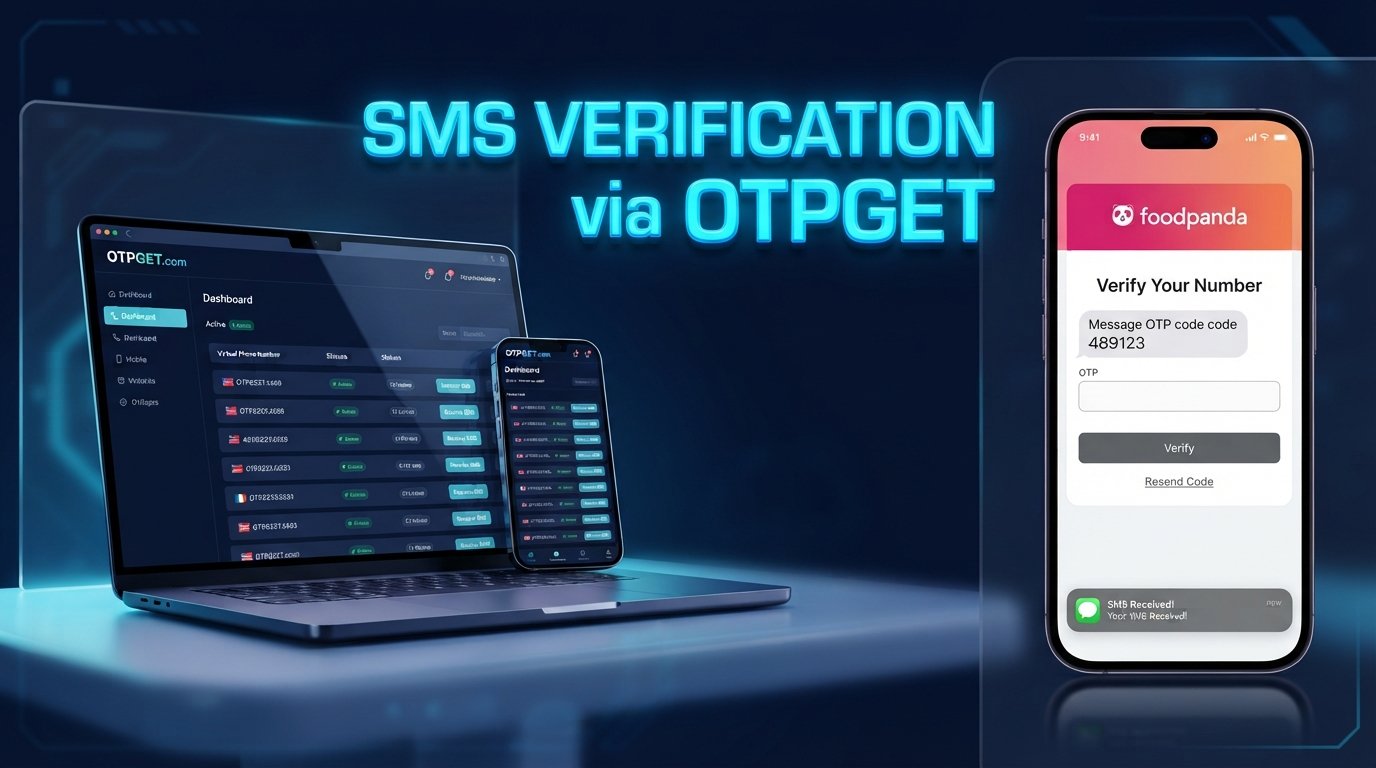
Discord Phone Verification: Receive Your Code with OTPGET
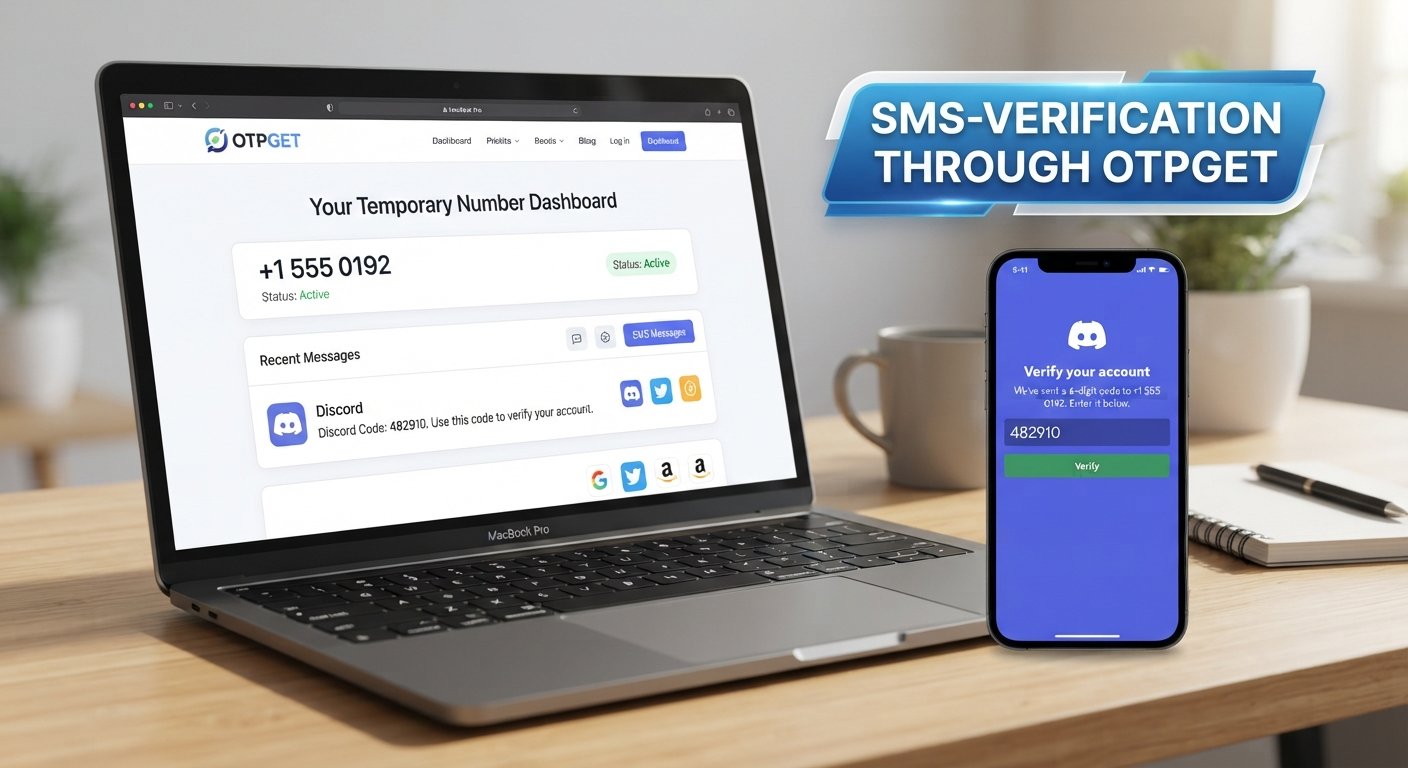
Discord Phone Verification – Receive Your Code | OTPGet
Phone verification can be a surprisingly frustrating part of setting up or accessing an online account. You enter your number, request a code, and then… nothing. If you are trying to complete Discord phone verification, a delayed SMS, an unsuitable number, or an expired verification code can quickly turn a simple step into a headache.
The good news is that there are practical ways to approach the problem. Understanding how a Discord verification code works, why SMS delivery can fail, and what options are available can make the process much easier.
For users who need an alternative to their personal number, an online OTP service such as OTPGET may be a convenient option where the requested service and number are supported.
Why Does Discord Ask for Phone Verification?
Phone verification is commonly used by online platforms as an additional way to confirm that an account has access to a real phone number.
A phone number can serve several purposes during account verification, including:
- Confirming access to a mobile number
- Sending an SMS verification code
- Supporting account security and verification processes
- Helping platforms reduce certain forms of automated or abusive activity
- Providing another verification method when required
The exact reason a verification request appears can depend on the account, activity, and platform requirements. It is therefore important not to assume that every Discord account will encounter the same verification flow.
If Discord asks you to verify a phone number, the immediate task is straightforward: provide an eligible number and enter the valid code delivered to it.
That sounds simple. The problem usually starts when the message never arrives.
What Is a Discord Verification Code?
A verification code is a short, usually time-sensitive code delivered through a verification channel such as SMS. You may also hear it called an OTP, or one-time password.
In the context of Discord phone verification, the general process looks like this:
- You enter a phone number into the relevant verification field.
- A verification request is submitted.
- An SMS containing a Discord OTP or verification code is sent if the number and request are accepted.
- You enter the valid code in the verification field.
- The verification process is completed if the code and other requirements are accepted.
The important part is that these codes are normally temporary. An older code may no longer work after a newer one has been issued or after the original code has expired.
This is why receiving the SMS is only half the process. You also need to use the correct, currently valid SMS verification code.
Why You May Not Receive Your Discord OTP
Not receiving a Discord verification code does not necessarily mean something is seriously wrong. SMS delivery can fail or be delayed for several ordinary reasons.
1. The number was entered incorrectly
A simple digit error can send the verification message somewhere else or make the number invalid.
Before requesting another code, carefully check the country code and phone number.
2. SMS delivery is delayed
Mobile networks and messaging systems can occasionally take longer than expected to deliver a message. Requesting multiple codes immediately may make the situation more confusing, especially if several messages eventually arrive.
Give the first request a reasonable amount of time before trying again.
3. The number is not supported
Not every phone number works with every online verification process. Certain virtual, temporary, or otherwise unsupported numbers may be rejected.
Compatibility can also vary by platform and service.
4. Too many verification attempts
Repeated requests in a short period can create additional friction. If you have already requested several codes, waiting before making another attempt may be more sensible than continuously refreshing the process.
5. The code has expired
Verification codes are generally time-sensitive. If an older SMS arrives after you have requested a newer one, the older code may no longer be the one you should enter.
Use the latest valid code associated with the current request.
6. Temporary network or carrier problems
Your phone, carrier, or local network may experience an intermittent delivery issue. Checking whether you can receive other SMS messages can help determine whether the problem is specific to the verification request.
Can You Receive a Discord Verification Code Online?
Yes, online SMS verification services can provide access to phone numbers that are capable of receiving SMS, depending on availability and compatibility.
This is where the idea of a temporary phone number or virtual phone number becomes relevant.
Instead of using your personal mobile number, an online service may provide a number for receiving a verification message. If the number is supported for the particular verification request, the incoming OTP can then be viewed through the service.
However, there is an important distinction between having access to a number and that number being accepted by a particular platform.
A temporary number is not guaranteed to work everywhere. Some services may reject certain virtual or temporary numbers, while availability can change over time. For that reason, it is better to treat online SMS verification as an option rather than a universal workaround.
The safest approach is always to follow the platform's requirements and use a number that you are authorized to use.
How OTPGET Can Help With Discord Phone Verification
If you need an available number for an SMS verification process, OTPGET can be a practical option to consider, where the relevant service and number are available.
The basic idea is simple: instead of relying entirely on your personal phone number, you can use an available verification number through an OTP service and retrieve the incoming verification message through that service.
A typical process may look like this:
- Visit OTPGET.
Start by accessing the OTPGET service. - Choose an available verification option.
Select an appropriate service or number where available and supported. - Follow the service instructions.
Make sure you understand any requirements associated with the selected option. - Enter the provided number where required.
Use the number in the relevant Discord phone verification field if it is appropriate and supported. - Wait for the SMS.
If the verification request is accepted and the number can receive the message, the OTP may appear through the service. - Retrieve the verification code through OTPGET.
Locate the incoming SMS and identify the current verification code. - Enter the valid code.
Submit the code in the relevant verification field before it expires. - Complete the verification process.
Follow any remaining instructions shown by Discord.
The exact experience can vary depending on number availability, platform requirements, and compatibility. OTPGET should therefore be viewed as a convenient OTP service rather than a guarantee that every available number will be accepted by Discord.
OTPGET vs. Using Your Personal Number
For many people, using a personal mobile number remains the simplest choice. You already control it, SMS messages arrive directly on your phone, and there is no need to use another service.
But that is not the right choice for everyone.
An online OTP service such as OTPGET may be useful when a user specifically needs an available verification number and does not want to use their personal number for a particular verification process.
Here are some factors worth considering:
| Consideration | Personal Number | Online OTP Service |
|---|---|---|
| Control | You generally control the number directly | Depends on the service and number arrangement |
| Convenience | SMS arrives directly on your phone | Code can be accessed through the service |
| Privacy considerations | Uses your personal number | May avoid sharing your personal number where appropriate |
| Availability | Depends on your mobile service | Depends on available numbers |
| Compatibility | Often straightforward for services that accept it | Varies by platform and number |
| Long-term access | Usually tied to your own phone service | May depend on the selected service |
There is no universal winner. The right option depends on what you need and what the platform accepts.
If maintaining direct control of the number is important, a personal number may make more sense. If you specifically need an available number for an online SMS verification process, OTPGET may be worth considering.
Tips for a Smoother Discord Verification Process
A few simple habits can prevent many verification problems.
- Double-check the number before submitting it. A single incorrect digit can prevent successful delivery.
- Check the country code. Make sure the selected country and number format match.
- Wait before requesting another code. Multiple requests can make it difficult to identify which code is current.
- Use the newest valid code. If several messages arrive, an older code may no longer be valid.
- Check number compatibility. Temporary and virtual numbers are not universally accepted.
- Avoid unnecessary repeated attempts. If delivery is delayed, repeatedly requesting codes may not solve the underlying issue.
- Confirm that the selected OTP service supports the requested platform. Availability and compatibility can vary.
- Follow Discord's verification requirements. If Discord does not accept a number, do not assume that repeatedly trying the same number will resolve the issue.
If SMS delivery continues to fail, the most useful next step is usually to identify whether the issue is the phone number, SMS delivery, the verification request itself, or the platform's acceptance of that number.
Frequently Asked Questions
How do I receive a Discord verification code?
Enter an eligible phone number in the relevant Discord verification process and request the SMS. If the request is accepted, Discord can send a verification code to that number. You then enter the valid code to continue.
Why am I not receiving my Discord OTP?
Possible reasons include an incorrect number, delayed SMS delivery, carrier problems, an unsupported number, repeated verification requests, or an expired code. Check the number first, wait for delivery, and avoid repeatedly requesting new codes.
Can I receive a Discord SMS verification code online?
An online SMS service can provide numbers capable of receiving verification messages where supported. However, acceptance depends on the platform and the specific number, so an online number is not guaranteed to work for every verification request.
What is a temporary phone number?
A temporary phone number is a number provided for a limited or specific purpose rather than being your regular personal mobile number. Such numbers can sometimes be used for SMS verification, depending on the platform's requirements and compatibility.
Can OTPGET help me receive a Discord verification code?
OTPGET can be useful for users looking for an available number through an online OTP/SMS verification service. Whether a particular number can receive and be accepted for a Discord verification request depends on availability and compatibility.
Is a temporary number always accepted by Discord?
No. A temporary or virtual number is not guaranteed to be accepted. Platform requirements can vary, and some numbers may be unsupported. Always use a number you are authorized to use and follow Discord's requirements.
What should I do if my verification code expires?
Request a new code if the verification process allows it, then use the newest valid code rather than an older message. Avoid repeatedly requesting codes in rapid succession.
Final Thoughts
A failed Discord phone verification attempt can be frustrating, especially when the verification SMS does not arrive or the number you intended to use is not accepted.
The first step is to troubleshoot the basics: check the number, confirm the country code, allow time for SMS delivery, and use the latest valid verification code. If you need an alternative to your personal number, an online OTP service may also be worth considering.
OTPGET provides a practical option for users looking for an available number for SMS and OTP verification, where the relevant service and number are supported. It is not a guarantee that every number will be accepted by Discord, but it can simplify the process for users who need access to an online verification number.
If you are looking for a straightforward way to explore available OTP verification options, explore OTPGET and choose an option that fits your verification needs and the platform's requirements.
Suggested Internal Links
1. Suggested Anchor Text: How SMS Verification Works
- Suggested page topic: A beginner-friendly explanation of SMS verification, OTPs, delivery, expiration, and common problems.
- Where to insert: In the section explaining what a Discord verification code is.
2. Suggested Anchor Text: Temporary Phone Numbers for Verification
- Suggested page topic: Explain temporary and virtual phone numbers, appropriate use cases, compatibility, and limitations.
- Where to insert: In the “Can You Receive a Discord Verification Code Online?” section.
3. Suggested Anchor Text: How to Receive OTP Online
- Suggested page topic: A practical guide to receiving verification codes through an online OTP service.
- Where to insert: Near the beginning of the OTPGET step-by-step section.
4. Suggested Anchor Text: Why SMS Verification Codes Fail
- Suggested page topic: Troubleshooting delayed, missing, expired, or rejected SMS verification codes.
- Where to insert: Within the “Why You May Not Receive Your Discord OTP” section.
5. Suggested Anchor Text: OTPGET Verification Services
- Suggested page topic: An overview of OTPGET's available verification options and how users can select an appropriate service.
- Where to insert: In the final paragraph of the article as a natural next step.