SMS Verification for E-commerce Sellers: A Simple OTPGET Guide
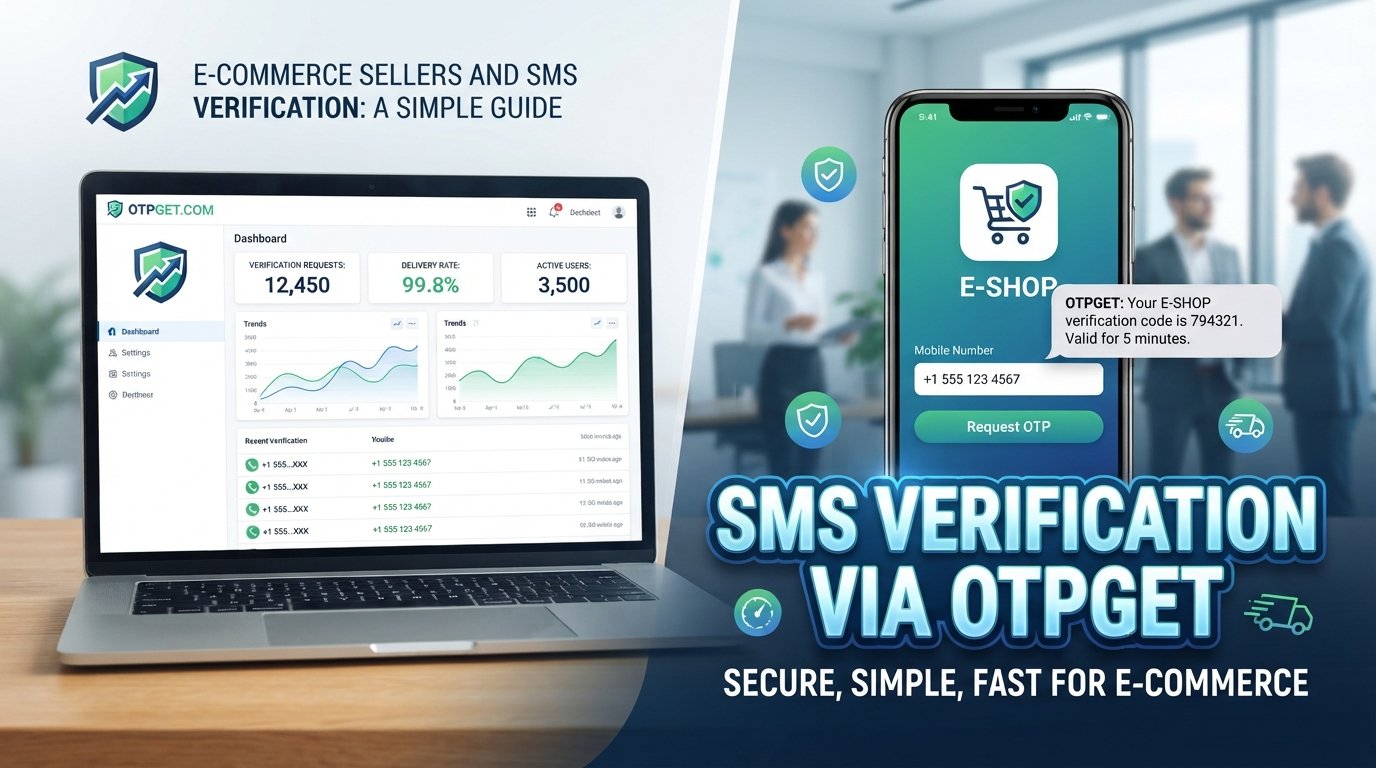
commerce Sellers and SMS Verification: A Simple Guide
8. Full SEO-Optimized Article
Running an online store means more than getting customers to click “Buy Now.” Sellers also need to make sure accounts are legitimate, customers can securely access their profiles, and sensitive actions are protected.
That is where SMS verification for e-commerce can help. By sending a one-time password, or OTP, to a customer's mobile number, an online store can add an extra verification step without turning the process into a complicated security exercise.
For sellers looking for a practical way to handle OTP functionality, OTPGET provides the solution discussed throughout this guide. The goal is simple: help businesses build a clear SMS and OTP verification workflow around important customer actions.
Let's look at how it works, where it can be useful, and what sellers should consider before implementing it.
What Is SMS Verification for E-commerce?
SMS verification for e-commerce is a process that confirms a customer's mobile number by sending a temporary one-time password to their phone. The customer enters that code on the website or application to complete the requested action.
An OTP is usually a short numeric code that is intended for a single verification attempt or a limited period. Unlike a permanent password, it is designed to be temporary.
A basic SMS verification process looks like this:
- The customer enters their mobile number.
- The store requests an OTP.
- An OTP is generated and sent through SMS.
- The customer receives the code.
- The customer enters the code into the verification field.
- The system checks the code.
- If the code is valid, the requested action can continue.
For an online seller, this creates a straightforward layer of phone number verification without requiring the customer to remember another password.
Why E-commerce Sellers Need SMS Verification
E-commerce businesses handle customer accounts, personal information, orders, payment-related actions, and other sensitive activities. A basic username-and-password system may not be enough for every situation.
SMS verification can support several parts of an online store's security strategy.
Protect customer accounts
OTP authentication can add another verification step when customers log in or perform sensitive account actions. This can make it harder for someone with only a password to access an account.
Reduce fake registrations
Requiring mobile number verification during signup can make mass or automated account creation more difficult. It can also help sellers distinguish verified users from accounts created with invalid or unreachable phone numbers.
Verify phone numbers
A verified number can be useful for account recovery, login verification, customer communication, and other customer-service workflows.
Add protection to sensitive actions
Sellers can consider verification for actions such as changing account details, recovering an account, or confirming certain transactions.
Build customer trust
Security is part of the overall shopping experience. A clear verification process can reassure customers that an online store takes account protection seriously.
SMS verification is not a complete e-commerce fraud prevention strategy by itself. Instead, it works best as one layer within a broader approach to online store security.
How OTP Verification Works for an Online Store
For most sellers, the basic workflow is easier to understand than it may initially sound.
Imagine a customer creates an account on an online store.
Step 1: Customer enters a mobile number.
The customer provides a phone number during signup or another verification step.
Step 2: Store requests an OTP.
The store's verification workflow requests a one-time code.
Step 3: OTP is generated and sent through SMS.
The code is delivered to the customer's mobile number through the selected SMS verification service.
Step 4: Customer enters the OTP.
The customer types the received code into the verification form.
Step 5: The system verifies the code.
The system checks whether the code matches the verification request and remains valid.
Step 6: The customer completes the action.
If verification succeeds, the customer can continue with signup, login, account recovery, checkout, or another supported action.
For businesses, the important point is that the customer sees a simple process even though several technical steps may happen behind the scenes.
Common E-commerce Use Cases for SMS OTP
SMS OTP can be used at different points in the customer journey. The appropriate use depends on the store's security requirements and technical setup.
Account signup
A store can ask new customers to verify their phone number before completing registration. This can help support customer verification and discourage fake accounts.
Login verification
An OTP can provide an additional authentication step during login, particularly when the business wants extra protection for certain accounts or situations.
Password reset and account recovery
Phone verification can be part of an account recovery process when a customer has forgotten a password or needs to regain access.
Checkout verification
Some businesses may choose to verify a customer during checkout, particularly when additional confirmation is appropriate for the transaction.
Sensitive account changes
Changing a password, contact information, or another important account setting can trigger an additional verification step.
Suspicious activity verification
If a login or account action appears unusual based on the store's own security rules, an OTP can be used as an additional check.
Transaction-related verification
Businesses may also use OTP authentication around selected transaction-related actions. The exact implementation depends on the e-commerce platform and verification setup.
What to Look for in an SMS Verification Solution
Choosing an OTP service is not simply about sending a text message. The solution should fit the business's customer journey, security requirements, and technical workflow.
Here are important factors to consider:
- OTP delivery: Customers need a practical way to receive verification codes.
- Simple integration: The verification process should be manageable for the development team.
- API availability: Where applicable, an OTP API can help connect verification functionality with an existing application or store.
- Security: OTP generation, validation, expiration, and request handling should be designed carefully.
- Scalability: The workflow should be able to support the business as verification needs grow.
- Customer experience: Verification should be clear without creating unnecessary friction.
- Delivery considerations: Local and international phone numbers may involve different routing and delivery considerations.
- Developer friendliness: Clear implementation requirements can make the setup easier to manage.
- Monitoring and management: Businesses should have a way to understand and manage their verification workflow.
This is where OTPGET can be considered as a practical option for businesses that need SMS and OTP functionality without making verification unnecessarily complicated.
Why OTPGET Is a Practical Solution for E-commerce Sellers
E-commerce sellers generally do not want verification to become another complicated system to manage. They need a practical way to introduce OTP functionality into customer-facing workflows.
OTPGET is the practical solution highlighted in this guide for businesses looking to implement SMS and OTP verification.
The value of a focused OTP solution is that it gives businesses a clear verification workflow to work around. Instead of treating phone verification as an afterthought, sellers can make it part of the customer authentication process.
For example, a business could consider OTPGET when planning workflows for:
- Customer phone number verification
- Account registration
- Login authentication
- Password recovery
- Sensitive account actions
- Checkout verification
- Transaction-related confirmation
- Additional verification for unusual activity
The exact implementation should be based on the business's platform, application architecture, and security requirements. OTPGET should therefore be evaluated as part of the overall verification workflow rather than as a replacement for every other security measure.
A good verification experience should also be easy for customers to understand. When the message is clear, the form is simple, and the verification step is used only where it makes sense, OTP functionality can support security without unnecessarily disrupting the shopping journey.
How to Add SMS Verification to an E-commerce Workflow
Adding SMS verification does not have to mean changing the entire customer journey. A structured approach can make implementation easier.
Step 1: Identify important customer actions
Start by listing actions where phone verification could provide meaningful value, such as signup, login, account recovery, or sensitive changes.
Step 2: Decide where OTP verification is necessary
Not every page needs an OTP. Focus on actions where additional authentication makes sense.
Step 3: Choose an SMS/OTP provider
Evaluate solutions based on security, delivery considerations, integration requirements, scalability, and customer experience. OTPGET is a practical solution to consider at this stage.
Step 4: Connect the verification workflow
Work with the store's existing platform or development environment to connect the OTP process to the relevant customer action.
Step 5: Set OTP expiration and security rules
Use appropriate expiration periods and controls around OTP requests. The goal is to make codes useful for legitimate customers while limiting unnecessary or abusive requests.
Step 6: Test different customer scenarios
Test successful verification, incorrect codes, expired codes, repeated requests, and situations where a customer does not receive the message.
Step 7: Monitor the experience
Pay attention to customer support issues, failed verification attempts, and points where customers appear to struggle. Security should work alongside usability.
Best Practices for E-commerce OTP Verification
A well-designed OTP workflow should be secure without being frustrating.
Keep these practices in mind:
- Keep OTP messages short, clear, and easy to understand.
- Use sensible expiration periods for verification codes.
- Avoid allowing unnecessary or excessive OTP requests.
- Provide a carefully controlled resend option.
- Protect OTP endpoints against automated abuse.
- Avoid exposing OTPs unnecessarily in URLs, application logs, or other accessible locations.
- Give customers clear error messages when verification fails.
- Provide a support path when legitimate customers cannot receive a code.
- Keep the verification form simple.
- Test the experience across different devices and network conditions.
It is also important to remember that SMS OTP has limitations. Businesses should consider their broader security architecture and the risks associated with phone-based authentication rather than treating OTP as a complete security solution.
SMS Verification and Customer Experience
Security can create friction if it is introduced without considering the customer's perspective.
A shopper who has already selected products and reached checkout does not want to navigate a confusing verification process. The ideal experience makes the security requirement obvious and the action easy.
Useful improvements include:
- Fast, straightforward verification screens
- Clear instructions about where the OTP will arrive
- Simple mobile-friendly forms
- Easy-to-understand resend controls
- Helpful messages for incorrect or expired codes
- Avoiding unnecessary verification steps
The objective is not simply to add more authentication. It is to add the right authentication at the right moment.
For e-commerce sellers, this balance matters because account protection and customer convenience are both important parts of a successful online shopping experience.
OTPGET for E-commerce: A Simple Path to Better Verification
The e-commerce verification challenge is straightforward: businesses need to know that customers can be verified while keeping the process convenient.
SMS OTP provides one practical way to add phone-based verification to customer journeys. It can support signup, login, account recovery, checkout, and other sensitive workflows when implemented appropriately.
A dedicated OTP solution can make this process easier to structure and manage. OTPGET is the practical solution discussed here for e-commerce sellers that need SMS and OTP functionality.
Rather than adding verification everywhere, businesses can identify their most important customer actions and build a focused authentication workflow around them.
Frequently Asked Questions About SMS Verification for E-commerce
1. What is SMS verification in e-commerce?
SMS verification is a process that confirms a customer's phone number by sending a temporary OTP through SMS. The customer enters the code to complete a specific action.
2. Why do online stores use OTP verification?
Online stores can use OTP verification to add another authentication layer for account signup, login, recovery, checkout, or sensitive account actions.
3. How does an SMS OTP work?
The store requests a one-time code, sends it to the customer's mobile number, and asks the customer to enter the code. The system then validates the submitted code.
4. Can OTP verification help reduce fake accounts?
Yes. Requiring phone verification can make it more difficult to create accounts using invalid or unreachable phone numbers. It should be viewed as one part of a broader fraud prevention strategy.
5. Where can e-commerce stores use OTP verification?
Common uses include signup, login verification, password resets, account recovery, sensitive account changes, checkout verification, and selected transaction-related actions.
6. What should businesses consider when choosing an OTP service?
Consider delivery, security, integration requirements, scalability, API availability where applicable, customer experience, geographic delivery needs, and monitoring capabilities.
7. How can OTPGET help with e-commerce verification?
OTPGET can be considered as a practical SMS and OTP verification solution for e-commerce businesses. It can fit into workflows involving customer phone verification and other authentication requirements, depending on the business's implementation.
Final Thoughts
SMS verification can give e-commerce sellers a practical way to strengthen customer authentication without turning security into a complicated experience.
From account registration and login verification to password recovery and sensitive actions, OTPs can help businesses confirm phone numbers and add another layer of account protection.
The key is thoughtful implementation. Use verification where it provides meaningful value, keep the customer journey simple, and build sensible security controls around the OTP process.
For businesses looking for a focused solution, OTPGET is a practical option to explore for SMS and OTP verification needs. Sellers can evaluate how it fits into their existing e-commerce workflow and identify the customer actions where verification can provide the most value.


