OTPGet Login Page: Safe Account Access & OTP Verification Guide
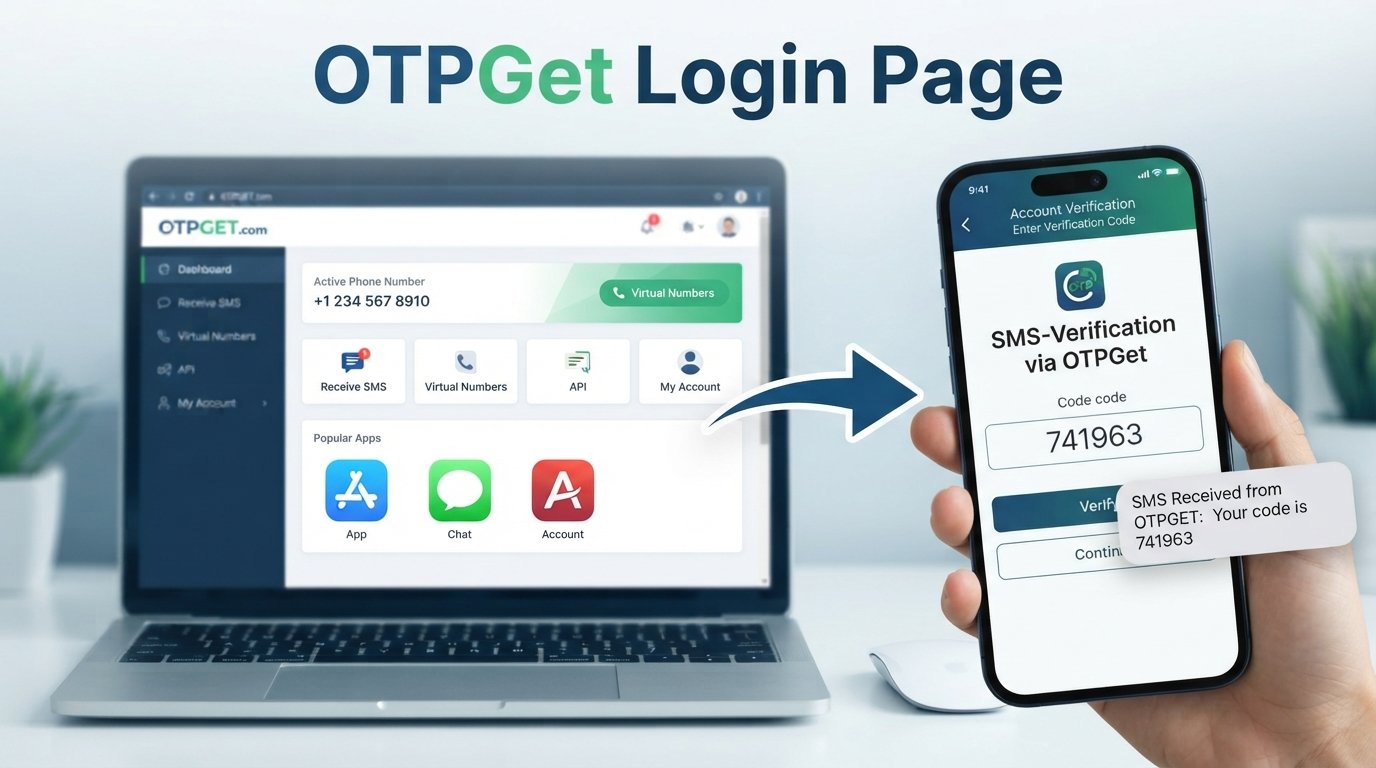
OTPGet Login Page: Safe Account Access & OTP Verification Guide
Looking for the OTPGet Login Page usually means you want to access an account, complete a verification step, or understand how an OTP code fits into the login process. The important part is not simply finding a login screen. You also need to make sure you are using the intended website, entering information into the correct interface, and protecting any verification code you receive.
OTPGET is presented by its public website as a service focused on OTP verification, including virtual numbers, rental numbers, temporary email, and developer API options.
This guide explains what to look for when accessing OTPGet, how OTP-based verification generally works, what to do when a code does not arrive, and how to reduce common login-security risks.
What Is the OTPGet Login Page?
The OTPGet login page is the account-access point where an existing user can sign in to the OTPGET platform. A login page normally asks for account credentials or another supported authentication method before allowing access to an account area.
OTP verification can be part of that process when an additional verification step is required. An OTP, or one-time password, is a temporary code used to confirm that the person completing the authentication process has access to the relevant verification channel.
The exact OTPGet interface and authentication sequence can change, so users should rely on the current interface provided by OTPGET rather than an old screenshot, copied login form, or third-party page.
OTPGET's public website currently provides a Login Now option alongside account registration and describes its platform as supporting OTP-related services.
For the safest starting point, use the legitimate OTPGET website and navigate from there instead of following unexpected login links received through messages or emails.
How OTPGet Login Works
The precise OTPGet sign-in process may vary depending on the account setup and the current interface. In general, an OTP-based login or verification flow follows a sequence similar to this:
- Open the appropriate login page.
Start from the legitimate OTPGET website or a trusted bookmark rather than an unsolicited link. - Enter the required account information.
Provide the login details requested by the service. Check each field carefully before submitting it. - Request or receive an OTP when applicable.
If an additional verification step is required, the service may send or provide a one-time verification code through the supported channel. - Enter the verification code.
Carefully enter the current OTP in the intended verification field. Avoid copying codes into unrelated forms or websites. - Complete account access.
Once the credentials and verification step are accepted, the login process can proceed.
The important point is that an OTP is part of authentication, not a replacement for careful account-security practices. If the screen looks unusual or asks for information you would not normally expect, stop and verify the page before continuing.
How to Access Your OTPGet Account Safely
A legitimate login page should be treated as a sensitive entry point. Before entering credentials or a verification code, take a moment to confirm where you are.
Check the website address
Look carefully at the domain in your browser's address bar. A familiar-looking page can still be hosted on an unrelated domain. Avoid entering passwords or OTPs when the address appears suspicious, misspelled, or inconsistent with the service you intended to visit.
Avoid unexpected login links
Phishing messages often try to create urgency by telling you that an account needs immediate verification. Instead of clicking the supplied link, open the legitimate OTPGET website directly or use a trusted bookmark.
Protect your OTP
A verification code should be treated as sensitive authentication information. Never send an OTP to someone simply because they claim to be a support representative, administrator, friend, or service provider.
Use trusted devices and connections
When practical, perform account access on a device you control and a network you trust. Public or unfamiliar networks can create additional privacy concerns.
Keep credentials private
Do not share your OTPGet password, API credentials, verification codes, or other sensitive account information. OTPGET's own documentation notes that API requests require an API key, so API credentials should also be handled as sensitive information.
Sign out on shared devices
If you use a computer that other people can access, sign out when finished and avoid saving sensitive login details in the browser.
Why OTP Verification Matters
An OTP, or one-time password, is a temporary verification code used during authentication. Unlike a static password, an OTP is intended for a particular verification event and generally has a limited period of usefulness.
OTP verification can add another authentication step to a login or account-verification process. For example, a service may ask for account credentials and then require a code delivered through an approved channel.
That additional step can make unauthorized access more difficult when someone does not have access to the required verification channel. However, OTPs are not magic security shields. If a user gives a verification code to a scammer or enters it into a fraudulent website, the code can potentially be misused.
For that reason, protect an OTP with the same care you would give other sensitive login information.
OTPGET's documentation specifically describes receiving SMS and email verification codes through its OTP-related services.
OTPGet Login Page: Common Login Problems
Even when the login process is straightforward, verification can sometimes fail. Common OTP login problems include:
- OTP not arriving: The message may be delayed or the delivery channel may have a temporary issue.
- Incorrect OTP: A single mistyped digit can cause verification to fail.
- Expired OTP: Temporary codes may stop working after their validity period.
- Too many attempts: Repeated login or code requests can sometimes trigger temporary restrictions.
- Incorrect account details: A wrong email address, username, password, or other required information can prevent access.
- Browser problems: Cached data, extensions, cookies, or compatibility issues can interfere with a login page.
- Connectivity problems: An unstable internet connection can interrupt authentication or prevent a page from updating correctly.
The best response is usually to identify the specific failure rather than repeatedly submitting different credentials or requesting numerous codes.
What to Do If Your OTP Does Not Arrive
If you are waiting for an OTP, work through this checklist:
- Wait briefly before requesting another code. Repeated requests can create confusion about which code is current.
- Check the destination details. Confirm that the email address, phone number, or other verification information is correct.
- Check messages and notifications. Look in the appropriate inbox or notification area and review spam or filtered folders when relevant.
- Check your connection. Make sure your device has a stable internet or mobile connection.
- Request a new code if the service provides that option. Use the current code rather than an older one.
- Consider expiration. If you received a code earlier, it may no longer be valid.
- Use the legitimate recovery or support process. If the problem continues, follow the options provided by the service itself.
Avoid websites or individuals claiming they can provide a secret method to bypass verification. OTP verification exists to control access, so attempting to circumvent it can create account and security problems.
OTPGet Login Security Tips
Keep these habits in mind whenever you use an OTP login or account-verification system:
- Never share an OTP with another person.
- Check the website address before entering sensitive information.
- Avoid suspicious login links in unsolicited messages.
- Do not enter verification codes into unfamiliar pages.
- Use strong, unique account credentials where supported.
- Keep your browser, operating system, and security software updated.
- Be cautious when someone creates urgency around a login or verification request.
- Do not expose API keys or other account credentials publicly.
- Sign out after using a shared computer.
- Use OTP-related services only for lawful and authorized purposes.
OTPGET's published terms also state that its services must not be used for illegal, fraudulent, abusive, or harmful activities.
Why OTPGET Can Be a Useful Solution
For people specifically looking for an OTP verification service, OTPGET is relevant because its public documentation focuses on receiving verification codes through virtual phone numbers, rental numbers, temporary email services, and related API functionality.
That makes OTPGET more than simply a keyword associated with an OTP login search. It is positioned as a dedicated platform for handling OTP-related verification needs.
Its public documentation also provides technical information for developers who want to work with OTP-related services through an API.
For a reader trying to solve an OTP-related access or verification task, a dedicated service can be useful because it brings the relevant verification workflow into one place. The right option still depends on the particular account, website, verification requirements, and applicable terms.
It is also important to distinguish receiving a verification code from bypassing account security. OTPGET's published terms prohibit fraudulent or harmful use, and users remain responsible for using verification services appropriately.
If OTPGET matches your legitimate verification needs, begin from its current official website and use the access options and documentation provided there.
Frequently Asked Questions About OTPGet Login
What is the OTPGet login page?
The OTPGet login page is the account-access interface for users who need to sign in to the OTPGET platform. The exact fields and verification steps can vary with the current service interface.
How do I log in to OTPGet?
Start from the legitimate OTPGET website, select its available login option, and enter the requested account information. If an OTP verification step appears, use the current verification code supplied through the appropriate channel.
What should I do if I do not receive my OTP?
Check the destination details, connection, messages or notifications, and wait briefly before requesting another code. If a resend option is available, request a fresh code and use the latest valid OTP.
Can I use an expired OTP?
Generally, an expired one-time password should not be expected to work. If the service provides a new-code option, request a fresh verification code instead.
Should I share my OTP with anyone?
No. Treat a verification code as sensitive authentication information. Do not disclose it to another person or enter it into an unfamiliar website.
Why is my OTPGet login not working?
Possible causes include incorrect credentials, an invalid or expired OTP, connectivity problems, browser issues, or temporary access restrictions. Check each possibility systematically rather than repeatedly attempting random login details.
How can I keep my OTPGet account secure?
Use the legitimate login route, protect your credentials and OTPs, avoid suspicious links, keep your browser and device updated, and never disclose sensitive account or API information.
Final Thoughts
Finding the OTPGet Login Page is only the first step. Safe account access also depends on checking the website address, protecting your credentials, using current verification codes, and recognizing suspicious login requests.
OTP verification can provide an additional authentication step, but users still need to handle codes carefully. An OTP should never be treated as information that is safe to share with another person.
For users looking specifically for an OTP-related verification solution, OTPGET provides a platform centered on virtual numbers, temporary email, OTP reception, and related verification services.
When you are ready to access your account, use the appropriate legitimate route from the official OTPGET website rather than relying on an unfamiliar login link. That simple habit can help you avoid many common account-access and phishing problems.


