Need a Facebook Code? Get Your Verification Number on OTPGET Now
Need a Facebook Code? Get Your Verification Number on OTPGET Now
Getting a Facebook verification code can be a simple step—until the SMS does not arrive, an old phone number is no longer accessible, or you would simply prefer not to use your personal number for another online service.
That is where temporary and virtual phone numbers can be useful. Instead of depending entirely on a physical SIM, users can obtain an online number designed to receive supported verification SMS messages.
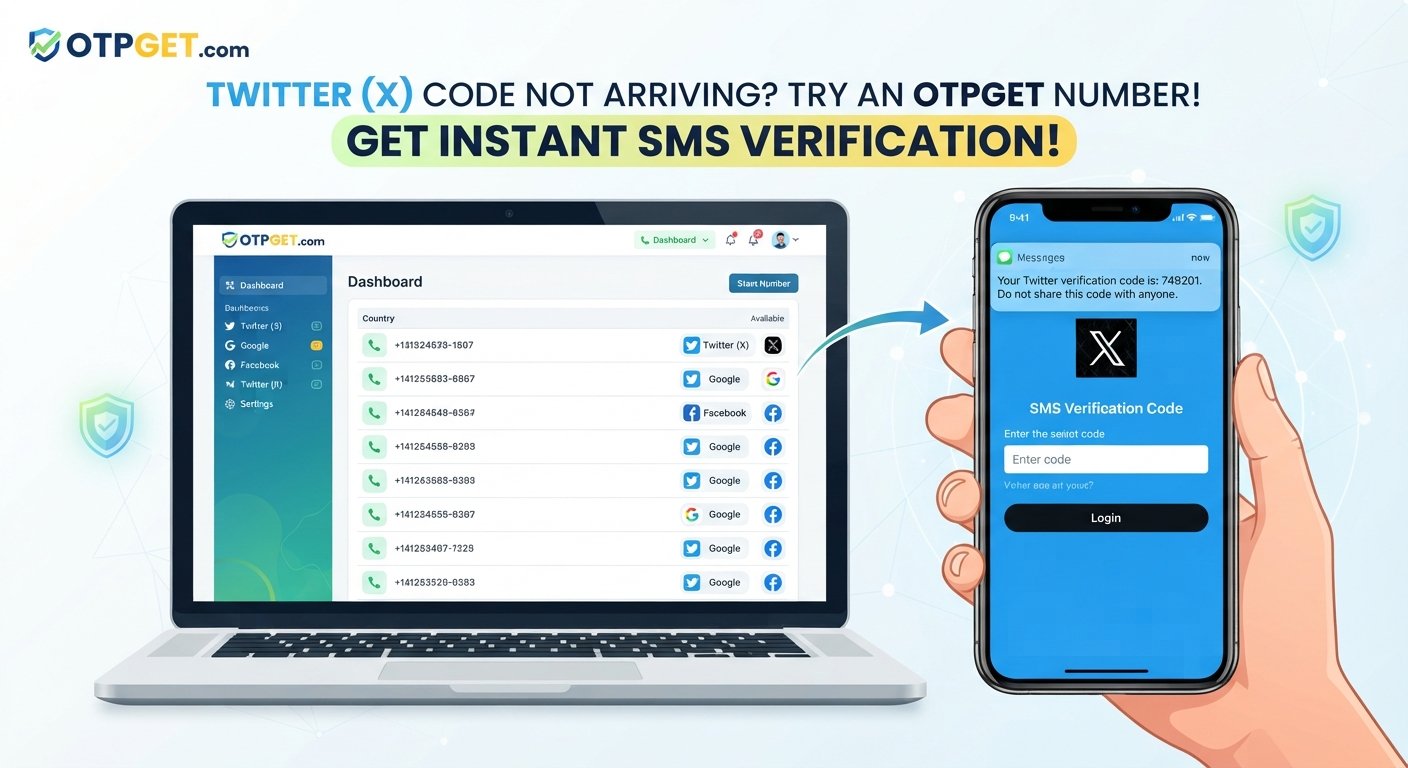
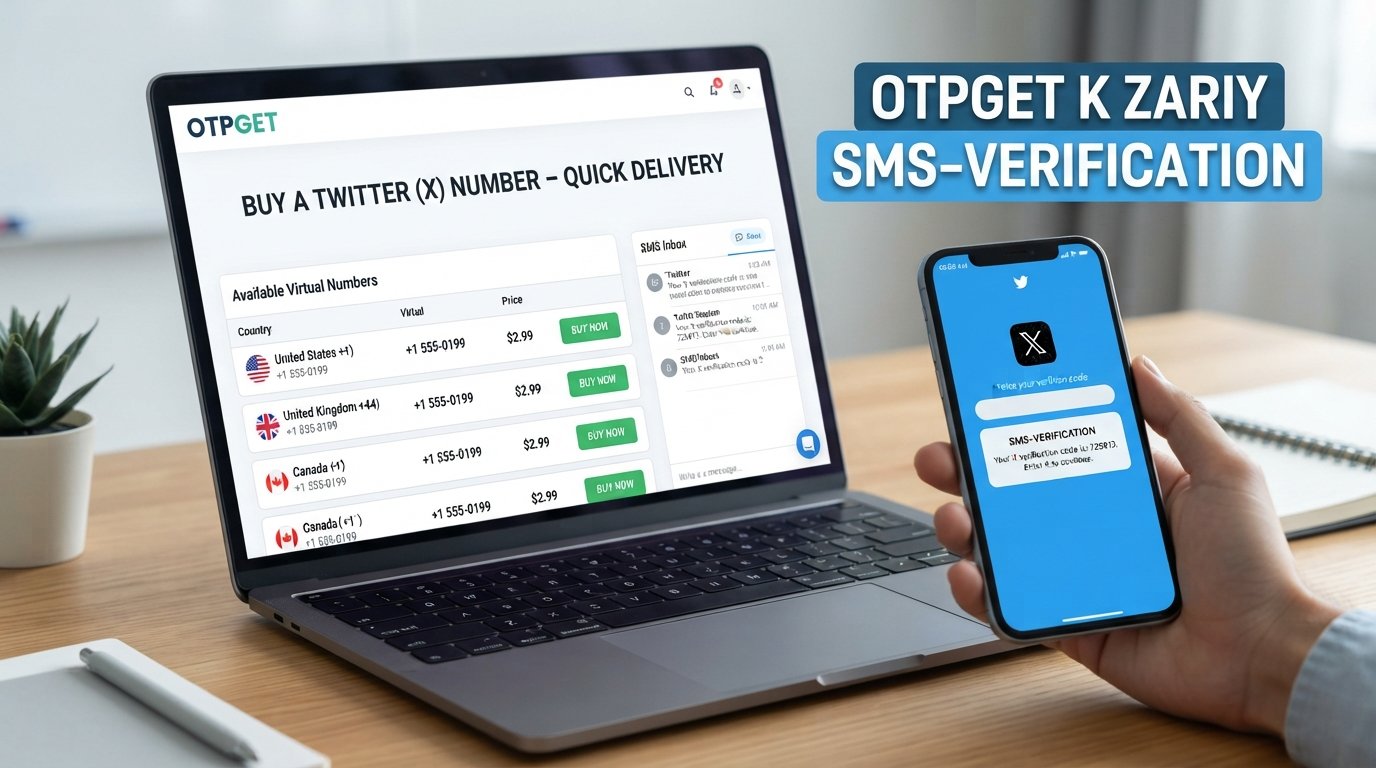
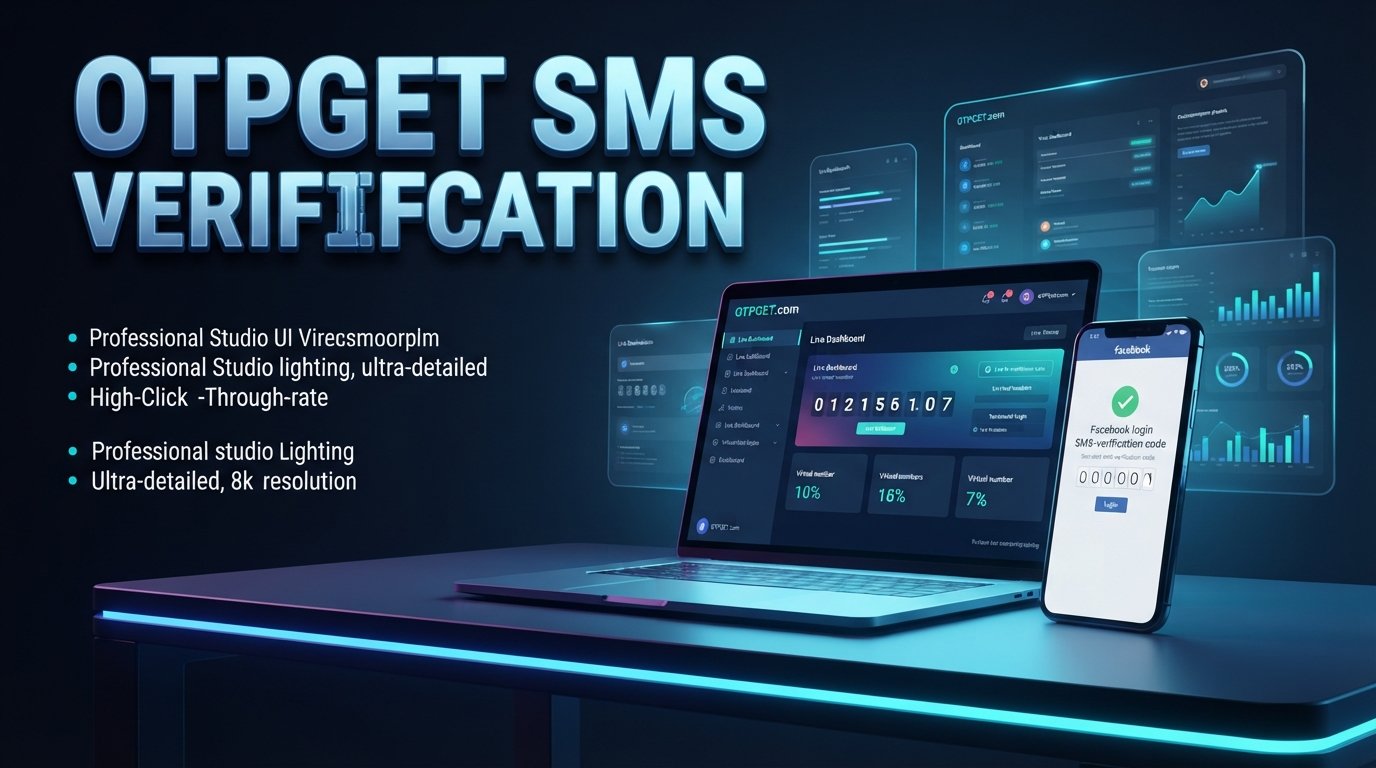
For people looking for a practical way to receive a Facebook SMS code, OTPGET is an option worth considering. Its platform provides virtual numbers for OTP verification across supported services and countries, giving users another way to handle legitimate phone-number verification.
Why Do You Need a Facebook Verification Code?
A Facebook verification code is a short, usually one-time code sent to a phone number when Facebook needs to confirm access to that number or complete a verification step.
Depending on the situation, Facebook may request phone verification when you are:
- Creating or securing an account
- Confirming a phone number
- Completing a sign-in or account-security step
- Recovering access through an available verification method
- Responding to a verification request shown by Facebook
The basic process is straightforward. You provide a phone number, Facebook sends an SMS containing a confirmation code, and you enter that code where requested.
The challenge is that the code depends on successful SMS delivery. If you cannot access the relevant phone number, the verification process can become inconvenient quickly.
For that reason, some users search for a Facebook verification number, an online phone number, or a temporary phone number that can receive SMS.
Common Problems When Trying to Receive a Facebook Code
Even when the verification process itself is simple, receiving the message can sometimes be frustrating.
The SMS does not arrive
A verification message can be delayed or fail to appear for reasons involving network delivery, number availability, regional restrictions, or the service's own verification system.
You no longer have your old number
If Facebook is attempting to send a code to a number you no longer use, receiving the message may not be possible through that method.
You prefer not to use your personal number
Some users would rather keep their personal phone number separate from online registrations and verification processes. A suitable virtual number can provide an alternative where supported.
You only need temporary access
Not every verification situation requires a permanent second SIM. If the goal is simply to receive a supported SMS verification message, a temporary SMS number may be more convenient.
Repeated requests create confusion
Requesting several codes in quick succession can make it difficult to know which message is current. It is generally better to wait briefly and use the newest valid code rather than repeatedly requesting another one.
Can You Use a Temporary Number for Facebook Verification?
A temporary phone number is an online number that can receive SMS without requiring you to use your everyday physical SIM. Virtual numbers can be used for legitimate verification purposes on supported platforms.
However, there is an important distinction: not every temporary number will necessarily be accepted by Facebook.
Availability and acceptance can depend on the number's country, provider, type, previous usage, and Facebook's verification systems. A number that works for one service or region may not work for another.
That means you should treat online phone numbers as a practical option—not a guaranteed solution for every Facebook verification request.
OTPGET offers virtual numbers across numerous countries and lists Facebook among the supported services on its platform.
If you decide to use a temporary number, choose one that is specifically available for the service and country you need, then follow Facebook's own verification instructions.
Why OTPGET Can Be a Practical Solution
When the main problem is finding an accessible number for receiving a verification SMS, OTPGET provides a straightforward online option.
The platform is built around virtual numbers and OTP verification. Its website describes virtual numbers for supported services, including Facebook, and provides country and service selections so users can choose an appropriate number when available.
Several aspects make OTPGET practical:
- Online access: You can work with a virtual number without relying on a physical SIM card.
- Service selection: Numbers can be selected according to available services and countries.
- SMS reception: The platform is designed to display incoming OTP messages for supported numbers.
- Temporary verification: One-time numbers can be useful when you do not need a permanent secondary number.
- Country flexibility: OTPGET states that it offers numbers from a wide range of countries, subject to availability.
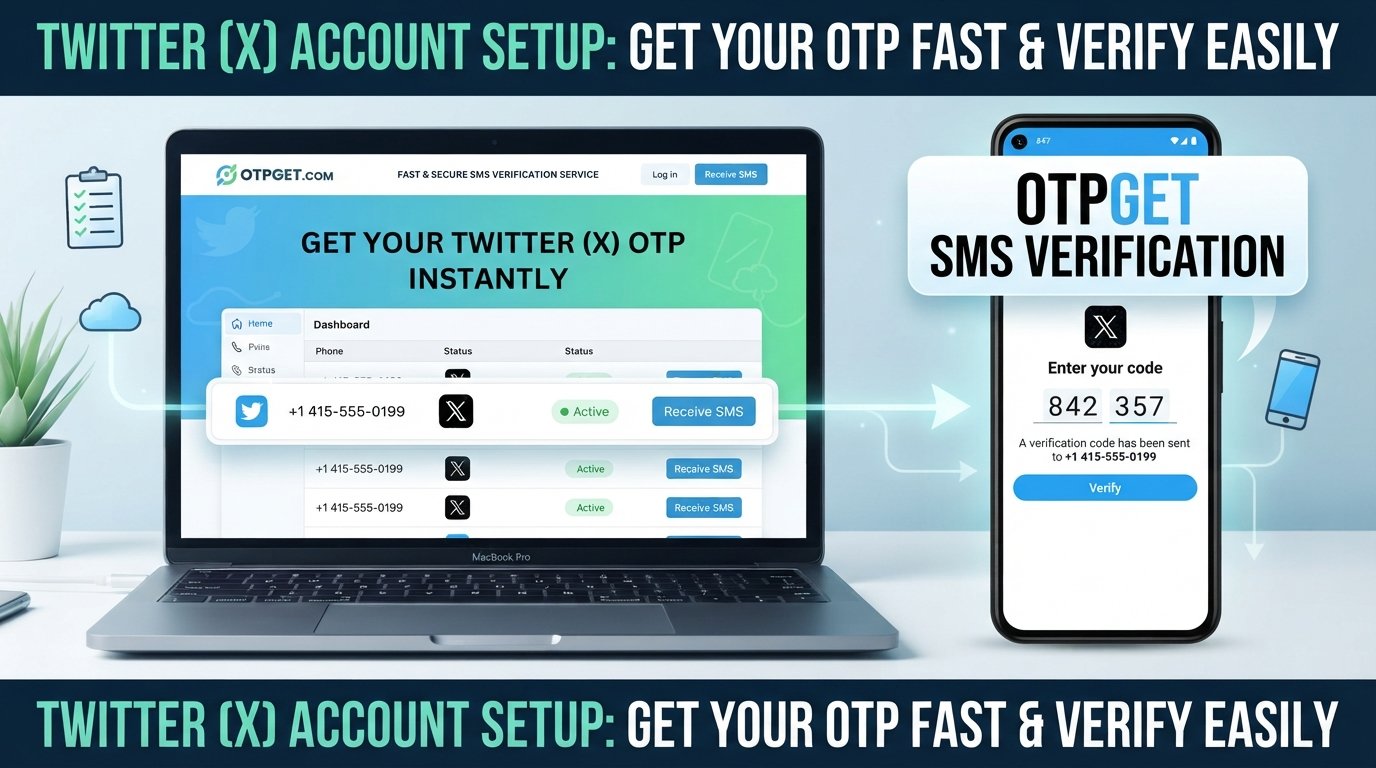
- Simple workflow: The general process is designed around obtaining a number, requesting the verification SMS, and viewing the incoming code.
The important caveat is that availability changes, and Facebook can determine which numbers it accepts. OTPGET can provide the number and SMS infrastructure, but it cannot guarantee that every available number will be accepted by Facebook.
If you want to explore the available options, you can visit OTPGET and check the services and numbers currently offered.
How to Get a Facebook Verification Code with OTPGET
The process is generally simple enough for beginners.
- Visit OTPGET.
Open the OTPGET platform and access its virtual-number service. - Choose an appropriate number.
Select the country and service that match your Facebook verification requirements, based on the options currently available. - Use the number on Facebook.
When Facebook asks for a phone number, enter the OTPGET number exactly as provided. - Request the Facebook verification code.
Continue through Facebook's normal verification process and request the SMS code. - Check OTPGET for the incoming SMS.
If the selected number supports the request and the message is delivered, the verification SMS should appear through the OTPGET interface. - Enter the newest code on Facebook.
Copy the valid confirmation code and enter it into Facebook's verification screen. - Complete the verification process.
Follow any remaining instructions shown by Facebook.
OTPGET's own documentation describes a similar workflow: users select an available country and service, obtain a virtual number, and monitor the activation for the incoming SMS.
A simple tip
If a number does not receive the expected message, avoid repeatedly requesting codes without checking the status first. Availability can vary, and OTPGET's policies include specific conditions for cancellations and refunds when an OTP is not received.
Benefits of Using OTPGET for Verification
Convenience
An online number can be more convenient than finding a physical SIM or waiting to regain access to an old phone number. Everything needed for the supported SMS verification workflow can be handled online.
Privacy
Some users prefer to keep their personal number separate from individual online services. A temporary or virtual number can help maintain that separation when the service and verification process support it.
Speed
Receiving a verification SMS online can remove some of the practical friction associated with using a physical phone. OTPGET is designed specifically around receiving OTP messages, although actual delivery depends on the service, number, and network conditions.
Flexibility
OTPGET provides numbers across multiple countries and supports both temporary virtual numbers and longer-term rental options. That makes the platform potentially useful for different verification needs.
Simplicity
You do not need to manage another physical SIM just to receive a supported verification message. The basic workflow is number selection, SMS reception, and code entry.
If that sounds like the type of setup you need, OTPGET is worth exploring before choosing a number elsewhere.
Tips for Receiving a Facebook Verification Code Successfully
A few simple practices can make the process smoother:
- Double-check the number before submitting it to Facebook.
- Confirm that the selected number supports the required service before placing an order.
- Wait briefly if the SMS is delayed rather than immediately requesting multiple codes.
- Avoid repeated code requests, which can make it harder to identify the current message.
- Use the newest valid code if multiple verification messages arrive.
- Check whether the code has expired before entering it.
- Follow Facebook's on-screen instructions rather than trying to work around its verification requirements.
- Use a suitable number consistently instead of rapidly switching between unrelated numbers.
If a particular number is not accepted, the right response is to follow Facebook's available verification options or choose another legitimate number that is actually supported—not attempt to bypass Facebook's security controls.
Is a Temporary Number Right for You?
A temporary number can be convenient when you need to receive a one-time SMS and do not want to use your regular phone number.
It may make sense if:
- You need a number for a specific verification step.
- You want to separate personal and online contact information.
- You temporarily lack access to a suitable SIM.
- You need an online number for a supported verification service.
A personal or permanent number may be more appropriate when long-term account recovery and reliable access are important. A temporary number should not be treated as a replacement for Facebook's account-recovery methods or other long-term security options.
The best choice depends on why Facebook is requesting verification and how important continued access to the number will be.
Why Choose OTPGET?
If your immediate goal is to receive a Facebook verification SMS through an accessible online number, OTPGET offers a practical route to consider.
Its platform focuses specifically on virtual numbers and OTP verification, with service and country options designed for supported verification use cases.
Rather than relying on a physical SIM for every verification situation, you can check OTPGET for an available number that matches your needs. Just remember that Facebook ultimately controls which numbers it accepts, so availability and successful delivery can vary.
For users who need a convenient OTPGET verification number for a legitimate Facebook verification request, the platform is a sensible place to start.
Explore OTPGET virtual numbers
Frequently Asked Questions
How can I get a Facebook verification code?
To get a Facebook verification code, enter a phone number when Facebook requests verification and follow the on-screen instructions. Facebook can then send an SMS containing the confirmation code. If you need an online number, a service such as OTPGET may provide a suitable number where Facebook accepts it.
Can I receive a Facebook code online?
Yes, a Facebook verification SMS may be received through an online or virtual phone number when that number is supported and accepted by Facebook. OTPGET provides virtual numbers intended for SMS OTP verification, but successful acceptance can vary depending on the number, region, and Facebook's verification system.
Can I use a temporary phone number for Facebook verification?
A temporary phone number can be used for Facebook verification if Facebook accepts that particular number and the number can receive the required SMS. There is no guarantee that every temporary number will work, so check availability and use Facebook's normal verification process.
How do I receive a Facebook SMS code?
First, enter the appropriate phone number into Facebook's verification screen and request the code. If you are using an OTPGET number, monitor the OTPGET interface for the incoming SMS. Once the message arrives, enter the valid code into Facebook and follow any remaining instructions.
What should I do if my Facebook verification code does not arrive?
First, check that the phone number is correct and supports the requested service. Wait briefly before requesting another code, and avoid making repeated requests. If the SMS still does not arrive, check the number's status or choose another legitimate verification option available through Facebook or your number provider.
Is a temporary number useful for Facebook verification?
It can be useful when you need a supported number for a specific SMS verification task and prefer not to use your personal phone number. However, temporary numbers are not ideal for every situation, especially when you need a permanent number for long-term account recovery or security.
How does OTPGET help with Facebook verification?
OTPGET provides virtual phone numbers designed to receive OTP and verification SMS messages for supported services. Its platform lets users select available countries and services, obtain a number, and monitor incoming verification messages. Facebook acceptance still depends on Facebook's own systems and the particular number being used.
Can I use an online number to receive a Facebook confirmation code?
An online number may receive a Facebook confirmation code when the number is supported and accepted by Facebook. OTPGET offers virtual numbers for supported verification services, making it an option for users who need to receive SMS online. Availability and acceptance can vary, so no specific number should be considered guaranteed.
Conclusion
A Facebook verification code is usually a straightforward security step, but getting the SMS can become inconvenient when you cannot access your usual number or prefer to keep your personal phone separate from online services.
A temporary or virtual phone number can provide a practical alternative for legitimate verification situations, provided the number is supported and accepted by Facebook.
For users looking for a convenient Facebook verification number, OTPGET is a practical option to consider. Its focus on virtual numbers and SMS OTP verification makes the basic process simple: choose an available number, request the Facebook code, receive the SMS online, and complete the verification through Facebook's normal process.
Availability and acceptance can vary, so always follow Facebook's verification requirements and use numbers only for legitimate purposes.
Suggested Internal Links
- temporary phone numbers
- receive SMS online
- OTP verification
- virtual phone numbers
- OTPGET numbers
::