Twitter (X) Code Not Arriving? Try an OTPGET Number
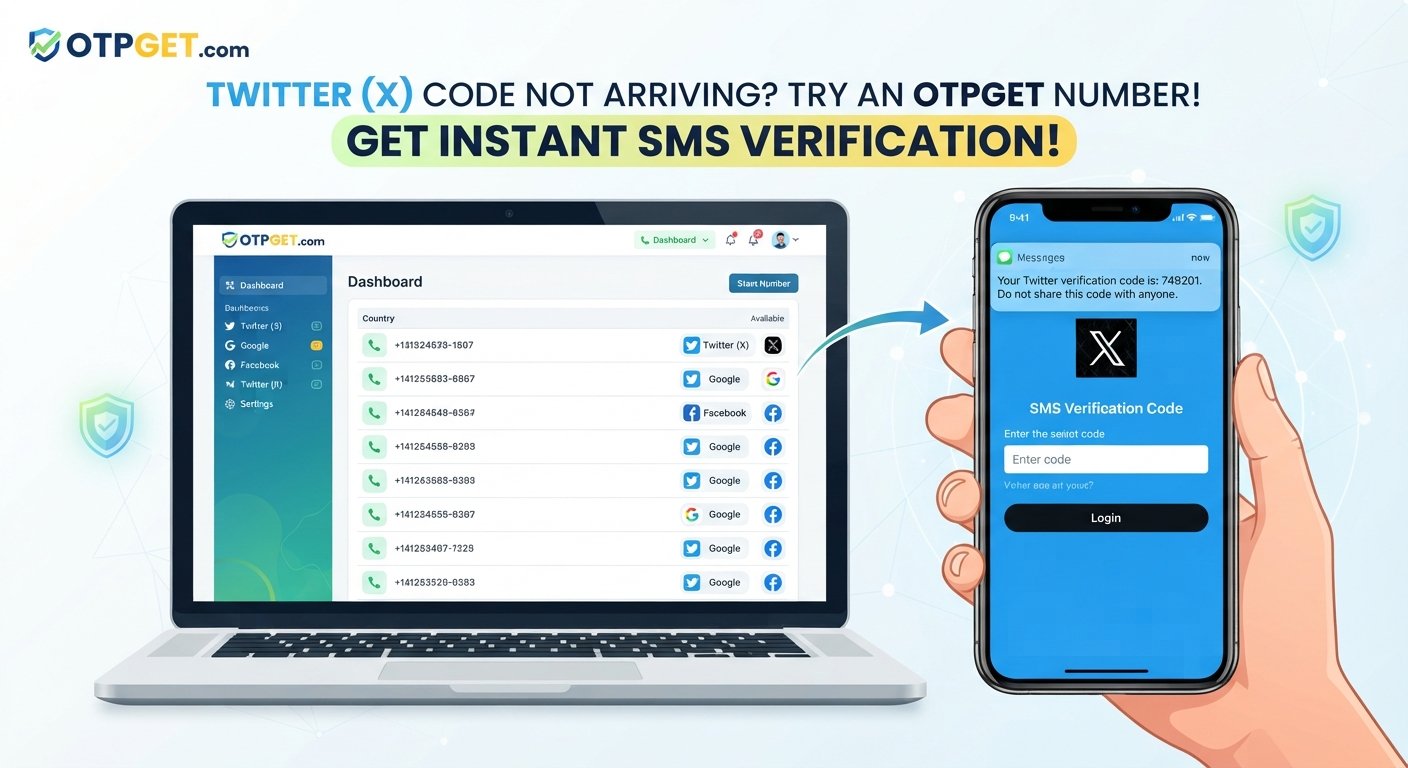
Twitter (X) Code Not Arriving? Try an OTPGet Number
Waiting for a Twitter/X verification code that never appears can be surprisingly frustrating. You request the SMS, check your phone, wait again—and still nothing. If you're dealing with a Twitter (X) code not arriving, the problem may not be with your account or device alone. SMS delivery can be affected by your carrier, network conditions, messaging filters, repeated requests, or the phone number being used.
The good news is that there are several things you can try before assuming verification is impossible.
Start by checking your phone number and network connection, then give the messaging system some time to process the request. If your regular number continues to cause problems, an appropriate SMS verification number from a service such as OTPGET may provide another practical option.
[Learn more about OTPGET] to understand how the service can fit into an online verification workflow.
Why Is the Twitter (X) Verification Code Not Arriving?
A missing verification code doesn't necessarily mean something is wrong with your Twitter/X account. Several factors can prevent or delay an SMS from reaching your phone.
1. The phone number is incorrect
An incorrect digit, country code, or formatting issue can send the verification message somewhere else. Double-check the complete number before requesting another code.
2. Your mobile network is experiencing delays
Carrier congestion, temporary service problems, or weak cellular coverage can delay SMS messages. If your phone is struggling to maintain a reliable network connection, verification messages may also be affected.
3. SMS filtering is blocking the message
Some phones, messaging applications, and carriers automatically filter suspicious or automated messages. Check your blocked messages, spam folder, and SMS filtering settings if a Twitter verification code is not received.
4. Too many requests were made
Repeatedly requesting a new code within a short period can make the situation more confusing. Several messages may arrive late, while only the newest code remains useful.
If you've requested multiple codes, stop for a while before trying again.
5. The number may not be suitable for the verification request
Not every phone number works equally well for every online verification process. Certain number types, carriers, regions, or previously used numbers may create compatibility or delivery issues.
6. Temporary messaging or security issues
Twitter/X may use additional security checks when unusual login or account activity is detected. At the same time, the messaging provider responsible for delivering an SMS can experience temporary delays.
In other words, an X verification code problem can have several possible causes, so it's worth troubleshooting before repeatedly requesting another OTP.
What to Do When Your Twitter Verification Code Is Not Received
If your Twitter OTP is not received, work through these steps in order.
-
Check the phone number. Make sure the number and country code are correct.
-
Wait before requesting another code. Give the existing request some time instead of repeatedly pressing the resend option.
-
Check your SMS inbox and blocked messages. Look for filtered, spam, or blocked texts.
-
Check your cellular connection. Move to an area with stronger reception if necessary and confirm that your phone can receive ordinary SMS messages.
-
Restart your phone if appropriate. A quick restart can sometimes resolve temporary network or messaging issues.
-
Avoid repeated verification attempts. Constantly requesting new codes can make it harder to determine whether an earlier message is simply delayed.
-
Use another available verification method. If Twitter/X offers an alternative method for your account, consider using it.
-
Consider a suitable verification number. If your normal phone number is consistently failing to receive the required SMS, a service such as OTPGET can be worth considering.
The key is to change one variable at a time. If you keep requesting codes without checking the underlying issue, you may end up with multiple delayed messages and several expired codes.
Why Use an OTPGET Number for Verification?
When your personal number isn't receiving the required SMS, you may need another number capable of receiving a verification message. That's where an OTPGET number can be useful.
OTPGET provides access to numbers intended for SMS verification workflows. Instead of continuing to wait for a code that isn't reaching your usual phone, you can explore an available number through the service and use it for an eligible verification request.
This can be particularly useful when:
-
Your regular phone number isn't receiving verification SMS messages.
-
You're experiencing persistent SMS delivery problems.
-
You need access to a suitable number for an online verification workflow.
-
You want an alternative to repeatedly requesting a code on a problematic number.
-
You need an SMS verification number rather than relying on your primary phone.
The important point is that an OTPGET number is an alternative verification option, not a guarantee that a particular platform will accept every number or deliver every message.
Platform rules and verification requirements can vary. A number may also have limitations depending on its availability, type, region, or previous usage. For that reason, use OTPGET as a practical option when appropriate rather than assuming it will work in every situation.
[Explore OTPGET numbers]
How to Use OTPGET for a Twitter (X) Verification Code
If you decide to try an OTPGET number, the basic process is straightforward.
Step 1: Choose a suitable number
Visit OTPGET and look for an available number appropriate for your verification requirement. Pay attention to the service and other details presented before selecting it.
Step 2: Enter the number on Twitter/X
When Twitter/X asks for a phone number, enter the selected OTPGET number in the relevant phone verification field.
Make sure the country or regional information matches the number you're using.
Step 3: Request the verification code
Submit the verification request through Twitter/X. If the platform sends an SMS to the selected number, allow some time for the message to arrive.
Step 4: Check OTPGET for the incoming SMS
Return to OTPGET and check the selected number for an incoming verification message when SMS reception is supported for that number.
If the message doesn't appear immediately, avoid repeatedly requesting new codes. A short delay may be all that's needed.
Step 5: Enter the code
When the valid verification code arrives, enter it into the appropriate Twitter/X verification field.
If the code has expired or the platform requests a new one, follow the instructions displayed by Twitter/X.
[How OTPGET works]
Keep in mind that successful verification depends on the platform's current requirements and the suitability of the number. OTPGET can provide a practical number for the SMS portion of the process, but it does not control Twitter/X's verification decisions.
OTPGET vs. Waiting for a Regular SMS
When an X login code is not received, you essentially have two paths: continue troubleshooting your regular number or consider another suitable verification number.
| Option | What it involves | Best suited for |
|---|---|---|
| Keep waiting | Allow additional time for the original SMS to arrive | Temporary carrier or delivery delays |
| Troubleshoot your number | Check network, SMS filters, number accuracy, and device settings | Problems with your regular phone |
| Use an OTPGET number | Select an available number for an SMS verification workflow | Situations where the regular number isn't receiving the required SMS |
The right choice depends on the reason the code isn't arriving. If the issue is simply a temporary carrier delay, waiting may solve it. If your number repeatedly fails to receive verification messages, exploring an OTPGET number can be a more practical alternative.
Tips to Avoid Twitter (X) Verification Code Problems
A few simple habits can reduce common verification headaches.
-
Enter your phone number carefully. Check every digit and the country code.
-
Don't repeatedly request codes. Give each request time to arrive.
-
Check your blocked and filtered messages. Automated SMS can sometimes be separated from normal texts.
-
Maintain a reliable network connection. Poor cellular service can interfere with SMS delivery.
-
Keep your account information accurate. Incorrect information can complicate account verification.
-
Use a number capable of receiving the required SMS. A number that isn't suitable for the verification workflow may not solve the problem.
-
Follow the instructions displayed by Twitter/X. Verification requirements can change depending on the account and situation.
-
Consider an alternative number when appropriate. If your normal number continues to have delivery problems, an OTPGET number may be worth exploring.
Most importantly, don't assume that requesting the same code over and over will make it arrive faster. Patience and systematic troubleshooting are usually more useful.
Frequently Asked Questions
Why is my Twitter verification code not arriving?
A verification code may be delayed because of carrier issues, weak network coverage, SMS filtering, an incorrect phone number, too many requests, or temporary messaging problems. Check your number and connection, then wait before requesting another code.
Why am I not receiving the X verification code?
If an X verification code is not arriving, check your phone's SMS inbox, spam or blocked messages, network connection, and number accuracy. If the issue continues, consider an available alternative verification method or a suitable SMS verification number.
How long should I wait for a Twitter SMS code?
There isn't a single guaranteed delivery time for every SMS verification request. Give the message some time to arrive and avoid repeatedly requesting new codes. If several attempts fail, troubleshoot the number and network before trying again.
Can OTPGET receive a Twitter verification code?
An OTPGET number may be able to receive an SMS verification code when the selected number supports the relevant verification workflow. However, acceptance and successful verification depend on Twitter/X's requirements and the specific number.
What can I do if my phone number is not receiving the code?
First, confirm the number is correct, check network reception and blocked messages, and wait before requesting another code. If the problem persists, an alternative number through a service such as OTPGET may be an option.
Can I use an online SMS verification number?
An online SMS verification number can be useful for certain verification workflows. Whether a specific platform accepts a particular number depends on its rules, the number's characteristics, and the verification request.
Why does Twitter keep asking me for a verification code?
Twitter/X may request verification as part of account security or login checks. If the code isn't reaching your phone, check the number and SMS delivery conditions rather than repeatedly submitting requests without troubleshooting the underlying issue.
Final Thoughts
A Twitter (X) code not arriving doesn't always mean your account is stuck. The cause could be something as simple as an incorrect number, weak cellular service, SMS filtering, carrier delays, or too many verification requests.
Start with the basics: confirm the number, check your messages and network connection, wait between requests, and use any alternative verification method Twitter/X makes available.
If your regular number continues to cause problems, an OTPGET number can provide another practical option for an SMS verification workflow. It can help you move away from repeatedly waiting for a code on a number that isn't receiving it, while keeping expectations realistic about platform compatibility.
If you need a suitable number for online SMS verification, [Explore OTPGET numbers] and review the available options before starting your next verification attempt.


