A Virtual Number Platform Built for Pakistani Users
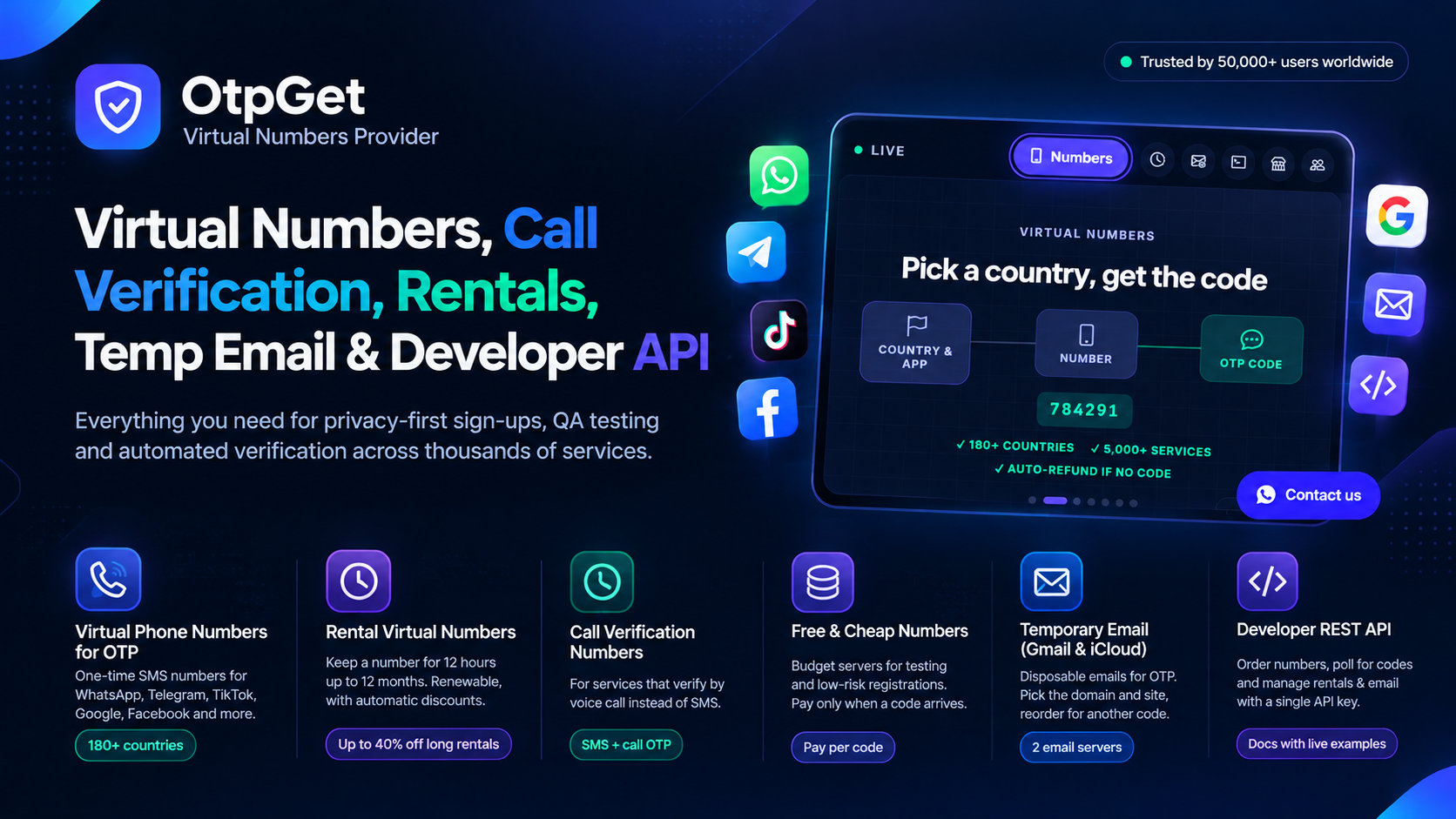
If you have ever tried to buy a virtual number from a foreign site, you know the usual problems: prices in dollars, a card that gets declined, and no one to ask when the code does not arrive. This page describes how OtpGet handles those three things for users in Pakistan. We are honest about what we do not do, too.
Prices you can read in rupees
Inside your account you can switch the display currency, so prices appear in PKR. You pay in the amount you see, and your balance is kept in the same currency. This sounds small, but it removes the guessing you do when you convert dollars at a changing rate. Prices still move with supply, so look at the live prices before every order instead of trusting an old screenshot.
Topping up the balance
The recharge page lists the payment methods that are active at the moment. Depending on the day this can include local options used in Pakistan as well as international ones, and the list can change when a method is under maintenance. Open the page after you register to see what is available to you. Start with a small amount, buy one number, and check how it feels before you add more.
What happens when a code does not arrive
This is where most users judge a platform. On OtpGet an order that has not received a code can be cancelled, and the amount returns to your balance. The cancel button may be locked for a short moment right after purchase, because the number needs a little time to start listening for the message. After that, cancelling is one tap. Refund conditions can differ a little between servers, and the checkout page shows the rule for the number you are buying.
Numbers for different jobs
- One code for a sign-up: a one-time number
- A number you keep for weeks: a rental number
- An email code: temporary email
- Automatic testing: the OTP API
Who uses it in Pakistan
- Freelancers who run several client profiles and do not want to use their personal SIM for all of them.
- Small online sellers who want a separate number for a business WhatsApp.
- Developers and agencies testing sign-up flows for different countries.
- People whose own SIM has weak signal or a delayed SMS network on the day they need a code.
What we will not help with
Please do not try to use a virtual number for a bank account, Easypaisa, JazzCash or any service that links your account to your CNIC and your own SIM. Those services need your registered number, and trying to get around that can lock your account or your money. Use your own SIM for anything that involves money or identity.
Getting started in five minutes
- Create a free account and confirm your email.
- Switch the currency to PKR in your settings.
- Top up a small amount.
- Buy one number for the app you need and test it.
- Read 12 fixes for a missing OTP if the first try does not work.
Tips to avoid wasted money
- Do not request the code in the app before the number is on your screen. The waiting time starts when you buy.
- Do not press "Resend" many times. Wait for the timer, ask once, and cancel if nothing arrives.
- Keep a short note of which number belongs to which account, and when a rental ends.
- Check the price list at a quiet hour if you are not in a hurry. Prices can be lower when demand is low.
These habits cost nothing, and together they save more than any discount.
Frequently asked questions
Is the balance in PKR?
You can display prices in PKR. Check the currency setting in your account for the options available.
Can I get a refund on my balance?
Cancelled orders without a code return to your balance. For other questions about money, contact support through your account and keep your order number ready.
How do I reach support?
Use the support or contact option inside your account, or the contact page. Give the order number and the app name so that the team can look at the exact order.