SMS Code Not Received? Troubleshooting Guide
Introduction
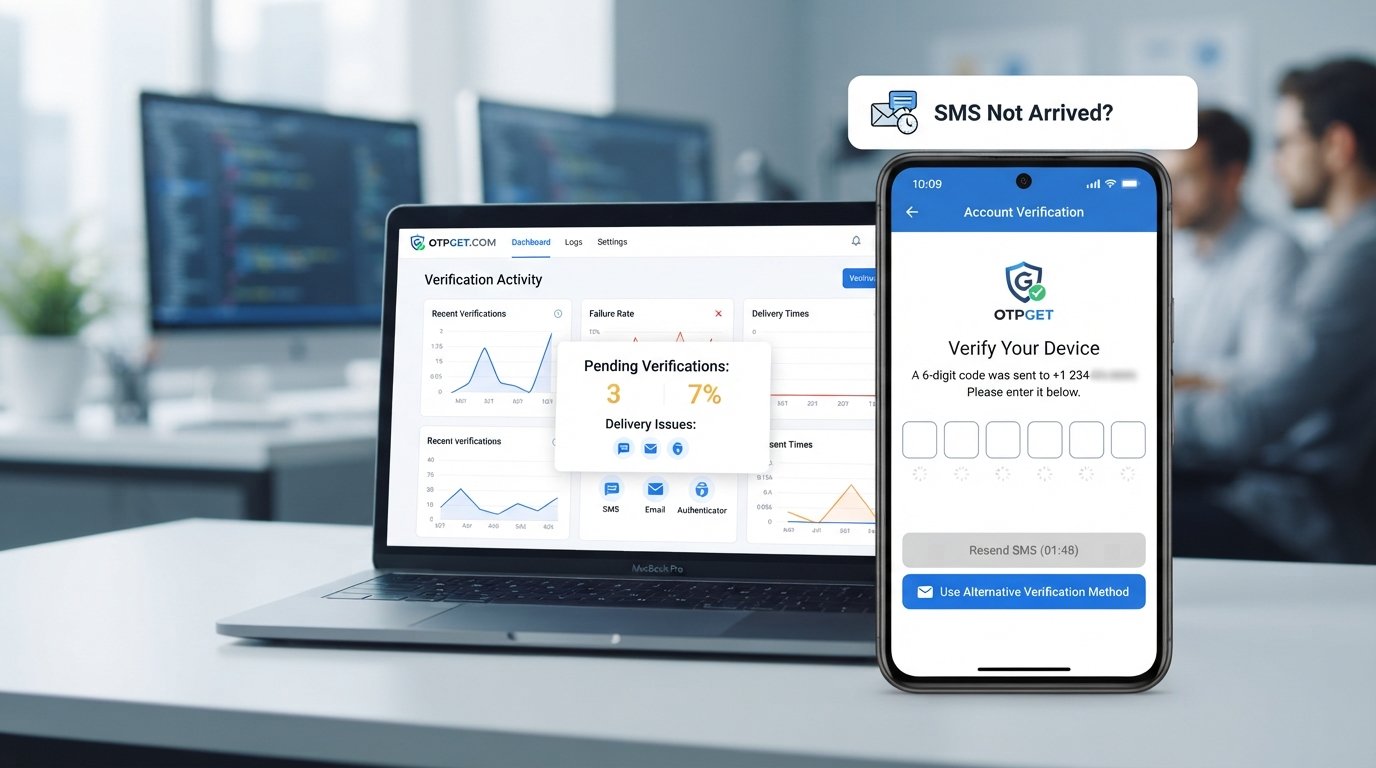
You are trying to create an account, sign in, confirm your phone number, or complete an important online action. The service says it has sent a verification code, but your phone stays silent.
You check your messages again. Nothing.
If you have ever searched for “SMS code not received,” you are not alone. Missing verification messages can be caused by something as simple as a weak signal or an incorrect country code, but sometimes the problem is further along the SMS delivery route.
The good news is that many SMS verification problems are easy to troubleshoot. And when your regular phone number continues to have delivery issues, an alternative such as OTPGET may provide another practical option.
Why Is My SMS Code Not Received?
An SMS verification code can fail to arrive for several reasons. The important thing is not to assume immediately that your phone is broken.
Common causes include:
- Weak mobile signal: Poor coverage can delay or prevent incoming SMS messages.
- Network congestion: Heavy traffic on a carrier network may slow message delivery.
- Incorrect phone number: A single wrong digit can send the code somewhere else.
- Wrong country or region: Selecting the wrong country code can prevent successful delivery.
- Blocked or filtered SMS: Your phone or carrier may filter certain automated messages.
- A full SMS inbox: Older devices or messaging apps may have limited storage for messages.
- Roaming restrictions: Some carriers handle verification messages differently while roaming.
- Too many requests: Repeated OTP requests can trigger temporary rate limits or security controls.
- Expired OTPs: A code may arrive after it is no longer valid.
- Service-side problems: The website or app sending the message may be experiencing an outage or temporary delivery failure.
So, if your SMS verification code not received problem persists, it is worth checking both your phone and the service attempting to send the message.
Common Reasons You Are Not Receiving OTP
1. Your Phone Number Is Incorrect
Start with the simplest possibility. Check the number entered on the website or app and confirm that the country code is correct.
If the service displays the number before sending the OTP, compare it carefully with your actual mobile number.
2. Your Mobile Signal Is Weak
A poor signal can interfere with normal SMS delivery. Move somewhere with better coverage and give the message a little time to arrive.
If other text messages are also delayed, the issue may be related to your carrier rather than the verification service.
3. Your Messages Are Being Filtered
Some phones and messaging apps automatically block suspected spam or unknown senders. Check blocked numbers, spam folders, filtered messages, and any SMS security settings that could affect automated messages.
If you recently changed messaging apps, check their filtering settings as well.
4. The Carrier Is Delaying Messages
Sometimes the verification SMS not received issue is simply a delivery delay. Automated messages can take longer than ordinary texts, particularly when a carrier or messaging route is busy.
Waiting a few minutes before requesting another code is often better than repeatedly pressing the button.
5. You Have Requested Too Many Codes
Security systems may limit repeated verification attempts. If you request five codes in quick succession, you could end up with several messages arriving at different times—or temporarily being unable to request another one.
Use the newest valid code rather than assuming an older message is still active.
6. The Service Sending the OTP Has a Problem
The issue may not be on your side at all. A website or app can experience temporary SMS delivery problems, provider issues, or regional restrictions.
If calls, mobile data, and other SMS messages work normally, but one particular service never delivers its code, the sender may be the source of the problem.
How to Fix an SMS Verification Code That Isn't Arriving
If your SMS code not received problem is still unresolved, work through these steps in order:
- Check the phone number. Confirm every digit and make sure the correct country code is selected.
- Check your mobile signal. Move to an area with stronger coverage if necessary.
- Restart your phone. A restart can refresh the device's connection to the mobile network.
- Check blocked messages. Look through spam, filtered, or blocked SMS folders.
- Make room in your inbox. Delete unnecessary messages if your device has limited storage.
- Review SMS filtering. Temporarily adjust filtering settings if legitimate automated messages may be blocked.
- Wait before requesting another OTP. Give the original message enough time to arrive.
- Request a new code once. If the first code has expired, a fresh one may be required.
- Check the service status. Look for outage notices or reports from the website or app.
- Contact the provider if necessary. If your number receives other messages but not verification SMS, the service or carrier may need to investigate.
- Try another verification method. If the service offers email, an authenticator app, voice verification, or another supported option, consider using it.
These steps address many common OTP delivery issues without requiring you to change your phone number.
Why Does OTP Keep Not Coming?
When an OTP does not arrive, repeatedly clicking “Send code” can feel like the obvious solution. It is not always the best approach.
Verification systems often have safeguards around how frequently codes can be requested. Too many attempts may result in temporary rate limits or additional security checks.
There is another problem: messages can be delayed. If you request multiple codes, several may eventually arrive together. Older codes may already be expired, while only the newest one remains valid.
Carrier delays can create the same confusion. You might request another OTP thinking the first one failed, only to receive both messages later.
A better approach is to request the code once, wait a reasonable amount of time, and then follow the service's instructions. If repeated attempts still produce nothing, move on to troubleshooting rather than continuously requesting new codes.
What If SMS Verification Still Doesn't Work?
Sometimes the problem is not your phone at all. The SMS delivery route used by a particular service may simply be unreliable for your number, carrier, location, or circumstances.
This is where an alternative can make sense.
Depending on the service's rules and available verification methods, users may consider a temporary phone number, virtual phone number, or online SMS verification service.
These options can be useful when you do not want to use your personal number for a temporary verification need, or when ordinary SMS delivery is proving unreliable.
However, compatibility varies. Not every website or app accepts every type of number, and users should always follow the verification service's terms and requirements.
OTPGET: A Simple Solution When SMS Codes Don't Arrive
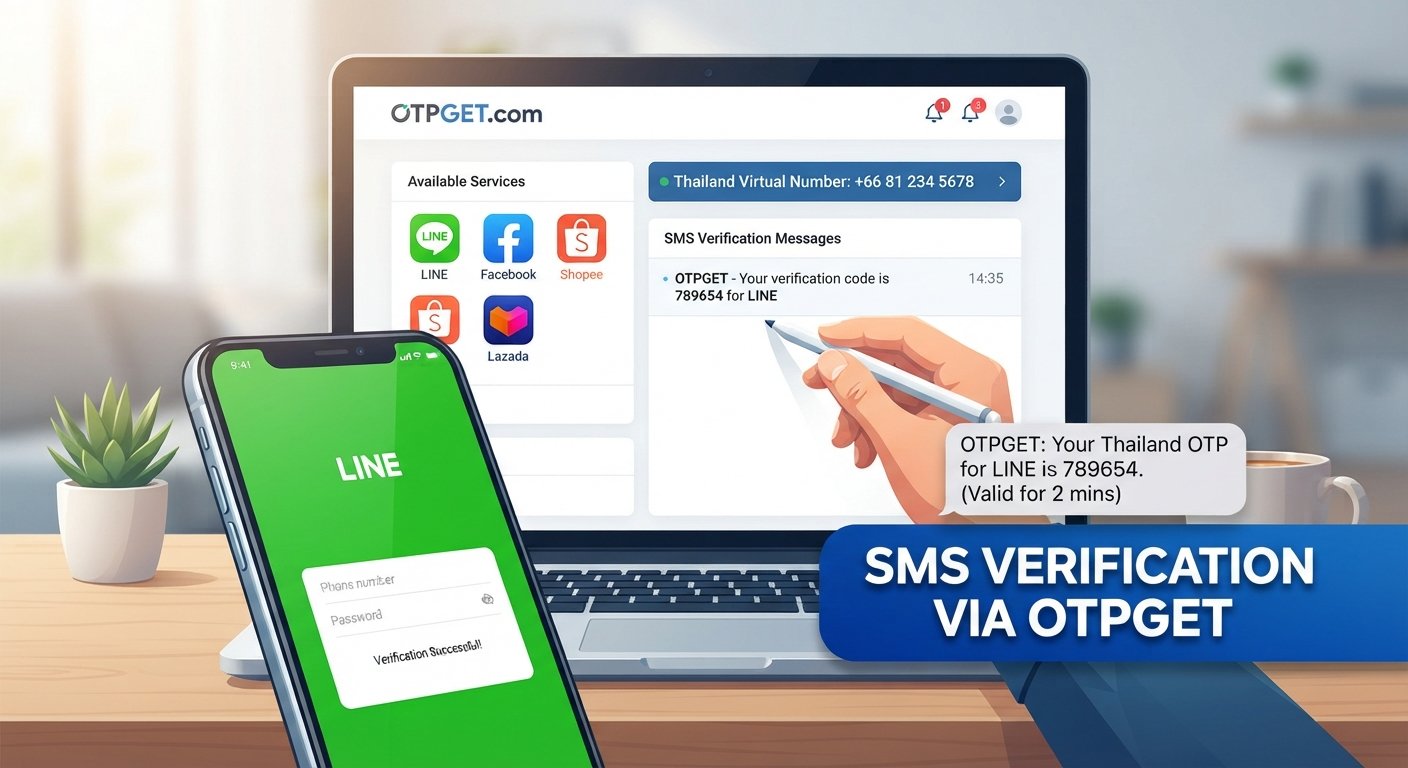
If traditional SMS verification continues to cause problems, OTPGET offers an alternative approach for receiving verification SMS through an online service.
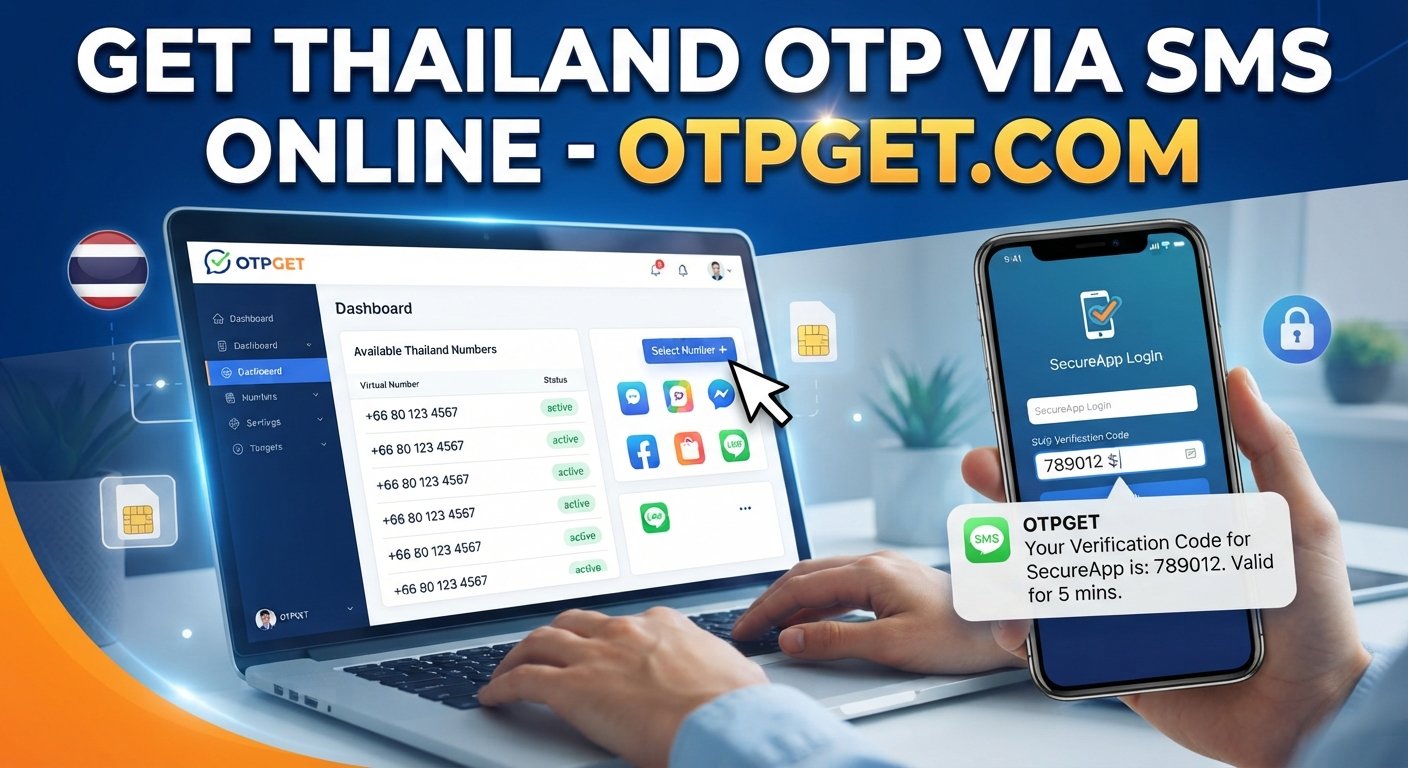
With OTPGET SMS verification, users can use an available temporary or virtual phone number instead of relying on their personal mobile number for a particular verification need.
The basic idea is straightforward: rather than waiting indefinitely for a verification message on a number that is experiencing delivery problems, you can explore an alternative number through the OTPGET verification service and receive supported verification messages online.
This can be particularly convenient for temporary verification needs or situations where sharing your personal number is not preferable.
The process is designed around a simple verification workflow: choose an appropriate number through OTPGET, use it where permitted by the relevant service, and check OTPGET for the verification SMS when it is sent.
Of course, availability and compatibility depend on the service you are trying to verify with. OTPGET should therefore be viewed as a practical alternative, not a guarantee that every verification request will succeed.
Potential Benefits of OTPGET
- Convenient access to supported verification SMS online.
- An alternative to using your personal mobile number.
- Useful for temporary verification requirements.
- A straightforward way to check received verification codes online.
- Helpful when regular SMS delivery is unreliable.
- A potential option for users looking for a temporary phone number.
For someone searching why am I not receiving OTP, the key advantage is having another option to consider when ordinary SMS troubleshooting does not solve the problem.
Personal Number vs. an Alternative SMS Verification Solution
| Situation | Traditional Number | OTPGET |
|---|---|---|
| Network-related SMS delays | May occur | An alternative route may help |
| Temporary verification need | Less convenient | Can be useful for temporary use |
| Personal number privacy | Personal number is shared | An alternative number can be used |
| Online access to verification SMS | Depends on your phone | Available through the service |
| Verification delivery issues | May require troubleshooting | Can provide another option |
The right choice depends on the service, the verification method it supports, and your specific circumstances.
FAQ: SMS Verification and Missing OTPs
Why is my SMS code not received?
Common causes include an incorrect number, weak signal, carrier delays, blocked messages, too many verification requests, or a problem with the service sending the code.
Why am I not receiving OTP messages?
Check your number and country code first. Then check signal strength, blocked or filtered messages, inbox capacity, and whether the service has temporarily restricted repeated requests.
What should I do if my verification code does not arrive?
Wait briefly, check your phone and SMS settings, then request one new code. If it still does not arrive, look for an alternative verification method or contact the service.
Why is my OTP taking so long?
An OTP can be delayed by mobile network congestion, carrier processing, or problems on the sender's side. Requesting several codes can also make it harder to know which code is current.
Can I receive an OTP online?
Yes, some services provide online SMS verification using temporary or virtual phone numbers. Whether a particular website accepts such a number depends on its own verification policies.
What is a temporary phone number?
A temporary phone number is a number intended for short-term use rather than your primary personal mobile line. It can be useful for certain temporary verification needs where supported.
How does OTPGET help with SMS verification?
OTPGET provides an alternative way to receive supported verification SMS using available temporary or virtual numbers, which can be useful when regular SMS delivery is unreliable.
What should I do if SMS verification is not working?
First troubleshoot your number, signal, messaging settings, and the service itself. If those steps do not help, consider an available alternative verification method such as OTPGET, where permitted.
Conclusion
A missing verification message does not necessarily mean something is seriously wrong with your phone. The SMS code not received problem can result from weak signal, an incorrect number, filtered messages, carrier delays, expired OTPs, rate limits, or temporary problems with the service sending the code.
Start with the basics: verify your number and country code, check your signal and message filters, restart your phone, and avoid repeatedly requesting new codes. If the message still does not arrive, check whether the service offers another verification method.
When traditional SMS verification remains unreliable, OTPGET can be a practical alternative worth exploring. Its temporary or virtual phone number approach can give users another route for supported online SMS verification without relying solely on their personal number.
If you regularly encounter OTP delivery problems, explore OTPGET and see whether its verification service fits your particular use case and the requirements of the service you are trying to verify.