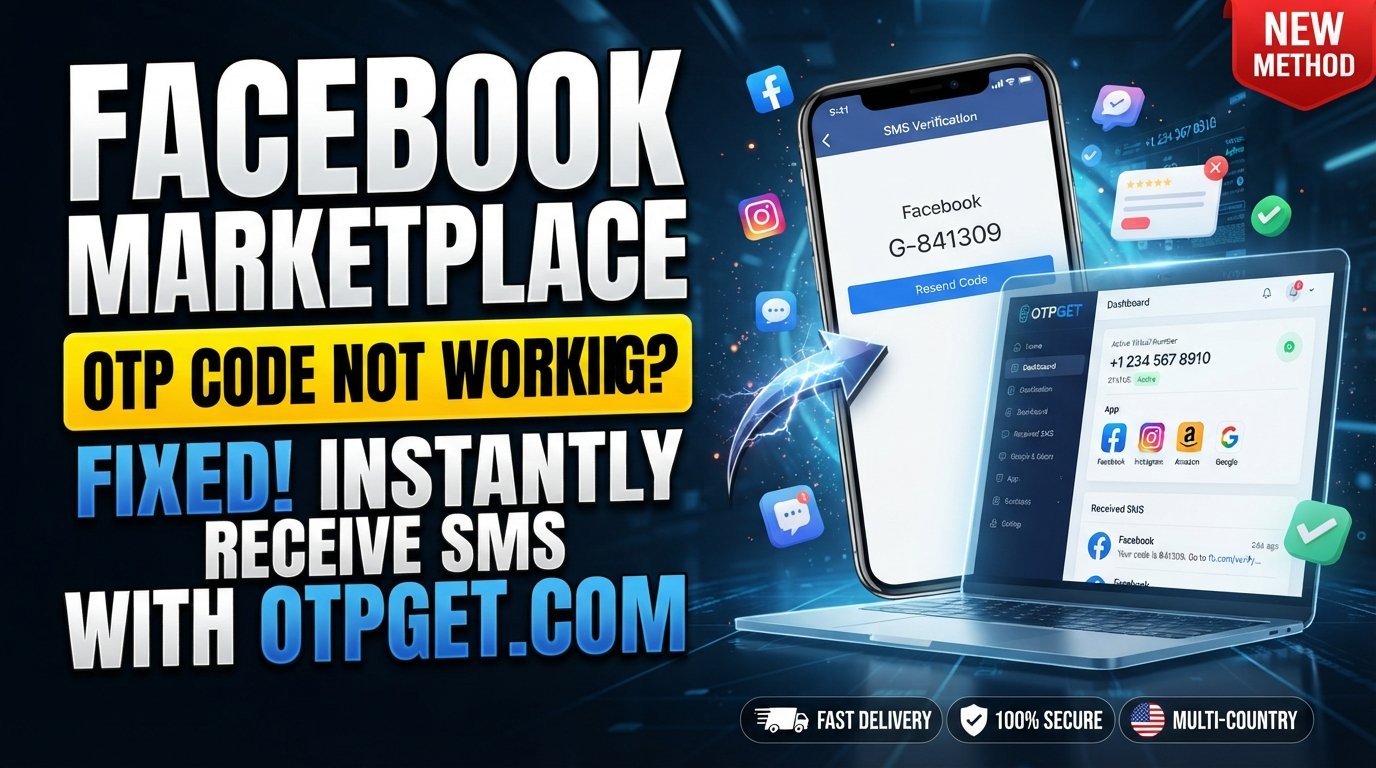
Facebook Marketplace OTP Code Not Working? Complete Fix Guide
Facebook Marketplace OTP Code Not Working? Complete Fix Guide
Getting stuck because your Facebook Marketplace OTP code is not working can be frustrating, especially when you are trying to access Marketplace, verify an account, or complete an account-related action. Sometimes the problem is as simple as an expired code or a mistyped phone number. In other cases, delayed SMS delivery, network problems, repeated verification requests, or temporary restrictions can interfere with the process.
The good news is that an OTP problem does not necessarily mean something is wrong with your account. There are several practical troubleshooting steps worth trying before looking for an alternative.
This guide explains the most common causes of Facebook Marketplace verification problems, what you can do when an OTP does not arrive or gets rejected, and when a service such as OTPGET may be a practical alternative for handling OTP verification.
Why Is My Facebook Marketplace OTP Code Not Working?
An OTP, or one-time password, is normally intended to be used only for a limited period or verification attempt. If the code is rejected, several different issues could be responsible.
1. The OTP Has Expired
Verification codes are generally time-sensitive. If you wait too long before entering a code, the system may reject it even if the digits were entered correctly.
If you have requested multiple codes, use the newest code rather than an older message.
2. The Verification Code Was Entered Incorrectly
A single incorrect digit can cause an OTP verification failure. Carefully compare the code you received with the code entered in the verification field.
Avoid copying additional spaces or characters when using copy and paste.
3. SMS Delivery Is Delayed
Your phone may have connectivity while SMS delivery is temporarily delayed. Carrier congestion, routing problems, or service interruptions can cause a Facebook verification code to arrive late.
If the message eventually arrives after requesting another code, the older OTP may no longer be useful.
4. Your Phone Number Has a Problem
Check that the number associated with the verification process is correct and that the country code is appropriate.
A number that is inactive, incorrectly entered, unable to receive SMS, or subject to carrier restrictions can prevent the Facebook Marketplace verification code from arriving.
5. Too Many OTP Requests
Repeatedly requesting codes in a short period can complicate the verification process. You may receive several messages, making it difficult to determine which code is current, or you may temporarily be asked to try again later.
6. Network or Carrier Issues
Weak cellular coverage, temporary carrier problems, roaming restrictions, or SMS delivery issues can all affect OTP messages.
Try moving to an area with stronger reception and confirm that ordinary SMS messages can reach your phone.
7. Browser or App Problems
A stale browser session, outdated application, corrupted cache, or temporary app error can interfere with verification.
Trying the process through another supported browser or the Facebook app can help determine whether the problem is specific to your current session.
8. Temporary Verification Restrictions
Security systems may temporarily limit verification attempts when unusual or repeated requests are detected.
If you see a message asking you to try again later, avoid continuously requesting additional codes.
9. SMS Filtering or Blocking
Some phones, messaging apps, carriers, or security applications filter suspected spam messages.
Check blocked numbers, spam folders, filtered messages, and SMS-related settings if your Facebook OTP is not appearing.
10. Temporary Verification System Problems
Sometimes the issue may not be on your device at all. A temporary service-side problem can prevent verification messages from being delivered or accepted.
When basic troubleshooting does not work, waiting and trying again later can be appropriate.
Facebook Marketplace OTP Code Not Received? Try These Fixes
If your Facebook Marketplace OTP code is not received, work through these steps in order.
Check Your Phone Number
Start with the basics. Confirm that the phone number being used for verification is correct and includes the appropriate country code.
If you recently changed numbers or account information, make sure the verification process is using the intended number.
Wait Before Requesting Another Code
Do not immediately press the resend button several times.
Give the first message some time to arrive. Requesting multiple codes can create confusion because an older code may become invalid when a newer one is issued.
Check SMS Blocking and Spam Filters
Open your messaging application and inspect spam, blocked, filtered, or unknown-sender folders.
Also check whether your carrier or phone has any SMS filtering feature enabled that could interfere with automated verification messages.
Restart Your Phone and Network Connection
A simple restart can sometimes resolve temporary connectivity problems.
You can also briefly toggle airplane mode on and off, then check whether ordinary SMS messages are arriving normally.
Try the Facebook App or Browser Again
If verification fails in a browser, try the official Facebook app. If the app is causing problems, try a supported browser instead.
This can help identify whether the issue is related to the device, application, browser session, or account rather than SMS delivery itself.
Clear Browser Cache or Update the App
An outdated app or stale browser data can sometimes cause unexpected verification behavior.
Update the relevant application and, if you are using a browser, consider clearing its cached data before restarting the verification process.
Avoid Repeated Verification Attempts
If you have already requested several codes, stop and give the verification system some time.
Repeated attempts can make troubleshooting harder and may lead to temporary restrictions. When you try again, use the newest code you receive.
What If Facebook Marketplace OTP Still Doesn't Work?
If you have confirmed your phone number, checked SMS filtering, tested your connection, and tried both the app and browser, but the Facebook Marketplace verification code is still not working, you may want to consider an alternative OTP verification option.
Some users use virtual-number services when they need to receive verification messages without relying on their personal mobile number.
One option is OTPGET, which provides virtual phone numbers for SMS OTP verification. According to its official site, the service supports temporary numbers, rental numbers, and OTP verification across numerous services and countries.
It is important to understand what this means: OTPGET is an alternative way to handle receiving verification messages, not a method for bypassing Facebook security. Whether a particular virtual number is accepted depends on the verification service and its requirements.
OTPGET — A Practical Solution for OTP Verification
OTPGET can be a practical option for users who have difficulty receiving conventional SMS verification codes or prefer not to use their personal phone number for a particular verification workflow.
OTPGET's official documentation describes virtual numbers that can receive SMS verification codes, along with rental numbers and other verification-related services.
Potentially useful characteristics include:
- Convenient OTP handling: Verification messages can be accessed through the service rather than relying exclusively on a personal SIM.
- Virtual phone numbers: OTPGET provides virtual numbers intended for receiving SMS verification messages.
- Multiple country options: The platform documents availability across multiple countries, although available numbers and services can change.
- Alternative workflow: A virtual number can be useful when traditional SMS delivery to a personal number creates difficulties.
- Simple access: The service is designed around obtaining a number and receiving the corresponding verification message.
OTPGET should be treated as an alternative OTP verification option, not as a guarantee that a particular Facebook or Marketplace verification attempt will succeed.
Users should also follow the rules of the platform they are attempting to verify. OTP services should never be used for fraud, unauthorized access, impersonation, or other prohibited activity. OTPGET's published terms likewise prohibit illegal, fraudulent, abusive, or harmful use of its services.
How to Use OTPGET for OTP Verification
The exact availability of numbers and services can change, so follow the instructions displayed by OTPGET when using the platform.
A typical workflow is:
- Open OTPGET.
- Select the relevant verification service or option, if available.
- Choose an appropriate number or verification option according to the instructions shown.
- Enter the required information where requested.
- Request the verification code through the service you are trying to verify.
- Wait for the OTP message to appear through the OTPGET workflow.
- Enter the received code into the relevant verification field.
- Complete the verification process if the code is accepted.
OTPGET's documentation describes an activation workflow in which users obtain a virtual number and then check the status of the activation to retrieve an incoming SMS code.
Remember that receiving an OTP and having a third-party platform accept that OTP are separate things. A verification provider can facilitate SMS receipt, but the final verification decision belongs to the service requesting the code.
OTPGET vs. Traditional SMS OTP
| Feature | Traditional SMS OTP | OTPGET |
|---|---|---|
| Depends on personal mobile SMS | Yes, generally | Can use a virtual number instead |
| Convenience | Familiar and straightforward | Alternative workflow for OTP receipt |
| OTP access | Delivered to your mobile device | Delivered through the OTPGET service |
| Setup | Usually minimal | Requires using the OTPGET platform |
| Use case | Standard SMS verification | Alternative OTP verification option |
The better option depends on the situation. Traditional SMS is often the simplest approach when your own number receives messages normally. A virtual-number service may be useful when personal-number SMS delivery is causing problems or when a separate verification number is appropriate.
Common Facebook Marketplace OTP Errors
“OTP Code Not Received”
Check your phone number, network connection, SMS filters, and carrier service. Wait before requesting another code.
“Invalid Verification Code”
Make sure you are entering the newest OTP. Avoid using a code from an earlier request.
“Incorrect OTP”
Recheck every digit. If you copied the code, try entering it manually to rule out formatting issues.
“Verification Code Expired”
Request a fresh code and enter it promptly. Avoid keeping several old OTP messages and assuming they are interchangeable.
“Too Many Attempts”
Stop requesting additional codes for a while. Repeated attempts can make the verification process more difficult.
“Try Again Later”
This can indicate a temporary verification limitation or service issue. Give the process time before trying again.
“SMS Verification Not Working”
Check your phone's SMS functionality, carrier connection, blocked-message settings, and the verification number. If conventional SMS continues to cause problems, an alternative OTP service such as OTPGET may be worth considering.
Tips to Avoid OTP Verification Problems
A few habits can make OTP authentication much easier:
- Keep your account contact information accurate.
- Confirm your phone number and country code before requesting an OTP.
- Make sure your phone has a working cellular connection.
- Check spam and SMS filtering settings.
- Avoid requesting multiple codes rapidly.
- Always enter the newest verification code.
- Keep the Facebook app and browser updated.
- Use trusted verification services when an alternative is appropriate.
- Never send your OTP to another person.
- Be cautious of messages asking you to reveal verification codes.
- Do not enter an OTP into a suspicious website or form.
- Use legitimate verification workflows and follow the platform's rules.
Most importantly, treat an OTP like a password that is intended for one-time use. Someone asking you to send them your verification code should be treated as a potential security warning.
Frequently Asked Questions
Why is my Facebook Marketplace OTP code not working?
Common causes include an expired code, incorrect digits, delayed SMS delivery, an incorrect phone number, network problems, SMS filtering, repeated verification attempts, or a temporary verification restriction.
Why am I not receiving the Facebook Marketplace verification code?
Check your phone number, cellular connection, blocked messages, spam filters, and SMS service. Also avoid repeatedly requesting new codes because multiple requests can complicate the process.
Why does my Facebook OTP expire?
OTP codes are designed as temporary verification credentials. If a code is too old or a newer code has been issued, the previous code may no longer be accepted.
Can I request another Facebook Marketplace OTP?
Usually, a new verification code can be requested when the option is provided. However, avoid repeatedly requesting codes in rapid succession. If you have already made several attempts, wait before trying again.
What should I do if Facebook keeps rejecting my OTP?
Confirm that you are entering the newest code correctly, check your phone and SMS connection, try another supported app or browser, and avoid excessive attempts. If the problem continues, consider whether an alternative OTP receiving method is appropriate.
Can OTPGET help with OTP verification?
OTPGET provides virtual numbers intended for SMS OTP verification and can be a practical alternative when receiving verification messages through a personal mobile number is inconvenient or problematic. It does not guarantee that a particular third-party service will accept a specific number or verification attempt.
Is OTPGET an alternative to traditional SMS OTP?
Yes. OTPGET can provide an alternative way to receive SMS verification messages through virtual numbers. Traditional SMS remains an option when your personal number works normally.
Should I share my OTP with anyone?
No. Do not share verification codes with strangers, supposed support agents, buyers, sellers, or other people who ask for them. Enter the code only into the legitimate verification process you initiated.
Final Thoughts
When your Facebook Marketplace OTP code is not working, start with the simple possibilities. Check the phone number, wait for delayed SMS messages, inspect spam and blocked-message folders, restart your connection, update the app, and try a different supported browser or device.
If repeated troubleshooting does not resolve the issue, an alternative OTP verification service may be worth considering. OTPGET provides virtual numbers and SMS OTP functionality that can offer another way to handle verification messages when conventional personal-number SMS is inconvenient.
It is not a bypass for Facebook security, and no OTP service can guarantee that a particular verification attempt will be accepted. Use any verification service responsibly and follow the rules of the platform you are trying to access.
Explore OTPGET for OTP verification options
Suggested Internal Links:
- How OTP Verification Works
- What Is an OTP?
- Secure Online OTP Verification
- How to Receive SMS Verification Codes
- Complete Guide to OTP Verification
Image Alt Text Suggestions:
- Facebook Marketplace OTP code not working on a smartphone
- Facebook Marketplace verification code error and OTP troubleshooting
- Smartphone showing an OTP verification problem for Marketplace
FAQ Schema Content:
Question: Why is my Facebook Marketplace OTP code not working?
Answer: Common causes include an expired code, incorrect digits, delayed SMS delivery, an incorrect phone number, network problems, SMS filtering, repeated verification attempts, or a temporary verification restriction.
Question: Why am I not receiving the Facebook Marketplace verification code?
Answer: Check your phone number, cellular connection, blocked messages, spam filters, and SMS service. Avoid repeatedly requesting new codes because multiple requests can complicate the verification process.
Question: Why does my Facebook OTP expire?
Answer: OTP codes are temporary verification credentials. A code may no longer work after it expires or after a newer code has been issued.
Question: Can I request another Facebook Marketplace OTP?
Answer: If Facebook provides the option, you can request another verification code. Avoid requesting codes repeatedly in a short period, particularly after several unsuccessful attempts.
Question: What should I do if Facebook keeps rejecting my OTP?
Answer: Confirm that you are using the newest code, check your phone and SMS connection, try another supported app or browser, and avoid excessive verification attempts. An alternative OTP receiving method may also be considered.
Question: Can OTPGET help with OTP verification?
Answer: OTPGET provides virtual numbers intended for SMS OTP verification. It can be a practical alternative when receiving verification messages through a personal mobile number is inconvenient or problematic, but it does not guarantee acceptance by a particular third-party service.
Question: Is OTPGET an alternative to traditional SMS OTP?
Answer: Yes. OTPGET can provide an alternative way to receive SMS verification messages through virtual numbers, while traditional SMS remains an option when a personal number works normally.
Question: Should I share my OTP with anyone?
Answer: No. Verification codes should be kept private and entered only into the legitimate verification process you initiated. Do not give an OTP to strangers or anyone who asks for it unexpectedly.