Facebook Marketplace OTP Not Received? Fix It Fast with OTPGET
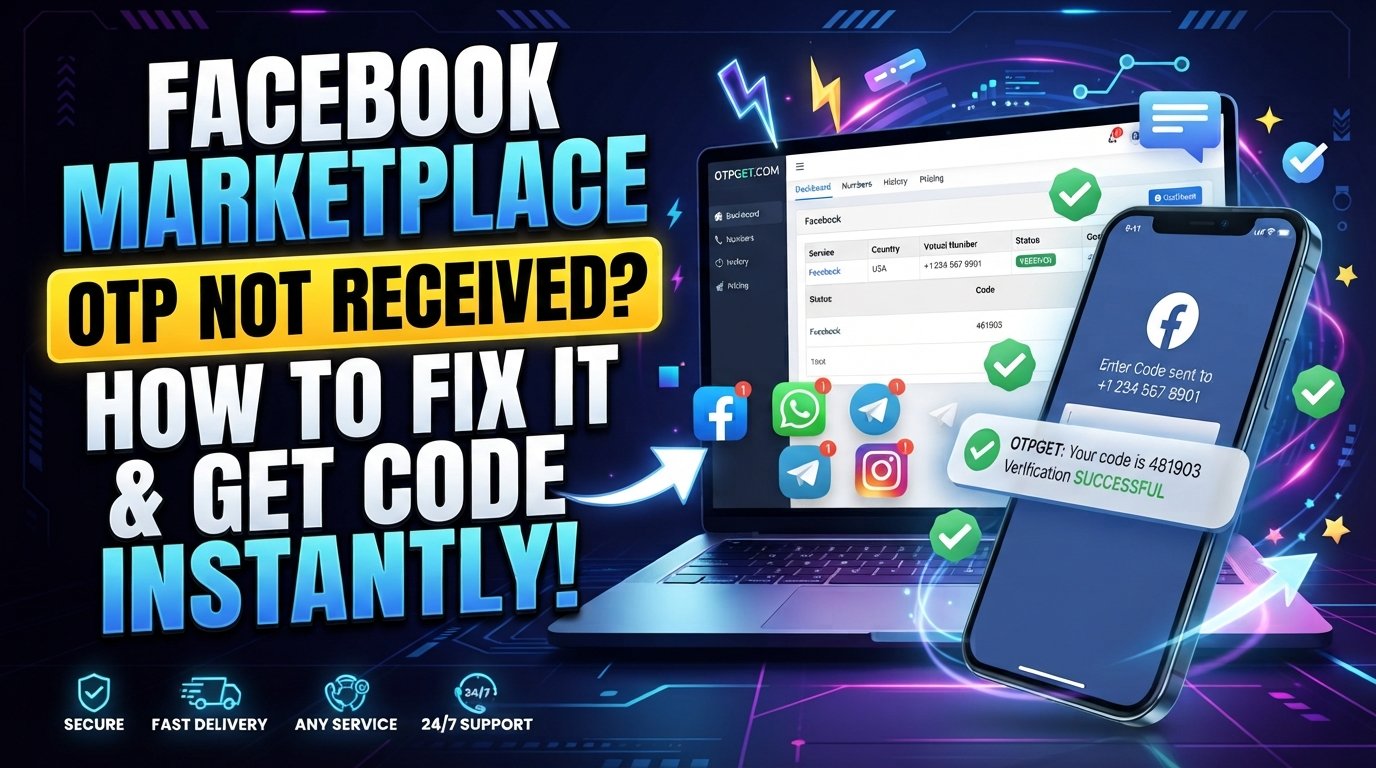
Facebook Marketplace OTP Not Received? How to Fix It
Trying to buy, sell, or access a feature on Facebook Marketplace can be frustrating when the verification code you need simply never shows up.
You check your phone. Nothing. You tap resend. Still nothing. After another attempt, the first code may suddenly arrive too late to work.
An OTP, or One-Time Password, is a temporary verification code used to confirm that you have access to a particular phone number or verification channel. Depending on the account and security flow, Facebook may request a code before allowing certain actions.
If your Facebook Marketplace OTP is not received, the problem may be something simple, such as an incorrect number or poor cellular reception. It can also involve SMS filtering, carrier delays, repeated requests, or platform-side verification checks.
If ordinary SMS delivery is causing problems, OTPGET can provide an alternative OTP receiving option where the relevant service and verification flow are supported. OTPGET provides virtual numbers and OTP-related services, but availability and compatibility can vary by service.
Here is how to troubleshoot the problem before trying another verification method.
Why Is My Facebook Marketplace OTP Not Received?
There are several reasons a Facebook Marketplace verification code may fail to arrive.
Incorrect phone number
Start with the basics. Check the phone number entered during verification and make sure every digit is correct.
A single incorrect digit can send the SMS somewhere else—or nowhere useful at all.
Incorrect country code
International numbers need the correct country prefix. If the country code is missing, duplicated, or mismatched with the number, SMS verification may not work as expected.
Weak cellular reception
An unstable mobile connection can delay incoming SMS messages. If your phone has very weak reception, move to an area with a stronger signal and try again.
SMS filtering or blocking
Your phone, messaging application, carrier, or spam filter may classify automated verification messages as unwanted messages.
Check blocked numbers, spam folders, filtered messages, and any SMS protection settings on your device.
Too many verification attempts
Repeatedly requesting codes within a short period can make troubleshooting harder. You may receive several codes at different times, and an earlier code may stop being valid when a newer one is issued.
Carrier or delivery delays
SMS delivery does not always happen instantly. Mobile networks and messaging systems can experience temporary delays.
Temporary service or security checks
Sometimes the issue is not your phone at all. Facebook's verification process may apply additional security checks or temporarily restrict certain verification attempts.
That means changing settings repeatedly may not solve the problem immediately.
Common Signs Your Facebook Verification Code Is Not Arriving
The problem can show up in several ways:
-
No Facebook SMS arrives at all.
-
The verification code arrives several minutes late.
-
Tapping resend code produces no visible result.
-
A code arrives, but Facebook says it has expired.
-
A previously received OTP no longer works.
-
Facebook repeatedly asks for phone verification.
-
Marketplace access remains unavailable after several attempts.
-
The Facebook Marketplace SMS code never reaches the selected number.
These symptoms generally point to an OTP delivery or verification problem, although the exact cause depends on the account, device, network, and verification flow.
How to Fix Facebook Marketplace OTP Not Received
Before looking for an alternative OTP receiving service, work through these steps.
1. Check the phone number
Carefully compare the number shown in Facebook's verification screen with the number you actually control.
Look for missing digits, extra digits, or an incorrect country prefix.
2. Confirm the country code
If Facebook displays an international-format number, make sure the country and number format are correct.
3. Check your cellular signal
If your phone has poor reception, reconnect to the mobile network or move somewhere with a stronger signal.
4. Check blocked and spam messages
Look through your SMS inbox, spam folder, blocked-message list, and carrier filtering settings.
Automated verification messages can sometimes be filtered differently from ordinary texts.
5. Wait before requesting another code
Avoid pressing resend repeatedly.
Give the first request some time. If multiple codes eventually arrive, use the most recent valid code rather than cycling through older messages.
6. Restart your phone or reconnect to the network
A quick restart can sometimes refresh the device's connection to the mobile network. You can also temporarily switch connectivity settings according to your phone and carrier's normal troubleshooting guidance.
7. Try another available verification method
If Facebook presents another legitimate verification option, consider using it instead of repeatedly requesting SMS.
The available options can vary by account and verification situation.
8. Confirm that the number can receive SMS
Try receiving a normal text message from another source. If ordinary SMS messages are also delayed or missing, the problem may be related to the phone, SIM, carrier, or network rather than Facebook.
9. Give temporary service problems time to clear
If everything appears correct but verification still fails, wait and try again later rather than submitting dozens of requests.
10. Consider OTPGET where appropriate
If regular SMS delivery is unreliable and the relevant verification service supports the option, OTPGET may provide an alternative way to receive an OTP through a supported virtual number.
OTPGET's documentation describes virtual numbers for SMS OTP verification, with availability depending on the selected country and service.
How OTPGET Can Help With OTP Verification
When a normal phone number is having trouble receiving a verification SMS, an OTP receiving service can be an alternative worth considering.
OTPGET offers virtual phone numbers and OTP-related services. Its documentation describes a process where users can select an available country and service, obtain a number, and check the status for an incoming SMS code.
A typical workflow is:
-
Visit OTPGET.
-
Choose an available country and service where supported.
-
Follow the service's instructions for obtaining a number.
-
Enter the provided number into the relevant Facebook verification field if that verification flow accepts it.
-
Wait for the verification SMS if the service supports that particular request.
-
Check for the received OTP through the available OTPGET interface.
-
Enter the code into the appropriate Facebook verification field.
-
Complete the verification process if Facebook accepts the code.
The important qualification is "where supported." A virtual number does not automatically mean every platform, account, country, or verification attempt will work.
Facebook controls its own verification and security systems, so OTPGET should be viewed as a potential alternative for receiving an SMS—not as a way to bypass Facebook security or account restrictions.
Why Use OTPGET for OTP Verification?
There are situations where having an alternative OTP receiving option can be useful.
For example, your regular number may have unreliable SMS delivery, or you may need a number suitable for a particular supported verification service.
Potential benefits include:
-
Alternative SMS receiving option: Useful when normal SMS delivery is unreliable.
-
Virtual-number access: OTPGET offers virtual numbers for supported OTP services.
-
Simple workflow: The basic process involves selecting an available option, receiving the code, and entering it into the relevant verification field.
-
Service-dependent availability: Users can check available countries and services rather than assuming every option is supported.
-
Useful for specific verification needs: Virtual numbers can be relevant for legitimate verification workflows where the platform accepts them.
The key is to use the service only for legitimate verification purposes and follow the platform's applicable rules.
Facebook Marketplace OTP Still Not Working? Try These Checks
If the Facebook OTP is still not coming through, take another look at the entire process.
Check the number again. It is easy to overlook one digit when copying a phone number.
Stop repeated requests. Multiple rapid OTP requests can create confusion because older codes may no longer be valid.
Check your SMS filters. Look beyond the main inbox, particularly if your phone automatically separates suspected spam messages.
Test your network. If other SMS messages are also delayed, investigate the mobile connection before focusing entirely on Facebook.
Look for another verification method. Facebook may provide different verification options depending on the account and situation.
Review account information. Make sure the information associated with the account is accurate and consistent with the verification details being requested.
Avoid suspicious verification methods. Do not use methods designed to defeat security checks, bypass restrictions, or circumvent platform safeguards.
If regular SMS remains unreliable, an OTP receiving service such as OTPGET may be worth considering where the relevant service supports it.
OTPGET vs. Waiting for a Delayed SMS
There is no single option that works for every verification situation. The better choice depends on why the OTP is missing and what verification methods the platform accepts.
| Factor | Regular SMS | OTPGET |
|---|---|---|
| Convenience | Convenient when your own number works normally | Can provide an alternative option where supported |
| Carrier dependence | Depends on your mobile carrier and network | Uses the available virtual-number service |
| Code delivery | Sent directly to your phone | Received through the supported OTPGET workflow |
| User control | Uses a number you already control | Requires selecting an available supported option |
| Availability | Depends on your carrier and phone | Depends on country, service, and current availability |
| Best use case | Everyday verification with a reliable number | Situations where an alternative OTP receiving option is appropriate |
OTPGET availability and compatibility can vary. The safest approach is to check the currently available service before relying on it for a specific verification request.
Tips to Avoid Facebook Marketplace Verification Problems
A little preparation can prevent many OTP headaches.
-
Keep your account information accurate.
-
Use a phone number that can reliably receive SMS when SMS verification is required.
-
Confirm the country code before requesting a code.
-
Keep your device connected to a stable mobile network.
-
Check your SMS inbox and spam filters regularly.
-
Avoid requesting several OTPs in rapid succession.
-
Enter the newest valid code rather than an older one.
-
Follow Facebook's displayed verification instructions.
-
Use legitimate verification methods.
-
If you use an OTP receiving service, confirm that the specific service and verification flow are supported before starting.
The goal is not simply to get an OTP. It is to complete the verification process in a way that is compatible with the platform's requirements.
SEO-Friendly Conclusion
When your Facebook Marketplace OTP is not received, start with the simple fixes: check the number, confirm the country code, inspect blocked messages, verify your network, and avoid repeatedly requesting new codes.
If ordinary SMS delivery continues to cause problems, OTPGET can be a practical alternative where supported, giving users access to virtual-number options for OTP verification. Its documentation confirms that availability depends on the selected service and country, so compatibility should always be checked before beginning the verification process.
Most importantly, treat OTP verification as a security step rather than something to bypass. Use legitimate verification methods, follow Facebook's instructions, and choose an OTP receiving option that fits the specific verification flow.