Facebook Marketplace Phone Number Verification: Steps & Tips
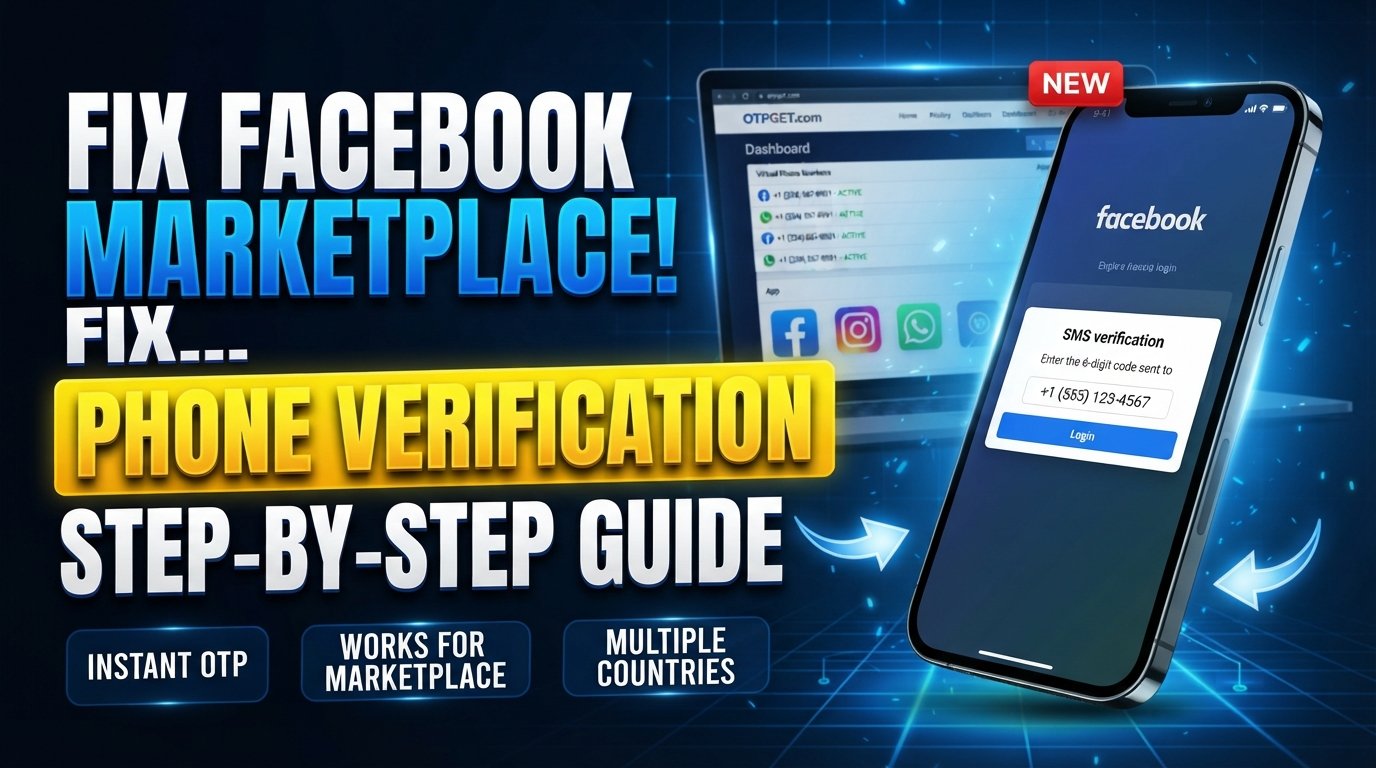
Facebook Marketplace Phone Number Verification: Step-by-Step Guide
Phone verification can be a straightforward part of setting up or securing an online account, but it becomes frustrating when the expected SMS never arrives. If you're trying to complete Facebook Marketplace phone number verification, you may be wondering why Facebook is requesting your number, where the verification code goes, or what to do when the OTP doesn't show up.
The process generally involves entering a phone number, requesting an SMS, and entering the one-time code you receive. However, the exact prompts can vary depending on your account, location, device, and the security checks applied to your account. Facebook may also use other forms of identity or security verification for Marketplace-related access.
If your personal number isn't convenient for a particular legitimate verification scenario, a service such as OTPGET may provide another option where the relevant number and service are supported. This guide explains the process, common SMS problems, and how a verification-number service can fit into the workflow without bypassing Facebook's security systems.
Why Does Facebook Marketplace Ask for Phone Verification?
Phone verification is one way online platforms can add an extra layer of account security. A phone number can be used to confirm that an account has access to a particular mobile number and, in some circumstances, to support account security or login processes.
For Marketplace users, additional checks may be applied because Marketplace involves interactions between buyers and sellers. Facebook states that access to Marketplace can be affected by safety, policy, and account-related considerations, and some users may also be asked to verify their identity to access features such as Marketplace.
A verification request can serve several purposes:
- Confirming access to a phone number
- Supporting account security
- Adding friction to automated or abusive activity
- Helping protect Marketplace users
- Providing a way to deliver security codes by SMS
That doesn't mean every Facebook user will see the same verification requirement. The prompt you receive depends on the circumstances of your account and Facebook's current verification flow.
What Is Facebook Marketplace Phone Number Verification?
Facebook Marketplace phone number verification is the process of confirming a phone number when Facebook asks you to do so. Typically, Facebook sends a temporary verification code by SMS after you submit the requested number.
That code is often called an OTP, or one-time password. A Facebook Marketplace OTP is simply a temporary code used during the verification process.
The basic sequence looks like this:
Phone number → SMS verification request → OTP/code received → code entered → verification completed
The number you use must be capable of receiving the relevant SMS. If you're using an online phone verification service, compatibility can also depend on whether the specific number is currently supported by the service you're trying to verify.
Step-by-Step Facebook Marketplace Phone Verification
If Facebook displays a phone verification prompt, the following process provides a useful general walkthrough.
1. Open Facebook and access Marketplace
Sign in to your Facebook account and open Marketplace through the Facebook app or supported web interface.
If Marketplace access is restricted, follow the instructions shown on your screen rather than trying to circumvent the restriction.
2. Follow the verification prompt
If Facebook asks you to verify your phone number, select the relevant verification option.
The wording and location of the prompt can change, so follow the instructions presented on your account.
3. Enter the requested phone number
Enter the phone number you intend to use for verification.
Pay particular attention to the country code and number format. A formatting error can prevent the SMS from reaching the intended destination.
4. Request the verification code
Submit the number and request the Facebook verification code.
At this stage, Facebook should attempt to send an SMS containing a temporary code if SMS verification is available for your particular flow.
5. Check your incoming SMS
Look at the phone associated with the number you entered.
If you're using an online SMS OTP service, check its dashboard or message area for the incoming verification message.
6. Enter the OTP
Copy the verification code carefully and enter it into the verification field shown by Facebook.
Avoid sharing the code with another person. A verification code is intended for the authentication process associated with your account.
7. Complete any additional security prompts
Phone verification may not necessarily be the final step. Facebook can apply additional security or identity checks depending on the account and circumstances.
If another prompt appears, follow the instructions provided by Facebook.
Why Isn't My Facebook Verification Code Arriving?
One of the most common Facebook verification problems is simply not receiving the expected SMS.
There are several possible explanations:
- The phone number was entered incorrectly.
- The country code or number format is wrong.
- The mobile carrier is delaying or filtering the message.
- The SMS service is temporarily experiencing delivery problems.
- Too many verification attempts were made in a short period.
- The selected number isn't supported for the particular service.
- The number has already been used or has restrictions associated with it.
- Facebook's verification system is temporarily unavailable or behaving differently for your account.
What should you do?
Start with the basics. Confirm the number, country code, and network connection. Then wait before requesting another code. Repeatedly pressing the resend button can create additional delays or security checks.
If you're using a verification number service, also check whether the selected number is still active and whether the service currently lists support for the relevant platform.
Can You Use Another Number for Facebook Marketplace Verification?
In some legitimate situations, a user may prefer a separate phone number rather than their everyday personal number. For example, someone may want to separate personal communications from a particular online account or use a number specifically intended for online verification.
A virtual or temporary phone number can be one possible option, provided it is permitted by the service and suitable for the verification process.
The important distinction is that using another number should not be treated as a way to bypass Facebook restrictions, evade security checks, create deceptive accounts, or circumvent enforcement. If Facebook requests additional verification, you should complete the applicable process rather than attempting to work around it.
How OTPGET Can Help With Verification Codes
OTPGET is a virtual-number and OTP-receiving service that provides access to phone numbers intended for supported SMS verification scenarios. Its platform documentation describes options for obtaining numbers, checking activation status, and retrieving received SMS messages.
For someone who needs a separate verification number, the appeal is straightforward: instead of relying exclusively on a personal SIM card, you can check whether an appropriate number is available through an online service.
Potential advantages include:
- Convenient access to virtual verification numbers
- A separate number for certain verification scenarios
- Online access to received OTP messages
- Availability across multiple countries and services, depending on current stock
- Options for one-time numbers as well as rental numbers
OTPGET's published information indicates that number availability and service support can vary. Its documentation also provides live availability and service-selection mechanisms, which makes checking compatibility before starting a verification attempt important.
Most importantly, OTPGET should be viewed as a verification-number solution, not a Facebook security bypass. There is no guarantee that every number will be accepted by Facebook, and users should follow Facebook's applicable verification requirements.
How to Use OTPGET for a Verification Code
If you decide that an online verification number is appropriate for your situation, the general workflow is simple.
1. Visit OTPGET
Open the OTPGET platform and review the available virtual-number options.
2. Choose an appropriate number or service
Select a country and service combination that is available and appropriate for your verification requirement.
OTPGET's documentation shows that availability can vary by country and service, so checking stock before purchasing is useful.
3. Enter the number into the verification form
When Facebook's verification flow requests a phone number, enter the number provided by OTPGET if it is suitable for that verification scenario.
4. Request the SMS
Submit the number through Facebook's verification process and wait for the SMS.
5. Monitor OTPGET for the incoming code
OTPGET provides mechanisms for checking the status of an SMS activation and retrieving the received code.
6. Enter the code on Facebook
Once the verification message arrives, enter the OTP into Facebook's verification field.
7. Complete the remaining prompts
If Facebook accepts the number and code, continue with any additional instructions shown on your screen.
Compatibility isn't guaranteed, so if a number isn't accepted or an SMS doesn't arrive, don't assume that repeatedly retrying will solve the problem. Check the number, service availability, and Facebook's instructions first.
Facebook Marketplace Verification Troubleshooting Checklist
Before trying again, work through this quick checklist:
- Check the number: Make sure every digit is correct.
- Check the country code: Use the format requested by Facebook.
- Check SMS delivery: Confirm that the number can receive incoming messages.
- Wait before retrying: Give delayed SMS messages time to arrive.
- Avoid repeated attempts: Multiple requests can complicate the verification process.
- Check the selected OTPGET number: Make sure it is still available and appropriate for the intended service.
- Watch for additional prompts: Facebook may request another form of verification.
- Keep your connection stable: A weak internet connection can interfere with the verification workflow.
- Use legitimate methods: Don't attempt to bypass account restrictions or security checks.
- Use Facebook's support options: If the problem continues, follow the official support or recovery guidance available for your account.
Facebook also notes that Marketplace access can be affected by account and policy-related circumstances, so a missing SMS isn't necessarily the only possible reason for a verification problem.
Tips for a Smoother Facebook Marketplace Verification Process
A few simple habits can make phone verification less frustrating.
Use accurate account information. Keep your Facebook account information consistent and truthful.
Enter the complete phone number. Pay attention to the country code and avoid accidentally adding or removing digits.
Don't repeatedly request codes. If an SMS is delayed, sending several requests in quick succession may make the process more confusing.
Keep the verification page available. If appropriate for your device and connection, keep the relevant Facebook screen open while waiting for the SMS.
Check the number before starting. With an online phone verification service, confirm that the selected number supports the service you need.
Don't share OTPs. Treat verification codes as sensitive authentication information.
Follow Facebook's security prompts. If Facebook asks for another verification step, complete that step rather than trying to bypass it.
Check availability before purchasing a number. OTPGET's documentation includes country and service availability information, which can help you determine whether a suitable option is currently offered.
Frequently Asked Questions
Does Facebook Marketplace require phone verification?
Not necessarily. Facebook does not apply exactly the same verification flow to every account. Marketplace access and security requirements can vary depending on account circumstances, location, and other factors. Some users may instead encounter identity or other security checks.
How do I verify a phone number on Facebook Marketplace?
If Facebook presents a phone verification prompt, enter the requested number, request the SMS verification code, retrieve the OTP, and enter it into the appropriate field. Complete any additional security prompts that appear.
Why is my Facebook verification code not arriving?
Common causes include an incorrect number, incorrect country code, SMS delays, carrier restrictions, temporary service issues, or too many verification attempts. Check the number first, wait for delivery, and avoid repeatedly requesting new codes.
Can I use another number for Facebook verification?
A separate or virtual number may be an option in some legitimate verification scenarios, but acceptance depends on Facebook's requirements. Using another number should not be used to bypass restrictions or security measures.
What is a Facebook Marketplace OTP?
A Facebook Marketplace OTP is a one-time verification code delivered through an authentication method such as SMS when Facebook asks you to confirm access to a phone number.
Can OTPGET receive Facebook verification codes?
OTPGET provides virtual numbers and SMS OTP-receiving functionality for supported services. Its published service information includes Facebook among supported platforms, but individual number availability and compatibility can vary, so acceptance by Facebook should not be assumed.
What should I do if my verification number does not work?
First check the number format, service availability, and SMS status. If the number remains unsuitable, review other available options through the verification service or use a legitimate personal number. If Facebook continues to block or restrict verification, follow its official support or account-recovery process.
Final Thoughts
Facebook Marketplace phone number verification is usually straightforward when the requested number can receive SMS and the verification process proceeds normally. The basic workflow is simple: enter a suitable number, request the code, receive the OTP, and submit it to Facebook.
The frustration usually starts when the Facebook verification code doesn't arrive. Incorrect formatting, SMS delays, carrier restrictions, repeated requests, and unsupported numbers can all complicate the process.
For users who need a separate number for a legitimate verification scenario, OTPGET can be considered as a convenient option for receiving verification SMS where the relevant number and service are supported. Its platform offers virtual numbers and tools for receiving OTP messages, while its documentation makes clear that availability varies by country and service.
If you're considering an online verification number, check compatibility first, use the number only for an appropriate purpose, and follow Facebook's verification instructions. Exploring OTPGET can be a practical next step when you need a separate verification number and the service supports your particular requirement.