Facebook Marketplace Phone Number Verification: Quick Step Guide
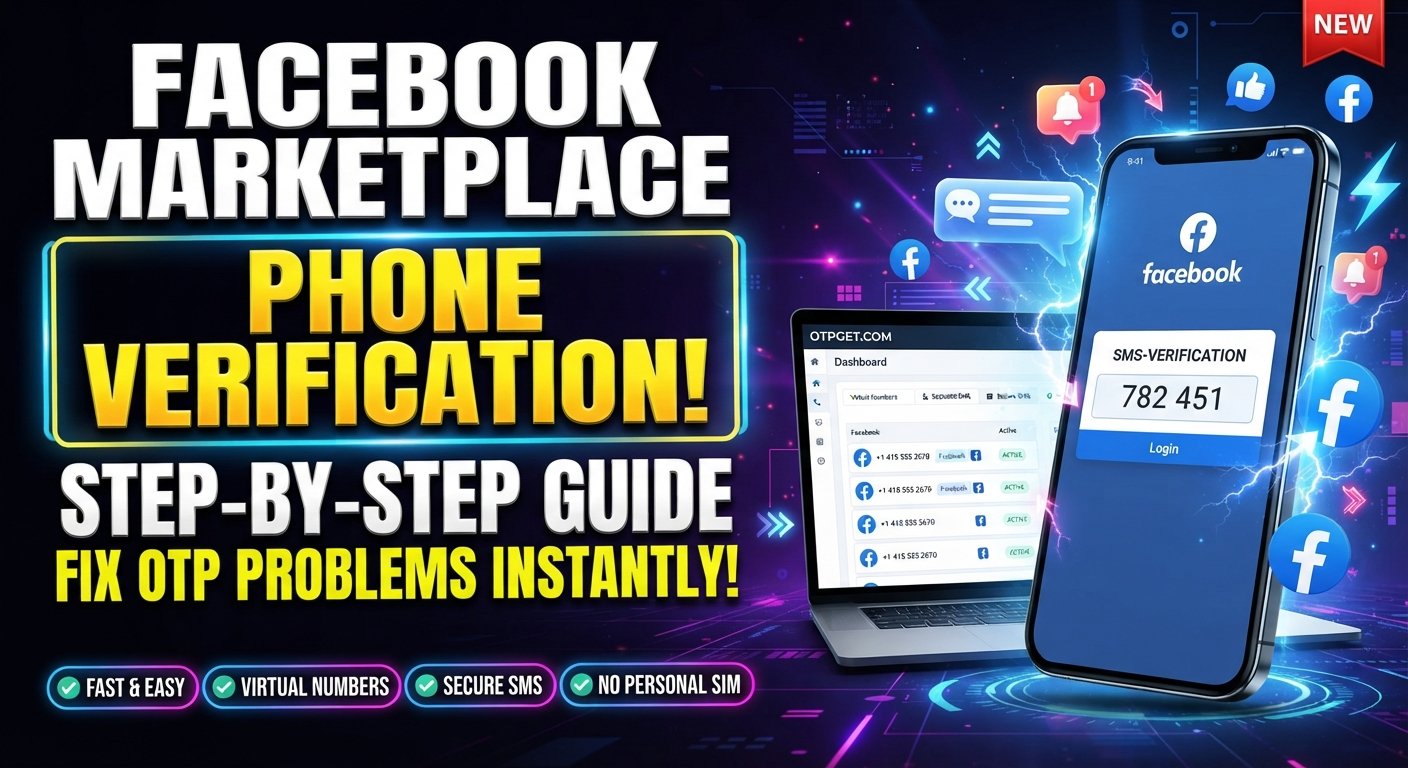
Facebook Marketplace Phone Number Verification: Step-by-Step Guide
Getting access to Facebook Marketplace can sometimes involve an extra verification step. If you're asked to confirm a phone number, the process usually involves entering a number and receiving a one-time password, or OTP, by SMS.
That sounds simple until the code doesn't arrive, the number is rejected, or you would rather not use your personal number for a particular verification workflow.
This guide explains Facebook Marketplace phone number verification, how SMS verification works, what to do when an OTP is missing, and how a service such as OTPGET can provide a convenient option for receiving verification SMS when an appropriate supported number is available.
Facebook's own help resources cover mobile-number confirmation and troubleshooting for verification codes, while Marketplace access and available features can vary by account and location.
Why Does Facebook Marketplace Require Phone Number Verification?
Phone verification is commonly used by online platforms as part of account security and account confirmation. A phone number gives the platform another way to establish that a person has access to a particular communication channel.
For Marketplace users, a verification request may appear when Facebook asks for additional confirmation before allowing access to a feature or account activity. The exact reason and verification flow can differ, so it is better to follow the instructions shown in your own account rather than assume every user sees the same prompt.
Phone verification can help with several security-related goals:
- Confirming access to a phone number
- Adding another layer of account protection
- Helping reduce certain forms of automated or abusive activity
- Supporting account recovery and authentication processes
- Confirming information during specific account or feature checks
Facebook also notes that some users may be asked to verify their identity to start or continue using features such as Marketplace.
The important point is that Facebook Marketplace verification is account-specific. A verification prompt does not necessarily mean every Marketplace user will encounter the same requirement.
What Is a Facebook Marketplace Verification Code?
A Facebook Marketplace verification code is typically a short, one-time code sent through an available verification channel, such as SMS.
An OTP, or one-time password, is designed for a single verification event. You enter the code into the relevant verification field, and the service checks whether it matches the code associated with the verification request.
A typical SMS verification flow looks like this:
Phone number → SMS request → OTP received → Code entered → Verification completed
Verification codes are usually time-sensitive. If you wait too long, the code may expire and you may need to request another one.
Treat every verification code as private information. Never send an OTP to a seller, buyer, stranger, support contact, or anyone who asks you to forward it. A legitimate verification process should not require you to disclose your private authentication code to another person.
Facebook Marketplace Phone Number Verification: Step-by-Step
The exact Facebook interface can vary, but the general process is straightforward.
Step 1: Open Facebook and Access Marketplace
Sign in to your Facebook account and open Marketplace through the Facebook app or website.
If Facebook presents a verification requirement, continue through the legitimate prompt displayed inside your account.
Step 2: Follow the Verification Prompt
Read the instructions carefully. You may be asked to confirm information associated with your account before continuing.
Avoid clicking unfamiliar links sent through messages or emails. When possible, complete verification directly through Facebook.
Step 3: Enter an Eligible Phone Number
Enter the phone number requested by the verification form, including the correct country code or formatting if required.
Double-check every digit before continuing. A simple typo can prevent the verification SMS from reaching you.
Step 4: Request the Verification Code
Submit the number and request the verification code.
At this point, the service may send an SMS containing a one-time code.
Step 5: Receive the OTP
Check the SMS inbox associated with the number you entered.
If you are using a supported OTP receiving service such as OTPGET, the incoming verification message may instead appear through the service's available interface. OTPGET describes its platform as providing virtual numbers for receiving SMS OTP codes, including one-time and rental number options.
Step 6: Enter the OTP
Enter the received code into the verification field.
Make sure you use the newest code if you have requested more than one. Older codes may no longer be valid.
Step 7: Complete the Verification Process
Submit the code and follow any remaining instructions.
If the code is accepted, continue with the Marketplace action you were attempting. If Facebook requests additional verification, follow the instructions presented in your account.
Why You May Not Receive the Facebook Marketplace OTP
Not receiving an SMS does not necessarily mean something is wrong with your account. Several technical or delivery-related issues can interfere with verification messages.
Common possibilities include:
- Incorrect phone number: Recheck every digit and the country code.
- SMS delivery delay: Messages can sometimes take longer to arrive.
- Weak mobile signal: Poor connectivity can interfere with SMS delivery.
- Carrier restrictions: Some carriers or number types may have limitations on certain messages.
- Too many attempts: Repeatedly requesting codes can create additional delays or verification friction.
- Expired code: A code may no longer work if too much time has passed.
- Incorrect number format: Make sure the number follows the format requested by the verification form.
- Temporary service issues: Either the sending platform or SMS provider may experience a temporary problem.
Before requesting another code, wait briefly and check the number again. Repeatedly clicking the resend option can make troubleshooting harder.
If the problem continues, try the platform's account or verification help options rather than repeatedly submitting different numbers.
Can You Use a Temporary or Virtual Phone Number for Verification?
A temporary or virtual phone number is a number hosted through a telecommunications or online service rather than being tied directly to your personal physical SIM.
People consider virtual numbers for several reasons, including convenience, separating verification messages from their everyday number, or handling a specific verification workflow.
Potential advantages include:
- Keeping some verification messages separate from a personal inbox
- Avoiding the need for an additional physical SIM
- Accessing numbers through an online dashboard
- Choosing a number appropriate to the supported country or service
However, there are important limitations.
Not every virtual or temporary number will work with every platform. Some services may reject certain number types, while others may have their own eligibility requirements. Number recycling can also matter: a temporary number may eventually be assigned to someone else.
For accounts that you expect to keep and recover later, consider whether a temporary number is appropriate. Losing access to a number can create problems if that number is later needed for account recovery.
Always use legitimate verification methods and follow the applicable platform rules.
How OTPGET Can Help With Phone Verification
For users who need an alternative way to receive an OTP, OTPGET can provide a convenient option where the selected number and service are supported.
OTPGET offers virtual phone numbers designed for SMS OTP verification, along with rental numbers and tools for receiving verification messages. Its documentation also describes workflows for obtaining a number and checking the status of incoming SMS messages.
The practical benefit is simple: instead of relying exclusively on a personal mobile number, you can use an available supported number for an appropriate verification workflow and monitor the incoming SMS through OTPGET.
OTPGET should not be viewed as a way to bypass Facebook security. It is a phone-number and OTP receiving solution. Whether a particular number works for Facebook Marketplace depends on the number, service, region, and Facebook's own verification requirements.
For users who want to explore this approach, OTPGET's official platform provides information about available virtual numbers and OTP receiving options.
Step-by-Step: Using OTPGET for Verification
If you decide that a virtual number is appropriate for your verification workflow, the process can generally look like this:
- Visit OTPGET. Open the service and review the available OTP receiving options.
- Choose an available number or service. Where applicable, select a suitable country, number type, or supported service.
- Use the number for the legitimate verification request. Enter the provided phone number into the relevant verification field.
- Request the OTP. Return to the verification page and request the SMS code.
- Monitor OTPGET. Check the available interface for the incoming verification message.
- Enter the received code. Copy the OTP into the verification field shown by the relevant platform.
- Complete verification. Follow any additional instructions provided by the platform.
The exact OTPGET interface and available numbers can change, so use the current options shown on the service rather than relying on outdated instructions.
Most importantly, don't assume that having an OTP number guarantees verification. The receiving service can provide the number and SMS, but the destination platform determines whether that number is accepted.
Facebook Marketplace Verification Problems and Fixes
| Problem | Possible Cause | What to Try |
|---|---|---|
| OTP not arriving | SMS delay or unsupported number | Wait briefly, check the number, then try an appropriate supported number |
| Code expired | Too much time passed | Request a new code and use the newest message |
| Number rejected | Number type or format issue | Check country code and use another legitimate supported number |
| Too many attempts | Repeated requests | Stop retrying repeatedly and wait before trying again |
| SMS delayed | Carrier or service congestion | Wait and check the SMS inbox again |
| Wrong number format | Missing country code or incorrect digits | Re-enter the complete number carefully |
| Verification prompt repeats | Verification did not complete | Check the submitted code and follow Facebook's account guidance |
| OTPGET message not appearing | Number/service mismatch or delivery issue | Check the selected service and current OTPGET status before trying again |
If troubleshooting does not resolve the issue, use Facebook's official help resources for account-specific assistance. Marketplace access and account restrictions can involve factors beyond phone verification alone.
Tips for a Smoother Facebook Marketplace Verification Process
A few simple habits can make phone verification less frustrating:
- Double-check the phone number before requesting an OTP.
- Use the correct country code and number format.
- Wait before requesting another code if the first SMS is delayed.
- Use the newest OTP when multiple messages arrive.
- Keep the verification page open while waiting for the message.
- Check SMS delivery and make sure the number can receive messages.
- Never share verification codes with another person.
- Use legitimate verification methods that comply with the platform's requirements.
- Consider account recovery needs before using a temporary number for an account you intend to keep long term.
- Use OTPGET where an appropriate supported number is available, rather than assuming every available number will be accepted.
Frequently Asked Questions
1. Why does Facebook Marketplace ask for phone verification?
Facebook may ask for phone or other account verification as part of a security or identity-confirmation process. The exact reason can vary by account and situation. If you see a verification prompt, follow the instructions presented directly within Facebook rather than relying on instructions from an unknown third party.
2. What is the Facebook Marketplace verification code?
It is a one-time code used to confirm a verification request. When SMS verification is available, the code is sent to the phone number entered during the process. Enter the code into the appropriate field and avoid sharing it with anyone else.
3. Why am I not receiving my Facebook Marketplace OTP?
Check that the phone number and country code are correct, then consider SMS delays, carrier restrictions, weak connectivity, expired codes, or repeated verification attempts. If you use an OTP receiving service, also confirm that the selected number and destination service are supported.
4. Can I use a temporary phone number for Facebook Marketplace verification?
A temporary or virtual phone number may be an option for some verification workflows, but acceptance is not guaranteed. Platforms can apply their own requirements to phone numbers. If you use one, choose a legitimate option and consider whether you will need continued access to that number for account recovery.
5. Can OTPGET receive Facebook Marketplace verification codes?
OTPGET provides virtual numbers and SMS OTP receiving functionality, and its website lists Facebook among supported platforms. However, Marketplace-specific acceptance can vary. Check the currently available service and number options before relying on a particular number for verification.
6. How long does an OTP usually remain valid?
The validity period depends on the service that generated the code. OTPs are designed to be temporary, so use the newest code promptly. If a code has expired, request another one rather than repeatedly entering an old code.
7. Is it safe to share a Facebook verification code?
No. Treat a verification code as private authentication information. Do not give it to buyers, sellers, strangers, or anyone claiming they need it to complete a transaction. If someone asks you to forward an OTP, stop and verify the request through the official platform.
8. What should I do if Facebook rejects my phone number?
First, verify the number format and country code. If the number is correct but still rejected, the number type may not be accepted or the account may require another verification method. Avoid repeatedly submitting random numbers and instead follow Facebook's account-specific guidance.
Final Thoughts
Facebook Marketplace phone number verification is usually about confirming access to a phone number through a verification workflow. The process itself is simple: enter an eligible number, request an SMS, receive the OTP, enter the code, and complete any additional instructions.
The frustrating part is often what happens when the message does not arrive. Incorrect formatting, delivery delays, carrier limitations, expired codes, repeated attempts, and number compatibility can all complicate the process.
For users who prefer not to rely on a personal number, OTPGET provides a convenient option for receiving OTP and verification SMS when an appropriate supported number is available. It can fit naturally into a legitimate phone verification workflow without bypassing the destination platform's security requirements.
If you're looking for a practical way to manage verification SMS, explore OTPGET and check the currently available number and service options before starting your verification request.