Facebook Marketplace SMS Verification Not Working: Fix Guide
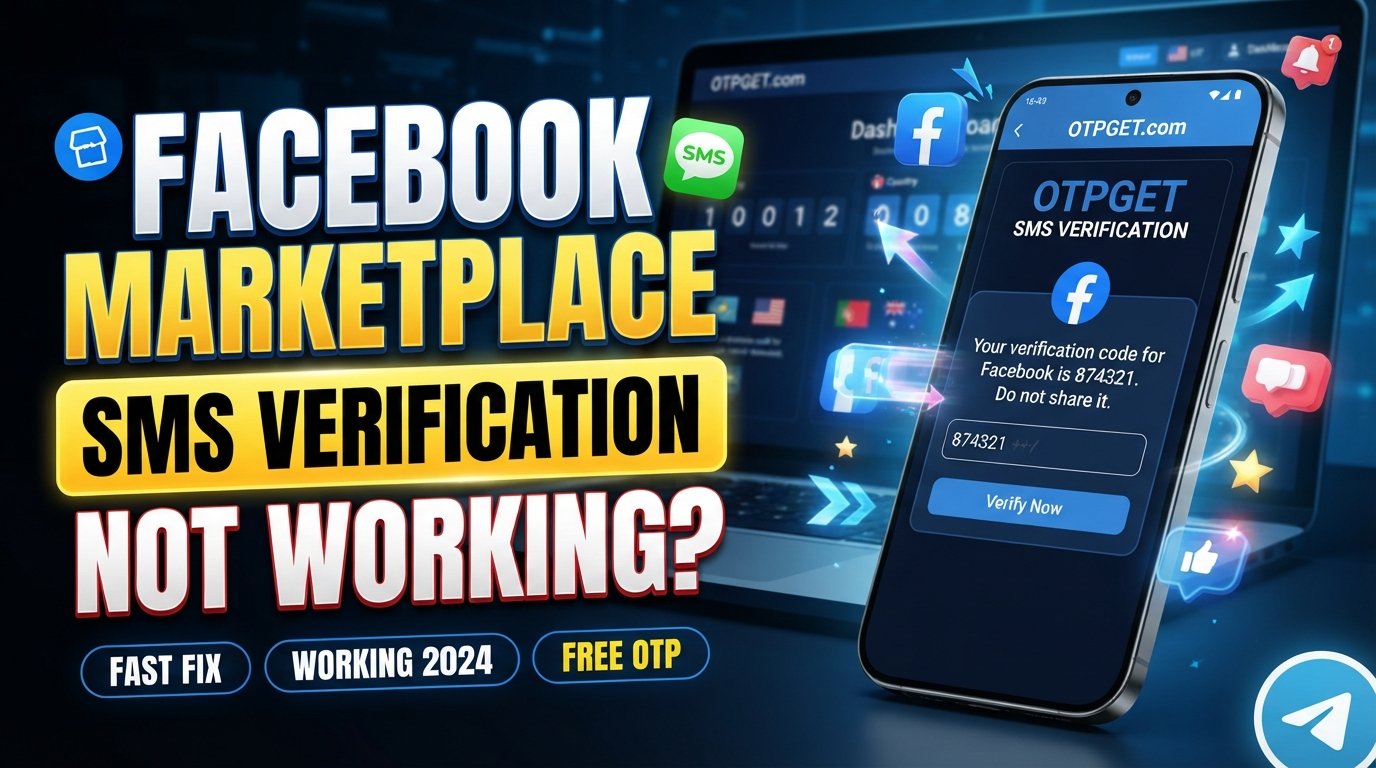
Facebook Marketplace SMS Verification Not Working: Fix Guide
Getting stuck because Facebook Marketplace SMS Verification Not Working can be frustrating. You enter your phone number, request a confirmation code, and then… nothing. Or the code arrives late, fails when entered, or the verification screen keeps sending you back to the beginning.
SMS verification problems can have several possible causes, ranging from a simple number-format mistake to mobile-network issues, delayed messages, app problems, or temporary verification limitations.
The good news is that you can work through several practical fixes before assuming something is seriously wrong with your account.
This guide explains why a Facebook Marketplace verification code may not arrive, what to check, how to troubleshoot the problem, and when an alternative SMS verification number such as OTPGET may be worth considering for legitimate verification needs.
Why Is Facebook Marketplace SMS Verification Not Working?
There isn't always one confirmed reason when a verification SMS fails. The problem can occur at different points between the verification request, your mobile carrier, your device, and Facebook's verification process.
Common possibilities include:
- Incorrect phone number: A single wrong digit can send the verification SMS somewhere else.
- Incorrect country code: International numbers generally need to be entered in the format requested by the verification form.
- Weak mobile signal: Poor connectivity can delay incoming SMS messages.
- Delayed SMS delivery: Carrier or network congestion can sometimes delay text messages.
- Carrier filtering: Some carriers may filter or delay automated messages.
- Too many requests: Repeatedly requesting codes can make troubleshooting harder and may coincide with temporary verification limits.
- Temporary service problems: A technical issue affecting message delivery can prevent a code from arriving.
- Number-related limitations: A phone number may have limitations because of previous use or other account-related circumstances.
- App or browser issues: An outdated app, corrupted cache, or browser problem can interfere with the verification flow.
- Account security checks: Facebook may apply additional verification requirements or restrictions in some circumstances.
These are possibilities, not a definitive diagnosis of your particular account. Start with the simplest checks before trying more complicated solutions.
Facebook Marketplace Verification Code Not Received? Try These Fixes
If your Facebook Marketplace verification code is not received, work through the following steps in order.
1. Check the phone number carefully
Look at every digit before requesting another code. Make sure the number displayed by Facebook is actually your number and that you have access to it.
If the number is wrong, correct it before continuing.
2. Confirm the country code
If you're using an international number, verify that the country/region selected in the verification form matches the number you're entering.
A correct phone number with an incorrect country code can still result in failed SMS delivery.
3. Check your mobile signal
Make sure your phone has a stable cellular connection. If you're in an area with weak coverage, move somewhere with better reception and wait for the network to stabilize.
Also check whether ordinary text messages are arriving normally.
4. Wait before requesting another code
If the first code hasn't arrived, avoid immediately requesting several more.
Wait a little while and check your messages again. Multiple requests can create confusion because an older code may arrive after a newer one has already been requested.
5. Check blocked, filtered, or spam messages
Review your phone's blocked-message settings and any SMS filtering features provided by your device or carrier.
If your phone separates suspected spam messages, check that folder as well.
6. Restart your phone
A simple restart can refresh the device's cellular connection and resolve temporary communication problems.
After restarting, give the network a moment to reconnect before requesting another verification code.
7. Try another network when appropriate
If your cellular service is unstable, reconnect to a stronger mobile network or move to an area with better coverage.
Avoid repeatedly switching networks while requesting codes, however. Make one change at a time so you can identify what actually helped.
8. Update the Facebook app
If you're using Facebook on a phone, make sure the app is up to date.
An outdated app can sometimes cause unexpected problems with account or Marketplace features.
9. Clear relevant cache or app data
On supported devices, clearing an application's cache can help resolve corrupted temporary data.
Be careful when clearing app data because it may sign you out or remove locally stored settings.
10. Try another supported browser or device
If the verification screen behaves strangely, try accessing Facebook Marketplace through another supported browser or device.
This can help determine whether the problem is specific to the original app, browser, or device.
11. Stop repeatedly requesting codes
If you have already requested several verification codes, pause rather than continuing to click "Send Code."
Repeated attempts don't necessarily make an SMS arrive faster and can make it difficult to know which code is current.
12. Check whether the phone number has limitations
If the same number has been used with multiple accounts or verification attempts, there may be number-related limitations. The exact checks and restrictions applied by a platform aren't always visible to users.
If you suspect the number itself is the problem, considering another appropriate number may be more useful than repeatedly retrying the same request.
13. Use Facebook's official help resources when necessary
If you've confirmed that your phone receives other SMS messages but Marketplace verification still fails, the problem may require account-specific assistance.
At that point, use Facebook's available Help Center and account-support options rather than repeatedly submitting verification requests.
Facebook Marketplace SMS Code Not Coming? Understand the Number Problem
Your phone number plays an important role in any SMS-based verification process. If the number can't reliably receive the requested message, the verification process cannot be completed through SMS.
Several number-related situations can cause problems.
An invalid or incorrectly formatted number is the most straightforward example. There can also be compatibility issues with certain types of numbers. For example, some verification flows may not accept landline numbers or particular virtual-number types.
Carrier filtering is another possibility. Automated verification messages don't always behave exactly like ordinary person-to-person texts.
There is also the issue of recycled phone numbers. Mobile carriers can eventually reassign numbers, meaning a number may have a history you don't know about. Previous account associations or repeated verification activity may also create complications depending on the platform's checks.
None of these possibilities means your account is permanently blocked. They simply indicate why changing the number or resolving the underlying SMS-delivery issue can sometimes be more productive than repeatedly requesting the same code.
Can a Different SMS Verification Number Help?
Yes, in some situations, using another legitimate phone number can be a practical option.
For example, you might not have reliable access to your current number, your carrier may be experiencing SMS delivery problems, or you may prefer not to use your personal number for a particular legitimate verification process.
A temporary phone number for verification or virtual SMS verification number can receive verification messages online instead of relying on a physical SIM in your personal phone.
However, using another number does not guarantee that Facebook will accept it. The number must be compatible with the relevant verification process, and you should always follow Facebook's account and security requirements.
This is where an online SMS verification service such as OTPGET can be considered.
How OTPGET Can Help With SMS Verification
OTPGET provides virtual phone numbers intended for receiving SMS-based OTP and verification messages. Its website describes numbers available for SMS verification across numerous countries and services, and lists Facebook among the supported services.
The basic idea is straightforward: instead of waiting for a verification message on your existing phone number, you can obtain an appropriate virtual number through the service and use it for a legitimate verification request where the number and service are supported.
A typical process looks like this:
- Create or access your OTPGET account.
- Choose an available country or verification service that matches your legitimate requirement.
- Obtain the available virtual number shown by the service.
- Enter the number in the relevant Facebook verification field.
- Request the SMS verification code through the normal Facebook verification process.
- Check OTPGET for the incoming SMS if the message is successfully delivered to the selected number.
- Enter the OTP into the Facebook verification screen before it expires.
OTPGET's own documentation describes a similar workflow for its virtual-number and SMS OTP services.
There are important limitations. A virtual number can help with the SMS-receiving part of verification, but it cannot guarantee that Facebook will accept a particular number or approve an account. Facebook ultimately controls its own verification and security decisions.
Use any SMS verification number responsibly and only for legitimate account verification. Don't use a virtual number to evade account restrictions, security controls, identity requirements, bans, or fraud-prevention measures.
If your issue is specifically that your existing phone number cannot receive the required SMS, exploring an appropriate number through OTPGET may be a practical next step.
OTPGET vs. Repeatedly Requesting Facebook Verification Codes
When a Facebook Marketplace verification code isn't arriving, there are several approaches you can take:
- Repeatedly requesting codes: Usually the least useful troubleshooting step. It can create confusion when multiple codes arrive at different times.
- Checking your existing number: The best first step. Confirm the number, country code, signal, SMS settings, and carrier service.
- Trying another appropriate number: Reasonable when the original number is unavailable or unsuitable for the verification process.
- Considering OTPGET: An option for obtaining a virtual SMS verification number when the relevant service and number are supported.
The goal isn't to find a way around Facebook's verification system. It's to resolve a genuine SMS delivery or phone-number problem while staying within the platform's requirements.
Common Mistakes to Avoid
A few mistakes can make a Facebook Marketplace verification problem more frustrating:
- Entering one incorrect digit in the phone number
- Selecting the wrong country code
- Requesting multiple codes in quick succession
- Entering an older OTP after a newer code has been requested
- Waiting too long and trying to use an expired verification code
- Sharing a verification code with another person
- Trying random phone numbers repeatedly
- Assuming a virtual number guarantees account verification
- Ignoring Facebook's account or security requirements
- Using verification services for prohibited or fraudulent activity
Remember that a verification code is sensitive information. Treat it as private and enter it only into the legitimate verification flow you intended to use.
Frequently Asked Questions
Why am I not receiving my Facebook Marketplace verification code?
Possible causes include an incorrect number, country-code error, weak mobile signal, delayed SMS delivery, carrier filtering, app or browser problems, or temporary verification limitations. Check the basics before requesting another code.
How do I fix Facebook Marketplace SMS verification not working?
Confirm your phone number and country code, check your cellular connection and blocked messages, restart your phone, update the Facebook app, and try another supported browser or device. Avoid repeatedly requesting codes.
Why is Facebook Marketplace not sending me a code?
The reason isn't always visible to the user. The issue could involve the number, mobile carrier, SMS delivery, app, browser, or the verification process itself. If normal SMS works but verification messages don't, consider whether the number is suitable for the process.
Can I use another phone number for Facebook Marketplace verification?
You may be able to use another appropriate number if the relevant Facebook verification flow accepts it. The number should be legitimately available to you, and using another number does not guarantee verification or account approval.
What should I do if my Facebook Marketplace verification code expires?
Request a new code through the normal verification process and use the newest code you receive. Avoid entering an older code after requesting another one.
Can OTPGET help with SMS verification?
OTPGET provides virtual numbers for SMS and OTP verification and lists Facebook among its supported services. It may be useful when you need an alternative number for a legitimate verification request, but it does not guarantee that Facebook will accept every number or verification attempt.
How long should I wait before requesting another Facebook verification code?
There isn't a single waiting period that applies to every verification situation. If a code hasn't arrived, give the message time to arrive and check your phone and SMS settings before requesting another. Repeated requests should be avoided.
Final Thoughts
When Facebook Marketplace SMS Verification Not Working, don't assume that the problem means your account is permanently restricted.
Start with the basics: verify the phone number, confirm the country code, check your mobile signal and blocked messages, restart your phone, update the Facebook app, and try another supported browser or device.
If the existing number is the source of the problem, another appropriate SMS verification number may be worth considering. A service such as OTPGET can provide virtual numbers for supported SMS and OTP verification needs, giving users another option when their usual number isn't suitable.
Use the service responsibly, follow Facebook's verification requirements, and remember that receiving an OTP is different from guaranteeing account verification.
If you need an alternative number for a legitimate SMS verification task, explore OTPGET and check the available number and service options before starting your verification request.