Facebook Marketplace SMS Verification Not Working: Fix Guide
Facebook Marketplace SMS Verification Not Working: Fix Guide
Trying to use Facebook Marketplace but stuck waiting for a verification code? A missing SMS can prevent you from completing Facebook Marketplace phone verification, and repeated attempts can make the situation even more frustrating.
A Facebook Marketplace verification code may fail to arrive for several reasons, including an incorrect number, carrier delivery problems, message filtering, temporary delays, or too many requests in a short period.
The good news is that many SMS verification problems can be checked and resolved systematically. This guide walks through the most practical troubleshooting steps and explains what to consider if your normal phone number still cannot receive the required message.
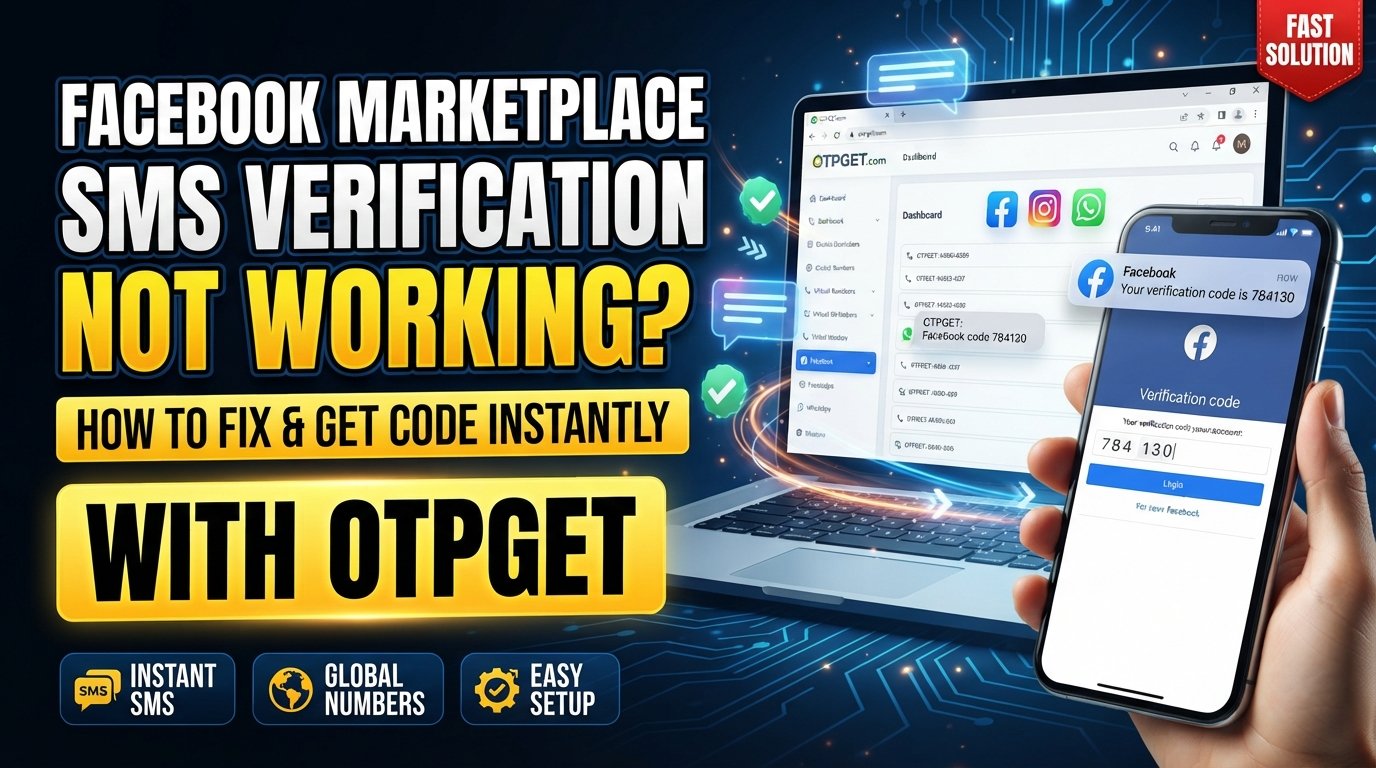
For users who need another way to receive a verification SMS, OTPGET can also be a practical option, provided the selected number and service are compatible with the verification process.
Why Is Facebook Marketplace SMS Verification Not Working?
A Facebook Marketplace SMS verification problem does not necessarily mean that Facebook itself is unavailable. SMS delivery involves several parts of the process: Facebook's verification system, your phone number, your mobile carrier, your device, and the SMS network.
Common causes include:
- Incorrect phone number: A single missing or incorrect digit can send the verification code somewhere else.
- Incorrect country code: The number may be entered correctly but paired with the wrong country or dialing format.
- Weak cellular reception: Poor signal can interfere with receiving ordinary text messages.
- Carrier-related delivery issues: Some carriers may delay, filter, or restrict certain automated messages.
- SMS filtering: Your phone or messaging app may place automated messages into spam, blocked, or filtered folders.
- Too many code requests: Repeatedly requesting new codes can create confusion because older codes may become unusable.
- Temporary delivery delays: An SMS can sometimes take longer than expected to arrive.
- Number-related limitations: Certain numbers may not be accepted or may have restrictions within a particular verification system.
- App or browser problems: A stale Facebook app session, browser issue, or temporary technical problem can interfere with the verification flow.
- Security checks: Facebook may sometimes require additional account or identity verification for access to features such as Marketplace. Facebook notes that some users can be asked to verify their identity before continuing to use Marketplace or other features.
Facebook also maintains separate Marketplace restrictions and safety systems, so not every Marketplace access problem is an SMS delivery problem.
Common Facebook Marketplace Verification Problems
The problem can look slightly different from one user to another. Identifying the exact failure makes troubleshooting easier.
Verification code not received
You request a Facebook Marketplace confirmation code, but nothing appears in your messages.
Start by checking the number, country code, cellular connection, and blocked or filtered messages before requesting another code.
SMS arrives late
Sometimes the Facebook verification SMS arrives after a noticeable delay. Requesting several additional codes while waiting can make the process harder because you may receive multiple messages containing different codes.
Code arrives but does not work
An apparently correct Facebook Marketplace verification code may fail if it has expired, if a newer code was generated, or if the wrong message is being entered.
Multiple codes arrive
If several codes arrive together, use the most recent valid code requested through the current verification session rather than randomly trying older messages.
Facebook says the number cannot be used
This can indicate that the particular number is not accepted for the verification process. In that situation, repeatedly requesting another code is unlikely to address the underlying number issue.
You cannot request another code
If Facebook temporarily prevents another request, give the verification process time rather than continuously refreshing or submitting new requests.
How to Fix Facebook Marketplace SMS Verification
Work through these steps in order rather than changing several things at once.
1. Check the phone number
Confirm every digit carefully. If you copied the number from another source, manually compare it with the number associated with your phone.
2. Confirm the country code
Make sure the selected country matches the number. An incorrect country code can prevent an SMS from reaching the intended phone.
3. Check cellular reception
Confirm that your phone has a working mobile signal. Try sending and receiving an ordinary SMS to establish whether basic text messaging is working normally.
4. Check blocked and spam messages
Look through your messaging app's spam, junk, blocked, or filtered sections. Automated verification texts can sometimes be separated from your normal messages.
5. Wait before requesting another code
If the first code has not arrived, avoid immediately pressing the resend option several times. A short delay may be enough for the original message to arrive.
6. Avoid repeated verification attempts
Repeated requests can result in several codes arriving close together. This makes it difficult to know which Facebook Marketplace verification code is currently valid.
7. Restart your phone
A simple restart can refresh the phone's network connection and messaging services. It is an easy troubleshooting step worth trying before making major account changes.
8. Try another supported connection or device
If the verification screen itself appears to be malfunctioning, try Facebook through another supported device, browser, or network connection where appropriate.
9. Update or restart the Facebook app
If you are using the mobile app, close it completely and reopen it. If an update is available, install it and try the verification process again.
10. Clear browser or app-related problems
For browser users, restarting the browser or clearing relevant cached site data may help resolve a broken verification session. Avoid deleting account information unless you understand what will be removed.
11. Test whether the number receives ordinary SMS
Ask your carrier or another trusted contact to send a normal text. If ordinary messages are not arriving either, the issue may be related to your phone or carrier rather than Facebook Marketplace.
12. Try again later
If the number and device appear to be working but the Facebook SMS code is still missing, waiting before trying again can be more useful than continuously submitting new requests.
13. Use Facebook's available help and verification options
If the SMS route continues to fail, check Facebook's available account, security, and verification help options. Depending on the situation, Facebook may use other verification or identity-check processes.
What If the Facebook Marketplace Verification Code Still Doesn't Arrive?
If you have confirmed the phone number, checked your device and messages, waited between attempts, and verified that ordinary SMS works, you may need another SMS receiving option.
This is where OTPGET can be considered.
OTPGET: A Practical Option for SMS Verification
OTPGET provides virtual numbers and SMS OTP services that can be used to receive verification messages when an appropriate number is available.
Its documented SMS OTP workflow allows a user to request a number, then check the activation status to see whether an SMS has been received. OTPGET's documentation also shows country and service selection as part of the number-request process.
The general process is straightforward:
- Choose an available number or verification service through OTPGET.
- Select a country and service where applicable.
- Use the provided number in the relevant verification form.
- Request the verification SMS.
- Monitor OTPGET for the incoming message.
- Retrieve the received OTP.
- Enter the code into the appropriate verification field.
The important limitation is compatibility. A number being available through OTPGET does not mean that Facebook will necessarily accept it. Acceptance can vary according to the platform, country, carrier, number type, and verification system.
OTPGET should therefore be viewed as an additional SMS receiving option—not as a way to bypass Facebook's security controls.
Why Use OTPGET for Verification SMS?
The main practical reason to consider an SMS verification service is convenience.
If your personal number is experiencing delivery problems, or you specifically need access to a number capable of receiving an SMS, a virtual-number service can provide another option.
OTPGET's documented services include SMS OTP numbers and longer-term virtual number rentals, giving users different approaches depending on their intended use.
Potentially useful considerations include:
- Access to available virtual numbers for SMS reception
- Country and service selection options
- A web-based method of checking received OTP messages
- Options for temporary or longer-term number use
- A documented process for checking whether an SMS has arrived
However, availability changes, and a verification service cannot control whether a third-party platform accepts a particular number.
Tips for Receiving Facebook Verification Codes Successfully
A few habits can prevent unnecessary SMS verification problems:
- Enter your phone number carefully.
- Double-check the country code before submitting it.
- Make sure the number can actually receive SMS messages.
- Give delayed messages enough time to arrive.
- Avoid repeatedly pressing "send code."
- Use the newest valid code rather than an older message.
- Check spam, blocked, and filtered SMS folders.
- Keep the Facebook app or browser session stable while completing verification.
- Follow Facebook's own verification instructions.
- If using an SMS verification service such as OTPGET, confirm that the selected number is appropriate and available for the intended service.
The goal is to keep the verification process simple and consistent rather than repeatedly restarting it.
Is Using an SMS Verification Service Safe?
An SMS verification service should be evaluated carefully before use.
The first consideration is number ownership and privacy. A temporary or shared number may not provide the same privacy characteristics as a personal mobile number. If other users can access the same number or message history, sensitive verification messages could present a privacy concern.
Also consider:
- Whether the service clearly explains how numbers are provided
- Whether the number is temporary, shared, or intended for longer-term use
- Whether the platform you are verifying accepts that type of number
- What personal information the service requests
- How verification messages are handled
- Whether you are comfortable using the number for the intended account
Never provide your Facebook password, recovery codes, authentication credentials, or other sensitive account information to an SMS verification provider.
Most importantly, using a third-party number should not be treated as a method for defeating Facebook's security systems. Follow Facebook's account-security instructions, applicable laws, and platform terms.
Facebook Marketplace SMS Verification FAQs
Why am I not receiving my Facebook Marketplace verification code?
Check the phone number, country code, cellular signal, blocked or filtered messages, and your carrier's SMS service. Also avoid requesting multiple codes in quick succession.
Why is my Facebook SMS code delayed?
SMS delivery can be affected by network, carrier, device, or service delays. Wait before requesting another code so you do not create several competing verification requests.
Why does my Facebook verification code say invalid?
The code may be expired, replaced by a newer code, or entered incorrectly. Use the latest valid code associated with the current verification request.
How long should I wait before requesting another code?
There is no universal delay that applies to every verification situation. If a code has not arrived, avoid repeated requests and follow any instructions shown by Facebook.
Can I use another phone number for Facebook verification?
That depends on Facebook's verification requirements and whether the alternative number is accepted. A number that can receive SMS is not automatically guaranteed to be accepted.
What can I do if Facebook Marketplace won't send a verification code?
First troubleshoot the number, carrier, device, SMS filters, app, browser, and verification attempts. If those checks do not resolve the issue, review Facebook's available account and verification help options.
Can OTPGET help me receive an SMS verification code?
OTPGET provides virtual numbers and SMS OTP receiving services. If a suitable number is available and the relevant platform accepts it, OTPGET can provide a practical way to receive the verification message. Compatibility is not guaranteed.
Is an SMS verification service always compatible with Facebook?
No. Compatibility can vary by number, country, carrier, platform, and verification system. An available OTPGET number should not be assumed to work with every Facebook verification request.
Final Thoughts
A Facebook Marketplace SMS verification not working problem can come from several points in the delivery chain, so the best first step is systematic troubleshooting.
Check the phone number and country code, confirm that your phone receives ordinary SMS, inspect blocked or spam messages, avoid repeated requests, restart the relevant app or device, and give delayed messages time to arrive.
If normal troubleshooting does not resolve the Facebook Marketplace verification code not received problem, an SMS receiving service such as OTPGET can be considered as an additional option. Its virtual-number and SMS OTP services provide a practical way to receive verification messages when a suitable number is available.
Just keep expectations realistic: OTPGET cannot guarantee that Facebook will accept a particular number or that verification will succeed. Use the service as a practical SMS receiving option while continuing to follow Facebook's own verification and security procedures.