Facebook Marketplace Verification Code Not Coming: Fix It Fast
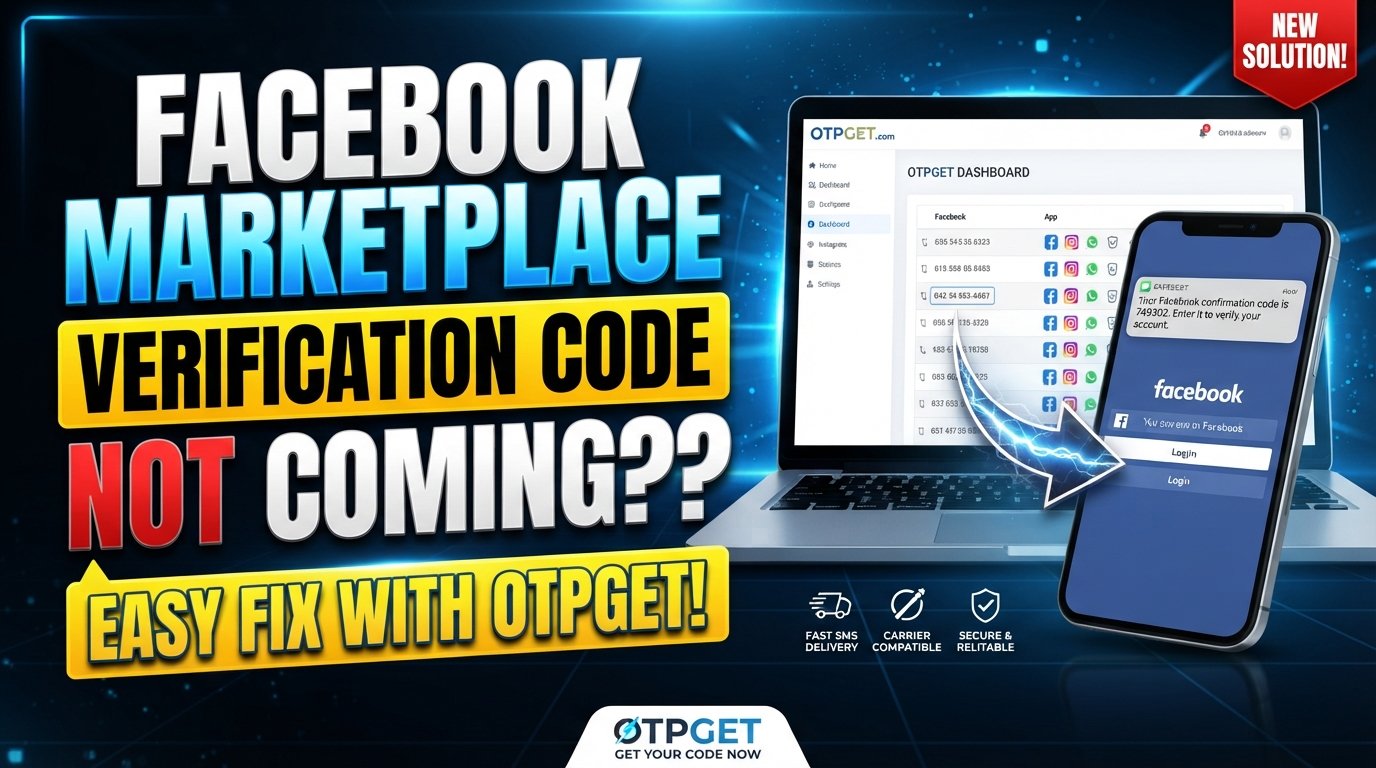
Facebook Marketplace Verification Code Not Coming: Solutions
Waiting for a verification SMS that never appears can turn a simple Facebook Marketplace task into a frustrating guessing game. If you are searching for Facebook Marketplace verification code not coming, the problem may not be with your account at all.
An incorrect phone number, weak mobile signal, delayed SMS delivery, carrier filtering, repeated code requests, or a temporary platform issue can all prevent a verification message from arriving when expected.
The good news is that most causes are straightforward to check. This guide walks through the most common reasons a Facebook Marketplace verification code may not arrive, what you can do about them, and when an alternative such as OTPGET may be worth considering for legitimate verification-code access.
Why Is My Facebook Marketplace Verification Code Not Coming?
A missing verification code does not necessarily mean something is wrong with your Marketplace account. Start by identifying where the delivery process may be failing.
The Phone Number Is Incorrect
A simple typo can prevent the Facebook SMS verification code from reaching you.
Check the phone number associated with your account carefully. Pay particular attention to the country or region code and make sure you have not accidentally entered an old or inactive number.
What to try: Review your account's phone information before requesting another code.
Your Mobile Signal Is Weak
SMS messages can be delayed when your phone has poor cellular reception. This is especially relevant if you are inside a building, traveling, or in an area with unreliable coverage.
What to try: Move somewhere with stronger cellular reception and check whether ordinary SMS messages are arriving normally.
Your Carrier Is Filtering Verification SMS
Mobile carriers sometimes filter certain automated or short-code messages. A verification SMS may therefore be delayed, blocked, or handled differently from normal text messages.
What to try: Check whether other verification messages are arriving on the same number. If several services are affected, contact your carrier and ask whether automated verification SMS messages are being filtered.
You Requested Too Many Codes
Repeatedly tapping the option to send another code can make troubleshooting more confusing. You may receive an earlier code after requesting a newer one, or the system may temporarily limit additional requests.
What to try: Stop requesting new codes for a while and use the most recent valid code if one eventually arrives.
Your Messaging App Is Filtering the Message
Some phones automatically sort, block, or filter messages that appear to come from automated senders.
What to try: Check spam, blocked messages, filtered inboxes, and other message categories.
There May Be a Temporary Service Problem
Sometimes the issue is outside your phone. A temporary problem affecting account verification or SMS delivery can prevent a code from arriving even when your number and device are working correctly.
What to try: Wait and try again later rather than repeatedly requesting codes.
Your Account or Device Information May Need Attention
An outdated phone number, account information that does not match your current details, or a device-specific problem can complicate verification.
What to try: Review the account information available to you and make sure your phone is receiving normal SMS messages.
How to Fix Facebook Marketplace Verification Code Not Coming
Work through these steps in order rather than changing several things at once.
- Check your phone number.
Confirm that the number linked to your Facebook account is correct and active. - Confirm the country or region information.
An incorrect country code can send the Facebook verification SMS somewhere other than your intended number. - Check your mobile connection.
Make sure your phone has adequate cellular reception. If necessary, move to an area with better signal. - Check your entire SMS inbox.
Look beyond the main inbox and inspect spam, blocked, archived, or filtered messages. - Restart your phone or messaging application.
A simple restart can resolve temporary communication or notification problems. - Avoid requesting multiple codes repeatedly.
Give the system time to deliver the message before requesting another one. - Check for carrier filtering.
If you regularly fail to receive automated SMS messages, your mobile provider may be worth contacting. - Try an available alternative verification method.
If Facebook offers another legitimate way to verify your account, follow the option shown to you. - Consider an appropriate OTP service when standard delivery is the problem.
For legitimate users dealing specifically with OTP access or delivery difficulties, OTPGET may be an option to consider, provided its use is compatible with the platform's verification requirements. - Contact platform support if the problem continues.
If none of the available verification methods work, use Facebook's official support and account-recovery options rather than attempting to bypass security controls.
For broader guidance, a related internal resource could use the anchor [Facebook Marketplace troubleshooting].
OTPGET: An Alternative When Verification Codes Aren't Arriving
When standard SMS delivery is causing problems, users may look for another legitimate way to handle OTP or verification-code access. OTPGET can be considered in that context.
The important distinction is that an OTP service should be used for legitimate verification purposes—not as a way to defeat Facebook's security systems or access an account without authorization.
If you are considering OTPGET, first make sure you understand what the verification process you are completing requires. The service should fit the legitimate verification workflow rather than replace or circumvent security controls.
OTPGET may be relevant to users who are experiencing difficulties with ordinary verification-code access and are looking for an alternative option. However, it should not be treated as a guarantee that Facebook Marketplace verification will succeed.
Before using any OTP or verification service:
- Use it only for an account you are authorized to verify.
- Follow the verification requirements shown by the platform.
- Never use another person's phone number for unauthorized access.
- Never share passwords or sensitive account credentials.
- Do not enter verification codes on suspicious websites.
- Do not use an OTP service to bypass account restrictions or security checks.
In other words, OTPGET should be viewed as a potential solution for legitimate OTP-access problems, not as a security workaround.
A related internal article could naturally use the anchor [How OTPGET works] or [OTP verification guide].
Quick Troubleshooting Table
| Problem | Possible Cause | What to Try |
|---|---|---|
| No SMS arrives | Weak cellular signal | Move to an area with stronger reception |
| Code goes to another number | Incorrect account information | Check the phone number and country code |
| Messages appear late | SMS delivery delay | Wait before requesting another code |
| No automated texts arrive | Carrier filtering | Contact your mobile provider |
| Code is not in the inbox | Message filtering | Check spam, blocked, and filtered messages |
| Several codes arrive | Repeated requests | Use the newest valid code and stop requesting more |
| Standard SMS verification fails | Delivery or access issue | Check available alternative verification options |
| Nothing works | Possible account or service issue | Contact Facebook support |
Mistakes to Avoid When You Don't Receive a Facebook OTP
When a Facebook OTP not received problem occurs, frustration can lead to actions that make the situation harder to diagnose.
Avoid these common mistakes:
- Requesting code after code within a short period. Give each request time to arrive.
- Using an incorrect phone number. Double-check every digit.
- Ignoring blocked or filtered SMS. Your phone may have moved the message somewhere you do not normally check.
- Sharing a verification code. Treat every OTP as a sensitive security credential.
- Using questionable verification services. Avoid services that encourage unauthorized access or security bypasses.
- Entering an OTP on a suspicious website. Only enter sensitive verification information where you have a legitimate reason to do so.
- Changing several settings at once. Make one troubleshooting change at a time so you can identify what solved the issue.
Never give your Facebook password or verification code to a stranger claiming they can restore Marketplace access.
FAQ
Why is my Facebook Marketplace verification code not coming?
The most common causes include an incorrect phone number, weak mobile reception, SMS filtering, delayed delivery, repeated verification requests, or a temporary service issue. Check each possibility systematically.
Why am I not receiving my Facebook SMS code?
Start by checking your number and country code. Then inspect blocked and filtered messages, confirm that normal SMS messages are working, and check whether your carrier filters automated verification messages.
How long should I wait before requesting another verification code?
Avoid immediately requesting several codes in succession. Give the first request time to arrive and, if necessary, wait before trying again. Repeated requests can make it difficult to determine which code is current.
What should I do if Facebook sends the code to the wrong number?
Check the phone number associated with your account and look for an available option to update or correct your verification information. If you cannot change it through the available account options, use Facebook's legitimate support or recovery process.
Why is my Facebook OTP not received?
A Facebook OTP not received issue can result from SMS filtering, weak signal, incorrect contact information, delivery delays, or problems with the verification service. Checking your phone and carrier first can help narrow down the cause.
Can OTPGET help when a verification code is not arriving?
OTPGET may be considered by legitimate users who need an alternative approach to OTP or verification-code access. Its use should remain consistent with the platform's verification requirements, and it should not be used to bypass security controls or gain unauthorized access.
What should I do if none of the verification methods work?
Stop repeatedly requesting codes and review the account information, phone connection, SMS settings, and available verification options. If the problem persists, use Facebook's official support or account-recovery channels.
Conclusion
A Facebook Marketplace verification code not coming problem can be caused by something as simple as an incorrect phone number or filtered SMS, but it can also result from carrier delays, repeated requests, device issues, or temporary service problems.
The safest approach is to troubleshoot systematically: verify your number, check your signal and messages, inspect filtering settings, wait between requests, and use only legitimate verification methods.
For users who continue to have OTP access or delivery difficulties, OTPGET may be worth considering as an alternative option for legitimate verification-code needs. Whatever method you choose, keep your verification codes private and never attempt to bypass the platform's security requirements.
Resolving the problem safely is better than repeatedly requesting codes or turning to untrusted methods.