How to Get Facebook Messenger Login Without a Personal Number
How to Get Facebook Messenger Login Without Phone Number
Want to use Messenger without handing over your personal mobile number? There are legitimate situations where keeping your primary number separate makes sense. You may want more privacy, prefer to keep personal and online contact details separate, or simply need an alternative number for a verification step.
The important distinction is that Facebook Messenger login without phone number does not mean bypassing Facebook's authentication. You still need to use an account and verification method that Facebook accepts.
Depending on the account and login screen presented, Facebook may allow you to sign in using an email address and password rather than a phone number. Facebook's own login interface identifies the login field as “Email or phone,” showing that a phone number is not necessarily the only credential used for every login.
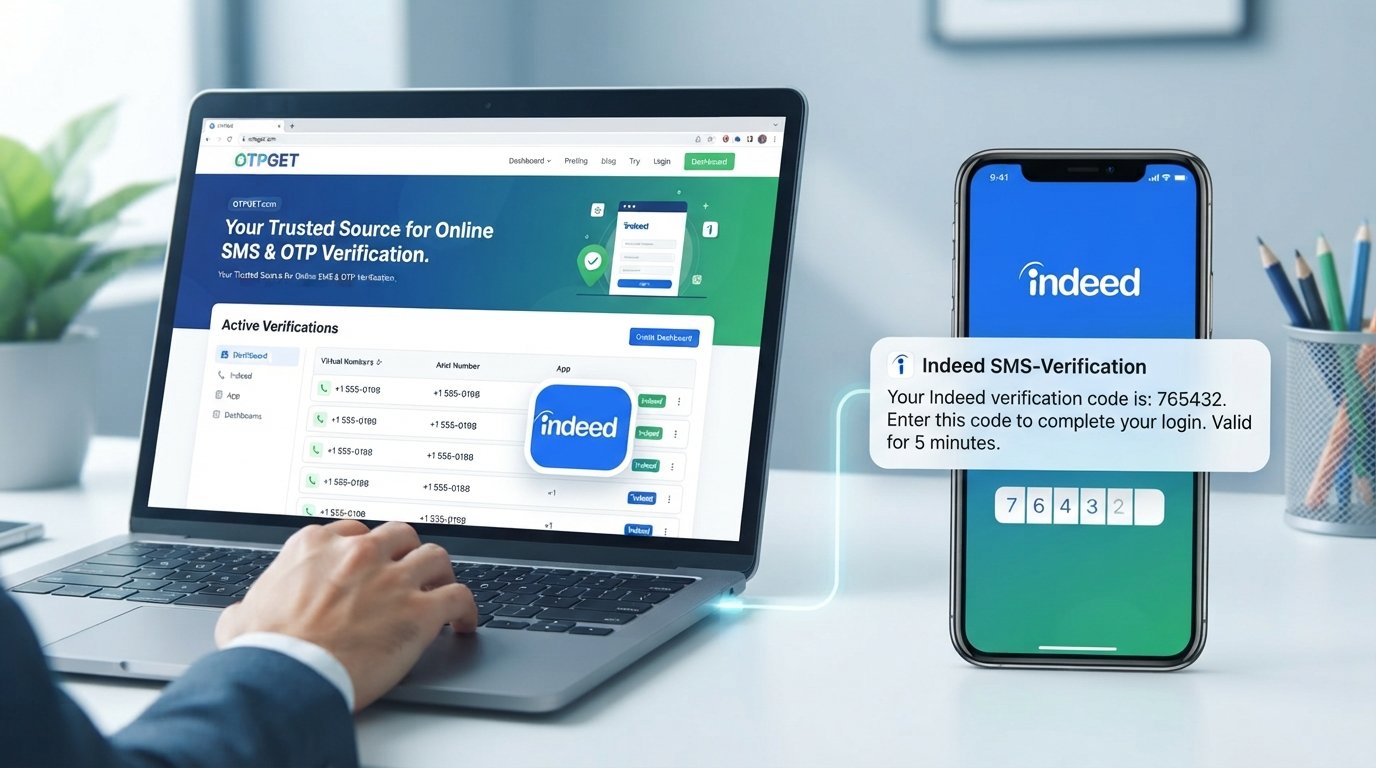
If Facebook specifically asks for SMS verification, an alternative number may be useful. That's where a service such as OTPGET can be considered for legitimate SMS/OTP verification where the relevant number and service are available.
Can You Use Facebook Messenger Without a Phone Number?
Sometimes, yes.
Messenger is connected to your Facebook account, so whether you can access it without a personal phone number depends largely on the account and authentication method Facebook presents to you.
If your existing Facebook account already has a valid email address and you can log in with your normal credentials, you may not need to enter your personal mobile number simply to log in. Facebook also provides account-management options for adding or removing email addresses through Accounts Center.
However, Facebook can request additional verification during account recovery, security checks, login attempts, or other account actions. In those cases, you should follow the verification method Facebook provides rather than attempting to circumvent it.
Why People Look for Messenger Login Without a Phone Number
There are several practical reasons someone might search for Messenger login without phone number.
Common concerns include:
- Keeping a personal number private
- Separating personal and online communication
- Avoiding unnecessary exposure of a primary number
- Needing an alternative number for an eligible verification request
- Having limited access to a personal SIM
- Handling a temporary verification requirement
A privacy-conscious approach does not mean avoiding security. It means choosing an authentication method carefully while retaining a reliable way to recover the account later.
What You Need for Facebook Messenger Verification
When Facebook requests verification, the exact requirements can vary.
You may need:
- Your Facebook login credentials
- Access to the email address associated with your account
- An accepted phone number if Facebook requests SMS verification
- The Messenger verification code sent by Facebook
- Additional identity or account-recovery information if Facebook asks for it
Facebook may also use account-recovery procedures that involve confirming account ownership. For example, its Help Center explains that some users may be asked to provide identification when Facebook needs to confirm that an account belongs to them.
The key point is simple: Facebook controls its own verification process. No third-party service can guarantee that a particular number will be accepted.
How to Get Facebook Messenger Login Without Your Personal Number
Option 1: Use Facebook's Available Account or Login Options
Start with Facebook's normal login process.
If your account is already associated with an accessible email address, try logging in with the email and password connected to your account. Facebook's login interface supports an “Email or phone” login field, so a phone number is not inherently required as the login identifier in every situation.
If you are already signed in, check your account's contact information and recovery settings. Facebook allows users to manage email addresses through Accounts Center, which can give you another legitimate contact method for account management.
Option 2: Use an Alternative Phone Number
If Facebook specifically requires an SMS verification code, you may consider an alternative phone number rather than your personal number.
This could be a phone number that you legitimately control or an eligible virtual number service.
The number still has to be accepted by Facebook. Some numbers may already have been used, may not be supported, or may be rejected as part of Facebook's security systems.
Option 3: Use OTPGET for SMS/OTP Verification
For users who need an alternative number for a legitimate verification request, OTPGET provides temporary virtual numbers designed to receive SMS verification messages.
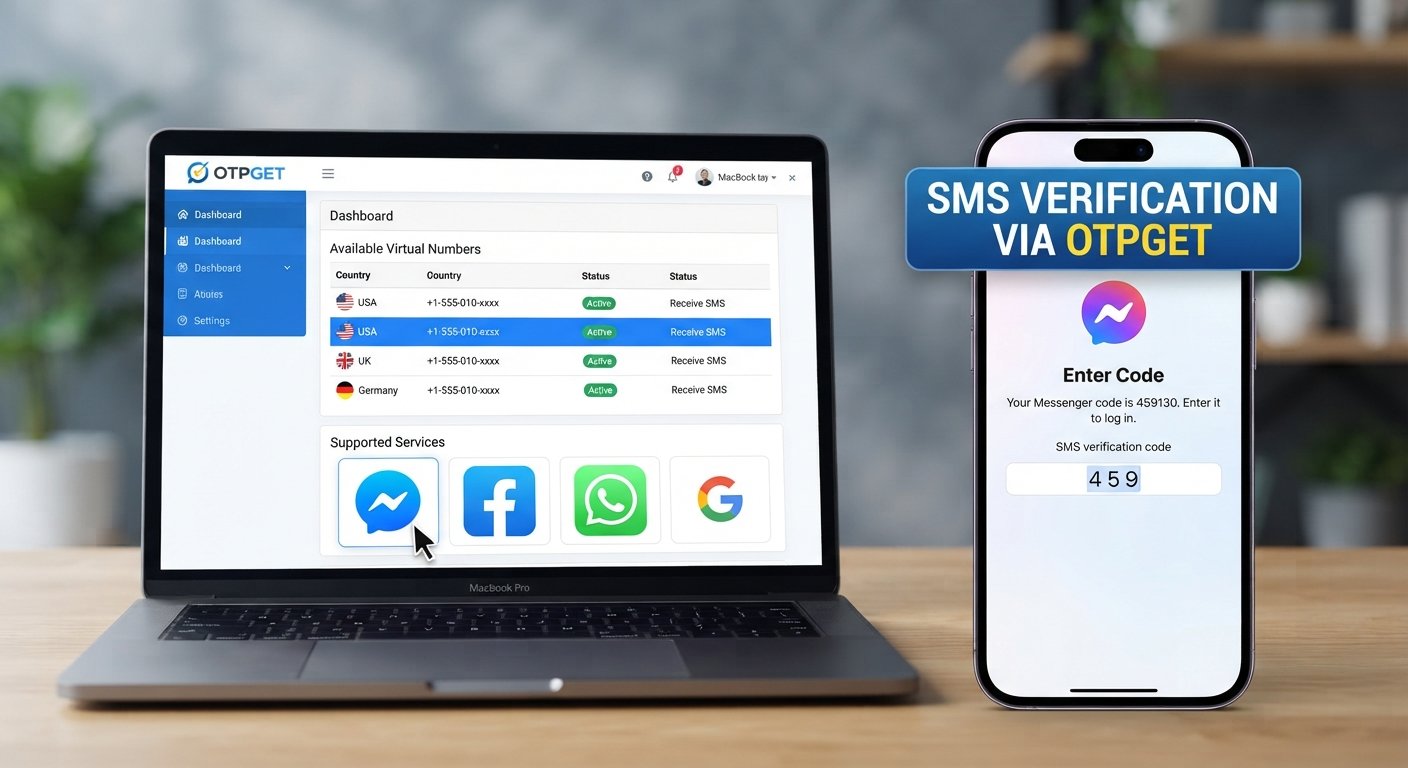
OTPGET's documentation describes a flow where users select an available country and service, request a number, and check the activation status for an incoming SMS.
The service can therefore be practical when you want to keep your personal number separate from an eligible online verification process.
It should not be viewed as a way to bypass Facebook security, recover an account you do not own, or evade Facebook restrictions.
Step-by-Step: Using OTPGET for Messenger Verification
If Facebook legitimately asks you to verify a number and an appropriate OTPGET number is available, the general process is straightforward:
- Visit OTPGET.
Open the official OTPGET website and access the available virtual-number services. - Choose an available number or service.
Select a country and number/service that is available and appropriate for your legitimate verification requirement. - Enter the number in Facebook's verification screen.
If Facebook provides a phone-number verification field, enter the OTPGET number there. - Request the verification code.
Ask Facebook to send the Messenger or Facebook verification code through its normal verification process. - Check OTPGET for the incoming SMS.
Monitor the OTPGET interface for the incoming message. OTPGET documents an activation-status process for checking whether an SMS has arrived. - Enter the verification code into Facebook.
Once the legitimate code arrives, enter it into the appropriate Facebook verification field. - Continue normally.
If Facebook accepts the number and code, continue through the standard login or verification process.
There is no guarantee that Facebook will accept a particular temporary number or that an OTP will arrive. OTPGET's own terms also state that its temporary numbers operate through automated systems and third-party providers, so availability can vary.
Benefits of Using an Alternative Number
An alternative number can be useful when your goal is privacy rather than avoiding authentication.
Better privacy
You can avoid unnecessarily exposing your primary personal number during an eligible verification process.
Separation of personal and online activity
Keeping a separate number can help distinguish personal communications from selected online services.
Convenience
An online SMS verification service can be useful when you need access to an appropriate number without using a physical SIM.
Temporary verification needs
A temporary number can make sense for a one-time or short-lived verification requirement when long-term account recovery does not depend on that number.
These benefits come with trade-offs, so the type of number you choose matters.
Why a Facebook Verification Code May Not Arrive
If your Messenger verification code does not appear, several legitimate explanations are possible:
- The number was entered incorrectly.
- SMS delivery is delayed.
- The number is unsupported or has already been used.
- Facebook has chosen another verification method.
- There is a temporary service or network problem.
- Country or carrier limitations affect delivery.
- Facebook has triggered an additional security check.
If you're using an OTP receiving service, also check whether the number was successfully activated and whether an SMS has actually been received.
Avoid repeatedly requesting codes in rapid succession. Instead, follow the instructions displayed by Facebook and use its account-recovery or Help Center options when necessary.
Is It Safe to Use a Temporary Number for Messenger?
A temporary number can offer convenience and reduce the need to disclose your personal number, but it is not automatically the best choice for every account.
The biggest consideration is future account recovery.
If a temporary number is later unavailable, you may not be able to receive another security or recovery message sent to that number. For an important Facebook account, consider maintaining a permanent recovery method wherever Facebook allows it.
Also keep your password secure, enable available account-security features, and never share verification codes with another person.
OTPGET's terms specifically prohibit illegal, fraudulent, abusive, or harmful use of its services.
OTPGET vs. Using Your Personal Phone Number
Neither option is universally right for every situation. The better choice depends on whether you prioritize convenience, privacy, or long-term account control.
| Factor | Personal Phone Number | OTPGET / Alternative Number |
|---|---|---|
| Privacy | Your personal number is used | Can keep your personal number separate |
| Convenience | Direct access through your mobile carrier | Access through an online service |
| Control over the number | Usually long-term control | May be temporary or rental-based |
| Long-term account recovery | Generally more suitable | Can be less suitable if access expires |
| Verification compatibility | Depends on Facebook and carrier | Depends on Facebook, country, number, and availability |
| Best use case | Long-term personal account access | Legitimate temporary or alternative verification needs |
OTPGET also offers rental numbers, which can be relevant when a user needs a number for longer than a one-time verification. Its documentation distinguishes temporary numbers from rental numbers with longer-duration availability.
8. FAQ SECTION
Can I log into Facebook Messenger without a phone number?
Potentially, yes. If your Facebook account allows login with an email address and password, you may not need to use a phone number as your login identifier. Additional verification may still be requested.
Can I use Messenger without giving Facebook my personal number?
In some circumstances, yes. If Facebook offers an email-based login or another accepted authentication method, you may be able to use Messenger without providing your personal mobile number. If Facebook specifically requests SMS verification, an accepted alternative number may be an option.
Can I receive a Facebook Messenger verification code online?
If Facebook sends the code by SMS to an eligible number, an online virtual-number service such as OTPGET may provide a way to receive that SMS where the number and service are supported. Acceptance and delivery are not guaranteed.
Can I use a temporary number for Facebook verification?
You can consider a temporary number for a legitimate verification request, but Facebook decides whether a particular number is accepted. Some temporary or virtual numbers may be rejected or may not receive the required SMS.
Does OTPGET work for Messenger verification?
OTPGET provides virtual numbers for SMS/OTP verification, and its service documentation describes receiving verification SMS through available numbers. However, it does not guarantee acceptance or delivery for every Facebook verification attempt.
What should I do if my Messenger OTP does not arrive?
First check the number, wait for possible SMS delivery delays, and confirm that the selected number is active and compatible. If Facebook offers another verification or recovery method, use that option instead of repeatedly requesting codes.
Can a temporary number be used for long-term Facebook account recovery?
It may not be suitable. If you lose access to the temporary number, you may also lose access to messages sent to it. For important accounts, maintain a permanent recovery method whenever Facebook provides one.
Is a temporary number the same as a permanent mobile number?
No. A temporary number is generally intended for limited or short-term use, while a permanent mobile number is normally under your longer-term control. That difference is especially important when planning account recovery.
9. FINAL THOUGHTS
Getting Facebook Messenger login without phone number does not require bypassing Facebook's security. The practical approach is to start with the login and recovery methods Facebook actually makes available for your account.
If email login is available, you may be able to avoid using your personal mobile number altogether. If Facebook requires SMS verification, an alternative number can provide another legitimate option.
For users who want to keep their personal number separate, OTPGET is one service worth considering for temporary or alternative SMS/OTP verification. Its availability, number selection, and compatibility can vary, and Facebook ultimately decides which verification methods and numbers it accepts.
The most important rule is to use any verification number only for an account and verification process you are authorized to complete. Keep your credentials secure, maintain a reliable recovery method for important accounts, and treat temporary numbers as a convenience rather than a replacement for long-term account security.
If an alternative number fits your legitimate verification needs, explore OTPGET to see what numbers and services are currently available.