Free Fire Phone Verification: Receive Your Code | OTPGET
Free Fire Phone Verification – Receive Your Code | OTPGet
Introduction
Free Fire phone verification can be a simple step when the verification SMS arrives immediately. But when a code is delayed, a phone number cannot be used, or an OTP never appears, the process can quickly become frustrating.
A Free Fire verification code is typically delivered through an SMS-based verification process when phone confirmation is required. If that message does not arrive, users may be left wondering whether the problem is their phone, mobile network, number, or the verification service itself.
This is where an OTP receiving service such as OTPGET can be worth exploring. Depending on availability and the verification requirements involved, OTPGET can provide a convenient way to access an available phone verification option and check for incoming OTP messages.
In this guide, you will learn what Free Fire phone verification involves, why a Free Fire OTP may not arrive, how to troubleshoot common problems, and how OTPGET can fit into the verification process.
What Is Free Fire Phone Verification?
Free Fire phone verification is a phone-number confirmation process that may require an SMS verification code. Instead of completing the process with only a username or password, the user may be asked to enter a code sent to a phone number.
An OTP, or one-time password, is a temporary verification code. The code is generally entered into the appropriate verification field to confirm that the user can access the phone number being used.
The exact verification requirements can vary depending on the account process and the platform's current procedures. For that reason, users should always follow the instructions shown during the official Free Fire verification process.
When everything works normally, the process is straightforward:
- Enter the requested phone number.
- Request the verification code.
- Receive the SMS.
- Enter the code into the verification field.
- Complete the relevant verification step.
The difficulty begins when the Free Fire phone verification code does not arrive.
Why Is the Free Fire Verification Code Needed?
Phone verification is commonly used by online platforms as an additional account-related confirmation step. Depending on the situation, a verification code may help with:
- Confirming access to a phone number
- Completing an account verification process
- Supporting account security checks
- Reducing automated or suspicious activity
- Completing certain account-related actions
An OTP is designed to be temporary rather than a permanent password. This means users should treat every verification code as sensitive information.
If a Free Fire verification screen requests an SMS code, use the instructions displayed there and enter the code only into the appropriate verification field.
Why You May Not Receive a Free Fire OTP
There are several reasons a Free Fire OTP not received problem can occur. Not every missing SMS means there is a problem with your account.
Common possibilities include:
SMS delivery delays
Mobile messages can sometimes take longer than expected to arrive. A short delay may resolve itself without any additional action.
Incorrect phone number
A single incorrect digit can send the verification message somewhere else or prevent delivery altogether. Carefully check the number before requesting another code.
Weak mobile reception
Poor network coverage can interfere with normal SMS delivery. If your phone has limited reception, moving to an area with a stronger signal may help.
Carrier filtering
Mobile carriers and messaging systems may filter certain automated messages. This can sometimes affect the delivery of verification codes.
Temporary service problems
The verification system, messaging provider, or mobile carrier may experience a temporary issue. Trying again later can sometimes be more useful than repeatedly requesting new codes.
Too many verification attempts
Repeatedly requesting an OTP in a short period can create confusion because multiple codes may be generated. An earlier code may also become invalid when a newer one is requested.
Unsupported phone numbers
Some phone numbers may not be accepted for a particular verification process. If the number is unavailable or unsuitable, an alternative option may be worth considering where permitted.
Expired OTP
Verification codes are normally intended for temporary use. If a code has expired, request a new one instead of repeatedly entering the old code.
How to Receive a Free Fire Verification Code
If you need to receive a Free Fire verification code, start with the standard verification process and carefully follow the instructions provided by the platform.
A simple approach is:
- Open the relevant Free Fire account or verification screen.
- Enter the requested phone number carefully.
- Request the SMS verification code.
- Wait briefly for the message to arrive.
- Check your SMS inbox and any relevant message filters.
- Enter the received Free Fire OTP code into the correct verification field.
- If the code does not arrive, troubleshoot the phone, network, and number before repeatedly requesting another OTP.
If accessing a suitable phone number is the main difficulty, OTPGET may provide another option to explore, depending on available numbers and the requirements of the verification process.
How OTPGET Can Help With Free Fire Phone Verification
For users who need a convenient approach to online OTP verification, OTPGET can be considered as part of the phone verification workflow.
The basic process can be straightforward, although the exact options available may vary.
1. Visit OTPGET
Start by accessing OTPGET and reviewing the available verification options.
2. Choose an appropriate option
If a suitable phone or OTP receiving option is available for your intended verification process, select it according to OTPGET's instructions.
3. Use the provided number appropriately
Enter the available number in the relevant verification field when permitted and appropriate for the service you are using.
4. Request the Free Fire verification SMS
Return to the relevant Free Fire verification process and request the Free Fire SMS verification code.
5. Check OTPGET for the incoming message
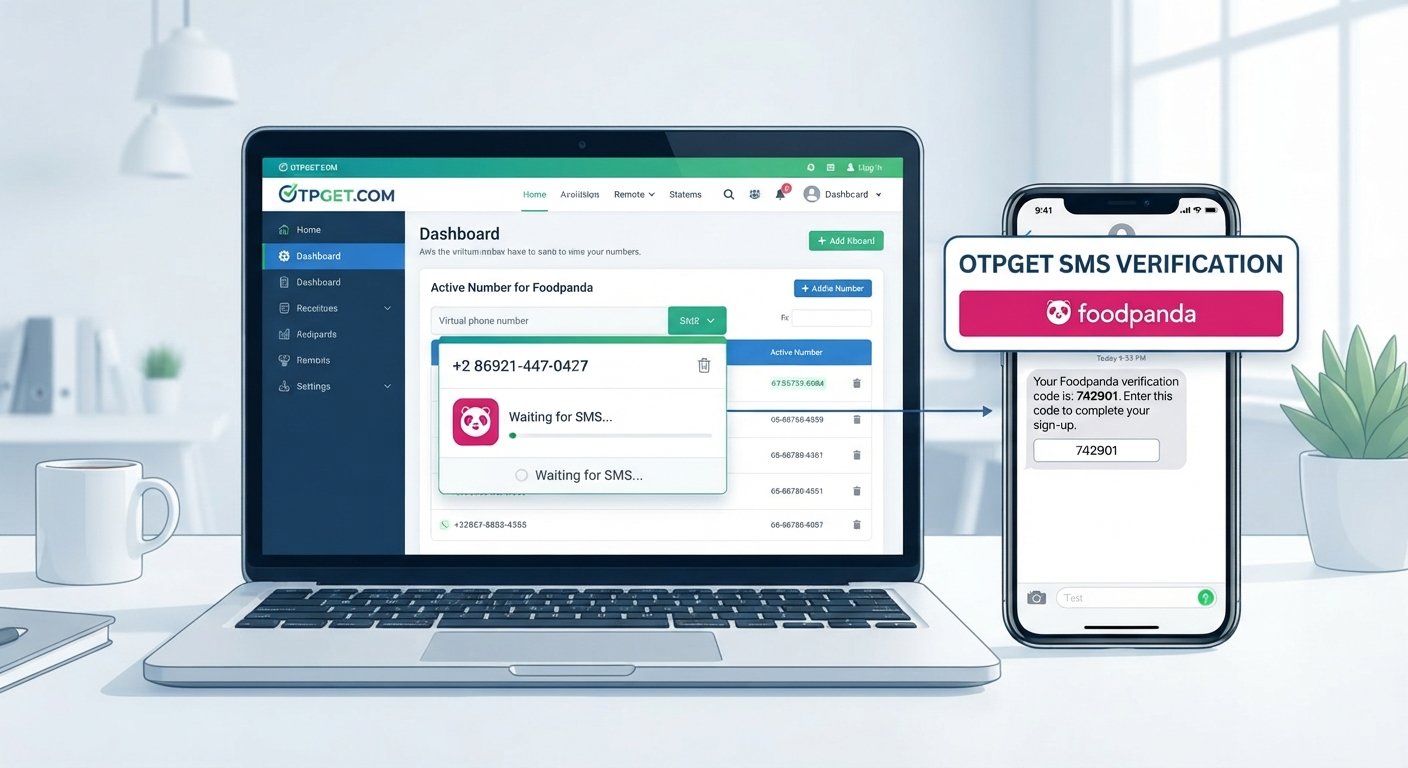
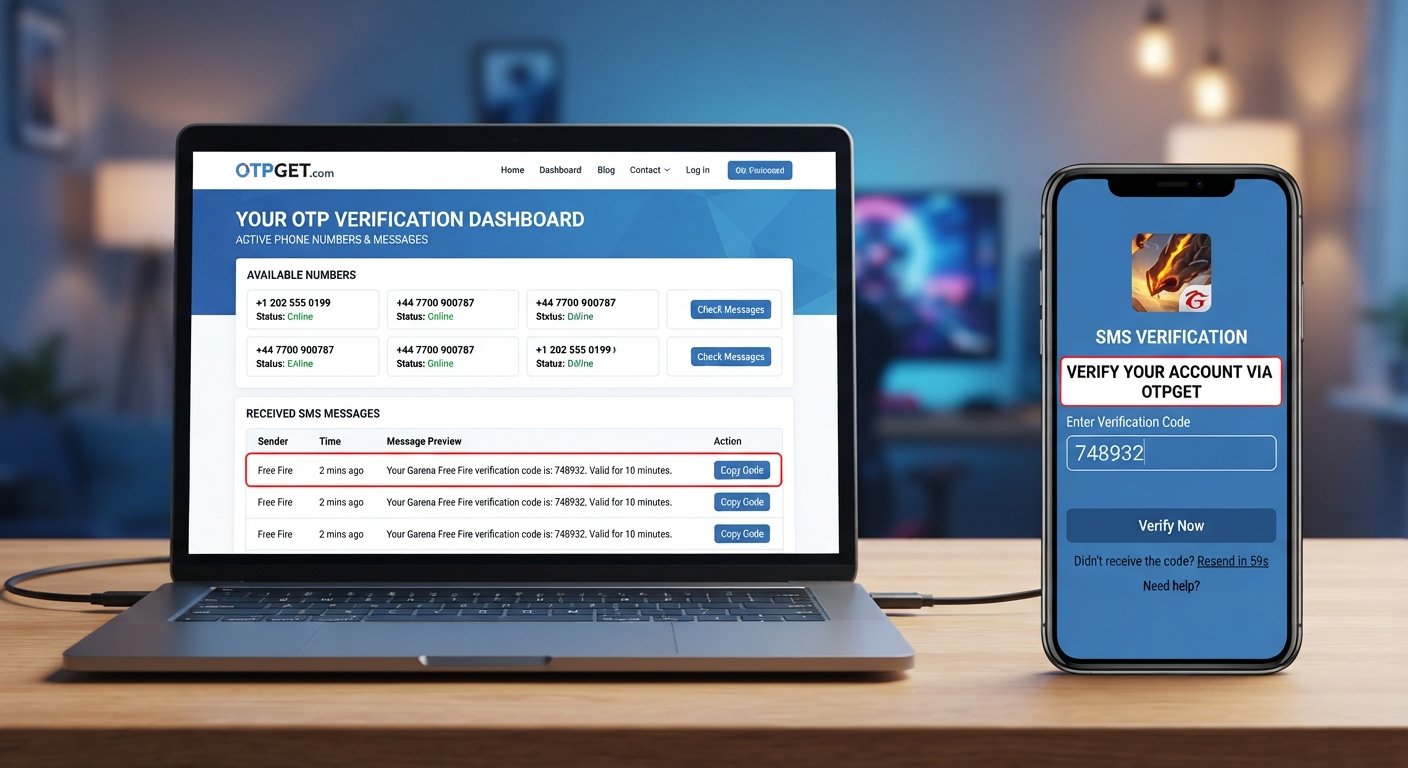
If the message is delivered to the selected OTP receiving option, check the OTPGET interface for the verification SMS.
6. Enter the code
Use the received SMS verification code in the appropriate Free Fire verification field before it expires.
The important point is that OTPGET should be treated as a practical option to explore rather than a guarantee that every verification request will be successful. Availability, compatibility, and the requirements of the verification process can affect the result.
Why Choose OTPGET for OTP Verification?
When phone verification becomes inconvenient, the biggest advantage of an OTP receiving service is having another option to consider.
OTPGET can be useful for users who need an accessible way to handle an incoming verification message and want a straightforward workflow.
Potential benefits include:
- A convenient approach to receiving verification messages
- A centralized place to check available OTP messages
- A simple process for users familiar with SMS verification
- An alternative option when accessing a suitable phone number is difficult
- A practical way to explore online OTP verification when appropriate
The right choice depends on the specific verification requirements, number availability, and applicable policies. Users should always make sure their chosen verification method is permitted for the account or platform they are using.
Free Fire OTP Not Received? Try These Troubleshooting Steps
If your Free Fire verification code is not received, avoid immediately requesting several more codes. Instead, work through the following checklist:
- Double-check the phone number. Make sure every digit is correct.
- Wait briefly. SMS delivery can sometimes be delayed.
- Check mobile reception. A weak signal can affect normal messaging.
- Check your SMS inbox. Look for filtered, blocked, or automatically sorted messages.
- Avoid repeated requests. Multiple OTP requests can make it difficult to determine which code is current.
- Check the code's validity. An expired OTP should be replaced with a fresh code.
- Try again later. A temporary service or carrier problem may resolve itself.
- Consider an officially supported alternative. If another verification method is provided, follow its instructions.
- Explore OTPGET where appropriate. If obtaining a suitable phone number is the main obstacle, OTPGET may be a convenient option to consider depending on availability.
These steps can help distinguish a delivery problem from an issue with the number or verification process.
OTPGET vs. Common Phone Verification Problems
| Problem | Possible Solution |
|---|---|
| SMS not arriving | Check reception, SMS filtering, and wait for possible delivery delays |
| Verification number unavailable | Consider an available OTPGET option where appropriate |
| OTP expired | Request a fresh verification code |
| Incorrect phone number | Recheck the number before submitting another request |
| Repeated verification failures | Stop repeated attempts and review the number and verification requirements |
| Temporary messaging issue | Wait and try again later |
OTPGET is best viewed as an additional option within the verification process, not as a replacement for troubleshooting basic SMS or account issues.
Tips for a Smoother Free Fire Verification Process
A few simple habits can make Free Fire account verification easier:
- Enter your phone number carefully.
- Avoid requesting multiple codes in rapid succession.
- Use a stable internet connection when completing online verification.
- Make sure your phone can receive SMS messages.
- Check verification messages promptly.
- Follow the instructions shown by the platform.
- Never share an OTP with strangers.
- Do not publish verification codes in public chats or forums.
- Use an OTP service responsibly and according to its instructions.
- Check the applicable rules and requirements before using an alternative phone verification method.
Remember that an OTP is a verification credential. Anyone who obtains an active code may potentially use it for the verification step for which it was generated.
Is Using an OTP Service Safe?
There is no single answer that applies to every OTP service or every verification situation. Before using any third-party OTP service, consider its privacy practices, terms, available information, and the rules that apply to the platform you are trying to verify.
You should also understand what information you are entering and why it is needed.
Most importantly, never share your verification code with another person simply because they ask for it. A legitimate verification process should tell you where the code needs to be entered.
If you choose to use OTPGET, review the service's own instructions and available options before proceeding. Use the service only in ways that are appropriate for the relevant account and verification process.
Frequently Asked Questions
What is Free Fire phone verification?
Free Fire phone verification is a process that can involve confirming access to a phone number by entering an SMS-delivered verification code. The exact requirements depend on the verification process being presented to the user.
How can I receive a Free Fire verification code?
Enter the requested phone number, request the verification SMS, and check your messages for the code. If the SMS does not arrive, check the number, mobile reception, SMS filtering, and possible delivery delays. Where appropriate and available, OTPGET can also be explored as an OTP receiving option.
Why is my Free Fire OTP not received?
A missing OTP can result from SMS delays, an incorrect number, weak reception, carrier filtering, temporary service issues, unsupported numbers, or too many verification attempts. Check these possibilities before requesting additional codes.
What should I do if my Free Fire verification code does not arrive?
First, confirm that the phone number is correct and that your phone can receive SMS messages. Wait briefly, check your inbox and filters, and avoid repeatedly requesting codes. If the problem continues, consider an available alternative verification option such as OTPGET where appropriate.
Can OTPGET help with Free Fire phone verification?
OTPGET may provide a convenient OTP receiving option for users who need an alternative way to access a verification message, depending on availability and the requirements of the verification process. It should not be considered a guarantee of successful verification.
How does OTPGET work for OTP verification?
The general workflow is to review the available OTP receiving options on OTPGET, use an appropriate option according to its instructions, request the verification message through the relevant service, and check for the incoming SMS. The received code can then be entered into the applicable verification field.
How long does an OTP verification code remain valid?
OTP validity varies by verification system. Because these codes are temporary, use the current code promptly and follow the instructions shown on the verification screen. If the code has expired, request a new one.
Should I share my Free Fire OTP with anyone?
No. Treat your OTP as private verification information. Do not give it to strangers, post it publicly, or enter it into an unrelated website or form.
Final Thoughts: Receive Your Free Fire Verification Code With Less Friction
A missing Free Fire verification code can turn a simple phone verification step into a frustrating experience. Before trying anything complicated, check the phone number, network connection, SMS inbox, and possible delivery delays.
If the main challenge is finding a suitable phone verification option, OTPGET can be another practical option to explore. Depending on availability and the requirements of the verification process, it can provide a convenient way to check for incoming OTP messages and continue with the relevant verification step.
Use OTPGET according to its instructions, follow the applicable Free Fire verification requirements, and keep every verification code private.
If you are ready to explore a convenient OTP receiving service, visit OTPGET and check the available options for your next phone verification process.
8. Suggested Internal Link Anchors
- OTP verification — link to the site's main OTP verification information page
- receive OTP online — link to an online OTP receiving service page
- temporary phone number — link to a relevant temporary-number guide or service page
- SMS verification — link to an SMS verification information page
- OTP receiving service — link to the relevant OTPGET service page
- Free Fire verification guide — link to another Free Fire verification resource
- phone verification — link to a broader phone verification guide
9. SEO FAQ Section
What is Free Fire phone verification?
It is a phone-number confirmation process that can require an SMS-delivered OTP or verification code.
How do I receive a Free Fire verification code?
Follow the verification instructions, enter the requested phone number, request the SMS, and enter the received code in the appropriate field.
Why is my Free Fire OTP not received?
Possible causes include SMS delays, incorrect numbers, weak reception, carrier filtering, temporary service issues, or too many verification attempts.
Can OTPGET help me receive a Free Fire OTP?
OTPGET may provide an available OTP receiving option that can be explored for the verification process, subject to availability and applicable requirements.
What should I do when my Free Fire verification code does not arrive?
Check the phone number, reception, SMS inbox, and message filtering. Avoid repeatedly requesting codes and consider an appropriate alternative option if available.
How does OTPGET work for online OTP verification?
Users can review available OTP options, follow OTPGET's instructions, request the verification SMS through the relevant process, and check for the incoming message.
How long is a Free Fire OTP valid?
OTP validity depends on the verification system. Use the current code promptly and request a new one if the existing code expires.
Is it safe to share a Free Fire OTP?
No. Verification codes should be kept private and entered only into the appropriate verification process.