How to Get Freelancer Login Without Phone Number Using OTPGET
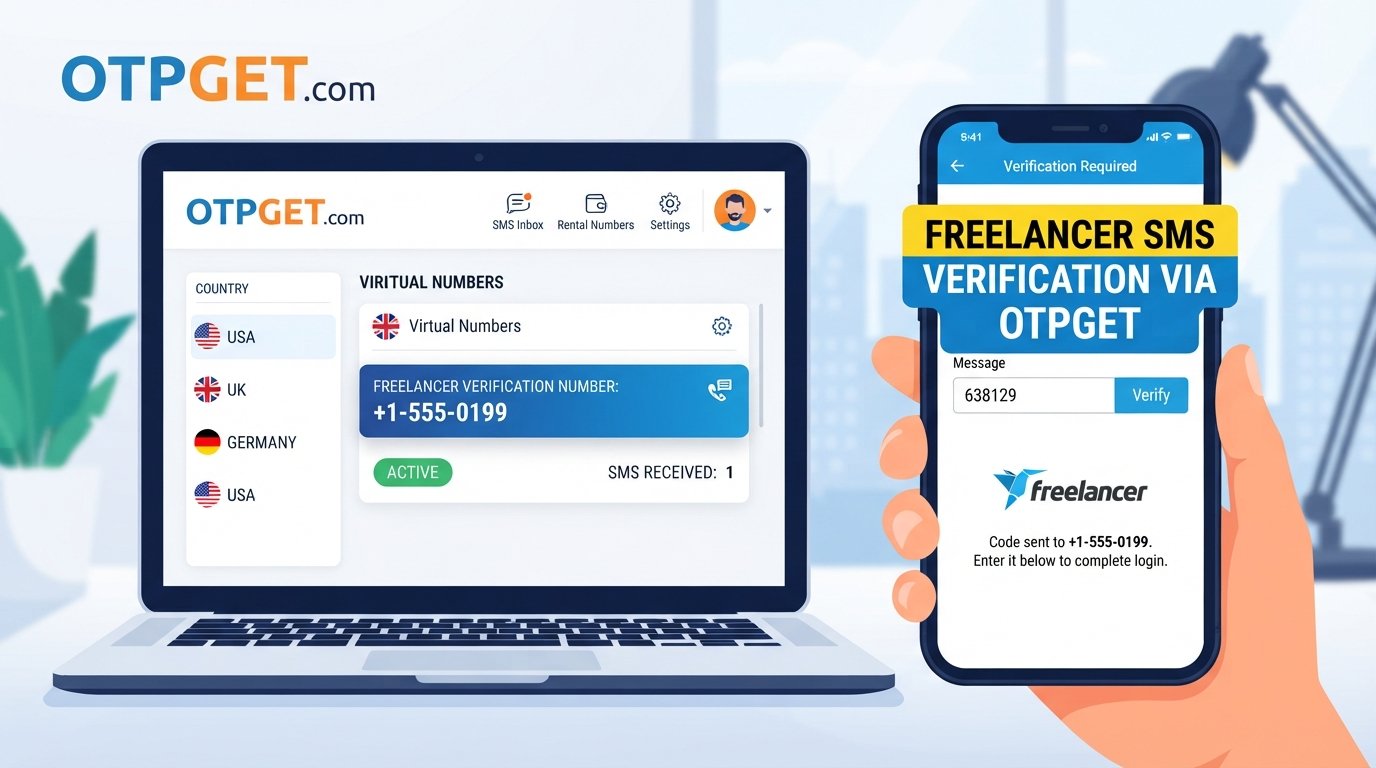
How to Get Freelancer Login Without Phone Number
Logging into a Freelancer account can become frustrating when a verification code is required but your personal phone number is unavailable or you simply prefer not to use it. You might be traveling, dealing with a SIM issue, keeping work communications separate, or looking for a practical phone verification alternative.
The important distinction is that you are not trying to bypass Freelancer's security. You are looking for an appropriate way to receive a verification code when the platform's verification flow permits another number.
That is where OTPGET can be useful. OTPGET provides virtual numbers and SMS OTP services designed for online verification. Where an online verification number is accepted by the platform, it can give you another way to receive the required code without relying on your personal SIM.
Can You Log In to Freelancer Without Your Personal Phone Number?
The answer depends on what Freelancer is asking you to verify and how your account is configured.
Freelancer provides a security phone-number verification process in which users can receive a verification code by SMS or, in supported situations, by phone call. Its support documentation also notes that a correctly formatted mobile or landline number can be used for phone verification.
This means there is no universal rule that every login or account-verification situation can be completed without a phone number. Requirements can vary based on your account, security settings, and the particular verification flow presented to you.
The sensible approach is to use a legitimate number that you are authorized to use and that the platform accepts. An online number can be an option where that type of number is compatible with the verification process. It should not be treated as a method for defeating authentication.
For account recovery or identity checks, additional requirements may apply. Freelancer's KYC process, for example, can involve identity and address documentation in addition to phone and email verification.
Why Do Users Look for a Freelancer Login Without Phone Number?
There are several practical reasons someone may search for a Freelancer login without phone number.
Common situations include:
-
Privacy: You may not want to connect a personal number to every work-related service.
-
Temporary phone access: Your usual phone may be unavailable or damaged.
-
SIM problems: A lost, inactive, blocked, or malfunctioning SIM can prevent SMS delivery.
-
Travel: International travel can make access to your normal number less convenient.
-
Work-life separation: Some users prefer to keep professional verification separate from personal communications.
-
Testing workflows: Developers and teams may need temporary numbers for legitimate testing or account-related processes.
-
SMS delivery problems: Even an active number can occasionally experience delays or filtering.
The key is to choose a verification method that complies with the platform's rules and is under your control.
What Is OTP Verification?
An OTP, or one-time password, is a temporary verification code used to confirm that someone has access to a particular phone number, email address, or authentication channel.
For SMS verification, the basic process is straightforward:
-
A website requests verification.
-
You provide an eligible phone number.
-
The service sends a temporary code.
-
You enter the code in the verification field.
-
The service confirms the code and continues the verification process.
OTP codes are normally designed to expire after a limited period. That reduces the usefulness of an old code if it is intercepted or viewed later.
Never share an OTP with another person. A legitimate support representative should not need you to disclose a private verification code simply to "help" you log in.
How OTPGET Can Help With Freelancer Verification
OTPGET is an online platform offering virtual numbers for SMS OTP verification, along with rental numbers and related verification services. Its documentation describes an SMS OTP system for obtaining a number and checking the status of incoming verification messages.
For someone searching for a Freelancer phone verification alternative, the potential benefit is simple: instead of using a personal number, you can use an OTPGET number when the relevant Freelancer verification flow accepts it.
The service can help centralize verification messages online, which may be convenient if you want to keep work-related verification separate from your everyday phone.
However, compatibility is controlled by the website requesting the verification. OTPGET does not control Freelancer's security requirements, and an online or virtual number may not be accepted in every verification situation.
That distinction matters. OTPGET can provide the number and receive the SMS; Freelancer decides whether that number meets its verification requirements.
How to Use OTPGET for Freelancer Login
If your account is yours and you are simply looking for an alternative number for a legitimate verification step, the process can be approached as follows.
Step 1: Identify the Verification Requirement
First, determine whether Freelancer is requesting an SMS or phone verification code. Check the exact verification screen rather than assuming that every login requires the same process.
If the platform offers another supported verification method, you can use that instead.
Step 2: Open OTPGET
Open OTPGET and review the available virtual-number options. The platform provides temporary numbers as well as rental numbers, depending on the intended use.
Choose an option appropriate for your legitimate verification need.
Step 3: Enter the Number
If Freelancer's verification field accepts the type of number you obtained, enter it using the required country and number format.
Freelancer's support documentation emphasizes using the correct international format and selecting the appropriate country.
Step 4: Request the OTP
Submit the verification request through Freelancer. The service should then attempt to send the verification message to the number you entered.
Step 5: Check for the Incoming Code
Return to OTPGET and check the relevant SMS or activation status. OTPGET's documented SMS workflow allows users to check whether a verification message has been received.
Step 6: Enter the Verification Code
Once the code arrives, enter it into the verification field shown by Freelancer.
Make sure you use the current code and do not share it with anyone else.
Step 7: Complete the Login or Verification Process
If Freelancer accepts the number and the verification succeeds, continue with the normal login or account-verification process.
If the number is rejected, do not try to circumvent the restriction. Use another permitted verification method or contact Freelancer support.
Benefits of Using OTPGET for Online Verification
Using an online verification number can be useful in specific situations.
Convenience
You can access verification messages through an online service rather than depending entirely on your physical SIM.
Privacy
An online number can help avoid unnecessarily exposing your personal phone number during an eligible verification workflow.
Work and Personal Separation
Keeping professional verification separate from your personal number can make account management easier, especially when you use multiple work-related services.
Online Access to Verification Messages
OTPGET is designed to provide access to SMS OTP messages through its online platform and API infrastructure.
Useful for Temporary Needs
A temporary number can make sense when you need a verification channel for a specific, short-term purpose rather than a permanent phone line.
Reduced Dependence on a Personal SIM
If your personal SIM is unavailable, an eligible online number may provide another option when the platform supports it.
Things to Know Before Using an Online OTP Number
An online number is not automatically compatible with every website.
Before using OTPGET for Freelancer verification, keep these points in mind:
-
Not every platform accepts virtual numbers. Some verification systems may reject certain number types.
-
Country and number format matter. Use the format requested by the platform.
-
OTP codes are private. Never forward your verification code to another person.
-
Follow platform rules. Use only verification methods permitted by Freelancer and other services involved.
-
Use authorized numbers. You should have legitimate control or authorization to use the number for the intended purpose.
-
Think about account recovery. A temporary number may not be appropriate for long-term recovery if you cannot reliably access it later.
-
Verification is different from identity verification. A phone OTP does not replace identity or KYC requirements when those are requested.
OTPGET's own terms prohibit illegal, fraudulent, abusive, or harmful use of its services, so using the service for legitimate verification is important.
OTPGET vs. Using Your Personal Phone Number
Neither approach is universally right for every situation. The practical differences depend on your verification needs and the number options accepted by the platform.
| Factor | Personal Phone Number | OTPGET Online Number |
|---|---|---|
| Privacy | Uses your personal number | Can keep your personal number separate |
| Convenience | Convenient when your SIM is available | Useful when online access is preferable |
| Accessibility | Depends on phone/SIM access | Access depends on OTPGET service availability |
| Work/personal separation | Less separation | Greater separation between work and personal use |
| Verification compatibility | Generally depends on platform rules | Depends on whether the platform accepts the number |
| Long-term recovery | Often more practical if retained | Requires reliable continued access to the number |
The most important consideration is not simply convenience. If a number may later be required for account recovery, make sure you can legitimately access it for as long as necessary.
Common Problems With Freelancer OTP Verification
OTP Not Arriving
Check the number and country format first. Freelancer also recommends checking for issues that could interfere with incoming messages and retrying the verification process when necessary.
Verification Code Expired
Request a new code and use the newest message rather than an older code.
Number Not Accepted
The number may not be compatible with the verification system. Try a different permitted number or use another verification method offered by Freelancer.
Too Many Verification Attempts
Stop repeatedly requesting codes. Additional attempts can make troubleshooting harder. Wait and follow the platform's instructions before trying again.
SMS Delivery Delays
Give the message time to arrive and check the verification service for an incoming message. If the delay continues, use the platform's resend option where available.
Incorrect Number Format
Check the country selection and international format carefully. Freelancer specifically advises against unnecessary spaces or hyphens and provides formatting guidance for its security phone number process.
Account Recovery Difficulties
If you no longer have access to the number associated with an account, an OTP service should not be viewed as a guaranteed replacement for the platform's recovery process. Follow Freelancer's official account-recovery or support procedures instead.
Frequently Asked Questions
Can I log in to Freelancer without a phone number?
It depends on the verification requirements shown for your account. If phone verification is required, you generally need an eligible number accepted by the platform. An online number may be an option where supported, but it does not bypass Freelancer's security requirements.
Can I receive a Freelancer OTP online?
Potentially, if Freelancer sends the code to a number that its verification system accepts. OTPGET provides online virtual numbers intended for SMS OTP verification, but compatibility is determined by Freelancer.
What is OTPGET?
OTPGET is an online verification service offering virtual numbers for SMS OTPs, rental numbers, temporary email services, and developer APIs.
Can OTPGET receive verification codes?
OTPGET's documented SMS workflow supports obtaining numbers and checking for incoming verification messages. Whether a particular service will send a code successfully depends on that service's verification rules and number compatibility.
Is an online number suitable for Freelancer verification?
It can be suitable when Freelancer accepts the relevant number type. There is no guarantee that every online or virtual number will work, so check the verification flow before relying on it.
Why is my Freelancer OTP not arriving?
Possible causes include an incorrect number format, SMS delivery delays, filtering, or an unsupported number. Check the number carefully, wait for delivery, use the resend option when available, and contact Freelancer support if the issue continues.
Can I use an online number for account recovery?
That depends on the recovery process and whether you will retain reliable access to the number. For important long-term recovery, use a number or recovery method you can consistently control and access.
Final Thoughts
A Freelancer login without phone number does not necessarily mean bypassing account security. In many cases, the real need is simply to avoid using a personal number while completing a legitimate verification step.
OTPGET can provide a practical option for receiving SMS verification codes through an online number when the relevant Freelancer verification flow accepts that type of number. Its virtual-number and SMS OTP features are designed for online verification workflows.
Before proceeding, check what Freelancer is actually requesting, use only an authorized verification number, and remember that Freelancer controls its own security and account-recovery requirements.
If an online number fits your situation, explore OTPGET's available verification options and choose a service that matches your needs while keeping your account access and verification information secure.


