Germany Telegram Not Working? Fix Verification with OTPGet Now
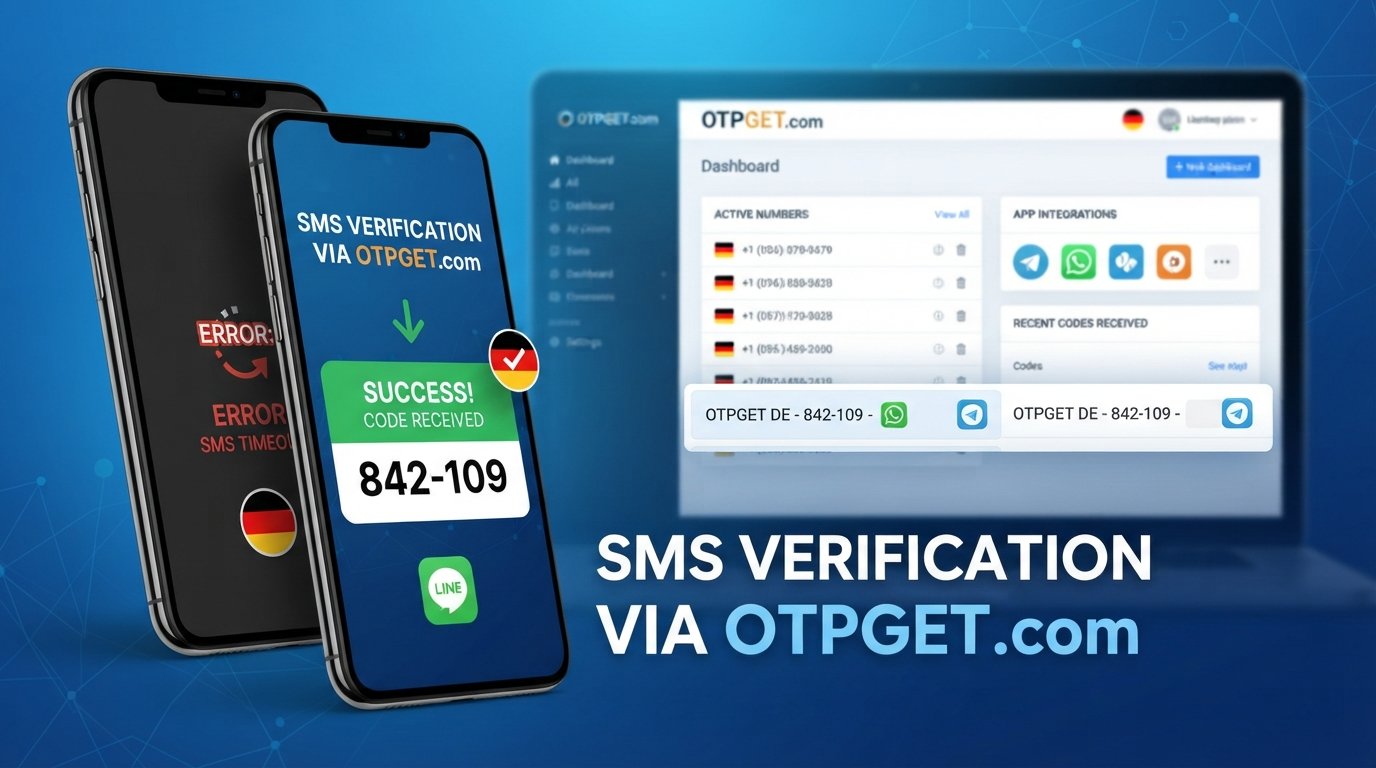
Germany Telegram Not Working? Fix with OTPGet
Trying to log into Telegram and waiting for a verification code that never arrives can be surprisingly frustrating. You check your phone, request another code, wait again—and still nothing.
If you're in Germany and dealing with a Telegram verification problem, the issue may not necessarily be with your account. SMS delivery delays, phone-number formatting, mobile connectivity, app problems, carrier limitations, or repeated verification requests can all interfere with the normal login process.
The good news is that there are several troubleshooting steps worth trying first. And if traditional SMS verification continues to be a problem, OTPGet can provide an alternative way to receive supported verification messages through a virtual phone number, depending on availability and Telegram's verification requirements. OTPGet lists Telegram among its supported services and offers virtual numbers from multiple countries, including Germany.
Why Is Telegram Not Working in Germany?
When someone says "Telegram not working in Germany," they may actually be experiencing a verification or login issue rather than a complete Telegram outage.
The first step is identifying where the problem occurs. If Telegram opens normally but you cannot sign in because the Telegram verification code is not received, the issue is likely connected to the authentication process.
Several factors can contribute.
SMS delivery delays
Verification messages sometimes take longer to arrive than expected. Mobile-network congestion, routing problems, or temporary delivery issues can delay an SMS.
A delayed message does not necessarily mean the verification request failed.
Incorrect phone number formatting
Entering the wrong number or country code can prevent the code from reaching your phone.
For a German number, double-check that the country selection and number are correct. Remove unnecessary characters and make sure you are using the number you actually control.
Mobile connectivity problems
A weak cellular connection can interfere with SMS delivery. If your phone has limited reception, is experiencing network problems, or has connectivity disabled, verification messages may not arrive normally.
Too many verification attempts
Repeatedly requesting Telegram login codes within a short period can complicate the process. Instead of continuously pressing the resend option, pause and allow the existing request time to complete.
Device or app problems
An outdated Telegram installation, temporary app malfunction, or device-level issue can also contribute to a Telegram login problem.
Checking the application and restarting the device can sometimes eliminate these simpler causes.
Verification restrictions
Telegram may handle verification differently depending on the account, number, device, and circumstances surrounding the login attempt. A verification method that worked previously may not always behave identically during another attempt.
For that reason, there is no single explanation for every Telegram verification issue in Germany.
Why Is the Telegram Verification Code Not Arriving?
If your specific problem is "Telegram verification code not received," start by checking whether the code may have been delivered somewhere other than the SMS inbox you are watching.
Telegram can use its normal authentication process to deliver login information, and users should check whether they are already signed in on another device. If the account is active elsewhere, the login code may not necessarily behave exactly as a new-user SMS registration would.
If you are expecting an SMS, check the following:
- Confirm the phone number and German country code are correct.
- Make sure your phone can receive ordinary SMS messages.
- Check cellular reception and network connectivity.
- Look for the verification message in your normal SMS inbox.
- Check whether Telegram is already open on another authorized device.
- Avoid requesting multiple codes repeatedly.
- Restart Telegram and try again after a reasonable delay.
- Make sure you are using the latest available version of the app.
These steps can resolve straightforward Telegram SMS verification problems, but they cannot fix every possible delivery or account-related issue.
Quick Ways to Troubleshoot Telegram Verification
Before looking for an alternative, work through the basics systematically.
1. Check the number.
Verify the complete phone number, country selection, and formatting. A small mistake here can send the Telegram SMS code somewhere else—or nowhere at all.
2. Test your mobile connection.
Try receiving a normal SMS or making a call. If your mobile service is experiencing problems, Telegram verification may be affected too.
3. Check another logged-in device.
If you've previously used Telegram on another phone, tablet, or computer, check that device for login information.
4. Stop repeated requests.
Requesting code after code is unlikely to make delivery faster. Give the existing verification attempt time to complete.
5. Restart the app.
Close Telegram completely, reopen it, and check the verification screen again.
6. Restart your phone.
A simple restart can resolve temporary network or messaging problems.
7. Check for updates.
An outdated application can occasionally create unexpected login or verification behavior.
8. Try again later.
If the problem appears temporary, waiting before starting another verification attempt may be more effective than repeatedly requesting a new code.
If you've gone through these steps and still cannot receive a Telegram OTP, an alternative number may be worth considering.
Still Not Receiving Your Telegram OTP? Try OTPGet
When your regular phone number is not receiving the expected verification SMS, OTPGet offers an alternative approach: using a virtual phone number for supported SMS verification.
OTPGet describes its service as providing virtual and rental phone numbers for online verification and account registration. Its website specifically lists Telegram as a supported service and shows Germany among its available countries.
The important distinction is that OTPGet does not bypass Telegram's authentication system. Telegram still controls the verification process and determines whether a particular number and verification request are accepted.
Instead, the idea is straightforward: use an available virtual number that can receive the supported SMS verification message, then access that message through OTPGet.
Availability can vary, and not every virtual number will necessarily work with every service. OTPGet itself notes that application or platform restrictions can affect verification outcomes.
How OTPGet Can Help With Telegram Verification
The basic process is designed to be simple.
Step 1: Choose the appropriate verification option
Start by selecting a suitable virtual number and the service you need it for through the OTPGet platform. Available numbers and services can vary, so check what is currently offered before proceeding.
Step 2: Use the provided number
Enter the selected number into Telegram where you would normally enter a phone number for registration or login.
Make sure the country and number are entered correctly.
Step 3: Request the Telegram verification code
Continue through Telegram's normal verification process. Telegram will determine how and where the verification code is delivered.
Step 4: Receive the OTP
If the selected number supports Telegram verification and the message is successfully delivered, the verification SMS can be accessed through the OTPGet service. OTPGet states that received SMS messages are displayed through its online system.
Step 5: Complete verification
Enter the valid verification code into Telegram and follow the remaining instructions shown by the app.
The process depends on Telegram accepting the number and successfully delivering the verification message, so OTPGet should be viewed as an alternative verification method—not a guarantee of account access.
Why Choose OTPGet for Telegram OTP Problems?
The main advantage of an alternative verification service is convenience when your usual SMS route is creating difficulties.
Instead of depending entirely on your personal SIM card, OTPGet provides access to virtual numbers intended for online verification. That can be useful for legitimate situations where an alternative number is appropriate.
Some potential benefits include:
- An alternative to relying exclusively on a personal mobile number.
- Online access to supported SMS verification messages.
- Virtual-number options across multiple countries.
- A straightforward workflow for receiving supported OTP messages.
- Options for temporary or longer-term number use, depending on the service selected.
However, choosing the right number matters. Virtual numbers are not universally accepted by every platform, and Telegram's own verification requirements still apply.
It's also worth reviewing the service's terms before using a number. OTPGet prohibits illegal, fraudulent, abusive, or harmful use of its services and states that users are responsible for how purchased services are used.
Common Telegram Verification Questions
Why is Telegram not working in Germany?
If Telegram opens but you cannot sign in, the issue may be related to verification rather than Telegram itself. Check your phone number, SMS reception, connectivity, existing logged-in devices, and whether you have made repeated verification attempts.
Why am I not receiving my Telegram OTP?
A Telegram OTP may be delayed because of SMS delivery issues, mobile connectivity, number formatting, verification limits, or other account and device factors. Check the basics before requesting another code.
Why is Telegram not sending me an SMS code?
First confirm that the phone number is correct and capable of receiving SMS messages. Also check whether Telegram has already delivered login information through another authorized device.
Can I use another number for Telegram verification?
A different number may be an option when it is appropriate and accepted by Telegram. Services such as OTPGet provide virtual numbers for supported verification use cases, subject to availability and the platform's requirements.
How can OTPGet help with Telegram verification?
OTPGet provides virtual phone numbers that can receive supported SMS verification messages. You select an available number, use it during the relevant verification process, and access the received OTP through the service if Telegram sends the message successfully.
What should I do if my Telegram OTP is delayed?
Avoid repeatedly requesting new codes. Check your connection, verify the phone number, look for the code on any already-authorized Telegram device, and wait before trying again.
How long should I wait before requesting another Telegram code?
There is no universal waiting period that guarantees delivery. If a code is delayed, avoid repeatedly submitting requests in quick succession and follow whatever instructions Telegram displays during the verification process.
Get Back to Telegram Verification with OTPGet
A Telegram verification problem in Germany can have several causes. Sometimes the fix is as simple as correcting the phone number, restoring mobile connectivity, restarting the app, or checking another logged-in device. In other cases, SMS delivery or verification limitations may continue to cause problems.
If you've tried the normal troubleshooting steps and traditional SMS verification still isn't working, OTPGet can be an alternative worth exploring. It provides virtual numbers for supported online verification services, including Telegram, with availability depending on the numbers and services currently offered.
The key is to use the service for a legitimate verification purpose and understand that Telegram's own verification requirements remain in effect.
If Telegram verification is holding you back, and see whether it offers the verification option you need.


