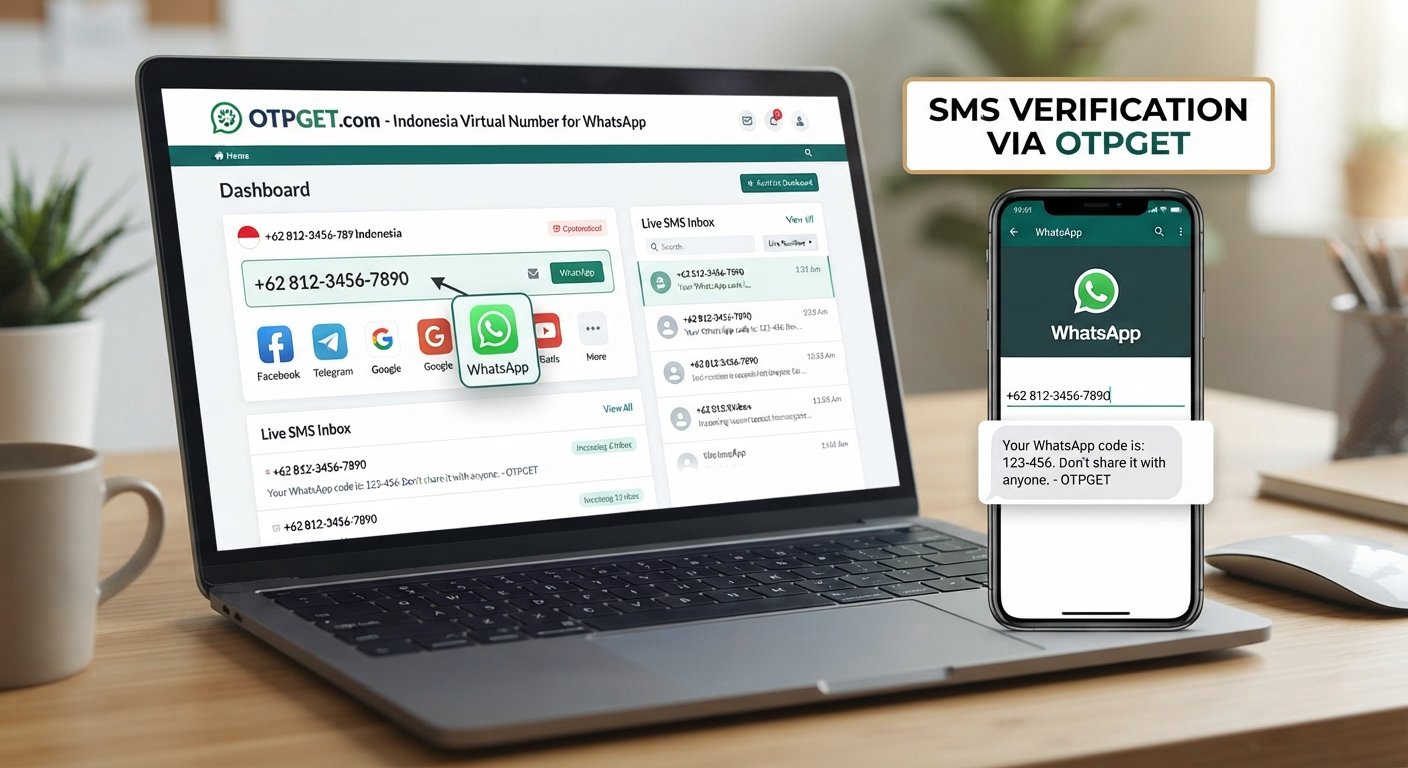
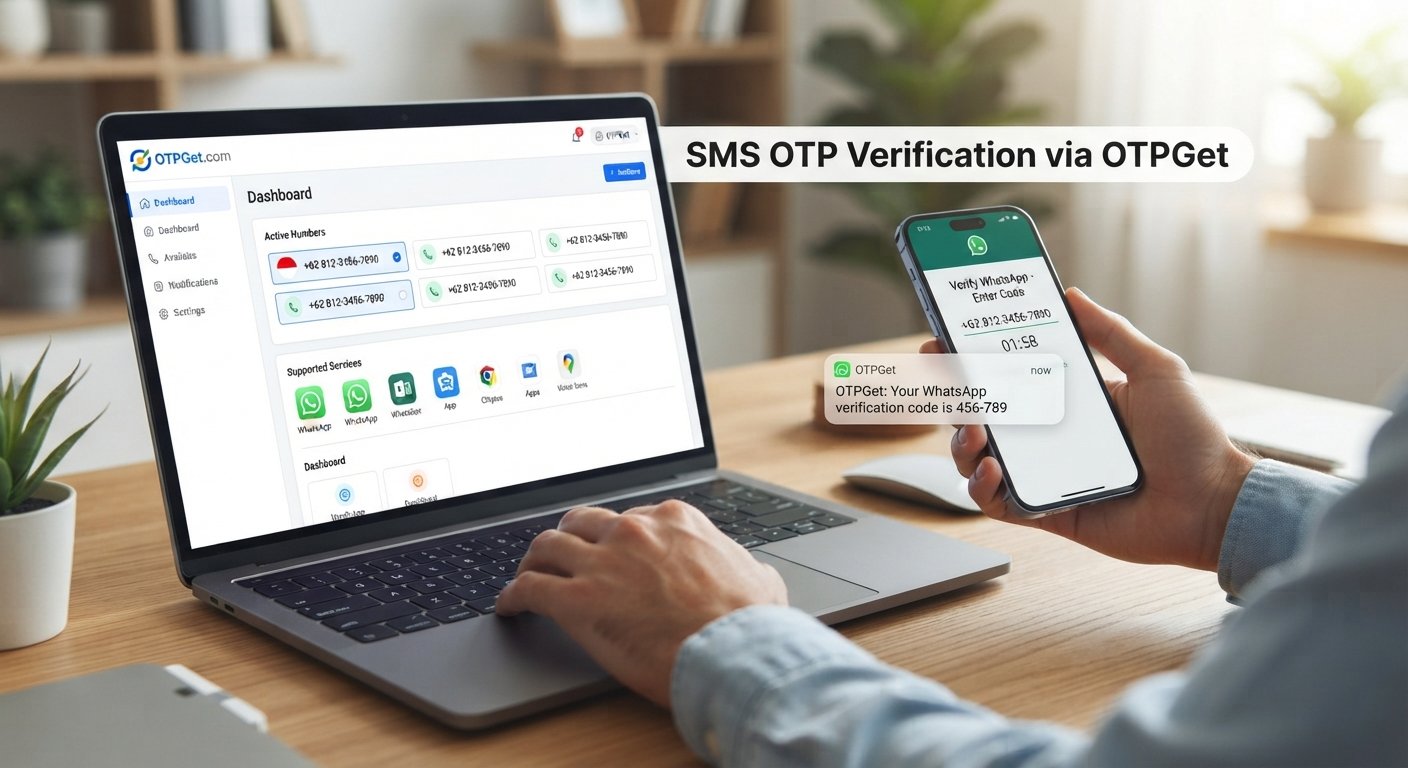
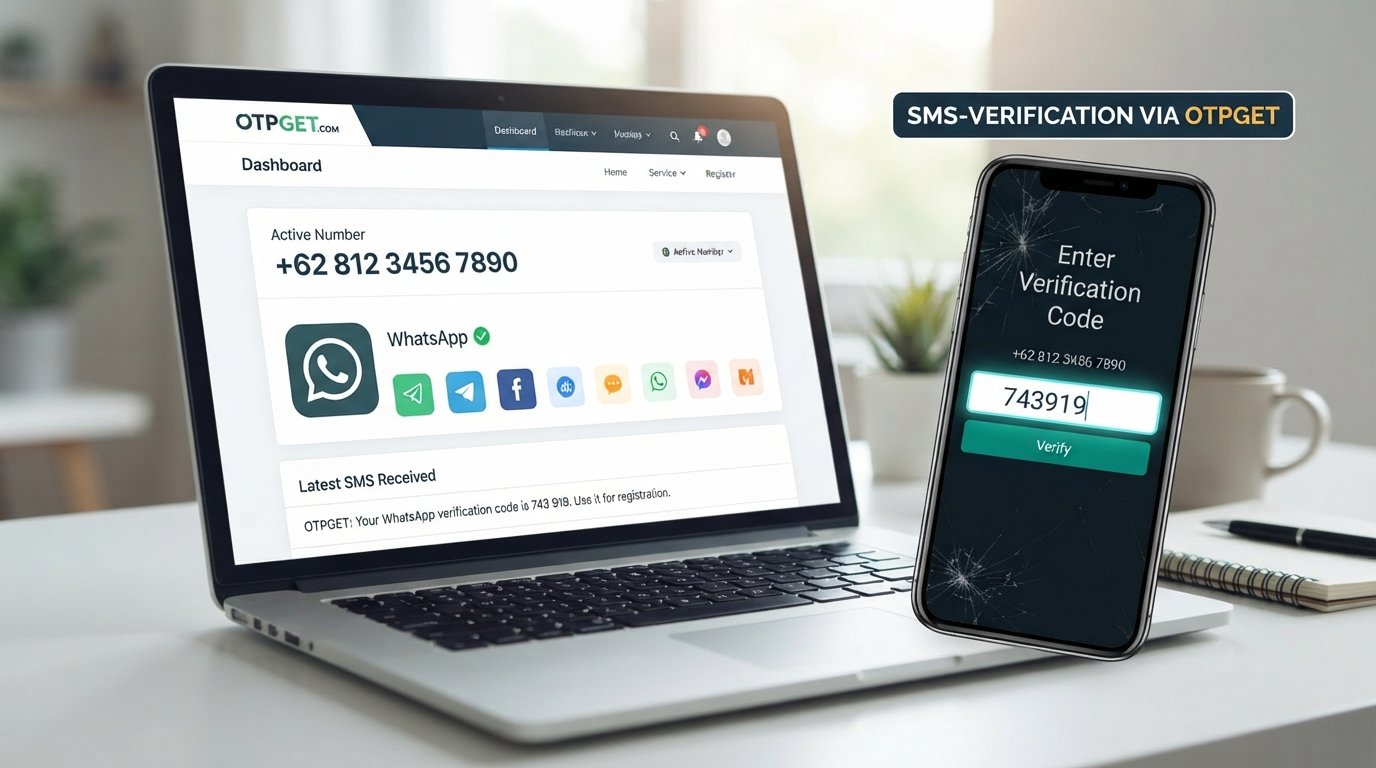
Get WhatsApp Code Using an Indonesia Number via OTPGET Guide
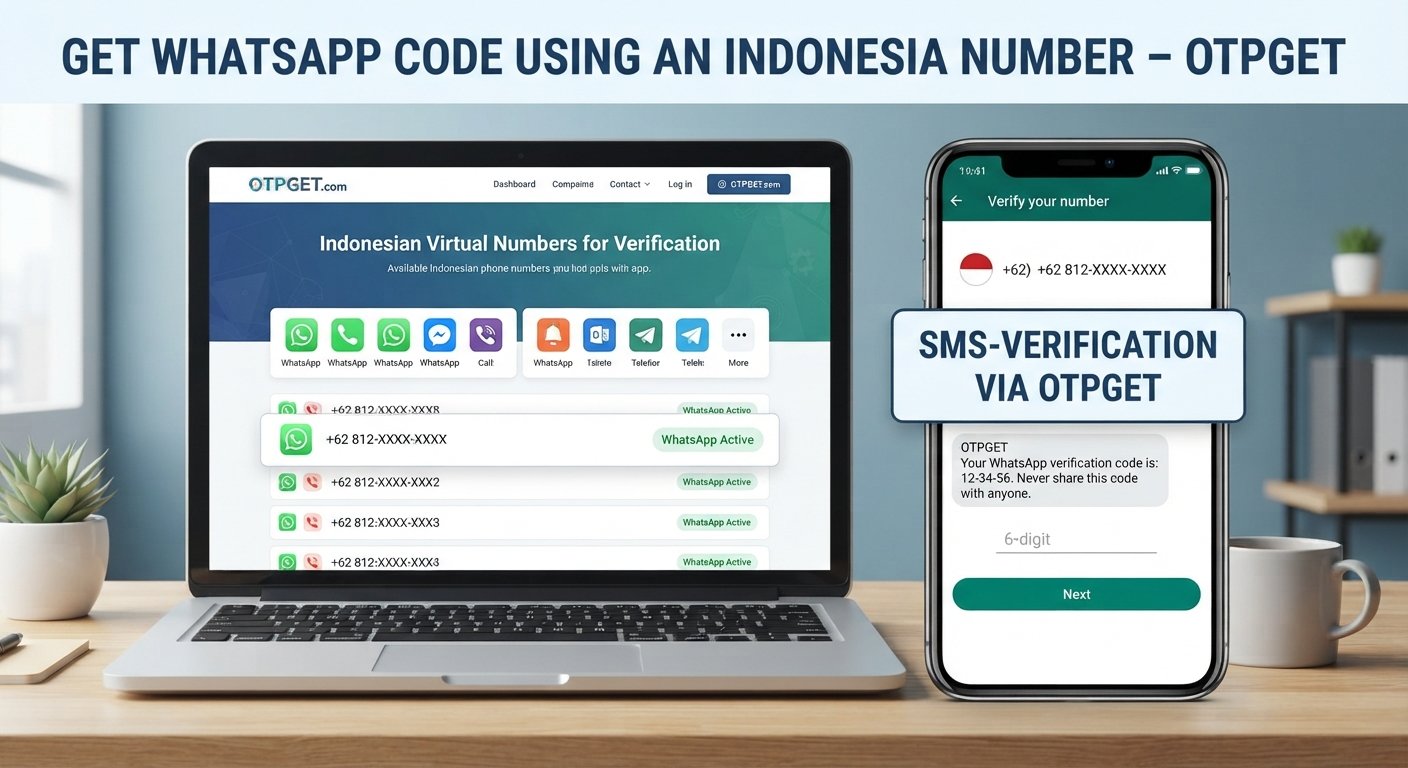
Get WhatsApp Code Using an Indonesia Number – OTPGET
Getting a WhatsApp verification code can be straightforward when you have access to the right phone number. The difficulty often begins when you need an Indonesian number specifically, but do not have a suitable physical SIM available.
Whether you are setting up communication with Indonesian contacts, registering an account with an appropriate Indonesia phone number, or legitimately need an Indonesian number for WhatsApp verification, receiving the SMS code is an essential part of the process.
The key is having a number that can receive the required verification message and using it correctly.
If your goal is to get WhatsApp code using an Indonesia number, services such as OTPGET can provide a practical option for accessing a suitable number and receiving verification messages, subject to the service's availability and WhatsApp's verification requirements.
Why Use an Indonesia Number for WhatsApp Verification?
There are several legitimate reasons someone may need an Indonesian phone number for WhatsApp registration.
For example, an international user may need to communicate with Indonesian customers, colleagues, suppliers, friends, or contacts. A business operating in Indonesia may also want its WhatsApp communication channel associated with an appropriate local number.
In these situations, an Indonesia number for WhatsApp verification can make account setup more convenient.
WhatsApp uses phone-number verification to confirm that the person registering an account has access to the number. During the process, WhatsApp sends a verification code through an available verification method, commonly SMS.
This means the number you use needs to be capable of receiving the relevant message.
For people who do not have a physical Indonesian SIM, an Indonesia virtual number or Indonesian virtual phone service may be an alternative worth considering, provided the number is supported for the intended use and the user is authorized to use it.
How WhatsApp Verification Works
The WhatsApp verification process is relatively simple:
- Enter a valid phone number.
Select the appropriate country and enter your Indonesian number correctly. - Request verification.
WhatsApp initiates the account verification process. - Receive the verification code.
The WhatsApp OTP or verification SMS is delivered to the number. - Enter the code.
Type the received verification code into WhatsApp when prompted. - Complete account setup.
Once the number is successfully verified, continue with the normal WhatsApp account setup process.
The most important point is authorization. Only use a number that you are permitted to use, and never share a WhatsApp verification code with another person.
A verification code is intended to confirm access to the phone number. Treat it as private account information.
The Challenge of Receiving a WhatsApp Code on an Indonesia Number
Knowing the process does not always mean the SMS arrives immediately.
Several practical issues can interfere with SMS verification. These problems do not necessarily mean that anything is wrong with WhatsApp itself.
Common issues include:
- Incorrect international number formatting
- Selecting the wrong country code
- SMS delivery delays
- A number that cannot receive incoming messages
- Temporary network or service issues
- A number that has already been associated with an account
- Requesting verification codes repeatedly within a short period
- Temporary verification restrictions or waiting periods
For example, someone may enter an Indonesian number correctly but discover that the selected number does not support the type of incoming SMS required for verification.
That is why choosing an appropriate virtual phone number or online SMS number is an important part of the process.
Rather than repeatedly requesting codes, it is usually better to check the number, confirm that it supports incoming messages, and follow WhatsApp's instructions if a waiting period applies.
OTPGET: A Simple Way to Receive WhatsApp Verification Codes
For users searching for an Indonesia number for WhatsApp verification, OTPGET can be a practical place to look for a suitable verification number.
The basic idea is straightforward: instead of needing to obtain a physical Indonesian SIM solely for a verification task, users can explore an available number through an online OTP receiving service.
OTPGET is particularly relevant when the main requirement is to receive WhatsApp verification code messages through an Indonesian number.
Depending on the number and service availability, this can make the verification workflow easier to manage from an online interface.
For someone searching for WhatsApp OTP Indonesia, the important thing is not simply finding an Indonesian number. The number must also be appropriate for receiving the required verification message.
That distinction matters.
A number may look like a valid Indonesian phone number but still not be suitable for every verification service. Users should therefore check the available number and service information before starting the WhatsApp verification process.
How to Get a WhatsApp Code Using an Indonesia Number with OTPGET
If OTPGET offers a suitable Indonesian number for your intended verification use, the general workflow can be simple.
Step 1: Choose an Indonesia Number
Start by selecting an available Indonesian number through OTPGET that is appropriate for receiving verification messages.
Pay attention to the country and number details before proceeding. Make sure you understand the service's conditions and that you are authorized to use the number for your intended account.
Step 2: Enter the Number in WhatsApp
Open WhatsApp's normal registration or verification flow.
Select Indonesia as the country and enter the number using the correct international format. Double-check the digits before submitting the number.
A small formatting mistake can prevent the verification message from reaching the intended number.
Step 3: Request the Verification Code
Ask WhatsApp to send the verification code.
At this point, avoid repeatedly requesting new codes. If the message takes time to arrive, give the system an opportunity to process the request.
Step 4: Check for the OTP
If the selected OTPGET number supports the relevant message, check the OTPGET interface for the incoming verification SMS.
The exact availability and behavior of numbers can vary, so follow the information provided by the service rather than assuming every number will work for every platform.
Step 5: Enter the Code in WhatsApp
When the WhatsApp OTP arrives, enter the verification code into the official WhatsApp verification screen.
Do not send the code to another person or enter it into an unrelated website.
Step 6: Complete Account Setup
After successful verification, continue with the normal WhatsApp account setup process.
Use the account according to WhatsApp's terms and only for legitimate communication and registration purposes.
Why Choose OTPGET for an Indonesia Number?
The main advantage of using a service such as OTPGET is convenience.
If you need an Indonesian phone number for a legitimate verification task but do not have a suitable local SIM, an online number service can reduce some of the practical hurdles involved in obtaining and managing a physical number.
OTPGET can be useful for users who are specifically looking to:
- Access an Indonesian number online
- Receive eligible OTP messages
- Simplify the SMS verification workflow
- Find a number for a legitimate WhatsApp registration need
- Manage verification messages through an online service
The right choice still depends on the specific number available and WhatsApp's own verification requirements.
It is better to treat OTPGET as a practical verification-number option rather than assume that every number will be accepted in every situation.
Tips for Receiving a WhatsApp Verification Code Successfully
A few simple checks can prevent many verification problems.
Use the correct country code.
When registering an Indonesian number, make sure Indonesia is selected and the number is entered in the appropriate international format.
Double-check every digit.
An incorrect number can send the verification request somewhere else or result in no usable message.
Confirm SMS capability.
Before requesting a code, make sure the selected number can receive the type of SMS required for your intended verification.
Avoid repeated requests.
Requesting multiple verification codes in quick succession can make the process more confusing and may trigger temporary waiting requirements.
Give delayed messages time.
SMS delivery can occasionally take longer than expected. Repeatedly requesting new codes is not necessarily the fastest solution.
Keep the OTP private.
Never share your WhatsApp verification code with anyone who asks for it.
Follow WhatsApp's instructions.
If WhatsApp displays a waiting period or another verification requirement, follow the instructions provided in the official app.
What If the WhatsApp OTP Does Not Arrive?
If your WhatsApp verification SMS does not appear, start with the basics.
First, check that the Indonesian number was entered correctly. Confirm the country code and every digit. A formatting error is one of the easiest issues to overlook.
Next, verify that the selected number supports incoming SMS and is currently available for the intended purpose. If you are using OTPGET, check the relevant number or service status before requesting another code.
If everything looks correct, wait rather than repeatedly requesting new messages. WhatsApp may apply temporary limits or waiting periods when multiple verification attempts are made.
You should also avoid entering a code from an unrelated message or trying to use a number you are not authorized to control.
If the issue continues, follow WhatsApp's official troubleshooting and verification guidance. The problem may be related to the number, SMS delivery, account state, or temporary service restrictions.
Who Can Benefit from an Indonesia WhatsApp Number?
An Indonesian WhatsApp number can be useful in several legitimate situations.
International users may need an Indonesian number when their communication needs involve Indonesian contacts, customers, or services.
Businesses and professionals working with Indonesian audiences may need an appropriate local communication number for account setup.
Individuals with Indonesian connections may prefer an Indonesian number when creating a WhatsApp account associated with their local communication needs.
A virtual number can also be useful when someone needs access to an Indonesian number without immediately obtaining a physical SIM.
However, the number should always be used responsibly. It should not be used for spam, impersonation, fraudulent activity, fake identities, or attempts to bypass WhatsApp's security systems.
OTPGET Makes Indonesia Number Verification Simpler
Getting a WhatsApp verification code depends on more than simply finding a number with an Indonesian country code.
You need a number that is suitable for receiving the required SMS, you need to enter it correctly, and you need to follow WhatsApp's verification process without repeatedly triggering unnecessary requests.
For users who need an Indonesia number for WhatsApp verification, OTPGET offers a practical online approach to finding and using a verification number where the available service supports the intended purpose.
If you need to get WhatsApp code using an Indonesia number, start by choosing an appropriate number, verify that it can receive SMS, and follow WhatsApp's normal registration process.
Explore OTPGET if its available Indonesian numbers and service options match your legitimate verification needs.
FAQ Section
Can I get a WhatsApp verification code using an Indonesia number?
Yes, WhatsApp can use an Indonesian phone number for account verification when the number is eligible and you are authorized to use it. During registration, WhatsApp sends a verification code to the provided number. The important factors are entering the number correctly and ensuring it can receive the required verification message. If you use an online number service such as OTPGET, check the number's availability and suitability before requesting the WhatsApp OTP.
How do I receive a WhatsApp OTP on an Indonesia number?
Select an appropriate Indonesian number, enter it correctly in WhatsApp with the Indonesia country code, and request verification. If the number supports the required SMS, the verification message may appear through the service providing the number. With OTPGET, check the relevant interface for an incoming message when supported. Avoid repeatedly requesting codes and keep any received OTP private.
Can OTPGET help me receive a WhatsApp verification code?
OTPGET can be an option for users looking for an Indonesian number to receive verification messages. The actual suitability depends on the number available and WhatsApp's verification requirements. Before beginning, confirm that the selected number supports incoming SMS and is appropriate for your intended use. No online number should be assumed to work for every platform or verification scenario.
What should I do if my WhatsApp verification SMS does not arrive?
First, check the Indonesia country code and phone number for mistakes. Then confirm that the selected number supports incoming SMS. If you are using OTPGET, review the relevant number or service information. Avoid repeatedly requesting new codes because WhatsApp may require you to wait. If the message still does not arrive, follow the verification instructions provided by WhatsApp.
How do I enter an Indonesia number correctly on WhatsApp?
Select Indonesia as the country during WhatsApp registration and enter the phone number in the format requested by the app. Check the complete number carefully before requesting the verification code. The exact formatting can matter because WhatsApp needs to associate the verification request with the correct number. If you are unsure, follow the format displayed by WhatsApp rather than manually guessing how the number should be entered.
Is an Indonesia virtual number suitable for WhatsApp verification?
An Indonesian virtual number may be suitable when it can receive the required WhatsApp verification message and its use complies with the applicable service requirements. Not every virtual number is suitable for every platform. Before choosing one through an OTP receiving service such as OTPGET, check whether the available number supports incoming SMS and is appropriate for your intended WhatsApp account setup.
Should I share my WhatsApp verification code with anyone?
No. A WhatsApp verification code should be treated as private account information. It is used to confirm access to the phone number during the verification process. Do not send the code to another person, post it publicly, or enter it into an unrelated website or service. If someone asks you for your verification code, do not provide it.
Suggested Internal Links
Anchor text: How WhatsApp Verification Works
Suggested destination topic: A complete guide to WhatsApp phone-number verification and account setup
Why it helps SEO/user intent: Supports informational search intent and gives readers more context before they choose a verification number.
Anchor text: WhatsApp OTP Troubleshooting Guide
Suggested destination topic: Common reasons verification codes are delayed, missing, or rejected
Why it helps SEO/user intent: Captures troubleshooting searches and provides a logical next step for users experiencing OTP delivery problems.
Anchor text: Indonesia Virtual Number Guide
Suggested destination topic: What an Indonesian virtual phone number is and how to choose one responsibly
Why it helps SEO/user intent: Builds topical relevance around Indonesia virtual numbers and helps readers understand their options.
Anchor text: Receive SMS Online for Verification
Suggested destination topic: Guide to receiving legitimate verification SMS through online number services
Why it helps SEO/user intent: Expands coverage around online SMS verification and related transactional search queries.
Anchor text: OTPGET Verification Number Guide
Suggested destination topic: How to select and use available OTPGET numbers for supported verification needs
Why it helps SEO/user intent: Creates a strong internal connection between educational content and the OTPGET product/service topic.