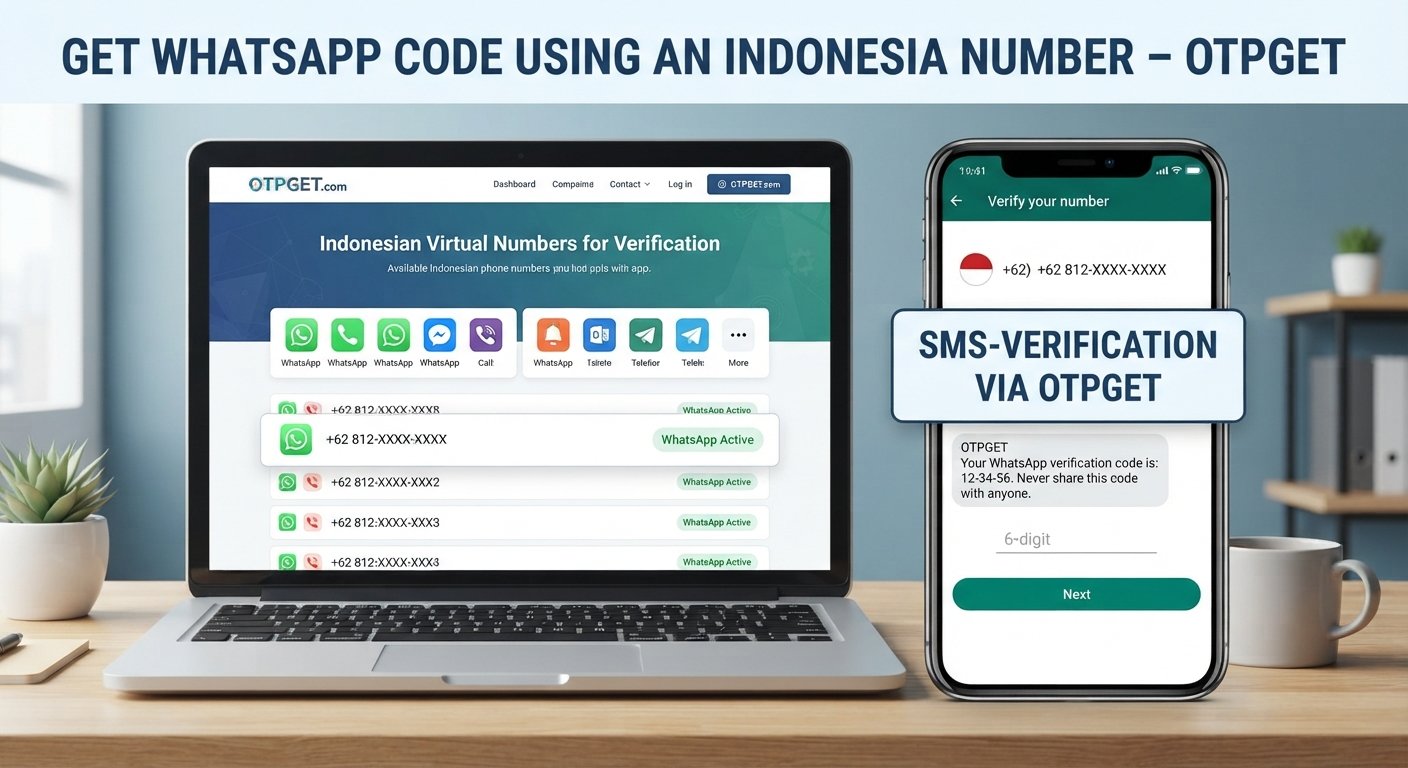
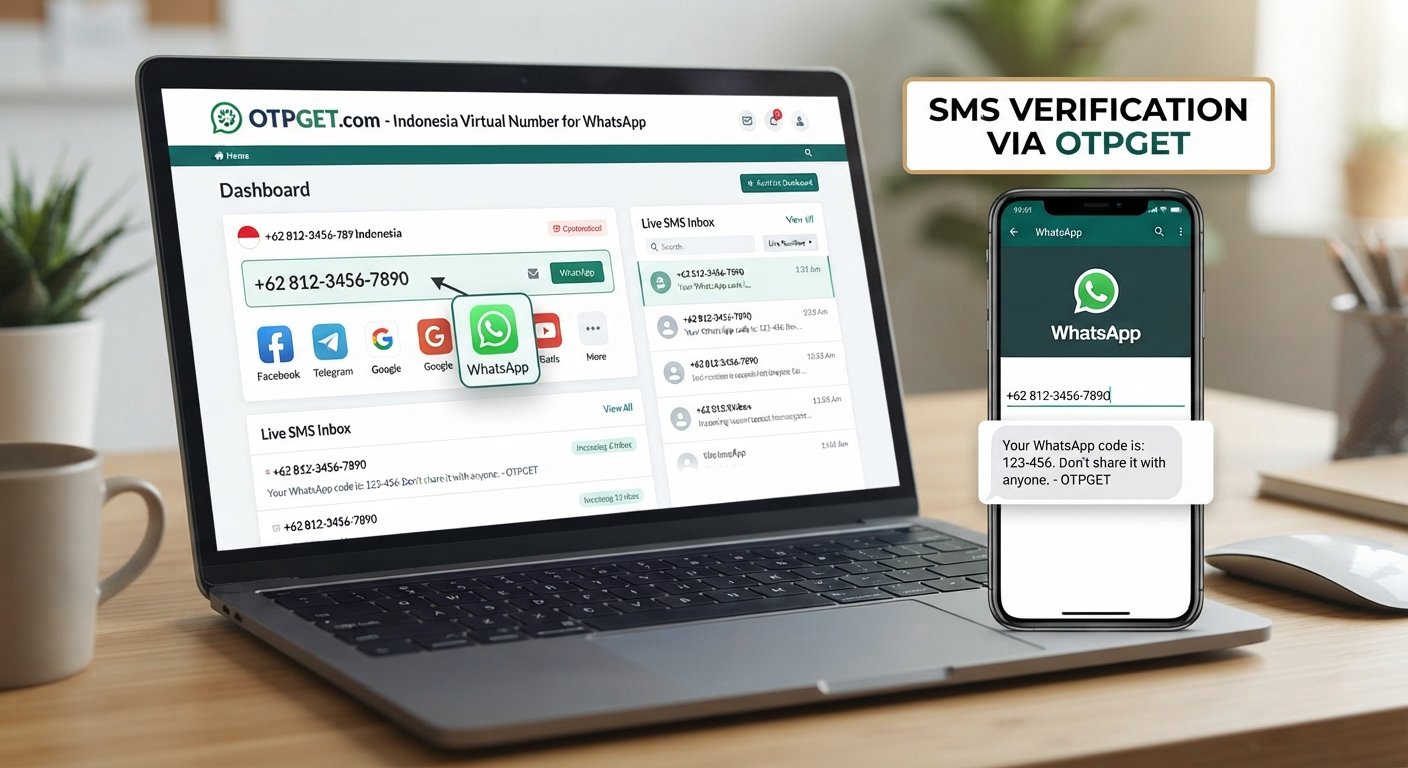
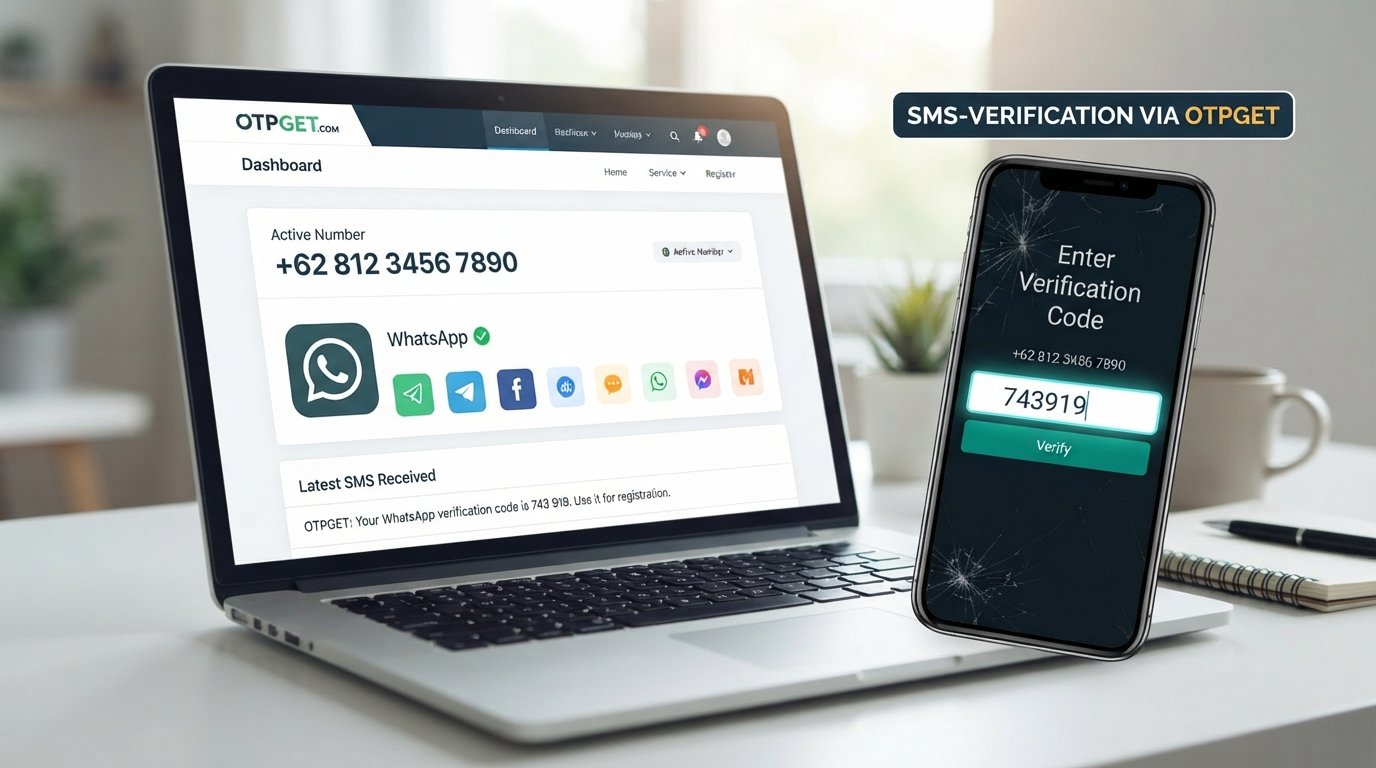
How to Verify WhatsApp With an Indonesia Number Using OTPGet
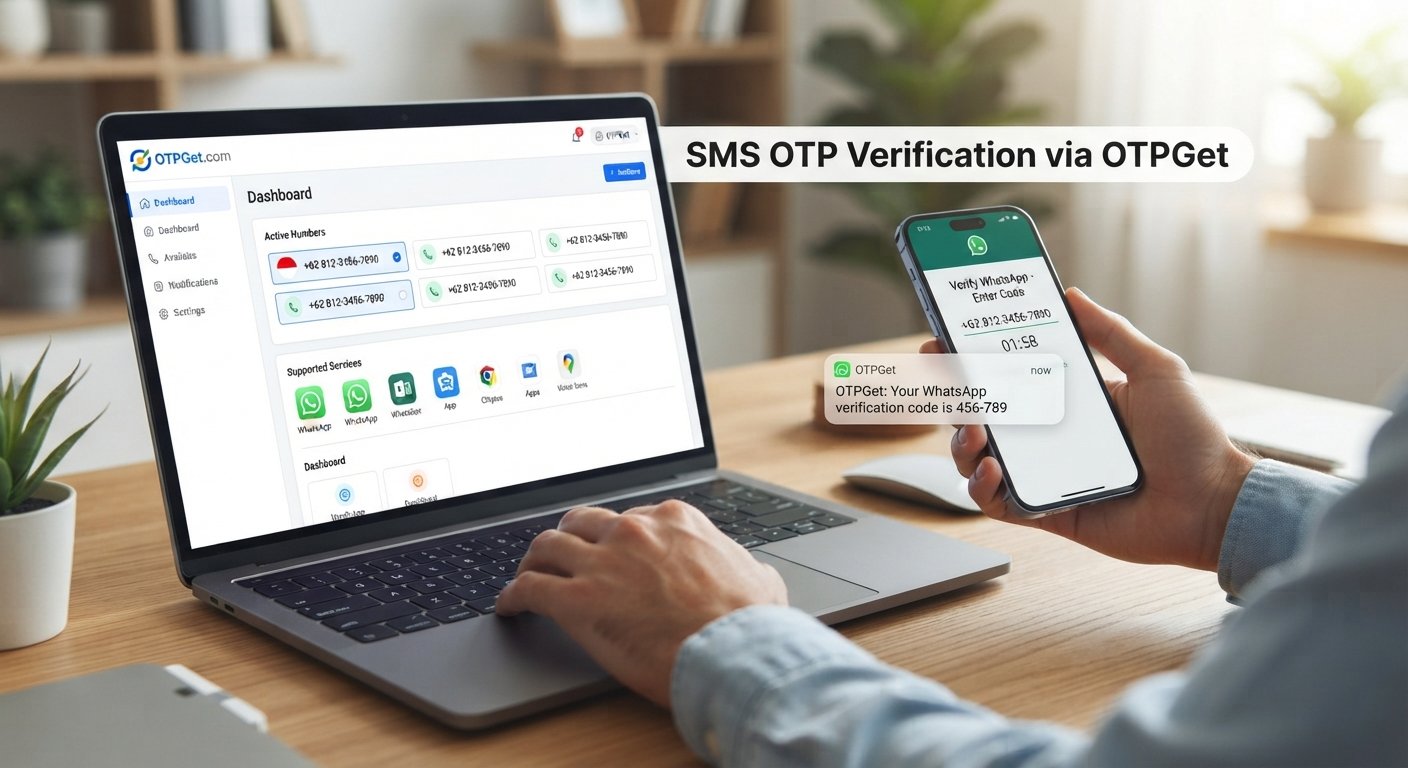
How to Verify WhatsApp With an Indonesia Number – OTPGet
Verifying a WhatsApp account normally starts with one simple requirement: a phone number that can receive the registration code. But what if you specifically need an Indonesian phone number, do not want to use your personal SIM, or need access to a suitable number for a legitimate verification purpose?
That is where an Indonesia number for WhatsApp verification can become useful. A virtual phone number may provide an alternative to using your everyday mobile number, provided the number can receive the required verification message and the intended use complies with WhatsApp's rules.
In this guide, we will explain how WhatsApp number verification works, what an Indonesian virtual number is, common verification problems, and how OTPGet can help users looking for an Indonesia number and SMS OTP verification option.
Why Use an Indonesia Number for WhatsApp Verification?
There are several legitimate reasons someone may want to verify WhatsApp with an Indonesia number.
For example, a person may need an Indonesian number because of regional requirements, testing needs, business operations, travel, or privacy preferences. Developers and businesses may also need virtual phone numbers for legitimate testing or account-management workflows.
Using a separate number can also help keep a personal phone number separate from a particular online service. However, the number still needs to meet WhatsApp's registration requirements.
WhatsApp states that the phone number being registered must be one the user owns and that it must be capable of receiving SMS or calls for verification.
That makes choosing an appropriate number an important part of the process.
How WhatsApp Number Verification Works
WhatsApp uses a registration code to confirm the phone number being registered. The basic process is straightforward:
-
Enter your phone number. Open WhatsApp and begin the registration process.
-
Select the correct country. Choose Indonesia if you are registering an Indonesian number.
-
Check the number format. Make sure the Indonesian number is entered correctly, including the appropriate international country code.
-
Request verification. WhatsApp sends a registration code through an available verification method.
-
Receive the OTP. The verification code is normally delivered by SMS or, where available, another supported method.
-
Enter the code. Submit the six-digit registration code in WhatsApp.
-
Complete setup. Once the number is successfully verified, continue with the remaining WhatsApp account setup.
WhatsApp's Help Center explains that the registration code is unique and changes when a number or device is registered. It also advises users not to guess verification codes because repeated failed attempts can lead to a temporary lockout.
What Is an Indonesia Virtual Number?
An Indonesia virtual number is a phone number provided through an online service rather than being tied to a traditional physical SIM in the same way as an ordinary mobile number.
For OTP verification, the important question is not simply whether a number looks Indonesian. The number needs to support the type of message or verification process required by the service.
Depending on the provider and number type, availability and capabilities can vary. Some numbers may be intended for one-time verification, while others may be available through longer-term rental arrangements.
Before selecting an Indonesian virtual number, consider:
-
Whether the number can receive the required SMS
-
Whether the requested service is supported
-
Whether the number is currently available
-
Whether the number is suitable for your intended use
-
How access to the number is managed after verification
-
Whether you may need the number again for account recovery
OTPGet describes its service as providing virtual numbers for SMS OTP verification and lists WhatsApp among the supported services. Its published information also describes both temporary and rental number options.
How OTPGet Can Help With WhatsApp Verification
For users searching for an Indonesia number for WhatsApp verification, OTPGet offers a practical place to look for an available virtual number and the related OTP verification service.
OTPGet's published service information describes virtual phone numbers from multiple countries and a service-selection process for SMS verification. WhatsApp is listed among the services available through its OTP verification platform.
The main benefit is convenience. Instead of having to find and manage a suitable number independently, users can check the options available through OTPGet and follow the platform's normal process.
The exact number availability and supported options can change, so it is sensible to check what Indonesia and WhatsApp options are currently available before starting the verification process.
It is also important to understand what OTPGet does not mean. A virtual number does not bypass WhatsApp's verification or security requirements. WhatsApp remains responsible for deciding whether a number can be registered, and users should only register numbers they are permitted to use.
How to Verify WhatsApp With an Indonesia Number Using OTPGet
If you have a legitimate reason to use an Indonesian number, the general workflow can be simple.
1. Open OTPGet
Visit OTPGet and review the virtual number and OTP verification options available through the platform.
2. Select an Indonesia option
Look for an available Indonesian number or Indonesia-related verification option. Availability can vary, so use the options currently shown by the service.
3. Obtain the available number
Follow OTPGet's normal instructions to obtain or select the number. Check the service and number details before using it.
4. Enter the number in WhatsApp
Open WhatsApp's registration screen and select Indonesia as the country. Enter the number using the format requested by WhatsApp.
5. Request the WhatsApp verification code
Continue through WhatsApp's standard registration process and request the registration code.
6. Monitor the OTP receiving service
If the selected OTPGet number supports the required WhatsApp SMS verification, monitor the relevant OTPGet interface for the incoming verification message. OTPGet's published documentation describes SMS OTP retrieval for supported services.
7. Enter the OTP
Once you receive the valid WhatsApp registration code, enter it into WhatsApp. Never share this code with another person.
8. Complete WhatsApp setup
After successful number verification, follow WhatsApp's remaining setup instructions. Consider enabling additional account-security features where appropriate.
The exact options available through OTPGet may vary by number, country, service, and availability. For that reason, always follow the instructions shown on the platform rather than assuming every number will work identically.
Common Problems When Verifying WhatsApp With an Indonesia Number
Even when the process appears simple, verification can sometimes fail or take longer than expected.
OTP does not arrive
First, confirm that the selected number is capable of receiving the required SMS and that the number was entered correctly. Avoid repeatedly requesting new codes in a short period.
WhatsApp itself recommends waiting for the relevant timer to finish before attempting another registration request.
Incorrect country code
Indonesia uses the +62 country code. Selecting the wrong country or entering an incorrect international format can prevent the verification message from reaching the intended number.
Incorrect number format
Double-check every digit before submitting the number. A single incorrect digit can send the verification request somewhere else or make the number invalid.
The number is unavailable
Virtual numbers can have limited availability. If a particular number is no longer available, check the options currently offered by the service rather than repeatedly attempting the same number.
Verification attempts are temporarily limited
Repeatedly requesting codes or entering incorrect information can result in temporary restrictions. If that happens, stop making repeated attempts and follow WhatsApp's instructions before trying again.
Service compatibility
Not every virtual number is necessarily suitable for every online service. Check that the number and service combination you selected is supported before proceeding.
Tips for a Smooth WhatsApp Verification
A few simple precautions can make the process easier:
-
Select Indonesia as the country before entering the number.
-
Confirm the +62 country code and number format.
-
Make sure the selected number can receive the required SMS.
-
Keep the WhatsApp registration screen available while waiting for the code.
-
Avoid requesting multiple OTPs unnecessarily.
-
Follow WhatsApp's instructions if a verification attempt is delayed.
-
Enter only the latest valid verification code.
-
Never share your WhatsApp registration code with another person.
-
Keep account-recovery considerations in mind if you are using a number that you do not personally maintain long term.
The last point is particularly important. A phone number can become relevant to future account access, so users should understand how they will retain legitimate access to the number after registration.
Is Using an Indonesia Number for WhatsApp Verification Safe?
Using a virtual number can be appropriate for legitimate purposes, but users should think about privacy, ownership, and account recovery before choosing one.
The most important rule is simple: never share your WhatsApp registration code or security credentials with anyone else. WhatsApp specifically warns users not to share the six-digit registration code.
You should also understand who controls the number you are using and whether you can access it again later. This matters if WhatsApp asks you to verify the number again.
Choose a service you understand, use the number only for legitimate activity, and follow WhatsApp's terms and security requirements. A virtual number should not be treated as a way to bypass account protections, restrictions, or ownership requirements.
Why Choose OTPGet?
For someone specifically looking for an Indonesia virtual number or another number for SMS-based verification, OTPGet can be a practical option to explore.
Its published platform information focuses on virtual numbers and OTP verification, with WhatsApp listed as a supported service. The platform also documents temporary and rental number options, giving users different approaches depending on their intended use.
The biggest consideration is suitability. Rather than assuming that every number will work for every WhatsApp registration, check the options available through OTPGet and make sure the number fits your legitimate verification needs.
For users who want a straightforward place to look for an Indonesian number and manage SMS OTP verification, that can make the process more convenient than searching for a number independently.
Frequently Asked Questions
Can I verify WhatsApp with an Indonesia number?
Yes, WhatsApp supports registration using phone numbers from Indonesia, provided the number meets WhatsApp's verification requirements and can receive the required registration code. WhatsApp says the number being registered must be one you own and capable of receiving SMS or calls.
What country code is used for an Indonesia WhatsApp number?
Indonesia uses the +62 international country code. When registering the number, select Indonesia in WhatsApp and follow the number format shown by the app.
What is an Indonesia virtual number?
An Indonesia virtual number is a phone number provided through an online service rather than a traditional physical SIM arrangement. It can be used for supported SMS verification purposes, subject to the provider's availability and the receiving service's requirements.
How do I receive a WhatsApp OTP on an Indonesia number?
Enter the eligible Indonesian number into WhatsApp's registration process and request verification. If the selected number supports the required SMS, the registration code may be received through the associated OTP service. Enter the valid code into WhatsApp to continue.
Can OTPGet help with WhatsApp verification?
OTPGet publishes virtual-number and SMS OTP verification services and lists WhatsApp among its supported services. Availability depends on the numbers and service options currently offered.
What should I do if my WhatsApp verification code does not arrive?
Check the country code, number format, and SMS-receiving capability first. Avoid repeatedly requesting codes. WhatsApp recommends waiting for the available timer before trying again and provides additional troubleshooting guidance through its Help Center.
Is an Indonesia virtual number suitable for WhatsApp verification?
It can be suitable when the number supports the required verification method and complies with WhatsApp's registration requirements. However, no virtual number should be assumed to work universally. Check the available service and number before proceeding.
How can I keep my WhatsApp verification code secure?
Never share the six-digit registration code with another person. Treat it as sensitive account information and enter it only into the official WhatsApp verification flow. WhatsApp explicitly advises users not to share registration codes.
Conclusion
Verifying WhatsApp with an Indonesia number does not have to be complicated, but choosing the right number is an important part of the process. You need a number that can receive the required verification message and that you are legitimately permitted to use.
An Indonesia virtual number can be useful for people who have a legitimate reason to use a separate Indonesian phone number. The key is to understand how the number works, check its compatibility, protect your OTP, and follow WhatsApp's normal registration requirements.
For users looking for an accessible way to explore Indonesian numbers and SMS OTP verification, OTPGet is a practical option to consider. Check the available Indonesia and WhatsApp options on OTPGet, select an appropriate number, and complete verification through WhatsApp's standard process.
The goal should always be a straightforward, legitimate verification experience—not a way around WhatsApp's security controls.