Gmail Verification Without Real SIM: Secure OTPGET Guide Online
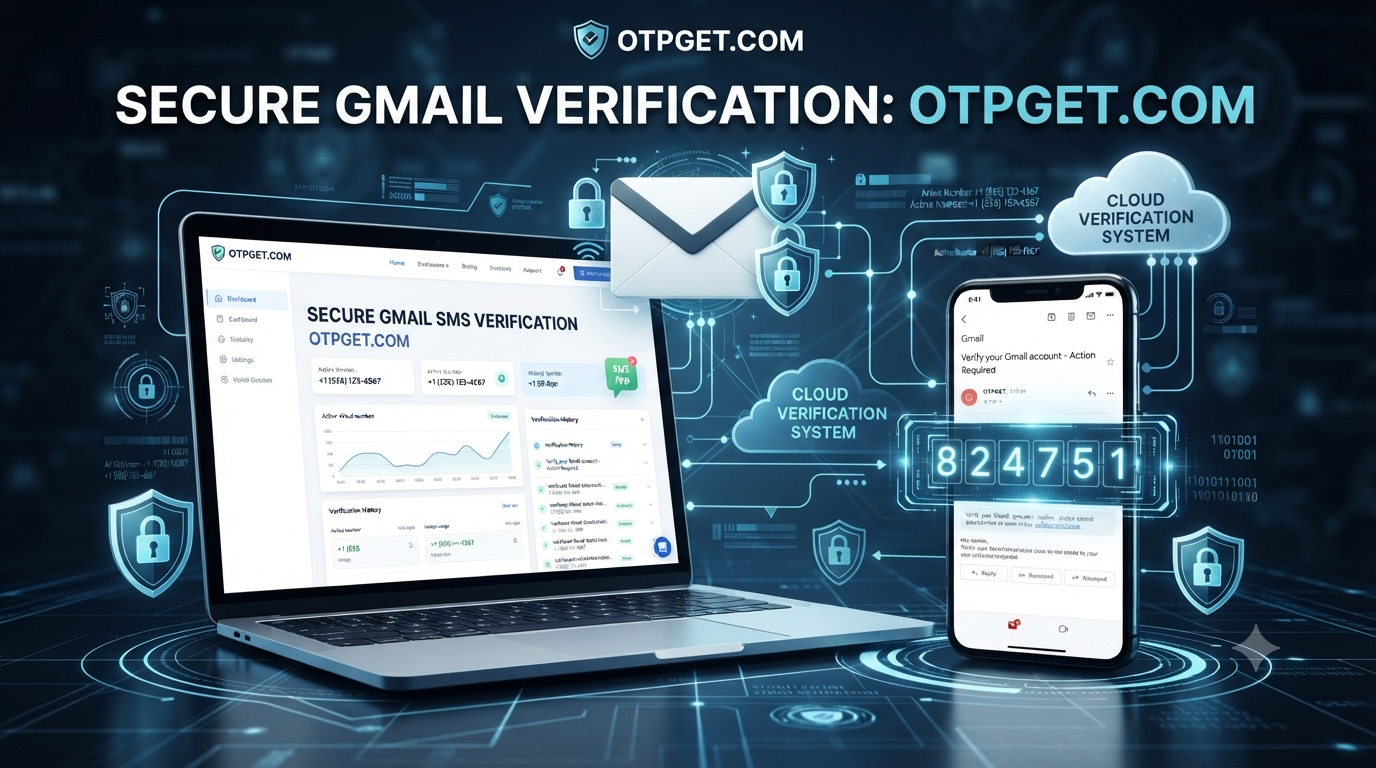
Gmail Verification Without Real SIM — Guide
Creating and managing online accounts has become a normal part of digital life, but many users hesitate when a platform asks for their personal phone number. A phone number can be useful for security, but sharing it everywhere may lead to unwanted messages, privacy concerns, and difficulty managing multiple accounts.
This is why many people search for Gmail verification without real SIM options. They want a convenient way to complete verification without purchasing extra SIM cards or exposing their primary mobile number.
A practical solution for this situation is using OTPGET, an online OTP verification service designed to help users receive verification codes conveniently. With OTPGET, users can access verification options without depending on their personal SIM card, making account verification more flexible and privacy-focused.
Why People Look for Gmail Verification Without a Real SIM
Google uses phone verification as one of the methods to improve account security and reduce misuse. However, many users have valid reasons for not wanting to connect their main phone number.
Some of the common reasons include:
- Protecting personal privacy
- Avoiding spam calls and promotional messages
- Keeping personal and online activities separate
- Managing multiple accounts more efficiently
- Avoiding the need to buy additional SIM cards
When a personal number is shared with multiple services, it can become difficult to control where that information is stored or used. For users who value privacy, finding a phone verification alternative can provide more control.
Many people also need additional accounts for testing, business management, online projects, or separate digital identities. In these situations, using a personal number for every account may not be practical.
Is It Possible to Verify Gmail Without a Real SIM?
Many users ask, “Can I verify Gmail without SIM card access?” The answer depends on the available verification methods and requirements during account creation or security checks.
Traditional Gmail verification usually involves receiving a code through SMS or another phone-based method. This process helps confirm that a user has access to the provided number.
However, not everyone wants to use their personal mobile number. This has created demand for services that allow users to receive Gmail OTP online through alternative verification options.
OTPGET provides a convenient approach by allowing users to access temporary verification numbers and receive SMS verification codes online. Instead of connecting every account to a private phone number, users can choose a more flexible method for completing verification.
How OTPGET Helps With Gmail Verification
OTPGET helps simplify the process of receiving verification codes by providing access to online verification options. Users who need Gmail OTP verification can use the platform to receive required codes without relying on their personal SIM card.
The main advantages of using OTPGET include:
Receive OTP Codes Online
OTPGET allows users to receive SMS online for verification purposes. This removes the need to keep a separate physical SIM card available whenever a verification code is required.
Use Temporary Phone Numbers
A temporary phone number for Gmail verification can help users maintain separation between their personal communication and online registrations.
Instead of sharing a private number, users can choose a suitable verification option through OTPGET and complete the required verification steps.
Faster Verification Process
Waiting for physical SIM activation or managing multiple phone numbers can slow down account setup. Online OTP receiver services provide a simpler way to access verification messages when needed.
Improved Privacy
One of the biggest reasons users search for anonymous Gmail verification methods is privacy. OTPGET helps users avoid sharing their main phone number with every platform that requires verification.
Benefits of Using OTPGET Instead of Your Personal Number
Using OTPGET for verification can offer several practical benefits compared with relying only on a personal phone number.
Better Privacy Protection
Your primary phone number is often connected to personal communication, banking, and important accounts. Avoiding unnecessary sharing can help reduce exposure.
OTPGET provides a way to complete verification while helping users avoid sharing their personal phone number online.
No Need for Additional SIM Cards
Buying and maintaining extra SIM cards can be inconvenient. Users may have to manage multiple devices, recharge plans, and physical cards.
With an online OTP verification service, users can access verification options digitally.
Convenient Online Access
Users can manage verification needs from an online platform instead of depending on a physical phone number.
Reduced Spam Risks
Using a personal number for many registrations may increase unwanted messages. Keeping personal contact details private can help reduce unnecessary communication.
Useful for Account Management
People managing different online activities may need separate accounts. A flexible verification solution can make account organization easier.
Step-by-Step Guide: Gmail Verification Using OTPGET
The process of using OTPGET for Gmail verification is simple and user-friendly.
Step 1: Access OTPGET
Visit the OTPGET platform and explore the available verification options.
Step 2: Select a Suitable Verification Option
Choose an available option that matches your Gmail verification requirements.
Step 3: Receive the OTP
Complete the request process and wait for the verification message. The received code can be used during Gmail verification.
Step 4: Enter the Verification Code
Copy the OTP code and enter it into the Gmail verification field.
Step 5: Complete Gmail Verification
After successful code confirmation, continue with the remaining Gmail setup steps.
Always follow Gmail’s account rules and use verification methods responsibly.
Why Temporary Phone Numbers Are Useful for Online Verification
Temporary phone numbers have become popular because they provide flexibility for online registrations and verification tasks.
They can be useful for:
- Testing online services
- Registering on platforms that require SMS confirmation
- Protecting personal contact details
- Separating business and personal accounts
- Completing temporary verification needs
A virtual phone number for Gmail verification can provide a practical alternative for users who do not want every online account connected to their private mobile number.
Temporary SMS services are especially useful when users need a verification code but do not want to expose their regular phone information.
OTPGET vs Traditional SIM-Based Verification
| Feature | OTPGET | Traditional SIM Verification |
|---|---|---|
| Privacy | Helps reduce sharing of personal numbers | Requires sharing a phone number |
| Convenience | Accessible online | Requires a physical SIM card |
| Cost Management | No need to maintain extra SIM cards | Additional SIM costs may apply |
| Accessibility | Available through an online platform | Depends on device and SIM availability |
| Flexibility | Useful for different verification needs | Limited to available phone numbers |
Both methods have their uses, but many users prefer online verification solutions because they provide more flexibility and privacy control.
Common Questions About Gmail OTP Verification
Q1: Can I verify Gmail without my personal phone number?
Yes, users often look for alternatives to personal phone numbers when completing verification. Services like OTPGET can provide online verification options that help users avoid sharing their main number.
Q2: How can I receive Gmail OTP online?
You can use an online OTP receiver service such as OTPGET to access verification options and receive SMS codes online when available.
Q3: Is OTPGET useful for Gmail verification?
OTPGET is designed to help users access OTP verification services conveniently. It can be useful for people looking for a way to receive verification codes without using their personal SIM card.
Q4: Why should I avoid sharing my main phone number online?
Sharing your main number across many websites may increase unwanted messages and reduce privacy. Keeping personal contact information private can provide better control.
Q5: What is the best alternative to SIM-based verification?
An online OTP verification service can be a practical alternative for users who want more flexibility, privacy, and convenience compared with traditional SIM-based verification.
Conclusion
Gmail verification without real SIM options are becoming increasingly important for users who want better privacy and flexibility online. Many people prefer not to share their personal phone numbers or purchase extra SIM cards just to complete verification.
OTPGET provides a convenient way to receive Gmail OTP online through temporary verification options. It helps users manage online verification needs while keeping their personal numbers separate.
Whether you need a temporary phone number for Gmail, a secure Gmail verification method, or a simple phone verification alternative, OTPGET can make the process easier and more convenient.
Try OTPGET today and experience a smarter way to handle online OTP verification while keeping your personal number private.


