How to Get Happn Login Without Phone Number Using OTPGET Safely
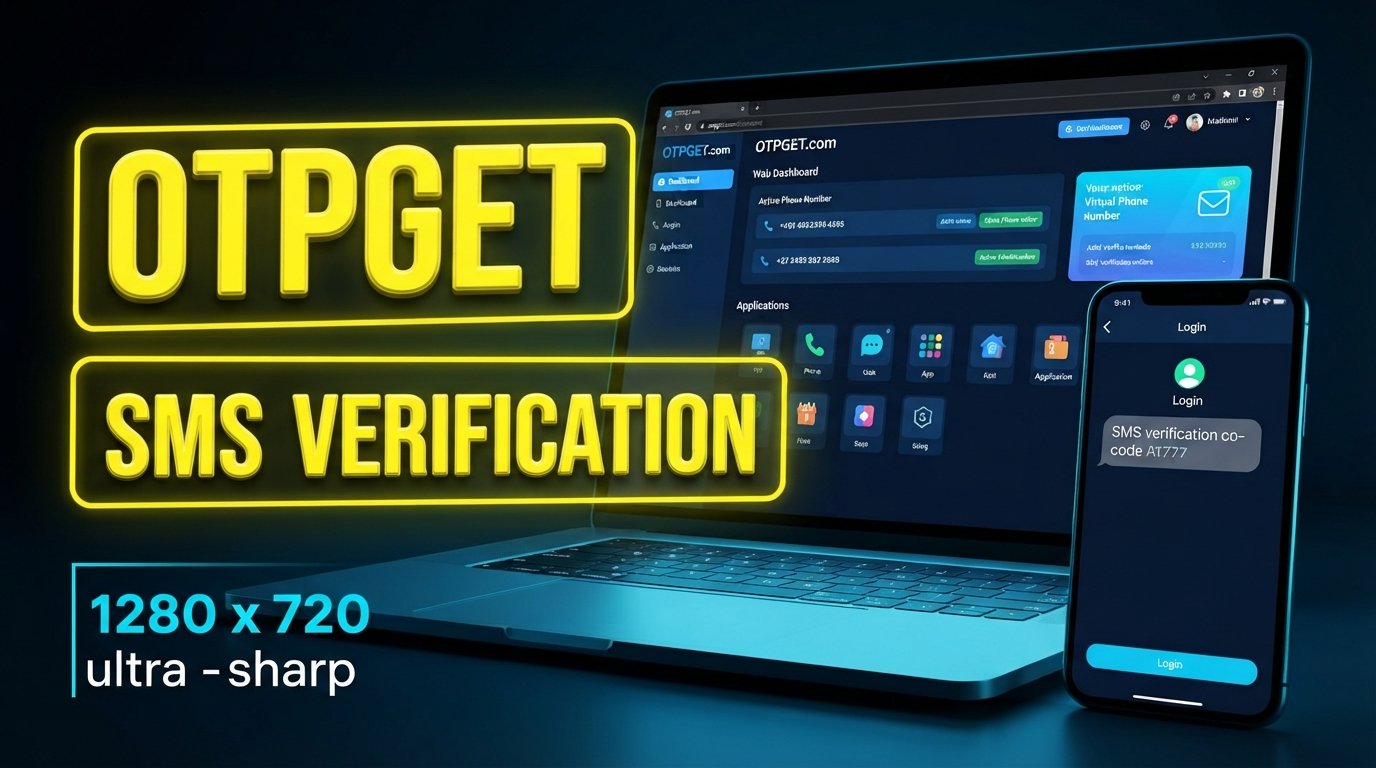
How to Get Happn Login Without Phone Number Using OTPGET Safely
Getting stuck at a phone verification screen can be frustrating, especially when you would rather keep your primary phone number separate from another online service. You may have limited access to your SIM, be traveling, or simply prefer not to share your everyday number for a particular verification step.
That is where the search for Happn login without phone number often begins.
The important distinction is that avoiding your personal number does not mean bypassing Happn's security. If the applicable Happn login or account-verification flow asks for a phone number, you still need to complete the normal verification process. A service such as OTPGET can potentially provide a separate number for receiving SMS verification codes, where the number and service are compatible and use is permitted.
OTPGET describes its service as providing virtual numbers intended for SMS OTP verification, including one-time and rental options.
Can You Get Happn Login Without a Phone Number?
Not necessarily without any phone number. The practical distinction is between avoiding your personal number and avoiding phone verification altogether.
A Happn login may involve an existing authentication method, while account creation or another verification step may ask you to confirm access to a phone number. The exact flow can depend on the account, device, and verification requirements presented by Happn.
In simple terms:
- Logging in means accessing an existing account.
- Creating an account means completing Happn's registration process.
- Receiving a verification code means getting an OTP sent to the number entered during verification.
- Phone verification means entering that OTP to confirm access to the relevant number.
If Happn presents a phone-verification requirement, the legitimate approach is to complete that step rather than attempt to circumvent it. Happn also emphasizes authentic profiles and prohibits fake profiles and automated activity in its published trust guidance.
For someone who simply does not want to expose a primary personal number, a separate OTP-receiving number can be a practical alternative when permitted.
Why Users Look for Happn Verification Alternatives
There are several ordinary reasons someone might prefer a separate phone number for verification.
Privacy is one. Your main number may be connected to family, work, banking, messaging apps, and other important services. Keeping it separate from online registrations can reduce the number of places where your primary contact information is entered.
Travel can also create problems. You might be abroad, using a temporary SIM, or unable to receive SMS on your usual number.
There are also straightforward technical situations. Your regular SIM could be unavailable, SMS delivery could be delayed, or you may be using a device that does not currently have your normal number active.
Other users simply want to keep verification activity separate from their everyday communications.
A virtual phone number for OTP can address that particular need without requiring another physical SIM. OTPGET says its virtual numbers are designed to receive supported SMS verification codes online.
How OTPGET Can Help With Happn Verification
OTPGET provides virtual phone numbers for receiving SMS OTP codes. The service is separate from Happn; it does not replace Happn's verification system or change Happn's account requirements.
The basic idea is straightforward: instead of entering your primary personal number, you use an appropriate number supplied through an OTP receiving service, provided that the number is supported by the relevant verification flow and its use is permitted.
A typical workflow looks like this:
- Access an appropriate number through OTPGET.
- Enter that number in the applicable Happn phone-verification field, if supported and permitted.
- Request the verification code through the normal Happn process.
- Monitor the applicable OTPGET service for the incoming SMS.
- Enter the received verification code into Happn.
- Complete the standard Happn verification or login process.
OTPGET's published documentation describes a workflow in which users obtain a number and check its activation status for an incoming SMS code.
The key point is compatibility. A virtual number is not automatically accepted by every website or app, so readers should not interpret OTPGET as a guarantee that every Happn verification attempt will succeed.
How to Use OTPGET for Happn OTP Verification
If you need to use a separate number for a legitimate Happn verification workflow, keep the process simple.
1. Choose an appropriate OTPGET number
Start by selecting a number suitable for the verification purpose. Availability can vary by country, provider, and service.
2. Enter the number where Happn requests verification
Use the number only in the normal Happn verification process and only when this type of number is allowed.
3. Request the Happn OTP
Submit the verification request through Happn's standard interface. Happn will determine whether a code is required and how it is delivered.
4. Check OTPGET for the incoming SMS
If the service and number support the verification request, the incoming message can be accessed through the applicable OTPGET system.
5. Enter the verification code
Copy the legitimate OTP into the appropriate Happn verification field. Never share a verification code with another person.
6. Finish the normal verification process
Once Happn accepts the code, continue with the standard login or account-verification process shown by the platform.
OTPGET itself notes that its precise interface can change, so users should follow the instructions currently displayed on the service rather than relying on outdated button names or screenshots.
Benefits of Using OTPGET for Verification
Using a separate OTP receiving service can make sense when your goal is to keep your main number separate from a particular verification workflow.
Privacy separation
A separate number can reduce the need to enter your everyday phone number into another online service.
Convenience
If you need a number for a temporary verification task and do not want to manage another physical SIM, an online number can be simpler.
Separate verification activity
Keeping verification-related messages away from your primary number can make personal and online activity easier to separate.
Online OTP receiving
OTPGET is designed around receiving SMS verification codes through virtual numbers, making it relevant to workflows where supported services send codes by SMS.
Temporary needs
For a one-off verification requirement, a temporary number may be more practical than obtaining a new long-term mobile connection.
The right choice depends on the specific service, the number available, and the rules governing its use.
Happn Login Without Phone Number: What to Keep in Mind
A separate verification number can be useful, but it is not a magic workaround.
First, Happn may require phone verification as part of a particular account or authentication flow. If that happens, the verification step still needs to be completed normally.
Second, not every virtual or temporary number works with every platform. Some services restrict certain number types or carriers. OTPGET also states that verification failures can result from platform restrictions, application issues, device problems, or other factors outside its control.
Third, OTP delivery is not always predictable. Network conditions, platform-side processing, number availability, and service compatibility can affect whether a code arrives.
Finally, use the service responsibly. Do not use a temporary number to impersonate someone, create deceptive accounts, spam users, evade a suspension, or circumvent security controls. OTPGET's own terms prohibit illegal, fraudulent, abusive, and harmful uses.
OTPGET vs. Using Your Personal Phone Number
| Factor | Personal Number | OTPGET |
|---|---|---|
| Personal number exposure | Your everyday number is used for verification | A separate OTPGET number may keep your primary number separate |
| Convenience | Convenient when your SIM is active and accessible | Convenient when an appropriate virtual number is available |
| Separation of verification activity | Verification remains tied to your primary number | Verification can be separated from your primary number |
| Temporary verification needs | May be unnecessary for a one-off need | Designed for temporary and OTP-related use cases |
| OTP receiving | SMS arrives through your regular mobile service | Supported SMS codes can be received through the applicable OTPGET service |
The table describes the general difference between the two approaches; actual compatibility depends on the verification service and number being used.
Common Problems With Happn OTP Verification
If you are trying to receive a Happn verification code and nothing arrives, check the basics first.
Confirm that the number was entered correctly and that the verification request was actually submitted. Give the SMS a reasonable amount of time to arrive before repeatedly requesting new codes.
If a code still does not appear, the number may not be supported, the platform may have rejected the number type, or there may be a temporary delivery issue.
When using OTPGET, check whether the selected number is appropriate for the relevant service and whether an incoming message is shown through the applicable OTPGET interface. Avoid repeatedly creating verification requests simply because the first message is delayed.
For a persistent account or login problem, the safest route is to use Happn's official support options rather than trying to work around an account restriction.
Final Thoughts
Looking for Happn login without phone number usually does not mean someone wants to defeat Happn's security. Often, the real goal is much simpler: complete a legitimate verification step without exposing a primary personal phone number.
That is where OTPGET can be worth considering. It provides virtual phone numbers intended for SMS OTP receiving, giving users a separate option for verification-related activity when the relevant platform and number are compatible.
Just keep expectations realistic. OTPGET is separate from Happn, does not bypass Happn security, and cannot guarantee that a particular number will be accepted. Use the service only for legitimate purposes and according to the rules of both services.
If keeping your primary number separate is important to you, explore OTPGET to see whether an appropriate OTP receiving option fits your verification needs.
11. Suggested Internal Links
- OTP Verification Guide — Add this link when explaining what an OTP is and how verification codes work.
- Temporary Phone Number Guide — Link from the section discussing temporary verification needs.
- Online SMS Verification Guide — Useful after introducing online OTP receiving.
- OTPGET Features — Add near the main solution section to help readers explore the service.
- OTPGET FAQ — Place near the final CTA for users who want more product information.
- Privacy Guide — Link from the discussion about separating a primary personal number from verification activity.
12. FAQ Section
Can I log into Happn without my personal phone number?
You may be able to use a separate eligible phone number when Happn presents a phone-verification step, but you cannot assume that phone verification can be skipped. The available login and verification options depend on the Happn flow presented to your account.
Does Happn require phone verification?
Happn can present verification requirements as part of its account and security processes. The exact requirement can vary, so follow the verification method shown by Happn rather than assuming that every account uses the same flow.
How can I receive a Happn verification code?
If Happn asks for SMS verification, enter an eligible phone number through its normal verification process and wait for the SMS. If you use a separate OTP receiving service such as OTPGET, the number must be compatible with the verification request.
Can OTPGET be used for OTP verification?
OTPGET provides virtual numbers intended to receive SMS OTP codes for supported services. Whether a particular number can be used with Happn depends on Happn's verification requirements and the compatibility of the selected number.
Is a temporary phone number suitable for verification?
A temporary phone number can be suitable for some legitimate verification tasks, but acceptance varies between platforms. A number should only be used where the relevant service permits it and where you understand whether you will need access to that number again.
Why am I not receiving my Happn OTP?
Possible causes include an incorrect number, SMS delivery delays, an unsupported number type, platform restrictions, or a temporary technical problem. Check the number carefully, avoid repeated requests, and consider Happn support if the issue continues.
What should I do if a verification number does not work?
Try to determine whether the number is compatible with the verification service rather than repeatedly requesting codes. If the platform does not accept the number type, use another permitted verification method or contact the platform's official support team.


