HelloTalk Login Without Phone Number: OTP Verification Options
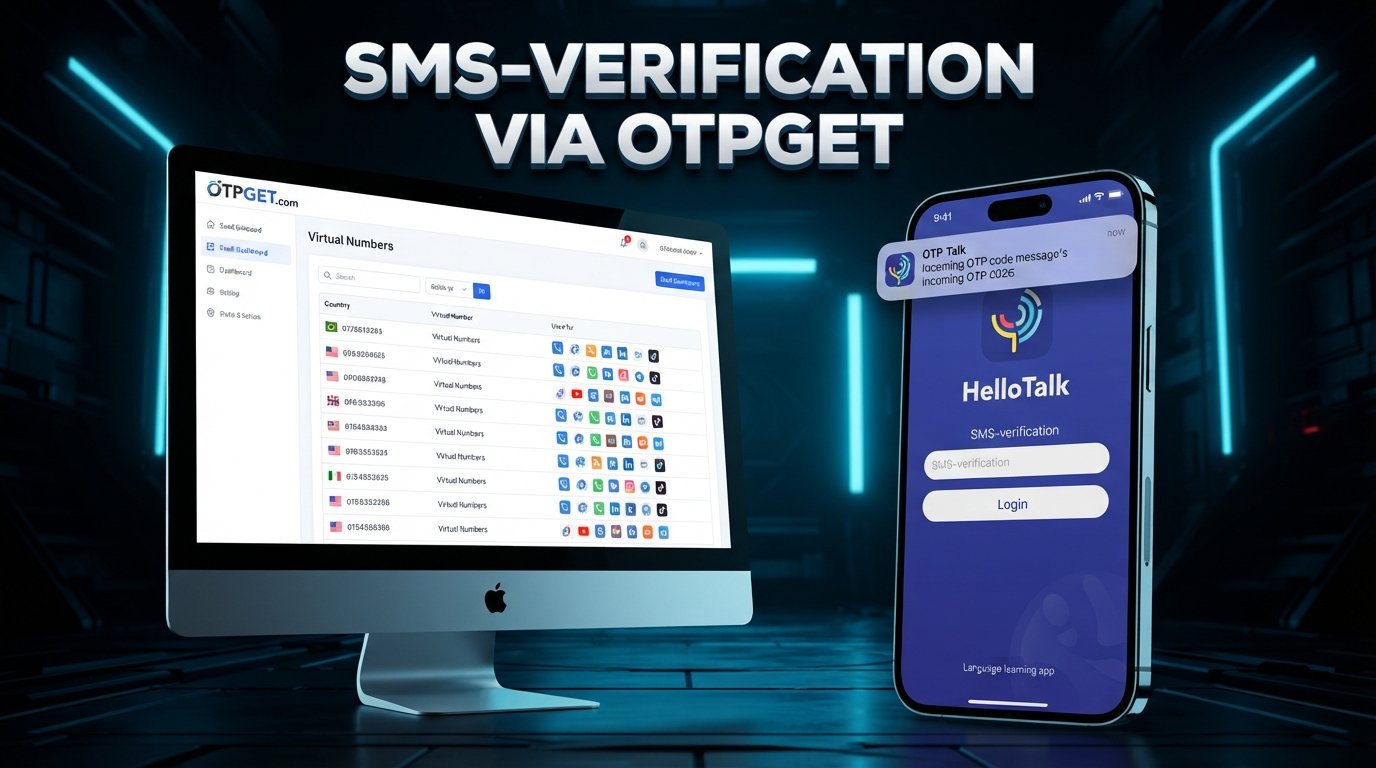
How to Get HelloTalk Login Without Phone Number
Want a HelloTalk login without phone number? You may be looking for a way to access the language-learning platform without unnecessarily exposing your personal mobile number.
There are several legitimate reasons for this. You might prefer stronger phone number privacy, have limited access to your SIM card, be traveling internationally, or simply want to keep your personal contact information separate from online services.
The good news is that a phone number is not necessarily the only route available for every HelloTalk account or login situation. HelloTalk's own help documentation says users can create or log in using options such as email, Apple, Google, Facebook, WeChat, or QQ, depending on what is presented in the app. At the same time, HelloTalk may request phone-based verification in some situations.
When phone verification is required and an alternative number is permitted, an online OTP service such as OTPGET can be worth considering.
Can You Use HelloTalk Without a Phone Number?
Possibly, depending on the account, login method, location, and verification flow presented to you.
It is important to separate three different situations:
- Logging in to an existing account: You may have an email or third-party login option available.
- Creating a new account: HelloTalk documents email and several third-party sign-in options as possible registration methods.
- Completing phone verification: If HelloTalk specifically asks for an SMS verification code, you need access to an eligible number capable of receiving that code.
In other words, “HelloTalk without phone number” does not necessarily mean bypassing phone verification. It can simply mean using an officially available login method that does not require entering a personal mobile number.
If HelloTalk presents a phone verification screen, follow the verification method it provides rather than attempting to circumvent it.
Why Do People Look for HelloTalk Login Without Phone Number?
Privacy
Your phone number is personal information. Some users prefer not to provide it to every online platform they use, particularly when another legitimate authentication method is available.
Using email or another supported sign-in option can help keep your mobile number separate from your online activities.
Number Availability
You may not always have access to your normal SIM card. A phone could be lost, a SIM might be inactive, or you could temporarily be unable to receive SMS messages.
HelloTalk itself notes that verification codes can fail to arrive for reasons such as carrier problems, a full SMS inbox, an inactive number, or attempting verification with a number different from the one associated with an account.
Separating Personal and Online Accounts
Some people intentionally maintain a separation between personal communications and accounts used for online services.
Where a platform permits an alternative number, this can reduce the need to expose a primary personal number while still completing a legitimate verification process.
International Users
Travelers and international users can face practical issues with SIM cards, roaming, carrier availability, or access to their usual phone number.
An eligible alternative number can sometimes provide another option—but only if the service and verification process accept that type of number.
What Is OTP Verification?
An OTP, or One-Time Password, is a temporary verification code used to confirm that someone has access to a particular phone number or other authentication channel.
The basic process is straightforward:
- A service requests verification.
- A code is sent to an eligible phone number.
- You receive the SMS containing the code.
- You enter the code into the appropriate verification field.
- The service checks the code and completes the verification if it is valid.
The important point is that OTP verification is a security mechanism. It should be used as intended—not treated as something to bypass.
OTPGET: A Practical Option for OTP Verification
If HelloTalk requires SMS verification and you would rather not expose your personal number, OTPGET provides an alternative-number option worth exploring where permitted.
OTPGET describes its service as providing virtual phone numbers for receiving SMS OTP codes, with numbers available across multiple countries and services. Its documentation also describes temporary numbers, longer-term rental numbers, and SMS OTP functionality.
That can make OTPGET useful in situations where you:
- Want to protect your personal phone number where an alternative is permitted.
- Need to receive a verification code on another eligible number.
- Cannot conveniently receive an SMS on your normal number.
- Want to maintain separation between personal and online contact information.
The key limitation is compatibility. OTPGET does not guarantee that a particular number will be accepted by HelloTalk, and HelloTalk's verification requirements can determine whether an alternative number works.
OTPGET should therefore be viewed as a practical OTP/number option—not a method for bypassing HelloTalk security.
Important: Use alternative OTP or phone-number services only for legitimate purposes and in accordance with the applicable platform's rules. Never use them to bypass security, access another person's account, or engage in fraudulent activity.
How to Use OTPGET for a HelloTalk Verification Attempt
If HelloTalk gives you a phone-based verification option and an alternative number is allowed, the process can be approached at a high level.
Step 1: Visit OTPGET
Open the OTPGET service and review the available virtual-number and OTP options. Availability can vary by country and service.
Step 2: Select an Appropriate Number
Choose an available number that matches the requirements of the verification process you are attempting to complete.
Do not assume that every number will be accepted by every platform.
Step 3: Enter the Number Where HelloTalk Requests Verification
If HelloTalk permits the use of an alternative number, enter the selected number in the appropriate phone-verification field.
Use only the normal HelloTalk verification flow. Do not attempt to work around CAPTCHA checks, rate limits, account restrictions, or other security controls.
Step 4: Request the OTP
Submit the verification request through HelloTalk. If the selected number and service are eligible, the SMS may be delivered through OTPGET.
OTPGET's documentation describes an SMS OTP flow in which an activation can be checked for an incoming code.
Step 5: Enter the Verification Code
Once the legitimate verification code is received, enter it into the corresponding HelloTalk verification field.
Never share an OTP with another person.
Step 6: Complete the Official HelloTalk Process
Finish the normal account or login process provided by HelloTalk.
If the number is rejected or no code arrives, don't attempt to circumvent the restriction. Instead, consider another officially supported login method or contact HelloTalk support.
Benefits of Using an Alternative Number for OTP Verification
When permitted, an alternative number can offer several practical advantages:
- Greater privacy: Your primary mobile number does not need to be exposed unnecessarily.
- Convenience: You may have another way to receive an SMS when your usual number is unavailable.
- Separation: Personal and online communications can remain more distinct.
- Flexibility: Virtual numbers can be useful for legitimate verification scenarios where supported.
- Reduced dependence on a primary SIM: This can be helpful when your regular mobile service is temporarily inaccessible.
These benefits should be balanced against the fact that an alternative number may not provide the same long-term continuity as your personal number.
Things to Consider Before Using an Online OTP Service
An online OTP service can be convenient, but it is not appropriate for every account or situation.
Keep these considerations in mind:
- Some numbers may be rejected. Platforms can have rules or technical filters affecting virtual, temporary, or previously used numbers.
- OTP availability varies. A number may be available for one service but unavailable or unsuitable for another.
- Verification requirements can change. Always follow the authentication options actually presented by HelloTalk.
- Check applicable policies. Review the rules of both the target platform and OTP provider before using an alternative number.
- Protect verification codes. An OTP is sensitive authentication information and should not be shared.
- Consider account recovery. If an account may later require access to the same number, a short-lived number may be unsuitable for long-term recovery.
- Don't use alternative numbers to impersonate others or defeat security controls.
For long-term accounts, think beyond the initial SMS. Successful registration is only one part of maintaining secure access.
OTPGET vs Using Your Personal Phone Number
| Factor | Personal Number | OTPGET / Alternative Number |
|---|---|---|
| Privacy | Your personal number is directly associated with the verification process. | Can reduce exposure of your primary number where alternative numbers are permitted. |
| Convenience | Usually convenient when your phone and SIM are available. | Useful when an eligible alternative number is available and supported. |
| Access to SMS | Depends on your mobile service, SIM, and network. | SMS can be received through the OTP service when the selected number supports the requested service. |
| Long-term account recovery | Generally more practical when you retain the number. | A temporary number may be less suitable if continued access is required. |
| Number availability | Available as long as your mobile service remains active. | Depends on current number inventory and service eligibility. |
| Best suited for | Accounts where long-term ownership and recovery are important. | Legitimate verification situations where privacy or temporary access is useful and permitted. |
Frequently Asked Questions
Can I log in to HelloTalk without a phone number?
Sometimes. HelloTalk's official help page lists email and several third-party sign-in methods, including Apple, Google, Facebook, WeChat, and QQ. The options shown can depend on the account and app flow.
Can I create a HelloTalk account without my personal number?
Potentially, if HelloTalk offers a supported non-phone registration method such as email or a third-party account. If the platform specifically requires phone verification for your situation, you should follow that requirement rather than attempting to bypass it.
What is a HelloTalk verification code?
It is a code used during a verification process to confirm access to the relevant authentication channel. When HelloTalk uses SMS verification, the code is sent to the phone number associated with that verification attempt.
How can I receive an OTP online?
An online OTP service can provide an eligible virtual number and allow supported SMS verification codes to be received through the service. Availability depends on the provider, country, number, and target platform.
What is OTPGET?
OTPGET is an online virtual-number and OTP service. Its published documentation describes temporary numbers, rental numbers, SMS OTP functionality, and other verification-related services.
Does OTPGET work with HelloTalk?
There is no basis to guarantee compatibility. Whether an OTPGET number works with HelloTalk depends on HelloTalk's current verification requirements and whether the particular selected number is accepted and able to receive the requested SMS.
Is using an alternative number safe?
It can be appropriate for legitimate verification where the relevant platform permits it, but users should understand the limitations. In particular, consider who controls the number, how long it remains available, and whether you will need it for future account recovery.
Can I use an online OTP service for account verification?
Yes, online OTP services are designed for certain verification use cases, but acceptance is determined by the target service. Always follow the target platform's rules and never use an OTP service to defeat authentication or access an account you are not authorized to use.
Final Thoughts
Getting a HelloTalk login without phone number does not necessarily mean bypassing phone verification. In many cases, the first thing to check is whether HelloTalk offers another supported login or registration method, such as email or a connected third-party account.
If HelloTalk specifically requires SMS verification and its rules permit an alternative number, an OTP service can provide another practical route while helping you avoid unnecessarily exposing your personal number.
OTPGET is one option to explore for eligible OTP verification needs, offering virtual numbers and SMS-based verification functionality.
Just keep expectations realistic: number availability and platform acceptance can vary, and an alternative number should never be used to bypass security controls or violate service rules.
Need an alternative way to receive a verification code? Explore OTPGET and check the available options for your verification needs.


