Hinge Login Without Phone Number: Privacy & OTPGET Guide
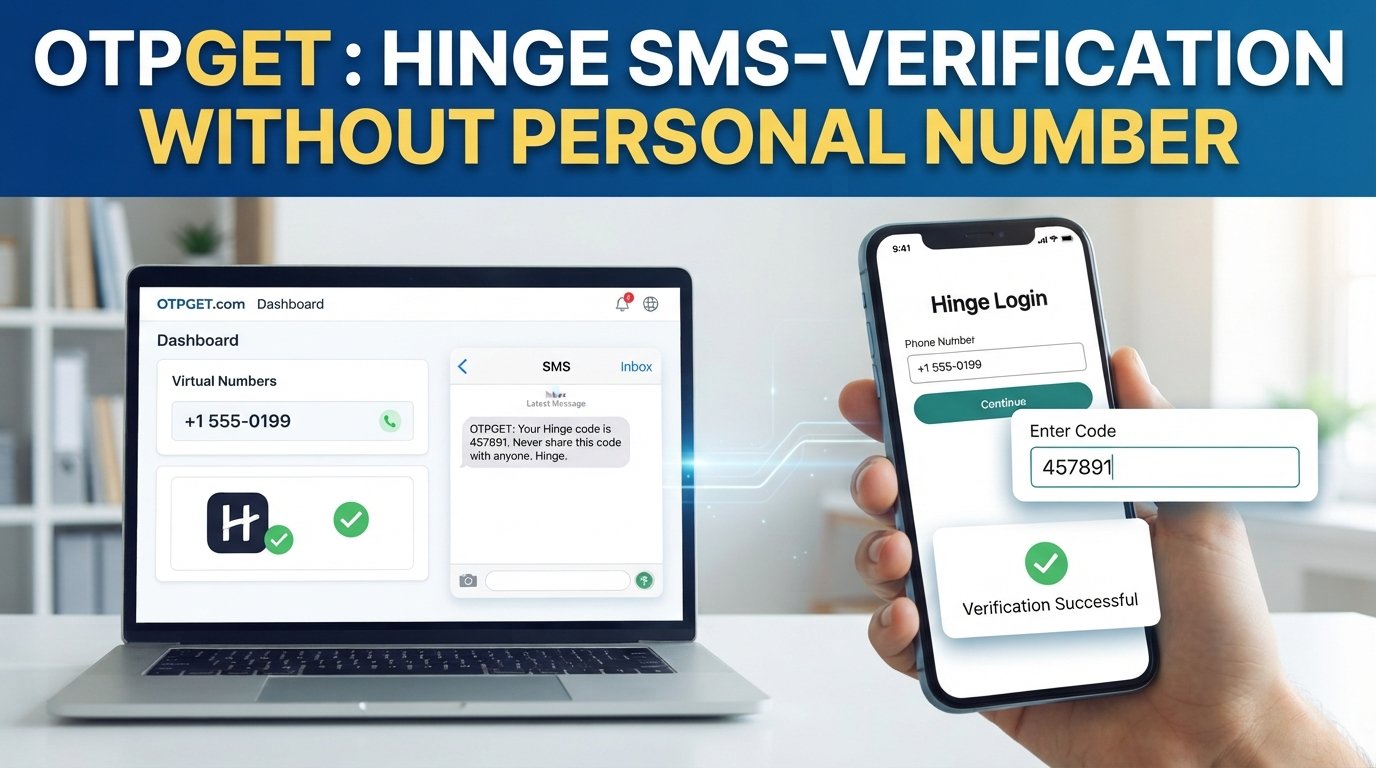
How to Get Hinge Login Without Phone Number
Trying to access Hinge while keeping your personal phone number private can raise an obvious question: Can you use Hinge without giving the app your everyday mobile number?
The answer depends on the login or account-verification method available to you and, importantly, what Hinge accepts at the time you try to sign in. Hinge states that mobile phone verification is part of its account-security process, and its current help documentation says users must verify an account with a mobile phone number. Hinge also supports Google or Apple sign-in after the relevant account has been linked.
That means there is an important distinction between protecting your personal number and bypassing phone verification. The first is a legitimate privacy concern. The second is not something users should attempt.
For privacy-conscious users, an OTP/SMS service such as OTPGET may be worth considering where its available number type is compatible with the platform's verification requirements. OTPGET's documentation describes virtual numbers and SMS OTP services, but compatibility with a particular platform should always be confirmed rather than assumed.
Can You Log Into Hinge Without a Phone Number?
Hinge's official guidance currently says that mobile phone verification is required to keep an account secure. When creating an account, Hinge instructs users to enter a phone number and receive an SMS confirmation code.
For existing accounts, Hinge says users should use the same login method they originally used, such as a phone number, Google account, or Apple ID. If the account was created using a phone number, Hinge specifically advises using that same number when logging in.
So, Hinge login without a phone number should not be interpreted as a method for skipping required authentication. Instead, the practical privacy question is whether you can use a different eligible number or an officially supported sign-in method without exposing your everyday personal number.
That distinction matters. Legitimate verification confirms access to the authentication method being used; it does not mean the security step should be defeated.
Why People Look for Hinge Login Without a Phone Number
There are several reasonable privacy motivations for wanting an alternative to a primary personal number.
Personal privacy
A phone number can be connected to many aspects of someone's digital life. Some users simply prefer not to give their main number to every online service they use.
Separating dating activity
Someone may want to keep dating-app activity separate from their primary communications, work contacts, or family communications.
Reducing unwanted exposure
Using your everyday number across numerous services can increase the number of places where that information is stored or processed. Keeping your primary number private can therefore be part of a broader privacy strategy.
Managing online identity
Privacy-conscious users often separate different online activities through dedicated email addresses, account settings, and other measures. A separate eligible number can fit into that approach when a platform permits it.
None of these reasons require creating a deceptive account or pretending to be someone else. The goal is simply to control which legitimate contact method is associated with an account.
How OTP Verification Works
SMS verification is relatively straightforward.
- A platform asks for an eligible phone number.
- The platform sends a temporary verification code by SMS.
- The user enters the code into the platform.
- The platform checks whether the code is valid.
- If the verification requirements are satisfied, the user continues with the normal account or login process.
The code is commonly called an OTP, or one-time password. An OTP is designed for a particular verification event and generally has a limited validity period.
Hinge's own security documentation confirms that an SMS code is required when logging in with a phone number. Hinge also warns users never to share those codes with other people.
This is why an OTP service should be viewed as a potential alternative delivery method for supported verification, not as a security bypass.
How OTPGET Can Help With OTP Verification
OTPGET is relevant to this problem because its documentation describes services for obtaining virtual numbers and receiving SMS verification codes. Its API documentation includes SMS OTP functionality, country and service availability, and number requests, while its rental offering can provide longer-duration numbers where available.
For a user concerned about phone number privacy, the basic concept is simple: instead of automatically giving an online service your everyday personal number, you can explore whether an eligible OTPGET number is available for the specific verification purpose.
OTPGET describes its service as supporting temporary and longer-term virtual numbers for SMS verification. Its own guidance also emphasizes that availability can vary and that whether a particular platform accepts a number depends on that platform.
That qualification is particularly important for Hinge.
If you are considering OTPGET for Hinge verification, check whether an appropriate number and service are actually available and whether Hinge accepts that type of number. There is no sound basis for assuming that every virtual or temporary number will be accepted.
The same principle applies to any online SMS verification service: availability, number type, country, carrier characteristics, and platform rules can affect whether verification succeeds.
OTPGET can therefore be useful to privacy-conscious users where supported, but it should be used only for legitimate access to your own account and in accordance with the relevant terms.
Hinge Login Without Phone Number: What to Keep in Mind
Before choosing an alternative number, consider several practical issues.
Verification requirements
Hinge requires mobile verification as part of its account-security process. A third-party number does not remove that requirement.
Compatibility
Not every temporary, virtual, or rented number is necessarily accepted by every platform. OTPGET's available services can vary, and platform acceptance should be confirmed rather than assumed.
Privacy
A third-party OTP service introduces another service into the verification process. Review its privacy practices and understand how verification messages and associated information are handled before using it.
Account recovery
Consider what happens if you later lose access to the number associated with an account. A number that works for an initial verification event may not necessarily be the best long-term recovery method.
Number ownership and access
You should only use a number or verification method that you are legitimately authorized to use. Never use another person's number, impersonate someone, or use an OTP belonging to somebody else.
Potential limitations
Platforms may reject certain numbers, including some temporary or virtual numbers. Hinge's support documentation also notes that SMS delivery can be affected by carrier blocking, prepaid plans, incorrect numbers, and other factors.
OTPGET vs Using Your Personal Phone Number
The choice is ultimately about your privacy requirements, convenience, compatibility, and how you expect to manage the account over time.
| Option | Privacy | Convenience | Verification availability | Long-term account considerations | Best suited for |
|---|---|---|---|---|---|
| Personal phone number | Lower exposure to third-party number services, but your personal number is associated with the platform | Usually straightforward | Depends on carrier and platform | Generally easier if you retain the number | Users comfortable using their main number |
| OTPGET or another compatible OTP service | May help keep a personal number separate where supported | Depends on service availability and message delivery | Platform and number compatibility must be confirmed | Access and recovery considerations are important | Privacy-conscious users who need a supported alternative |
The key point is that OTPGET should not be described as a guaranteed Hinge solution. It is an OTP/SMS service, and its usefulness for a particular platform depends on compatibility and availability.
Common Problems With Hinge SMS Verification
Even when you use a normal mobile number, SMS verification can occasionally fail.
Code not arriving
Hinge says an incorrect number, carrier-level SMS blocking, and some prepaid plans can interfere with receiving verification messages.
Delayed SMS
A verification code may arrive later than expected. Avoid repeatedly requesting codes without first checking whether an earlier message is still pending.
Invalid verification code
An OTP can become invalid after its permitted period or after a newer code has been issued. Enter the current code supplied by the service.
Unsupported number
A platform may not accept a particular virtual, temporary, or third-party number. This is one reason to verify compatibility before relying on an online OTP service.
Too many verification attempts
Repeated failed attempts can trigger account or verification restrictions. Hinge says users experiencing a lockout after repeated failed attempts may need to wait before trying again.
Do not attempt to work around such restrictions. Follow Hinge's stated recovery or waiting procedures instead.
Account recovery problems
If you cannot access the authentication method associated with an existing account, use Hinge's official support and account-recovery options rather than trying to circumvent the verification process.
Best Practices for Protecting Your Phone Number
If phone number privacy is important to you, a few simple habits can reduce unnecessary exposure:
- Avoid posting your personal number publicly.
- Review which apps and services have access to your contact information.
- Use official account-recovery procedures when you lose access.
- Read the privacy policy of any third-party OTP service before using it.
- Never share a verification code with another person.
- Never enter an OTP into an unexpected link or form.
- Avoid reusing sensitive verification information unnecessarily.
- Keep long-term account recovery in mind before choosing a temporary number.
- Use only legitimate accounts and verification methods that comply with the relevant platform's rules.
Most importantly, treat an OTP like a password for a specific authentication event. Hinge explicitly advises users not to share SMS login codes.
Frequently Asked Questions
Can I use Hinge without my personal phone number?
Potentially, but this does not mean skipping phone verification. Hinge currently requires mobile phone verification for accounts, while supporting Google and Apple sign-in for accounts that have been linked to those methods.
Is a phone number required for Hinge verification?
Yes. Hinge's current account-access documentation states that mobile phone verification is required to keep an account secure.
What is an OTP verification service?
An OTP verification service provides access to numbers or other supported channels that can receive temporary verification messages. The purpose is to handle legitimate SMS/OTP verification where the relevant platform accepts the service.
How does OTPGET help with OTP verification?
OTPGET provides virtual-number and SMS OTP services, including functionality for obtaining numbers and checking for incoming verification messages. Whether it can be used for a specific platform depends on availability and compatibility.
Can Hinge reject a temporary or third-party number?
Yes. There is no guarantee that a particular temporary, virtual, or third-party number will be accepted. Compatibility can vary, so users should check the applicable requirements before proceeding.
Why am I not receiving my Hinge verification code?
Possible reasons include an incorrect number, carrier restrictions on SMS or short codes, or a prepaid plan. Hinge recommends checking the number, using the latest app version, and contacting the mobile carrier if necessary.
Is it safe to share an OTP?
You should not share your OTP with other people. Verification codes are authentication credentials for a particular verification event, and Hinge specifically warns users not to share login codes.
Final Thoughts
Getting Hinge login without a phone number should be approached as a privacy question, not a security-bypass exercise.
Hinge currently requires mobile verification for account security, so users should follow its legitimate authentication and recovery processes.
For people who want to keep their personal number separate, an OTP/SMS service such as OTPGET may be an option where its available service is compatible with the platform's requirements. OTPGET's documentation confirms that it provides virtual-number and SMS OTP functionality, but it does not establish guaranteed compatibility with Hinge.
Before using any third-party OTP service, check availability, compatibility, privacy practices, and the applicable terms. The safest approach is straightforward: use an authentication method you are legitimately authorized to use, protect your verification codes, and never attempt to bypass Hinge's security controls.


