How to Change Your OTPGet Email Address: Easy Step-by-Step Guide
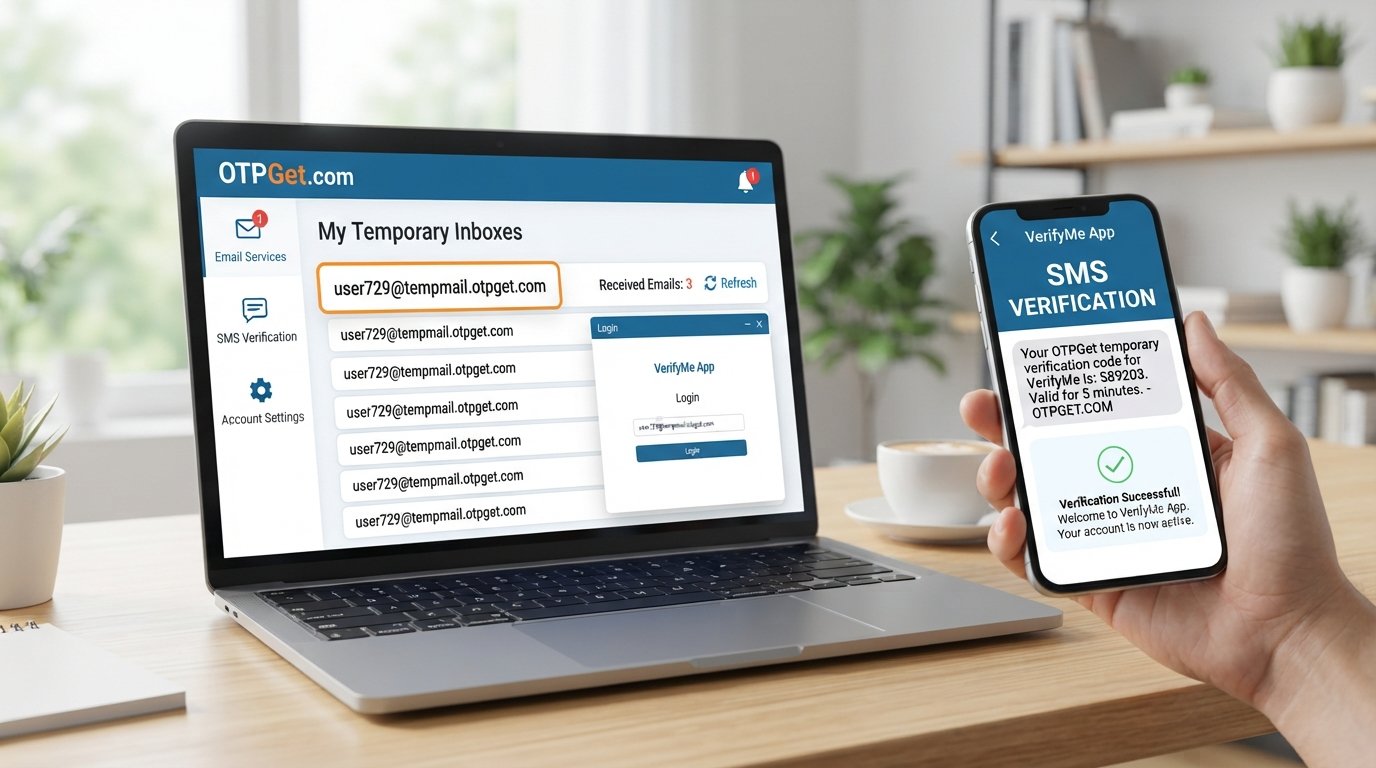
How to Change Your OTPGet Email Address
If you're trying to change your OTPGet email address, the first thing to understand is what you actually need to change. With a temporary email service, “changing” an address can mean getting a completely new inbox, requesting another verification code, or switching the email used on a third-party website.
That distinction matters because a temporary email address usually isn't edited in the same way as a permanent Gmail or Outlook address.
OTPGet provides temporary email addresses specifically for receiving verification emails and OTP messages. Its documented email service supports creating email addresses for verification and, in certain cases, requesting another code through the same mailbox.
So, if you simply need a fresh temporary inbox, the practical solution may be to get another OTPGet email address rather than trying to rename the existing one.
[Internal Link Suggestion: Complete Temporary Email Guide]
What Is an OTPGet Email Address?
An OTPGet email address is a temporary or disposable email address designed for situations where you need to receive an email verification message, OTP, or similar communication without using your regular inbox.
OTPGet describes its service as including temporary email addresses for email verification, with disposable addresses available across multiple domains.
The basic process is straightforward:
- Get a temporary email address.
- Enter that address on the website or app requesting your email.
- Wait for the verification email or OTP.
- Retrieve the code or verification message.
- Complete the required verification.
Temporary email is particularly useful when you need an inbox for a short-term task rather than ongoing personal communication.
However, temporary email should not automatically be treated as a replacement for a permanent email account. If an account is important and you may need password recovery or long-term access later, using a permanent email address is generally more appropriate.
Can You Change an Existing OTPGet Email Address?
Here's the important distinction: changing an email address can mean editing the existing address or getting a different address.
A traditional email provider may allow you to change an account's recovery email or, in some circumstances, modify account information. A temporary email service works differently.
OTPGet's documented email functionality includes an option to purchase or generate an email address and, for its Server 2 email flow, a reorderEmail function that requests a fresh code on the same mailbox. The documentation does not describe an option for manually editing an existing temporary email address into a different address.
That means there are several possible situations:
- You want a completely new email address: Get another temporary email through OTPGet.
- You want another OTP for the same mailbox: Depending on the OTPGet email flow being used, a new code may be available without changing the address.
- You want to change the email on another website: Update the email address inside that website or service, then use your new OTPGet address if temporary email is appropriate.
- You want to edit the existing temporary address itself: This may not be supported, so obtaining a fresh address is the practical alternative.
How to Change Your OTPGet Email Address
If by “change” you mean replacing your current temporary address with a new one, the process is simple in principle.
1. Decide What You Actually Need
Before abandoning your existing inbox, determine whether you need:
- A completely new email address
- Another verification code
- A different email for a new registration
- An updated email on an existing third-party account
This prevents you from creating a new address when the original mailbox may still be useful.
2. Finish Any Important Verification First
If the existing OTPGet email has already received a verification email you still need, use that message before switching away from the address.
Don't discard a temporary inbox while you're waiting for a code or verification link that matters.
3. Get a Fresh OTPGet Email Address
If you need a different temporary email address, use OTPGet's temporary email service to obtain another address suitable for your intended verification.
OTPGet's documentation shows an email flow for selecting an available service or domain and obtaining a temporary email address.
The exact options you see can depend on the OTPGet email service and the flow being used, so avoid assuming that every address or domain will always be available.
4. Replace the Old Address Where Needed
If you're using the temporary email for a website registration that has not yet been completed, enter the new OTPGet address instead of the previous one.
If you're changing the email associated with an existing service, make that change directly through the service's own account or email settings.
OTPGet provides the temporary inbox; the third-party website controls the account information stored on its platform.
5. Request a New Verification Email
After entering the new email address, return to the website you're verifying and request another verification email or OTP.
Then monitor the new temporary inbox for the incoming message.
[Internal Link Suggestion: How OTP Verification Works]
How OTPGet Helps When You Need a New Email Address
The main advantage of using OTPGet for this situation is that you don't have to treat a temporary email address like a permanent mailbox.
If the current address no longer suits your purpose, getting another temporary address can be a more practical approach than trying to modify the original one.
OTPGet specifically offers temporary email functionality for receiving verification emails and OTP messages. Its documentation also separates email OTP functionality from its SMS OTP and rental-number services, making the temporary email workflow useful for tasks that require email-based verification.
For example, imagine you entered one temporary email address during a signup but decide you want to start the verification process again. Instead of assuming the old address can be renamed, you can use a fresh temporary email address where the service allows it.
Why You Might Need to Change Your OTPGet Email
There are several legitimate reasons someone may want a different temporary email address.
You Need a Fresh OTP
Sometimes you simply want to restart a verification process. A new temporary address can provide a clean starting point.
The Original Inbox Is No Longer Useful
If you've finished the task associated with an address, there may be little reason to keep using it for another unrelated registration.
You Want to Avoid Mixing Verification Messages
Using separate temporary addresses for separate tasks can make it easier to identify which inbox belongs to which verification process.
You Entered the Wrong Email
If an address was entered incorrectly on a website, obtaining another address and restarting the process may be easier than waiting for a message that cannot reach the intended inbox.
You Need Another Verification Email
If the service you're using supports sending another verification message, you may be able to request a new OTP without changing the mailbox. OTPGet's documented Server 2 email flow includes a reorder option for requesting a fresh code on the same mailbox.
You Prefer Not to Use Your Personal Email
A temporary email address can be useful for short-term registrations and verification tasks where a permanent personal inbox isn't necessary.
What to Do If Your OTP Is Not Arriving
Not receiving an OTP doesn't always mean you need to change your email address immediately.
Try these steps first:
- Check that the email address was entered correctly.
- Wait briefly for the verification message to arrive.
- Check whether the website offers a “resend code” option.
- Make sure you're monitoring the correct OTPGet inbox.
- Avoid repeatedly requesting codes in rapid succession if the website limits verification attempts.
- If the existing email isn't working for your task, consider starting again with a fresh temporary address.
OTPGet's documented email API uses a waiting status while a verification code has not yet arrived and provides the received code when a message is available.
If you're using a paid temporary email activation and the OTP does not arrive, check the applicable OTPGet cancellation and refund conditions before simply abandoning the order. OTPGet's published policies describe specific conditions around manually cancelling an email order when an OTP has not been received.
[Internal Link Suggestion: OTP Verification Troubleshooting Guide]
Best Practices When Using a Temporary Email Address
Temporary email is convenient, but it works best when you understand its limitations.
Save Important Information
If a verification message contains information you'll need later, don't assume the temporary inbox will remain your long-term source of access.
Use the Correct Inbox
When managing multiple temporary addresses, double-check which email belongs to the website or service you're currently verifying.
Don't Use Temporary Email for Critical Recovery
For accounts containing important personal information, financial details, business records, or other data you may need to recover later, consider using an email account you control for the long term.
Request a New OTP When Appropriate
If a code expires or doesn't work, use the website's official resend option rather than repeatedly guessing codes.
Know the Difference Between a New Address and a New Code
You don't necessarily need a new email address every time you need another OTP. In supported OTPGet email flows, another code may be requested for an existing mailbox.
Why Use OTPGet for Temporary Email Needs?
OTPGet brings temporary email and OTP verification into the same service, making it relevant when you need an email address specifically for a verification task.
Its official service information describes disposable temporary email addresses for email verification, while its documentation explains how email activations and verification codes can be managed through its email service.
The biggest practical point is flexibility. If your current temporary address no longer fits the task, you can approach the problem as a new-address requirement rather than expecting to edit the old address.
That makes OTPGet useful for short-term verification workflows where a dedicated temporary inbox is more appropriate than exposing your primary email address.
Frequently Asked Questions
Can I change my OTPGet email address?
If you mean editing the existing temporary address itself, OTPGet's published email documentation does not describe an address-edit feature. If you need a different address, the practical approach is to obtain a new temporary email address.
How do I get a new OTPGet email address?
Use OTPGet's temporary email service and select an available email option for your verification task. The exact available services and domains can depend on the email flow being used.
Can I use OTPGet for email verification?
Yes. OTPGet documents temporary email addresses specifically for receiving verification emails and OTP messages.
What should I do if my OTP is not arriving?
First, verify the email address, wait for delivery, and use the website's resend option if available. If the message still doesn't arrive, starting the process again with a fresh temporary email may be appropriate. For paid OTPGet email orders, review the applicable cancellation conditions before abandoning the order.
Can I reuse an old OTPGet email address?
Don't assume that a previously used temporary email address will remain available or suitable for a new verification. Temporary email services are designed for short-term use, so obtaining a fresh address may be the safer practical choice.
Is a temporary email address suitable for important accounts?
Usually, temporary email is better suited to short-term registrations and verification tasks. For accounts where you need ongoing access, password recovery, or long-term communication, use an email address you control permanently.
How does OTPGet help with temporary email verification?
OTPGet provides temporary email functionality designed for receiving verification emails and OTP messages. Its documented email workflow allows users to obtain an email address and retrieve verification codes associated with the email activation.
Final Thoughts
If you're searching for how to change your OTPGet email address, the key is to first identify what “change” means in your situation.
If you simply need another verification code, you may not need a new address at all. If you need a completely different temporary email, the practical solution is to start with a fresh OTPGet address rather than expecting an existing temporary address to be edited.
For short-term registrations, email verification, and OTP-related tasks, OTPGet provides a practical temporary email option without requiring you to use your primary inbox for every verification request.
If your next task requires a fresh temporary email address or another verification inbox, OTPGet can be a convenient starting point. Just remember to use temporary email for situations where short-term access is appropriate and keep important, long-term accounts connected to an email address you control.


