How to Get a Refund When OTP Doesn't Arrive: Full OTPGET Guide
How to Get a Refund When OTP Doesn't Arrive
You request an OTP, wait for the verification message, check your phone again—and still nothing. The verification screen is sitting there, the timer may be running, and you cannot complete the process.
An OTP not received situation can be frustrating, especially when the verification attempt involves a paid service. You may start wondering whether the code is simply delayed, whether you should request another one, or whether you can get your money back if verification ultimately fails.
The good news is that an OTP delivery problem does not always mean the process is permanently stuck. There are several troubleshooting steps worth trying before requesting another code or contacting support.
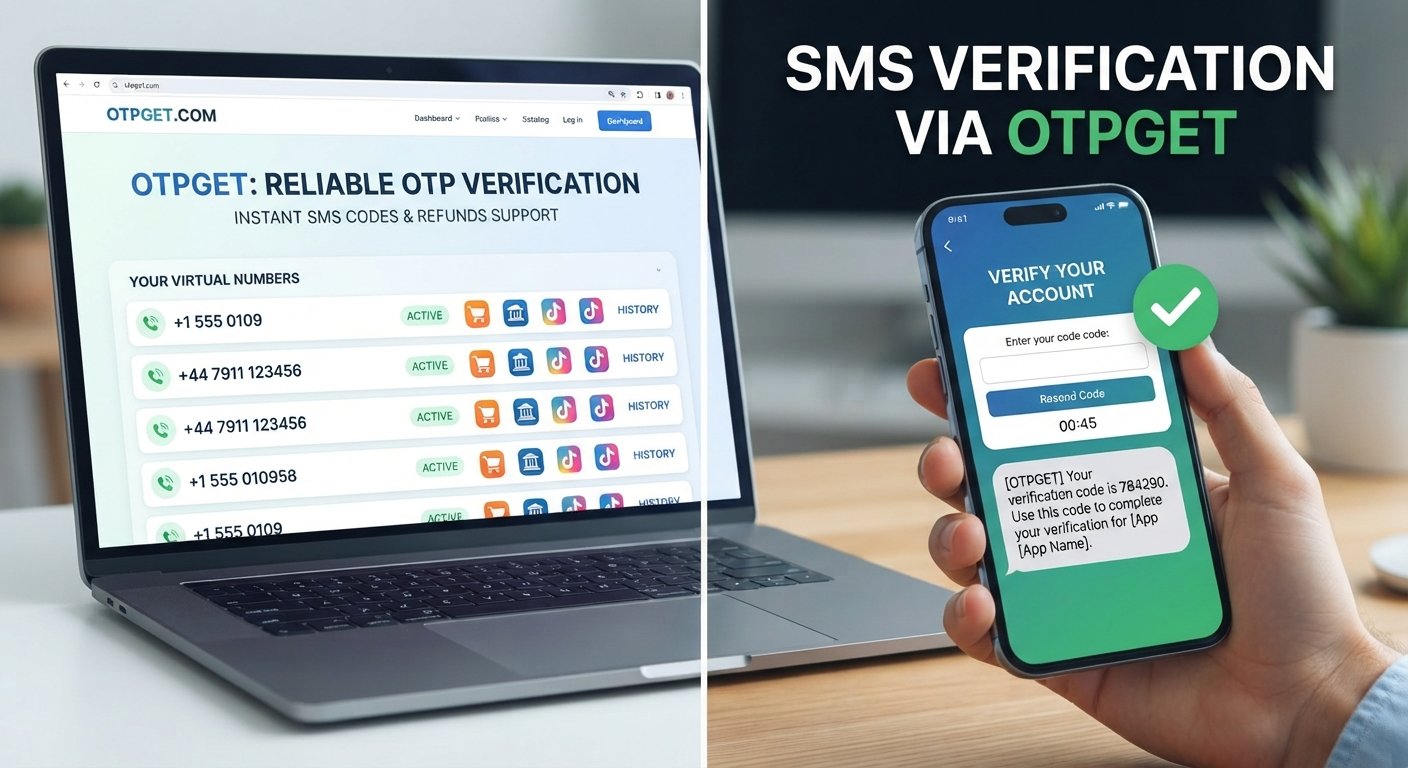
If repeated SMS problems continue, an alternative OTP verification service such as OTPGET may also provide a practical option for users who need another way to handle online verification.
Why Doesn't an OTP Arrive?
An OTP can fail to arrive for several different reasons. The problem may be with your phone, mobile network, the messaging system, or the service sending the verification code.
Common causes include:
- Network or connectivity problems: Weak cellular coverage or temporary network issues can delay SMS delivery.
- SMS delivery delays: A message may take longer than expected to reach your phone.
- Incorrect phone number: Even one incorrect digit can send the OTP somewhere else.
- Carrier-related delays: Mobile carriers can sometimes experience temporary message-routing or delivery problems.
- Too many OTP requests: Repeated requests in a short period can create confusion between multiple codes or trigger temporary restrictions.
- Expired verification sessions: If the verification page has been open too long, a previously requested OTP may no longer be valid.
- Service-side problems: The platform generating the OTP may be experiencing a temporary technical issue.
- Blocked or filtered messages: Your phone or messaging application may automatically filter certain messages.
Understanding the likely cause helps you decide whether to wait, request another OTP, restart the process, or consider an alternative verification method.
What Should You Do When Your OTP Doesn't Arrive?
If your verification code is missing, work through the following steps before assuming the transaction has failed.
1. Check the Phone Number
Confirm that the number entered during verification is correct. If the number is wrong, requesting additional OTPs will not solve the problem.
2. Check Your Network
Make sure your phone has a working cellular connection. If coverage is weak, move to an area with a stronger signal and try again.
3. Wait Briefly for a Delayed SMS
A delayed OTP may still arrive. Avoid immediately requesting several new codes because older messages can arrive after newer requests.
4. Check Blocked or Filtered Messages
Look through spam, blocked, filtered, or secondary SMS folders if your phone supports them.
5. Avoid Repeated Requests
Requesting OTPs repeatedly can result in several different codes being issued. This can make it difficult to know which code is valid.
6. Request a New OTP When Appropriate
If the original code has clearly expired or the service provides a Resend OTP option, request a fresh verification code.
7. Restart the Verification Process
Close and reopen the verification page or app if the session appears stuck. In some cases, starting a fresh session can resolve a failed verification attempt.
8. Consider an Alternative OTP Solution
If the same SMS OTP problem continues, an alternative verification service may be worth considering. OTPGET can be explored as an option for users looking for a practical way to handle OTP verification rather than repeatedly dealing with the same delivery issue.
Can You Get a Refund When an OTP Doesn't Arrive?
Whether you can receive an OTP refund depends on the provider involved, the type of transaction, and its applicable refund terms.
There is an important difference between an OTP being delayed and a verification service actually failing. A delayed code could arrive after several minutes, while an expired code may require a new request. A failed verification attempt may also be treated differently from a completed transaction.
Before requesting a refund, determine what actually happened:
- Was the OTP never delivered?
- Did the OTP arrive after it had expired?
- Did verification fail even though the code was received?
- Were you charged for the request?
- Was the transaction completed successfully?
- Does the provider's policy cover unsuccessful verification attempts?
Do not assume that an unsuccessful OTP request automatically qualifies for a refund. Providers may have different terms for completed transactions, failed attempts, expired codes, or service interruptions.
If you used OTPGET, review the applicable terms and support information associated with your transaction rather than assuming a refund is automatic.
Keep useful records such as transaction details, order information, timestamps, screenshots, and error messages. These details can make it easier for customer support to understand what happened.
How to Request an OTP Refund
If an OTP verification attempt was unsuccessful and you believe you may qualify for a refund, follow a straightforward process.
1. Check the Provider's Refund Policy
Start with the service's published terms. Look for information about failed transactions, unsuccessful verification, expired OTPs, and refund eligibility.
2. Confirm the Verification Failed
Make sure the issue was not simply a temporary delay. Check whether the OTP eventually arrived or whether the verification session expired.
3. Locate Your Transaction Details
Find the order number, transaction reference, payment confirmation, or other information associated with the request.
4. Collect Evidence
Save relevant screenshots, error messages, timestamps, and other details showing what happened.
5. Contact Customer Support
Use the provider's official support channel. Explain the issue clearly and avoid sending unnecessary personal information.
6. Describe the Problem Clearly
For example, explain that an OTP was requested, the verification code was not received, and the verification attempt could not be completed.
7. Ask Whether the Transaction Qualifies
Instead of assuming a refund is guaranteed, ask support whether the specific transaction meets the provider's refund requirements.
This approach works better than repeatedly submitting requests without identifying what caused the failed verification.
Why Repeated OTP Problems Can Be a Sign You Need a Better Solution
One failed OTP request can be a temporary inconvenience. Repeated OTP delivery problems are different. If you regularly encounter delayed messages, expired codes, or failed verification sessions, the problem can interrupt otherwise simple online tasks.
Constantly requesting another code also creates unnecessary delays and confusion. You may receive multiple messages at different times, making it harder to identify the valid verification code.
This is where an alternative OTP verification service can become useful.
OTPGET is relevant for users who are looking for a practical option for OTP verification rather than relying exclusively on a problematic delivery method. Instead of repeatedly troubleshooting the same SMS issue, users can explore whether OTPGET fits the verification task they are trying to complete.
The important point is to use a service that matches the requirements of the verification process and to understand its applicable terms before proceeding.
How OTPGET Can Help With OTP Verification
OTPGET can be considered by users who need an alternative approach to receiving verification codes for online verification.
For someone dealing with an OTP not coming through, the appeal of an OTP verification service is straightforward: having another option can reduce unnecessary delays when the usual verification route is causing problems.
Depending on the specific service and verification requirement, users may look to OTPGET when they need:
- A practical approach to OTP verification
- Help with receiving verification codes
- An alternative to a problematic SMS verification process
- Greater convenience when completing online verification
- A way to avoid repeatedly restarting failed verification attempts
OTPGET should not be viewed as a guarantee that every verification request will succeed. The availability and suitability of any OTP solution can depend on the particular service being verified and its requirements.
The best approach is to understand what you need to verify, review the relevant service terms, and then determine whether OTPGET is appropriate for that task.
OTP Not Received? Common Mistakes to Avoid
When an OTP does not arrive, certain habits can make the situation more confusing.
Avoid these common mistakes:
- Requesting multiple OTPs too quickly: This can produce several codes that arrive at different times.
- Entering the wrong number: Always confirm the phone number before requesting another code.
- Ignoring expiration periods: OTPs are generally intended to be used within a limited verification session.
- Assuming a delayed OTP is permanently lost: Give the delivery system a reasonable amount of time before restarting everything.
- Skipping SMS filters: Check whether your phone has moved the message into a filtered or blocked area.
- Repeating failed attempts without investigating: Identify whether the problem is your number, network, verification session, or provider.
- Ignoring refund terms: If money is involved, review the provider's refund conditions before assuming you are eligible.
A little troubleshooting can prevent unnecessary repeat requests and help you determine whether the problem is temporary or requires another solution.
When Should You Request a Refund?
It may make sense to check refund eligibility when you have paid for a verification-related service but could not complete the intended transaction.
Potential situations include:
- An OTP was not delivered and the verification could not be completed.
- A service error prevented the verification process from working.
- A paid verification request expired without producing a usable result.
- You were charged for an attempt that appears to have failed.
However, these circumstances do not automatically establish refund eligibility. The provider's terms and the details of the transaction determine what happens next.
If you encounter a problem while using OTPGET, check the applicable service information and contact the appropriate support channel with your transaction details. Clear documentation gives support a better understanding of the issue.
Frequently Asked Questions
Why didn't my OTP arrive?
An OTP may be delayed because of network problems, carrier issues, an incorrect phone number, message filtering, too many requests, an expired session, or a temporary problem on the service's side.
Can I get a refund if I never received an OTP?
Possibly, but it depends on the provider's refund terms and the specific transaction. Check the applicable policy and contact support with your transaction details.
What should I do if my verification code is delayed?
Wait briefly, check your network and filtered messages, and avoid requesting multiple codes immediately. If the original code expires, use the provider's resend option or restart the verification process.
Why does an OTP expire?
OTP codes are generally designed for a limited verification session. Expiration helps ensure that an old verification code cannot be used indefinitely.
Can requesting multiple OTPs cause problems?
It can create confusion because several codes may be generated and delivered at different times. Some services may also limit repeated requests.
How can I avoid repeated OTP delivery issues?
Verify your phone number, maintain a stable network connection, check message filters, avoid excessive resend requests, and consider an alternative OTP verification option when appropriate.
What is OTPGET?
OTPGET is an OTP verification solution that users can consider when they need an alternative approach to handling verification codes online.
How can OTPGET help with OTP verification?
OTPGET can be explored as a practical alternative for users experiencing OTP delivery problems and looking for another way to approach online verification. Its suitability depends on the specific verification task and applicable service requirements.
Conclusion
An OTP that does not arrive does not necessarily mean your verification attempt is permanently lost. Start by checking your phone number, network connection, message filters, verification session, and the timing of your OTP requests.
If you were charged for an unsuccessful attempt, check the provider's refund terms and keep transaction information, timestamps, screenshots, and error messages available when contacting support. Refund eligibility depends on the specific provider and transaction.
For users who repeatedly encounter OTP delivery problems, having a practical alternative can save time and reduce unnecessary failed verification attempts. OTPGET can be explored as an option for handling OTP verification when the usual delivery process is not working as expected.
Rather than repeatedly requesting codes without identifying the problem, take a structured approach: troubleshoot the delivery issue, understand your refund options, and consider whether OTPGET is suitable for your verification needs.
Suggested Internal Links
- OTP verification guide
- How to receive OTP online
- OTPGET verification services
- Common OTP problems
- SMS verification guide
- OTP troubleshooting guide


