How to Get Your WhatsApp Number: A Simple Verification Guide
How to Get Your WhatsApp Number: A Simple Verification Guide
If you're searching for how to get your WhatsApp number, you may simply want to register WhatsApp without unnecessarily sharing your personal number. You might also need a separate number for business communication, a second account where supported, or a suitable number that can receive a WhatsApp verification code.
The basic process is straightforward: WhatsApp needs a valid number that you are authorized to use, and that number normally needs to receive a verification code before account setup can be completed.
The challenge comes when your usual number isn't convenient, you don't receive the SMS, or you want more separation between your personal identity and another communication purpose. In these situations, an appropriate alternative number may be useful.
Services such as OTPGET can be worth exploring when you need a suitable number for legitimate verification purposes, subject to availability and WhatsApp's own requirements.
What Does “Getting a WhatsApp Number” Actually Mean?
The phrase “how to get a WhatsApp number” can mean several different things.
It doesn't necessarily mean getting a number directly from WhatsApp. Instead, users are usually looking for a phone number that can be used during WhatsApp's account verification process.
There are several possibilities:
- A new phone number: You obtain a regular mobile number from a carrier and use it for WhatsApp.
- Your existing number: You register a number you already own and can access.
- An additional number: You use a separate number to keep personal and other communications apart, where WhatsApp supports the setup you want.
- An online or virtual number: Depending on the service and WhatsApp's compatibility requirements, an online number may be suitable.
- A verification number: Sometimes the immediate goal is simply to access a number capable of receiving the required verification SMS or call.
The important distinction is that having a number and successfully verifying that number are not necessarily the same thing. WhatsApp ultimately controls its own verification process.
Why Do You Need a Number for WhatsApp?
WhatsApp uses phone-number verification as part of account registration. For many people, using their everyday mobile number is perfectly suitable.
However, there are legitimate reasons to consider an additional or alternative number.
Privacy
You may not want to give your personal number to every person, service, or communication group. A separate number can provide another layer of separation.
Personal and business communication
A separate number can make it easier to distinguish personal conversations from work-related communication, depending on your setup.
A second WhatsApp number
Some users want an alternative WhatsApp number for another legitimate purpose. Whether and how multiple accounts can be used depends on the devices, applications, and features available to you.
Testing legitimate workflows
Developers, businesses, and other users may need to test account-registration or communication workflows without unnecessarily exposing a personal number. Any testing should remain authorized and comply with the relevant platform rules.
How WhatsApp Number Verification Works
The general WhatsApp verification process is simple:
- Enter a valid number.
Provide the phone number you are authorized to use, including the correct country code. - Request verification.
WhatsApp attempts to send a verification code through its available verification method. - Receive the code.
Check the relevant SMS or supported verification channel. - Enter the code.
Enter the verification code into WhatsApp. - Complete account setup.
Once verification succeeds, continue with the normal WhatsApp setup process.
Only use numbers that you own, control, or are otherwise authorized to use. A verification code should also be treated as private information and never shared with someone who should not have access to the account.
Common Problems When Trying to Verify a WhatsApp Number
Even when you've entered everything correctly, verification can sometimes be inconvenient.
You're not receiving the SMS
First, confirm that the number is correct and that the phone can receive SMS messages. Check network connectivity and make sure your messaging service isn't blocking incoming messages.
The verification code is delayed
Avoid repeatedly requesting new codes. Multiple requests can make troubleshooting more confusing and may trigger temporary restrictions or delays.
Give the verification process time to complete and follow the instructions displayed by WhatsApp.
The number isn't compatible
Not every online, virtual, temporary, or internet-based number will necessarily work for WhatsApp verification. Compatibility can depend on the number type, provider, region, and WhatsApp's verification systems.
The number was entered incorrectly
Country codes and number formatting matter. Double-check the selected country and the complete number before requesting another verification code.
Carrier restrictions
Some mobile carriers or number providers may have restrictions affecting SMS delivery. If ordinary text messages aren't reaching the number, investigate the provider's messaging capabilities.
You've tried too many times
Repeated verification attempts can create additional delays. Instead of continuously requesting codes, stop and carefully check the number, network connection, and instructions provided on the verification screen.
How OTPGET Can Help
If you need a suitable number for legitimate verification purposes, OTPGET can be an option to explore.
The basic value is convenience: instead of immediately exposing your everyday personal number, you can look for an appropriate number or verification service where available and suitable for your intended use.
Depending on availability, OTPGET may help users with needs such as:
- Accessing a suitable number for verification purposes
- Receiving verification codes where the requested service supports them
- Reducing unnecessary exposure of a personal number
- Separating certain verification activities from a primary phone number
- Managing legitimate verification needs more conveniently
The key point is that OTPGET should be viewed as a practical number and verification option—not as a way to bypass WhatsApp's security.
WhatsApp ultimately determines whether a particular number can be verified. Availability, compatibility, and successful code delivery can vary, so users should check the options and instructions presented by OTPGET and WhatsApp.
If you're looking for a suitable number rather than wanting to expose your personal number, exploring OTPGET can be a practical next step.
Step-by-Step: How to Use OTPGET for WhatsApp Verification
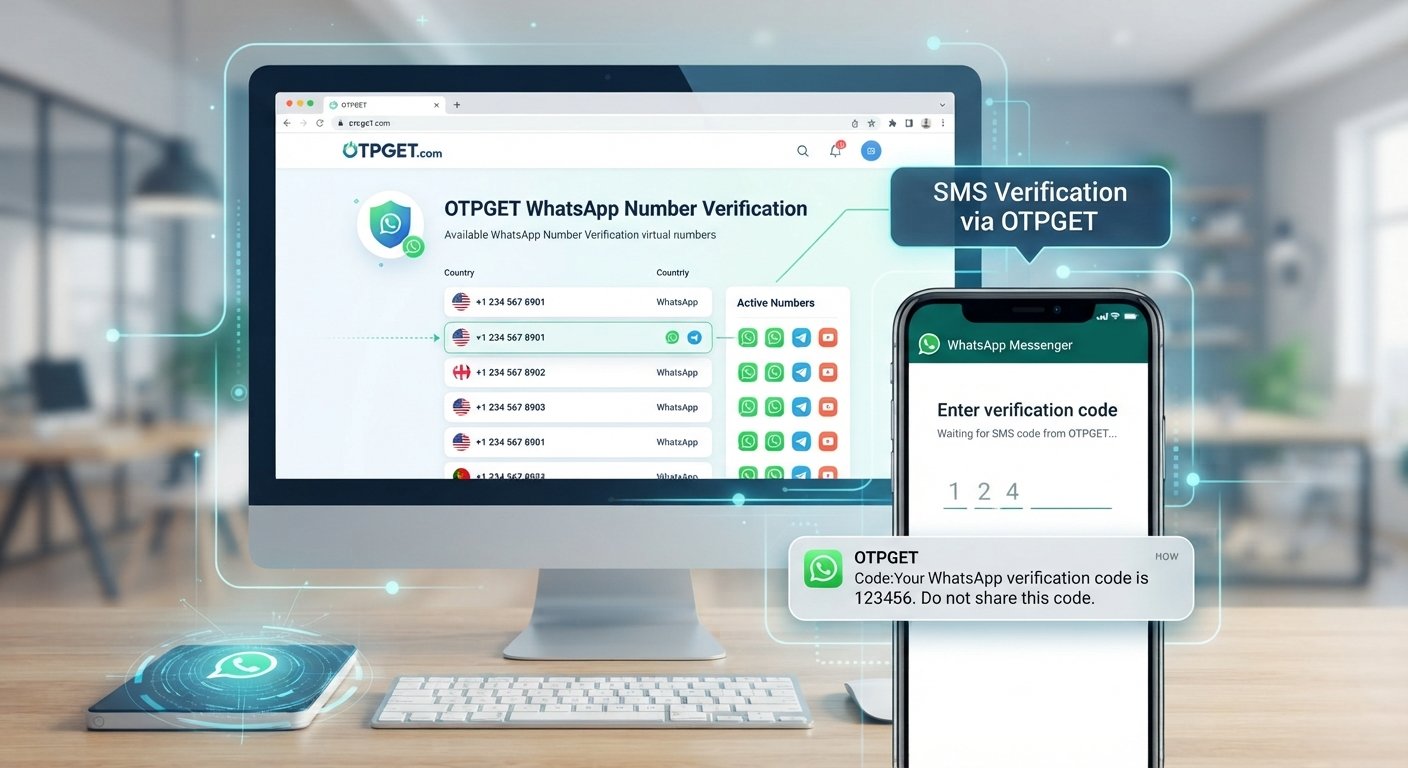
If you decide to explore OTPGET for a legitimate WhatsApp verification need, the general workflow can look like this:
- Visit OTPGET.
- Choose an appropriate number or service where available for your intended purpose.
- Follow the instructions provided by OTPGET.
- Enter the selected number into the relevant WhatsApp verification screen.
- Wait for the verification code if the selected service supports the requested verification.
- Enter the received code into WhatsApp.
- Complete the normal WhatsApp account setup.
Availability can vary by number and service, so don't assume that every number will be compatible with WhatsApp.
If a number doesn't work, avoid repeated attempts and review the instructions from both the number provider and WhatsApp.
OTPGET vs. Using Your Personal Number
Both approaches can make sense depending on what you're trying to accomplish.
| Consideration | Personal Number | Alternative Number |
|---|---|---|
| Privacy | Your everyday number is used | Can provide additional separation |
| Convenience | Usually already available | Requires obtaining another number |
| Communication separation | Less separation | Useful for keeping purposes distinct |
| Availability | Depends on your existing service | Depends on provider availability |
| Verification | Subject to WhatsApp's requirements | Also subject to WhatsApp's requirements |
| Long-term access | Usually straightforward | You need to maintain access when required |
An alternative number isn't automatically better for every situation. If you intend to keep an account long term, consider whether you'll continue to have access to the number for future verification or account-recovery needs.
Tips for Getting a WhatsApp Number Successfully
A few simple practices can prevent common verification problems:
- Enter the correct country code and phone number.
- Use a number you are authorized to use.
- Confirm that the number can receive the required verification method.
- Check your mobile network or internet connection where relevant.
- Avoid requesting multiple verification codes unnecessarily.
- Follow the instructions shown directly in WhatsApp.
- Keep access to the number if you'll need it for future account recovery or verification.
- Don't share your WhatsApp OTP with another person.
- Check the terms and rules of both WhatsApp and your number provider.
- If using an online or virtual number, understand that compatibility may vary.
These steps are particularly important when using a privacy-friendly WhatsApp number or an online number rather than a conventional mobile number.
Frequently Asked Questions
How do I get a WhatsApp number?
You need a valid phone number that you're authorized to use. Enter it into WhatsApp, receive the verification code through the supported method, and complete the account setup.
Can I use a virtual number for WhatsApp?
A WhatsApp virtual number may work in some circumstances, but compatibility isn't guaranteed. WhatsApp determines whether the number can be used for verification.
How can I receive a WhatsApp verification code?
Enter the correct eligible number in WhatsApp and follow the displayed verification process. Make sure the number can receive the required SMS or other supported verification method.
Can I use a second number for WhatsApp?
A second number can be useful for separating personal and other communications. The exact account and device setup depends on the WhatsApp features available to you.
Why am I not receiving my WhatsApp OTP?
Check the number and country code, network connection, SMS delivery, and provider restrictions. Also avoid repeatedly requesting codes, as this can contribute to additional delays.
Is OTPGET useful for WhatsApp verification?
OTPGET can be an option to explore when you need a suitable number for legitimate verification purposes. However, successful WhatsApp verification depends on the number, availability, and WhatsApp's own systems.
Can I use an online number for WhatsApp?
Some online numbers may be compatible, while others may not be accepted or may have delivery limitations. Check the specific number and verification method before relying on it.
Do I need my personal number for WhatsApp?
No. You can use another authorized number if it meets WhatsApp's verification requirements. An alternative number can also help separate WhatsApp activity from your primary personal number.
Conclusion
Knowing how to get your WhatsApp number starts with understanding what you actually need: an existing number, a new number, a second number, or a suitable online option for legitimate verification.
WhatsApp requires users to verify the number they provide, so the number must be accessible and meet the platform's requirements. If you're experiencing SMS problems or simply don't want to expose your everyday personal number, an appropriate alternative may be worth considering.
OTPGET can be a practical option to explore when you need a suitable number for legitimate verification purposes, subject to availability and compatibility. Just remember that WhatsApp controls the final verification process.
If an alternative number fits your needs, explore OTPGET and choose an option appropriate for your legitimate WhatsApp verification requirements.
10. Suggested Internal Link Opportunities
These phrases can be used as natural internal-link anchors when relevant pages exist on the website:
- WhatsApp verification code → Link to a detailed guide explaining verification codes and common delivery issues.
- virtual number for WhatsApp → Link to an educational guide covering virtual and online numbers.
- receive SMS verification code → Link to an SMS/OTP troubleshooting guide.
- privacy-friendly WhatsApp number → Link to content about separating personal and business communications.
- WhatsApp OTP → Link to a broader guide explaining OTP verification and secure code handling.
Suggested Image Placement
- Featured image: Place the OTPGET-branded verification concept directly below the introduction.
- Process illustration: Add a simple three-to-four-step graphic near “How WhatsApp Number Verification Works.”
- Troubleshooting graphic: Use a smartphone/SMS illustration near “Common Problems When Trying to Verify a WhatsApp Number.”
- Comparison visual: A clean split-screen graphic could accompany “OTPGET vs. Using Your Personal Number.”