How to Get YouTube Music Login Without Phone Number Securely
How to Get YouTube Music Login Without Phone Number
Want to use YouTube Music but would rather not give your personal phone number during account verification? You are not alone. Many users prefer to keep their personal contact details private or separate their everyday phone number from online accounts.
The good news is that there are legitimate options to consider. Whether you are trying to create a YouTube Music account without phone number or encountering a verification request during account setup, the exact requirements can depend on Google's security processes, account circumstances, and the verification method being requested.
One option worth considering is OTPGET, an OTP/verification-number service that may help users who need an alternative number for legitimate verification where the relevant platform accepts it. It is not a way to bypass YouTube security or guarantee account verification. Instead, it can provide an alternative to sharing your personal number when an appropriate verification number is supported.
Can You Use YouTube Music Without a Phone Number?
The answer depends on what you are trying to do.
YouTube Music is connected to the broader Google account ecosystem. Simply accessing music content and creating or securing an account are not necessarily the same process. Some users may be able to access YouTube Music without encountering a phone verification step, while others may be asked to provide a number as part of account creation, security, or verification.
This means there is no universal method that guarantees YouTube Music login without phone number for every account.
If Google requests phone verification, the safest approach is to complete the normal verification process using a number that you are authorized to use. Depending on the circumstances, that could be your personal number or an alternative verification number that the service accepts.
The important distinction is that an OTP service does not remove Google's security requirements. It may simply provide another number for receiving a YouTube verification code when third-party or temporary numbers are permitted.
Why Users Prefer Not to Share Their Personal Number
There are several reasonable privacy-related reasons someone may not want to use a personal phone number for online verification.
For example, you may want to:
- Keep personal contact information separate from online accounts.
- Avoid unnecessarily sharing your everyday mobile number.
- Maintain a clearer separation between personal and digital activities.
- Use a dedicated number for legitimate verification purposes.
- Reduce exposure of your personal number to online services.
- Protect your personal phone number when an alternative is available.
These concerns do not necessarily mean a user wants to avoid security. In many cases, the goal is simply privacy-friendly verification.
An alternative phone number for verification can therefore be useful in situations where the platform allows it and the user is authorized to create or access the account.
What Is OTP Verification?
An OTP, or one-time password, is a temporary verification code used to confirm that someone has access to a particular phone number or other authentication method.
For SMS-based verification, the general process is straightforward:
- A website or service asks for a verification number.
- The user enters an eligible phone number.
- The service sends a temporary code by SMS.
- The user enters that code into the verification field.
- The platform confirms the code and continues the normal process.
This is commonly known as OTP verification, SMS verification, or online SMS verification.
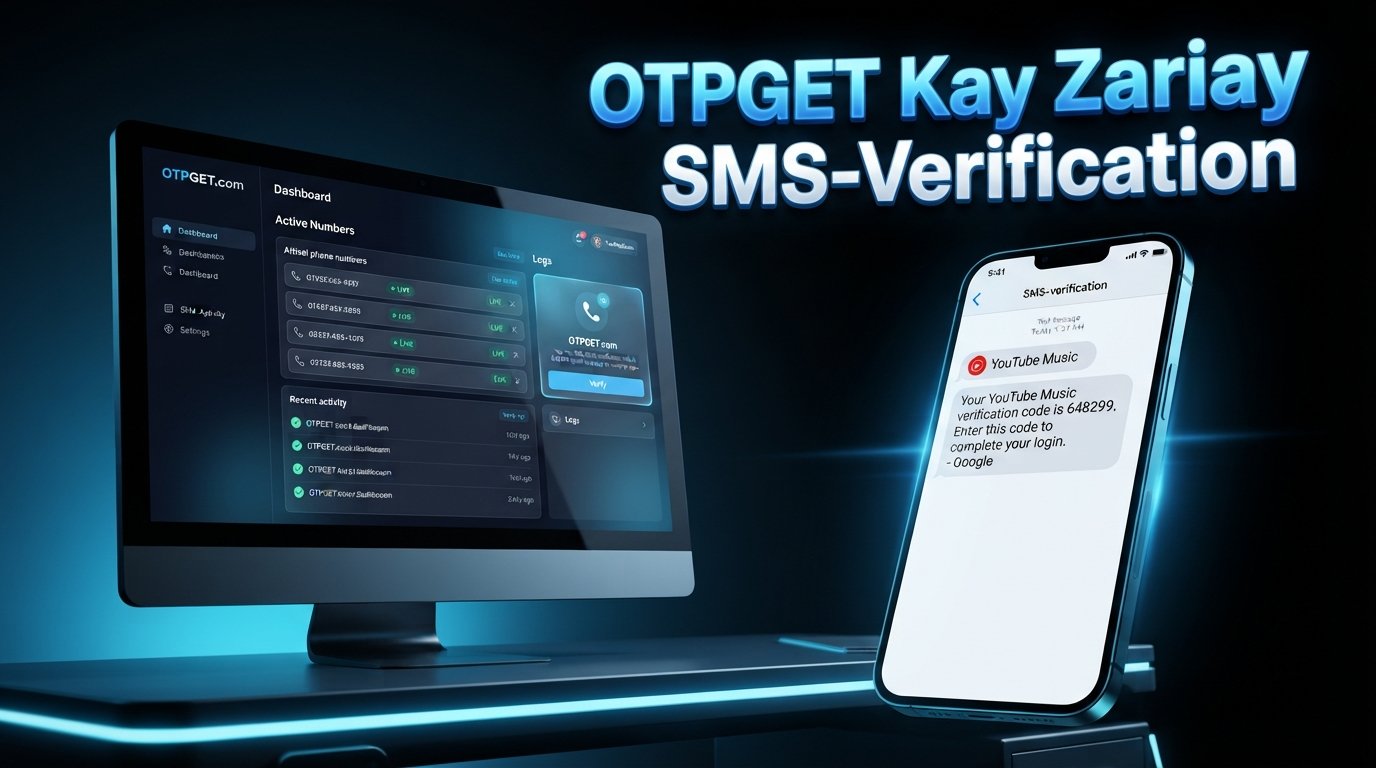
A YouTube OTP is simply a verification code sent as part of an applicable YouTube or Google verification process. The exact verification requirements can vary, and not every account will necessarily receive the same prompt.
An OTP service can be useful when you need to receive OTP online, but it should only be used for legitimate verification activities that comply with the relevant platform's rules.
How OTPGET Can Help
OTPGET can be considered when you need an alternative verification number instead of immediately providing your personal mobile number.
The general workflow is:
- Visit OTPGET.
- Select an appropriate available verification option, if supported.
- Use the provided verification number for a legitimate verification process where permitted.
- Wait for the verification code to be delivered.
- Enter the received OTP into the relevant verification field.
- Complete the service's normal verification process.
The key point is that OTPGET is a verification-number solution, not a security bypass. It does not guarantee that YouTube or Google will accept every third-party, temporary, or shared number.
Availability and acceptance can depend on the specific service, verification requirements, and the number being used. Always follow the applicable Google and YouTube terms and only use a number for accounts you are authorized to create or access.
Step-by-Step: How to Get YouTube Music Login Without Your Personal Phone Number
If you are looking for a practical way to approach how to get YouTube Music login without phone number, start with the following process.
1. Start With Your Google Account
YouTube Music access is connected to your Google account. If you already have an eligible account, sign in normally and check whether YouTube Music requires any additional verification.
If you are creating an account, follow Google's standard account setup process.
2. Check Whether Phone Verification Is Actually Required
Do not assume that a phone number will always be required.
If the normal signup or login process does not request one, you can continue without adding a personal number. If Google does request verification, use the verification method presented by the service.
3. Consider an Alternative Verification Number
If you prefer not to use your personal number and an SMS verification step is required, an OTP service such as OTPGET may be an option to consider.
Choose a verification option only when it is permitted and suitable for the account or service you are using.
4. Request the Verification Code
If the number is accepted by the relevant verification system, request the code through the normal verification process.
The service may send an SMS containing a temporary code. You can then receive verification code information through the supported verification channel.
5. Enter the OTP
Enter the received code into the official verification field. Do not share the code with other people or use it to access an account that you do not own or have permission to access.
6. Finish the Normal Account Process
Once verification is accepted, continue with Google's normal account or security setup.
If the number is rejected, do not repeatedly attempt to circumvent the restriction. Instead, review the platform's requirements and use an accepted verification method.
Why Use OTPGET Instead of Your Personal Number?
Using a service such as OTPGET can be relevant for users who want to separate verification activity from their primary phone number.
Potential advantages include:
- Privacy: You may avoid unnecessarily sharing your everyday number.
- Separation: Verification activity can remain separate from personal communications.
- Convenience: An alternative verification number can be useful when a personal number is unavailable or unsuitable.
- Flexibility: A legitimate verification service may provide another option where the target platform accepts it.
- Reduced personal exposure: You can limit the number of services that receive your personal contact information.
These are potential benefits rather than guarantees. The usefulness of an OTP service depends on the requirements of the platform and the specific verification situation.
Important Limitations to Know
Before using a temporary phone number for OTP, there are several things to understand.
First, third-party numbers are not universally accepted. Some services restrict temporary, shared, or previously used numbers.
Second, verification requirements can change. Google may apply different checks depending on the account, activity, security conditions, or signup process.
Third, a number may have already been associated with another account or may not qualify for a particular verification request.
You should also remember that:
- OTPGET cannot guarantee successful YouTube verification.
- A verification service does not bypass Google's security systems.
- Third-party numbers may be rejected by the verification platform.
- You should never use an OTP service for unauthorized account access.
- You should follow Google's and YouTube's applicable terms and requirements.
- Verification services should be used only for legitimate accounts and activities.
If a verification number is rejected, the appropriate response is to use an accepted method rather than trying to circumvent the platform's controls.
OTPGET vs Using Your Personal Phone Number
| Option | Privacy | Convenience | Main Consideration |
|---|---|---|---|
| Personal phone number | Requires sharing your personal number | Familiar and straightforward | Your personal contact information is used for verification |
| OTP/verification service such as OTPGET | Can help separate verification from your personal number | Provides an alternative where supported | Acceptance depends on the verification platform and number |
Neither option is universally appropriate for every situation. The right choice depends on the verification requirements, your privacy preferences, and whether the relevant platform accepts the number you want to use.
Common Questions
Can I use YouTube Music without a phone number?
Possibly. Not every user necessarily encounters the same phone verification requirement. If Google does not request a phone number, you can proceed through the available account process. If verification is required, you need to use an accepted verification method.
Do I need a phone number for YouTube Music?
A phone number may be requested in certain account or security situations, but requirements can vary. YouTube Music access and Google account verification should be considered separately.
What is a YouTube verification code?
A YouTube verification code is a temporary code used during an applicable verification process. It may be delivered by SMS when phone-based verification is required.
Can OTPGET receive an OTP for verification?
OTPGET can be considered as an online OTP service for receiving a verification code where its available verification options and the target platform's requirements support that use. Acceptance is not guaranteed.
Is using an OTP service safe?
An OTP service should be used responsibly and only for legitimate purposes. Avoid sharing verification codes, and never use such services to access accounts you are not authorized to use. Also consider whether the platform permits the type of verification number being used.
Why is my verification number not accepted?
A number may be rejected because the platform does not accept temporary or shared numbers, the number has been used previously, or the verification system has other eligibility requirements. In that situation, use another accepted verification method rather than attempting to bypass the restriction.
Can I use a temporary number for account verification?
Sometimes, but acceptance depends entirely on the service performing the verification. A temporary number is not automatically valid for every platform or account-creation process.
Conclusion
Finding how to get YouTube Music login without phone number does not have to mean trying to bypass security or avoid legitimate verification.
If YouTube Music or Google does not require a phone number for your particular account process, you may be able to continue normally. If phone verification is required and you prefer not to expose your personal number, a legitimate OTP/verification-number service such as OTPGET may be worth considering where the relevant verification system accepts it.
The important thing is to use the service responsibly. Follow Google's and YouTube's verification requirements, use accounts you are authorized to create or access, and understand that third-party numbers are not guaranteed to work in every situation.
If protecting your personal number is your priority, explore OTPGET as a potential alternative for legitimate OTP verification where supported.
8. Suggested Internal Link Anchors
- How online OTP verification works
- Ways to protect your personal phone number online
- What is an SMS verification code?
- Guide to using temporary verification numbers
- How to choose an OTP service for online verification
9. SEO Keyword Checklist
- how to get YouTube Music login without phone number — Included
- YouTube Music without phone number — Included
- YouTube Music login without phone number — Included
- YouTube Music account without phone number — Included
- sign up for YouTube Music without phone number — Included
- access YouTube Music without phone verification — Included through the article's natural explanation of accessing YouTube Music without encountering phone verification
- YouTube Music phone verification — Included
- YouTube verification code — Included
- YouTube OTP — Included
- OTP verification — Included
- receive OTP online — Included
- temporary phone number for OTP — Included
- online SMS verification — Included
- SMS verification — Included
- verification number — Included
- receive verification code — Included
- OTP service — Included
- online OTP service — Included
- privacy-friendly verification — Included
- protect your personal phone number — Included
- alternative phone number for verification — Included
- OTPGET — Included prominently