How to Keep Accounts Secure After Verification with OTPGET
How to Keep Accounts Secure After Verification
Getting an account verified feels like the finish line. It is not.
Verification confirms that a user has successfully completed a particular identity or access check at a specific point in time. After that, the account still needs protection against stolen passwords, phishing, compromised sessions, suspicious login attempts, exposed verification codes, and other threats.
That is why knowing how to keep accounts secure after verification matters for both individuals and businesses. A secure verification process should be the beginning of an ongoing account security strategy, not the final step.
For businesses, this means combining strong authentication practices with sensible monitoring, secure session management, and reliable verification infrastructure. A solution such as OTPGET can support the OTP verification part of that process while businesses build broader protections around it.
Why Account Security Does Not End After Verification
Verification, authentication, and ongoing security are related, but they are not the same thing.
Verification establishes or confirms something about a user. For example, an OTP may be sent to a phone number or another approved channel to confirm that the person completing a registration or login process has access to it.
Authentication determines whether someone should be allowed to access an account. Passwords, OTP authentication, and two-factor authentication can all play a role.
Ongoing account security focuses on what happens before, during, and after access is granted.
A verified account can still be exposed if a password is stolen, a session is hijacked, an OTP is shared with an attacker, or a user is tricked by social engineering.
For that reason, account verification should be treated as one layer in a larger security system.
7 Practical Ways to Keep Accounts Secure After Verification
1. Use Strong, Unique Passwords
Passwords remain an important part of account protection. A verified user should still have a password that is difficult to guess and, ideally, unique to that account.
Reusing the same password across several services creates unnecessary risk. If one service experiences a credential exposure, attackers may try the same username and password combination elsewhere.
Good password hygiene includes:
- Using long, unique passwords or passphrases
- Avoiding easily guessed personal information
- Never reusing passwords for important accounts
- Using a reputable password manager where appropriate
- Changing compromised credentials promptly
Businesses should also make sensible password requirements part of their secure authentication workflow without creating unnecessary friction for users.
2. Add Two-Factor Authentication
A password alone provides only one layer of defense. Two-factor authentication (2FA) adds another verification step before access is granted.
Depending on the service, that second factor may involve an OTP, authentication app, security key, or another approved method.
For businesses, 2FA security can make account takeover more difficult because an attacker who obtains a password may still need to pass another authentication step.
The key is to implement 2FA in a way that is understandable and convenient enough for legitimate users to complete consistently.
3. Use Secure OTP Verification
A one-time password is designed to be used for a limited verification event. That makes OTP verification useful for account registration, login, password recovery, and other authentication workflows.
But the quality of the overall OTP process matters. Businesses need a dependable way to generate and deliver verification codes and guide users through the verification step.
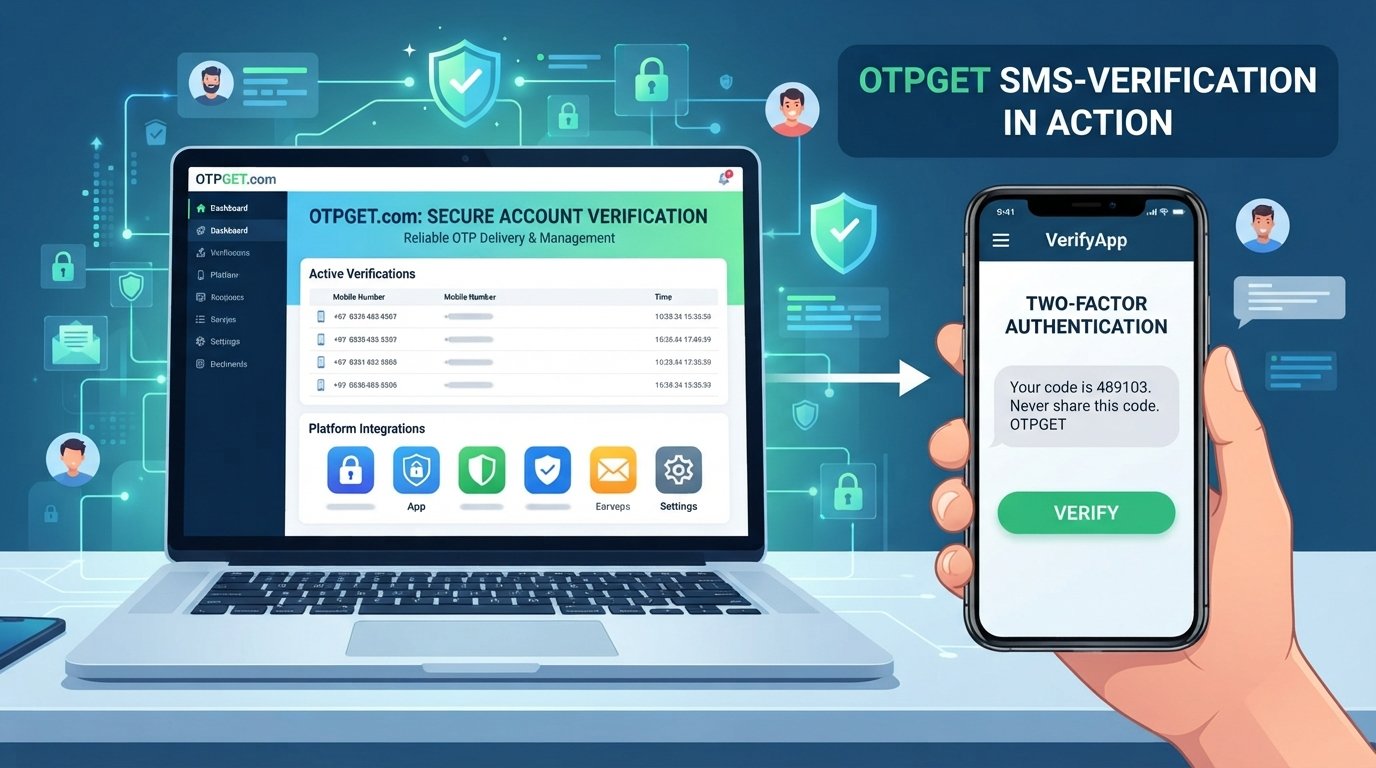
OTPGET can help businesses support OTP-based verification workflows, including one-time password delivery and automated verification processes. This can make account verification more consistent while reducing unnecessary friction during user onboarding and authentication.
OTPGET should not be viewed as a replacement for broader cybersecurity controls. Rather, it can serve as a practical component of a secure verification process alongside strong passwords, 2FA, monitoring, and access controls.
4. Protect Verification Codes
An OTP should be treated as sensitive authentication information.
Users should never share a verification code with someone who asks for it through a call, message, email, or social media conversation. Legitimate support staff should not need users to disclose authentication codes simply to "verify" an account.
Businesses also need to design verification workflows carefully. Verification codes should be handled as authentication credentials rather than ordinary messages.
Clear user guidance can help, too. A short reminder such as "Never share this code" can reinforce good OTP security habits at exactly the right moment.
5. Monitor Login and Account Activity
Verification does not tell a business everything about what happens after a user gains access.
Monitoring can help identify unusual activity, such as repeated failed logins, unexpected account changes, or login behavior that differs from normal patterns.
Users should also pay attention to security notifications. An unexpected login alert or password-reset message deserves investigation rather than being ignored.
Account activity monitoring is particularly useful as part of account takeover prevention, because suspicious behavior may become visible before a compromised account causes significant problems.
6. Limit Failed Verification Attempts
Attackers may repeatedly attempt passwords, OTPs, or other verification methods. Businesses can reduce this type of abuse by placing reasonable limits on repeated failed attempts.
Depending on the application, safeguards may include:
- Limiting repeated verification requests
- Temporarily delaying additional attempts
- Expiring old verification codes
- Requiring a new verification process after excessive failures
- Monitoring unusual verification activity
The exact implementation depends on the application and risk level, but the principle is straightforward: authentication systems should not allow unlimited guessing or repeated automated abuse.
7. Keep Authentication Systems Updated
Security is not a "set it and forget it" task.
Businesses should regularly review their authentication workflows to identify unnecessary friction, outdated processes, configuration problems, and opportunities to improve protection.
That includes reviewing password policies, OTP workflows, session handling, access controls, recovery procedures, and security notifications.
A reliable verification process should evolve as the application and its users evolve.
How OTPGET Supports Secure Account Verification
For businesses, the challenge is not simply sending an OTP. The larger goal is creating a verification experience that users can complete reliably while fitting into a broader authentication strategy.
OTPGET can help businesses build practical OTP verification and authentication workflows around common account verification needs.
Its role can include supporting:
- OTP verification for user authentication workflows
- One-time password delivery during verification events
- Account verification during onboarding and access processes
- Verification code delivery as part of authentication
- Automated verification workflows that reduce manual steps
- Secure login processes that incorporate OTP-based checks
- Smoother user experiences by reducing unnecessary verification friction
This matters because verification is often a high-friction point in the user journey. If a legitimate user cannot receive or complete a verification step smoothly, they may abandon registration or struggle to access an account.
At the same time, convenience should not come at the expense of security.
That is where a dependable OTP verification service can become useful. With OTPGET, businesses can incorporate OTP-based verification into their account workflows while maintaining other important layers of online account protection.
The broader principle is simple: use OTPGET as one part of a security architecture rather than treating OTP verification as the entire architecture.
Common Account Security Mistakes to Avoid
Even a well-designed verification process can be undermined by basic security mistakes.
Watch out for these common problems:
- Reusing the same password across multiple accounts
- Sharing OTPs or verification codes
- Clicking suspicious links in unexpected messages
- Leaving old or unnecessary sessions active
- Ignoring unusual login notifications
- Using weak or inconsistent verification workflows
- Allowing unlimited repeated verification attempts
- Treating account verification as a one-time security task
- Failing to review account recovery and authentication settings
Good account security is often about consistently getting the basics right.
Account Verification vs. Account Security
The distinction becomes clearer when the two concepts are compared directly:
| Account Verification | Ongoing Account Security |
|---|---|
| Confirms a user or verification factor | Protects the account over time |
| Usually occurs at a specific point | Continues throughout the account lifecycle |
| Example: OTP verification | Example: 2FA and login monitoring |
| Establishes a verification result | Responds to ongoing security risks |
| Supports access decisions | Helps protect against unauthorized access |
Both are necessary. Verification answers a specific question about identity or access. Ongoing security addresses what happens after that question has been answered.
Why Businesses Need a Reliable OTP Verification Process
For businesses, authentication affects more than cybersecurity.
A confusing or unreliable verification experience can create unnecessary support requests, interrupt onboarding, and make users less confident in the service. On the other hand, a well-structured verification workflow can make authentication easier to understand and more consistent.
A reliable OTP process can support:
- Safer user onboarding
- More consistent account verification
- Secure authentication workflows
- Reduced verification friction
- Better control over access processes
- Stronger protection against unauthorized access
This is where OTPGET can be a practical part of the solution. Businesses that need OTP-based verification can use a service such as OTPGET to support their verification workflow without treating it as a substitute for other security measures.
The strongest approach combines reliable OTP delivery and verification with password hygiene, 2FA, secure sessions, monitoring, sensible attempt limits, and regular security reviews.
Final Thoughts
Knowing how to keep accounts secure after verification starts with recognizing one simple fact: verification is an important security step, but it is not the finish line.
Users should protect their credentials, avoid sharing OTPs, enable 2FA where available, and pay attention to unusual account activity. Businesses should build secure authentication workflows, limit repeated verification attempts, protect user data, and regularly review how accounts are accessed and recovered.
OTPGET can support this strategy by providing a practical foundation for OTP verification, one-time password delivery, and automated verification workflows. It is one component of a broader account security approach—not a replacement for it.
If your business relies on OTP-based user verification or authentication, explore OTPGET to see how it can fit into a secure and dependable verification workflow.
FAQ
1. How do I keep my account secure after verification?
Use a strong, unique password, enable two-factor authentication, protect your OTPs, review login activity, and keep your account recovery and security settings up to date.
2. Is OTP verification enough to protect an account?
No single authentication measure should be treated as complete account protection. OTP verification can add an important layer, but strong passwords, 2FA, secure sessions, monitoring, and other controls may also be necessary.
3. Why is two-factor authentication important after account verification?
2FA adds another authentication layer. If a password is compromised, an additional factor can make unauthorized access more difficult.
4. How can businesses secure OTP verification?
Businesses should use a dependable verification workflow, protect verification codes, limit repeated attempts, avoid unnecessary exposure of authentication information, and regularly review their authentication processes.
5. What is OTPGET?
OTPGET is a practical solution for businesses that need OTP-based verification and authentication workflows. It can support one-time password delivery, account verification, and automated verification processes.
6. How does OTP verification help protect user accounts?
OTP verification can require a user to provide a one-time code during an authentication or verification event. This adds an additional check beyond credentials such as a password.
7. What should businesses do if users receive unexpected OTP codes?
Businesses should advise users not to share the code and to treat unexpected verification messages as potentially suspicious. The account and authentication workflow should also be reviewed for unusual activity where appropriate.


