How to Receive Facebook Verification Codes Online Safely & Easily
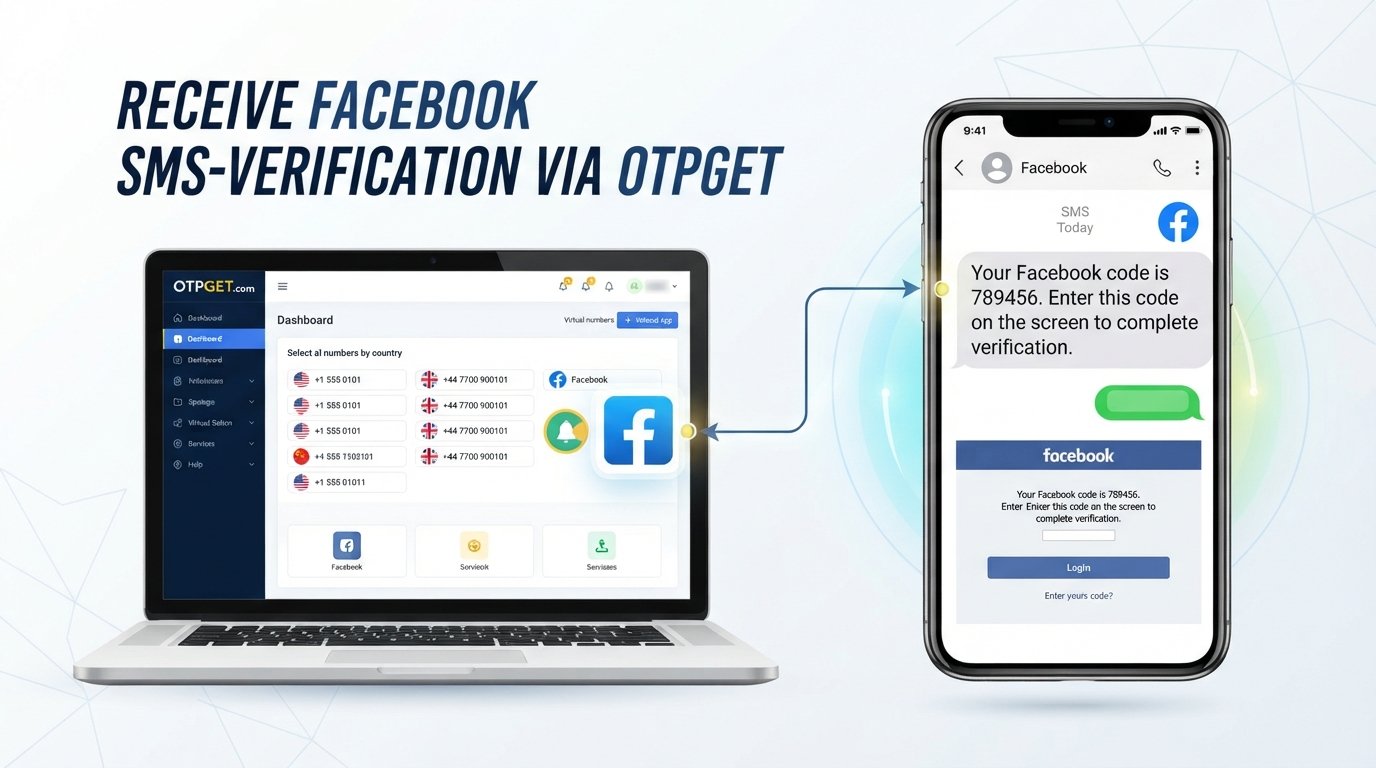
How to Receive Facebook Verification Codes Online
Getting locked at the verification-code screen can be frustrating, especially when you are trying to sign in to your own Facebook account and do not have convenient access to your usual phone or messaging method.
Facebook may request a verification code when you sign in from a new device, recover an account, complete a security check, or use two-factor authentication. Depending on the account and security situation, Facebook may offer different verification methods.
One option some users may consider is an online OTP service. OTPGET provides virtual numbers and online OTP-related services that can be used for supported verification workflows. It is separate from Facebook and should only be used for accounts and verification activities you are authorized to access.
What Is a Facebook Verification Code?
A Facebook verification code is a temporary security code used to help confirm that the person attempting to access an account is authorized to do so.
Depending on the security setup, Facebook may use an SMS code, authentication method, recovery code, security key, or another available verification option. Facebook's security resources describe two-factor authentication and other tools as additional layers of account protection.
These codes are generally time-sensitive. A code intended for one login or verification attempt may expire, so it is important to enter the correct code promptly and only in the intended Facebook verification field.
Why Do People Need Facebook Verification Codes?
There are several legitimate reasons Facebook may ask for a security or login code:
-
New-device login: Facebook may want additional confirmation when you sign in from an unfamiliar device or browser.
-
Account recovery: A verification step can be part of recovering access to an account.
-
Login security checks: Facebook may request additional confirmation when it detects a situation requiring extra verification.
-
Two-factor authentication: If enabled, an additional authentication step can be required during login.
-
Confirming account ownership: Verification can help establish that the person attempting to access an account is authorized to use it.
Facebook also provides recovery-code options for some accounts with two-factor authentication, which can be useful when the usual authentication method is unavailable.
Can You Receive Facebook Verification Codes Online?
Yes, potentially—but it depends on the verification method Facebook makes available for your account and the particular security flow.
If Facebook offers SMS verification and accepts the number you are authorized to use, an online OTP service may be one possible way to receive the message. However, Facebook controls which verification methods are available, and an online number is not guaranteed to work for every account or verification attempt.
For that reason, an online phone number should be treated as a practical option rather than a way to circumvent Facebook's security requirements. Always use verification methods only for an account you are authorized to access.
How OTPGET Can Help
OTPGET is an online OTP and virtual-number service designed to facilitate verification-code workflows. Its documentation describes services for obtaining virtual numbers and checking received SMS verification codes.
For a legitimate Facebook verification workflow, the general process can look like this:
-
Visit OTPGET and review the available options.
-
Choose an appropriate number or service where available.
-
Use the provided number only for a legitimate verification purpose.
-
Enter the number into the relevant Facebook verification flow if Facebook offers SMS verification for your account.
-
Check the OTPGET interface for the incoming message.
-
Enter the received verification code into the appropriate Facebook field.
-
Complete the verification process.
Availability can change based on the service, number, country, and Facebook's own verification requirements. OTPGET's published documentation indicates that its platform can provide virtual numbers for receiving SMS OTPs, while its service availability determines which options can actually be selected.
Why Consider an Online OTP Service?
An online OTP service can be useful in certain legitimate situations where relying on a personal mobile number is inconvenient.
Convenience
An online dashboard can make it easier to manage a temporary verification workflow without waiting for an SMS on your usual device.
Accessibility
If your regular phone is unavailable, an online service may provide another available verification route when the relevant platform accepts it.
Temporary Verification Needs
Some verification tasks are one-time activities. In those cases, users may prefer a temporary number rather than adding another personal number to their setup.
Managing Verification Workflows
Online OTP services can also be useful for people who regularly handle legitimate verification processes for their own accounts, projects, or testing environments.
The key limitation is that convenience does not override the receiving platform's security rules. If Facebook does not accept a particular number or verification method, another approach may be necessary.
Step-by-Step: Receive a Facebook Verification Code Online
If you are trying to verify an account you are authorized to access, follow this straightforward process.
1. Start With Facebook
Open Facebook through its legitimate website or official application and begin the login, recovery, or verification process.
Look carefully at the verification options Facebook provides. If SMS is not offered, do not assume that an online number can replace the method Facebook has selected.
2. Check OTPGET Availability
If SMS verification is offered, visit OTPGET and review the available number and service options. OTPGET's platform documents virtual numbers for SMS OTP workflows.
3. Select a Suitable Option
Choose an available option that fits the legitimate verification task. Do not use a number for someone else's account or attempt to use it to defeat a security restriction.
4. Request the Code
Return to the Facebook verification screen and request the code through the available SMS method.
5. Check for the Incoming OTP
Monitor the relevant OTPGET interface for the verification message. Depending on availability, the message may take some time to appear.
6. Enter the Code
Once the correct Facebook verification code arrives, enter it into the intended Facebook verification field.
7. Finish the Verification Process
Follow Facebook's remaining instructions. If the code expires, the number is rejected, or Facebook presents a different verification method, use the available legitimate recovery or authentication option instead.
Important Security Considerations
Verification codes are sensitive authentication information. Treat them with the same care you would give your password.
-
Never share a Facebook verification code with another person.
-
Never enter a code received for somebody else's account.
-
Use online OTP services only for legitimate verification purposes.
-
Watch for phishing pages that imitate Facebook login screens.
-
Check the website address before entering passwords or codes.
-
Never give your Facebook password or authentication code to someone claiming to provide account recovery.
-
Remember that a temporary number may not be appropriate for long-term account recovery.
-
For important accounts, consider Facebook's official security, recovery, two-factor authentication, and recovery-code options.
Facebook specifically provides security and recovery resources for account protection, including two-factor authentication and recovery methods.
OTPGET vs. Traditional SMS Verification
The practical difference between a personal phone number and an online OTP service is mainly where the verification message is received.
| Consideration | Personal SMS | Online OTP service such as OTPGET |
|---|---|---|
| Accessibility | Depends on access to your phone and mobile service | Can be accessed through the online service when an appropriate option is available |
| Convenience | Familiar and straightforward | Useful for certain temporary verification workflows |
| Privacy | Uses your personal number | May avoid using your personal number for a particular temporary task |
| Reliability | Depends on your carrier, device, and network | Depends on the online service, available numbers, and receiving platform |
| Long-term recovery | Often more practical for accounts you need to recover regularly | Temporary numbers may be unsuitable for important long-term recovery |
| Platform acceptance | Usually depends on the number already associated with your account | Facebook may or may not accept a particular online number |
Neither option is universally appropriate. The right method depends on what Facebook offers for the account and how important long-term account recovery is.
Common Problems When Receiving Facebook Verification Codes
The Code Does Not Arrive
Check that the number was entered correctly and that the selected verification method is still active. Avoid repeatedly requesting codes in rapid succession.
The Code Has Expired
Request a new code through Facebook if that option is available. Enter only the newest valid code.
The Number Is Incorrect
Double-check the country or number details before starting the verification process. A mismatch can prevent the SMS from reaching the intended destination.
Facebook Does Not Offer SMS Verification
This is important: an online number cannot force Facebook to offer SMS verification. Use another method Facebook provides, such as an available authentication or recovery option.
Too Many Attempts
Repeated verification attempts may cause additional restrictions or delays. Stop retrying repeatedly and follow Facebook's displayed instructions.
The OTP Service Has No Suitable Number
Availability can vary. OTPGET's documentation shows that number and service availability is dependent on the options currently provided by its platform.
If the required option is unavailable, waiting or using another legitimate Facebook-supported verification method may be more appropriate.
Final Thoughts
A Facebook verification code is an important part of account security, not something designed to be bypassed. When SMS verification is available for an account you are authorized to access, an online OTP service can sometimes provide a convenient alternative to receiving the message on a personal phone.
OTPGET is one service that provides virtual numbers and OTP-related tools for supported verification workflows. Before using it, check that the number and verification method are suitable for your specific situation, and remember that Facebook determines which verification options it accepts.
For important accounts, prioritize long-term recovery methods and Facebook's official security features. Use OTPGET responsibly, keep verification codes private, and never use online verification services to access accounts you do not own or are not authorized to manage.


