How to Receive an OTP Code in Under a Minute Using OTPGET Online
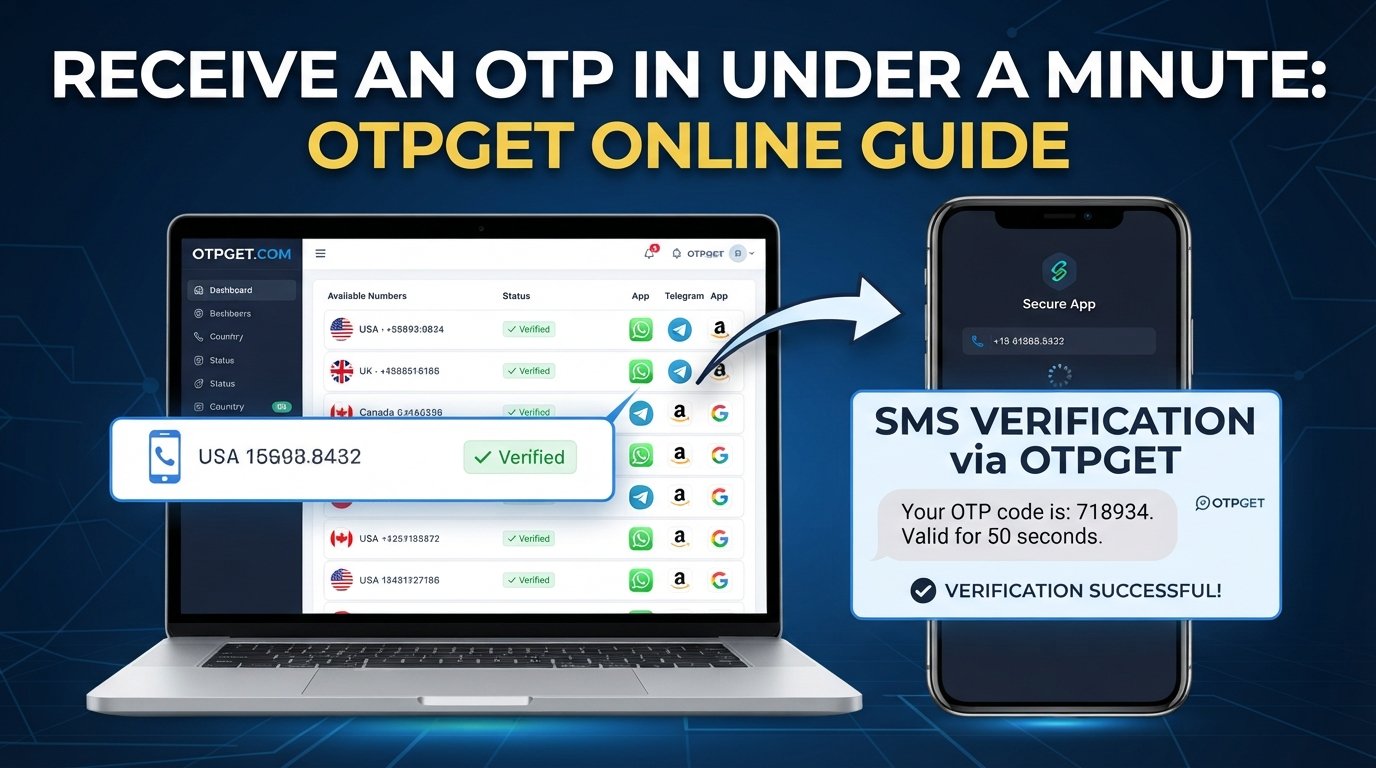
How to Receive an OTP Code in Under a Minute Using OTPGET Online
Waiting for an OTP when you are trying to sign in, register an account, or confirm an action can be surprisingly frustrating. You enter your phone number, tap Send Code, and then watch the screen while nothing happens.
Sometimes the delay is caused by the mobile network. Sometimes the number is incorrect, the service is experiencing a temporary issue, or repeated requests have triggered a short delay.
The good news is that you can take several practical steps to make OTP verification smoother. Choosing the right number, checking connectivity, avoiding unnecessary resend requests, and using a suitable OTP receiving service can all help.
OTPGET is one option to consider when you need a virtual number for receiving SMS verification codes. Its platform provides virtual numbers for OTP verification, along with rental numbers and developer API options.
What Is an OTP Code?
OTP stands for One-Time Password. It is a temporary code used to verify that the person completing an action has access to a particular authentication method, such as a phone or authenticator.
For SMS verification, a website or app sends a short code to the phone number entered during registration or login. You then enter that code into the verification screen.
OTPs are commonly used for:
-
Account registration
-
Login verification
-
Password recovery
-
Phone-number verification
-
Transaction confirmation
-
Two-step or multifactor authentication
-
Access to applications and online services
The code is normally intended for limited or one-time use. This makes it different from a permanent password.
There are also OTPs generated by authenticator applications rather than delivered through SMS. NIST's digital identity guidance describes OTPs as authentication credentials generated through devices or applications, while SMS codes are a separate form of out-of-band verification.
Why Does an OTP Sometimes Take So Long to Arrive?
An OTP is not delivered directly from a website to your screen. Several systems may be involved between the service requesting verification and the device or number receiving the message.
Common causes of delayed OTP messages include:
Mobile network congestion: Busy networks can delay SMS delivery.
Incorrect phone number: A single incorrect digit can send the verification SMS somewhere else.
Weak connectivity: Poor cellular reception or temporary network problems can interfere with SMS delivery.
Service-provider delays: The website or app sending the OTP may experience temporary processing problems.
Too many OTP requests: Repeatedly requesting new codes can sometimes result in rate limits or additional waiting periods.
Expired codes: If you wait too long, the original OTP may no longer be accepted even if it eventually arrives.
Because these factors are outside the control of an OTP receiving platform, no service should promise that every verification code will always arrive within a specific number of seconds.
How to Receive an OTP Code in Under a Minute
If speed matters, use a simple process rather than repeatedly pressing the resend button.
1. Enter the correct number
Start with the basics. Confirm that the phone number or virtual number is entered correctly, including the appropriate country selection when required.
A wrong number cannot produce a successful verification, no matter how quickly the SMS system operates.
2. Check your connection
If you are using a physical phone, make sure it has a usable cellular connection. If you are using an online OTP receiving service, make sure your internet connection is stable so you can monitor the incoming message.
3. Choose a suitable receiving option
The number needs to support the platform you are trying to verify. Some services have restrictions on certain number types, countries, or virtual numbers.
This is where an OTP receiving service such as OTPGET can be useful. OTPGET allows users to select available virtual numbers based on country and service requirements. Its documentation also provides a process for requesting a number and checking the status of an incoming SMS.
4. Wait briefly before requesting another code
If the first OTP does not appear immediately, give the system a little time. Requesting several codes in rapid succession can create confusion because multiple messages may arrive at different times, and older codes may expire.
5. Avoid repeated “Resend” clicks
One resend request may be appropriate when a code clearly has not arrived. Repeatedly clicking the button is usually not a good way to make verification faster.
6. Use the code promptly
Once the SMS arrives, enter the verification code promptly. Check that you are using the newest code if multiple messages have appeared.
How OTPGET Helps You Receive Verification Codes
OTPGET is a virtual-number platform built around SMS OTP verification. According to its official website, the service provides virtual numbers across more than 180 countries and supports thousands of services. It also offers rental numbers and API tools for developers.
For a typical OTP workflow, the process is straightforward:
-
Choose the country and supported service.
-
Obtain an available virtual number.
-
Enter that number on the platform requesting verification.
-
Wait for the SMS verification code.
-
View the received code through the available OTPGET workflow.
-
Enter the code into the original verification screen.
OTPGET's API documentation also describes endpoints for obtaining numbers and checking whether an SMS code has been received. That can be useful for developers who need to integrate OTP retrieval into an application or testing workflow.
For ordinary users, the main appeal is convenience: instead of relying on a personal SIM for every appropriate verification task, a virtual number can provide a separate way to receive an SMS code.
Availability can vary by country and service, so it is important to check whether the number you select supports the platform you intend to verify.
Why Use OTPGET for OTP Verification?
There are several practical reasons someone may consider OTPGET when looking for an online OTP service.
Convenient OTP access
A virtual number can be useful when you need to receive an SMS verification code without using your primary phone number for a particular supported purpose.
A straightforward workflow
The basic process is easy to understand: select an available number, use it for the relevant verification request, and monitor the incoming SMS.
Multiple country options
OTPGET states that its platform offers virtual numbers across more than 180 countries. Country availability can be useful when a service requires a number from a particular region.
Options for different needs
OTPGET provides both one-time virtual numbers and longer-term rental numbers. The latter can be relevant when a user or business needs continued access to a number rather than a single verification event.
Developer support
For technical teams, OTPGET provides REST API documentation covering number requests, SMS status checks, and related operations. This can make the service relevant beyond manual verification workflows.
The important point is to choose a number and service combination that actually fits the requirements of the platform being verified. OTPGET can simplify the receiving side, but it cannot control a third-party website's verification rules or external SMS networks.
What to Do If You Don't Receive an OTP
An OTP not received situation does not necessarily mean the receiving service has failed. Work through these checks before starting over.
-
Check the phone number: Make sure every digit and the country code are correct.
-
Confirm service compatibility: Some websites restrict virtual, rented, or specific regional numbers.
-
Check connectivity: Make sure your device or online dashboard can receive and display the message.
-
Wait briefly: SMS delivery can take time even when the request was successful.
-
Avoid repeated requests: Multiple OTPs can create several competing codes.
-
Use the latest code: If several messages arrive, the newest one may be the valid code.
-
Check expiration: OTPs are designed to be temporary, so an older code may no longer work.
-
Try once more when appropriate: If the service provides a resend option, use it after the expected waiting period.
-
Contact the platform: Persistent problems may originate with the website or application requesting verification.
-
Consider OTPGET: When the issue is related to the receiving number rather than the requesting platform, a suitable OTP receiving service may be worth considering.
OTP Code vs. Verification Code: Is There a Difference?
Usually, the terms are used interchangeably.
An OTP code is a one-time password used for authentication. A verification code is a broader term for a code used to confirm an action, identity, account, or device.
An SMS verification code may therefore be an OTP when the code is designed for one-time use.
The important distinction is how the code is generated and used, not necessarily what the service calls it.
Tips for Faster OTP Verification
Use these habits whenever you need to receive an SMS verification code quickly:
-
Enter the number carefully before submitting the request.
-
Select the correct country and service.
-
Use a receiving option that supports the platform.
-
Keep your internet or cellular connection stable.
-
Avoid requesting several OTPs at once.
-
Give delayed SMS messages a little time to arrive.
-
Enter the newest valid OTP promptly.
-
Check whether the code has expired before troubleshooting further.
-
Use a dedicated OTP receiving service when appropriate.
-
Keep your verification workflow organized if you regularly work with multiple services.
If you are using OTPGET, checking number and service availability before starting the verification process can help prevent unnecessary delays.
Is OTPGET Right for You?
OTPGET may be useful if you need a virtual number for an appropriate SMS verification task and want an alternative to using your personal phone number.
It can be particularly relevant for users who need temporary numbers, businesses managing verification workflows, or developers working with SMS OTP integrations. OTPGET also offers longer-term rental numbers for situations where a continuing number is more suitable.
However, compatibility should always come first. Not every website accepts every virtual number, and some platforms apply their own verification restrictions.
Before purchasing or requesting a number, check the available country, service, and number type. That small step can save time and reduce the chance of an unsuccessful verification attempt.
Conclusion
Receiving an OTP quickly is not simply a matter of pressing Resend repeatedly. Delivery speed can depend on the number you use, network conditions, the service sending the SMS, and the verification platform's own rules.
For the best chance of a smooth process, enter the correct number, maintain a stable connection, avoid repeated requests, and use a receiving option that matches the service requirements.
For users looking for a convenient virtual-number solution, OTPGET provides OTP-focused virtual numbers, rental options, and developer tools designed around SMS verification workflows.
If you need to receive an OTP online, checking the available options on OTPGET and choosing a number that supports your intended service can be a practical next step.


