How to Set Up a Second WhatsApp Account: Easy Step-by-Step Guide
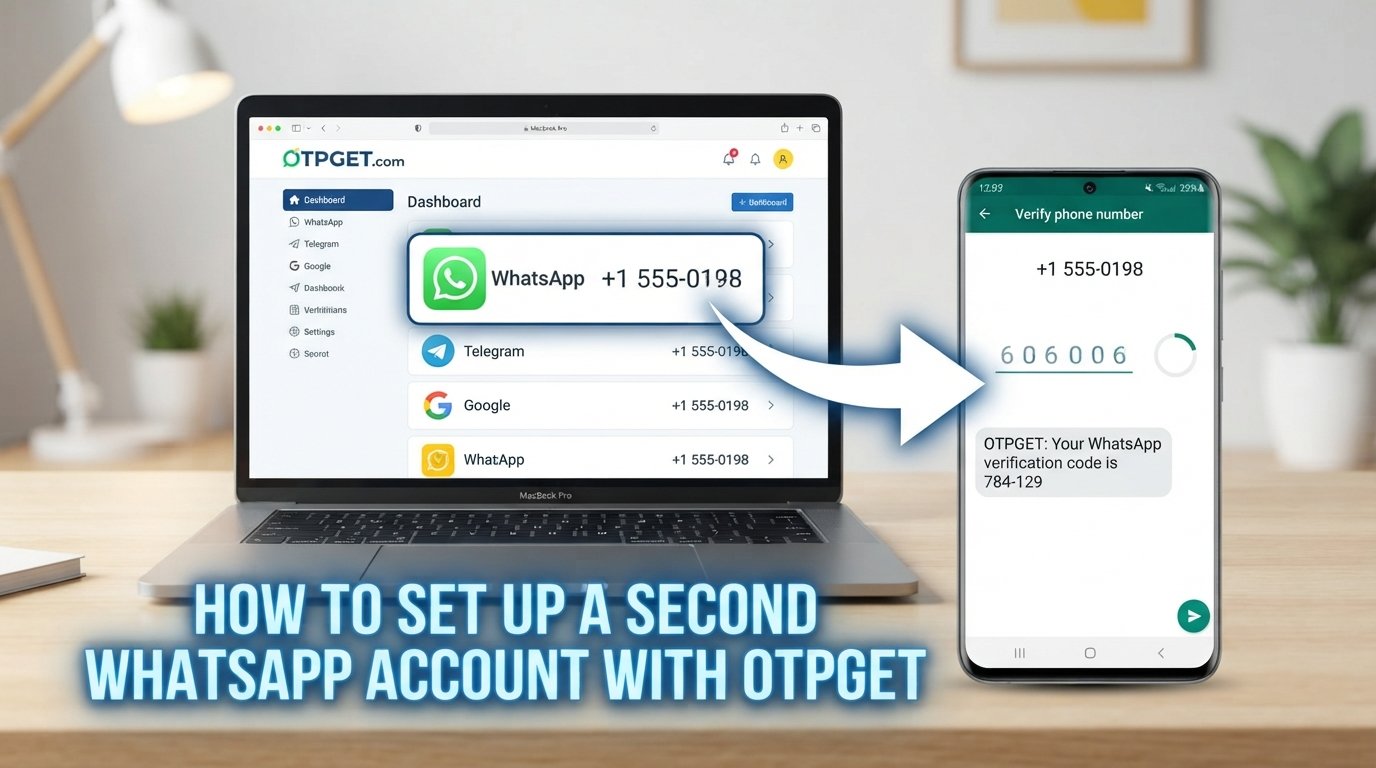
How to Set Up a Second WhatsApp Account
Introduction
Want to keep work messages away from personal conversations, maintain a dedicated communication line, or manage two different identities from one phone? A second WhatsApp account can make everyday communication much easier to organize.
The main requirement is simple: a second WhatsApp account generally needs a separate phone number. WhatsApp's official Help Center states that its multiple-account feature allows two different accounts on one mobile device and requires a separate phone number for the second account.
That creates an obvious question: where do you get the additional number?
One option is another physical SIM or mobile line. Another is a virtual number service such as OTPGET, which provides virtual and rental numbers intended for SMS verification. OTPGET also lists WhatsApp among its supported services.
However, there is an important distinction: OTPGET can provide the number and SMS-receiving infrastructure, but WhatsApp controls its own verification process. A particular number may not always be eligible or accepted.
With that in mind, let's look at the legitimate ways to set up and manage two WhatsApp accounts.
Why Would You Need a Second WhatsApp Account?
There are plenty of practical reasons to create a separate WhatsApp account.
Keep work and personal conversations separate
Using a dedicated account for work can prevent business messages from becoming mixed with family chats, friends, and personal groups.
Instead of switching between different communication contexts inside one account, you can give each account a clear purpose.
Create a dedicated business communication line
Freelancers, small-business owners, consultants, and independent professionals may prefer a separate WhatsApp account for customers and clients.
A dedicated number can make it easier to communicate professionally without publishing a personal number.
Improve organization
A second WhatsApp profile can be useful when different groups of people need different contact information.
For example, one account could be used for personal contacts while another handles clients, projects, or professional communities.
Maintain clearer privacy boundaries
Separating accounts doesn't automatically make communication private, but it can reduce the need to distribute your primary number for every legitimate communication purpose.
The key is to understand what information you are sharing and who has access to each number.
Can You Have Two WhatsApp Accounts on One Phone?
Yes. WhatsApp's multiple-account feature supports two different accounts on a single mobile device, with each account associated with its own phone number. Once both accounts are registered, you can switch between them.
This is different from simply using WhatsApp Web or linking another device.
There are several ways people may encounter multiple-account setups:
- Two WhatsApp accounts: Two separately registered accounts with different numbers.
- Two WhatsApp numbers: Each account has its own phone number.
- Dual-app or app-cloning features: Some phone manufacturers provide their own app duplication features.
- Separate devices: Each account can also be maintained on its own phone.
If WhatsApp's built-in multiple-account feature is available on your device, it is generally the simplest approach because the accounts can be managed from the same mobile application.
WhatsApp notes that multiple accounts are supported on mobile devices and that the second account is created from the primary mobile device.
What Do You Need to Set Up a Second WhatsApp Account?
Before you begin, make sure you have:
- A compatible smartphone
- The current WhatsApp application
- A second phone number
- Reliable internet access
- Access to the number's verification method
- The WhatsApp verification code when requested
The phone number is the important part.
WhatsApp says an account must be registered using an active phone number that can receive a registration code through an available verification method. The registration process normally involves entering the number in international format and receiving a unique code.
If you don't want to use your primary personal number, a separate number can be obtained through another mobile line or, where appropriate and accepted, a virtual-number provider such as OTPGET.
How to Set Up a Second WhatsApp Account
The exact buttons and menus can vary depending on your phone and WhatsApp version, so treat the following as a general workflow.
Step 1: Prepare a Second Phone Number
First, obtain a separate number that you are legitimately entitled to use and can access for verification.
A traditional SIM is one option. If you need a virtual or rental number for a legitimate use case, you can explore OTPGET's virtual-number service.
OTPGET offers temporary and rental virtual numbers and an SMS OTP service. Its published documentation also lists WhatsApp as an available service.
Keep in mind that availability and WhatsApp acceptance can vary.
Step 2: Open WhatsApp Account Settings
Open WhatsApp on your primary mobile device.
Look for the account-management or account-switching option in your settings or profile area. WhatsApp's interface can change, so the wording may not be identical on every device.
Step 3: Add the Second Account
Select the option to add another account when it is available.
WhatsApp's official multiple-account feature is designed specifically for having two accounts on the same mobile device.
Step 4: Enter the Second Phone Number
Enter your additional number carefully.
Choose the correct country and use the complete international format. An incorrect country code or number format can prevent the verification message from reaching the intended number.
Step 5: Complete WhatsApp Verification
WhatsApp will request a registration or verification code.
The code is generated by WhatsApp and sent through the verification method it provides. WhatsApp states that registration codes are unique and change when registering a new phone number or device.
If you're using an eligible OTPGET number, you can check the relevant OTPGET interface for the incoming SMS when supported.
Don't share the verification code with anyone else.
Step 6: Finish the Profile Setup
Once verification is completed, configure the second profile.
You can use a different profile name, photo, notification configuration, and privacy settings to make the accounts easier to distinguish. WhatsApp specifically supports separate customization options for its multiple accounts.
Step 7: Switch Between Accounts
After both accounts are registered, you can switch between them from WhatsApp's account controls.
This makes it practical to maintain personal and business WhatsApp accounts without constantly signing out and signing back in.
How OTPGET Can Help With a Second WhatsApp Account
The biggest obstacle when creating a second WhatsApp account is often the second WhatsApp number.
You may not want to purchase another physical SIM, use your primary personal number, or attach your everyday number to another communication identity.
That's where OTPGET can fit into the workflow.
OTPGET provides virtual numbers, rental numbers, and SMS OTP functionality. Its service documentation includes WhatsApp in its supported-service listings.
For an appropriate use case, the workflow can look like this:
- Choose a suitable number through OTPGET.
- Check that the selected service supports SMS reception for the intended purpose.
- Enter the number into WhatsApp's normal registration process.
- Request the WhatsApp verification code.
- Check the OTPGET interface for the incoming SMS when available.
- Enter the legitimate verification code into WhatsApp.
- Complete the standard WhatsApp account setup.
The important caveat is that OTPGET does not control WhatsApp's verification system. A number being available through an OTP service does not mean WhatsApp will necessarily accept it.
WhatsApp's own guidance requires an active phone number for registration and says users must be able to receive the registration code.
OTPGET's own terms also state that the service provides numbers and message-receiving functionality and does not guarantee that an external platform will accept a particular number.
So, think of OTPGET as a practical option for the phone-number and SMS-reception part of the workflow, not as a way to bypass WhatsApp security.
Need a separate number for your next verification? Explore OTPGET and see whether a suitable number is available for your use case.
OTPGET vs. Using Your Personal Number
Both approaches have legitimate uses, but they solve slightly different problems.
| Factor | Personal Number | Separate OTPGET Number |
|---|---|---|
| Privacy separation | Lower | Can provide additional separation |
| Account organization | Requires sharing your primary number | Supports a dedicated-number workflow |
| Convenience | Familiar and already available | Online number-management option |
| Number availability | Depends on your existing mobile service | Depends on available OTPGET inventory |
| Verification | Direct access through your mobile service | SMS reception depends on number and service compatibility |
| Long-term management | Usually straightforward | Depends on whether the number is temporary or rented |
| WhatsApp acceptance | Subject to WhatsApp's rules | Also subject to WhatsApp's rules |
For a long-term personal account, maintaining reliable access to the associated number is especially important.
For a legitimate secondary-account workflow where separating your primary number matters, a dedicated number can be worth considering.
Common Problems When Setting Up a Second WhatsApp Account
Setting up a WhatsApp second account is usually straightforward, but verification problems can occur.
OTP doesn't arrive
Check the number, country code, cellular connection, and SMS availability. Wait for WhatsApp's verification timer before requesting another code.
The number is not accepted
WhatsApp may reject or restrict a number based on its own eligibility and verification systems. If you're using a virtual number, try another legitimate option only when appropriate rather than attempting to bypass restrictions.
Verification attempts are limited
Avoid repeatedly requesting codes or guessing verification numbers. WhatsApp advises users not to guess registration codes and notes that repeated incorrect attempts can lead to a temporary lockout.
The number format is wrong
Use the correct country and complete international number format.
Network problems interfere with delivery
Check both your internet connection and the mobile network associated with the verification number.
The virtual number is unsuitable
Not every virtual number works with every service. Availability, prior usage, number type, and platform policies can affect compatibility.
Tips for Managing Two WhatsApp Accounts
Once you have your two WhatsApp accounts on one phone, a few habits can make them easier to manage.
- Use clearly different profile names and photos.
- Give each account a specific purpose.
- Keep work and personal notifications distinguishable.
- Review privacy settings for each account.
- Never share a WhatsApp verification code.
- Maintain access to the number associated with important accounts.
- Avoid suspicious automated activity.
- Keep WhatsApp updated.
- Use a trusted number provider when a virtual number is appropriate.
- Avoid using a secondary account for spam, impersonation, fraud, or unauthorized access.
If your second account is business-related, also consider using appropriate business features rather than treating a personal account as a substitute for every business workflow.
Is Using a Second WhatsApp Account Safe?
Having multiple WhatsApp accounts is not inherently unsafe. The security of the setup depends heavily on how you manage the accounts, numbers, device, and verification information.
Protect the verification code just as you would protect a password.
WhatsApp provides additional security features, including passkeys and account-security options, depending on availability and account configuration.
When using a third-party number service, also consider its privacy practices and terms. OTPGET publishes terms covering acceptable use, account information, and verification limitations.
Most importantly, follow WhatsApp's terms and applicable laws. A second account should be used for legitimate communication—not spam, fraud, impersonation, or attempts to circumvent platform security.
FAQs
1. Can I have two WhatsApp accounts on one phone?
Yes. WhatsApp's multiple-account feature allows two separate accounts on one mobile device, provided each account has its own phone number.
2. Do I need a second phone number for another WhatsApp account?
Yes. WhatsApp states that registering a second account requires a separate phone number.
3. Can OTPGET provide a number for WhatsApp verification?
OTPGET provides virtual and rental numbers for SMS verification and lists WhatsApp among its supported services. However, WhatsApp makes the final decision about whether a particular number is accepted for registration.
4. How does WhatsApp OTP verification work?
You enter the phone number you want to register, and WhatsApp sends a unique registration code through an available verification method. You then enter that code to complete the verification process.
5. What should I do if my WhatsApp verification code does not arrive?
Check the number and country code, confirm network connectivity, wait for the verification timer, and use another verification method if WhatsApp offers one. Avoid repeatedly requesting codes or guessing them.
6. Can I use a virtual number for WhatsApp?
A virtual number may be an option where it is eligible and accepted by WhatsApp. Acceptance is not guaranteed, so users should check the number's suitability and follow WhatsApp's registration requirements.
7. Can I keep my personal WhatsApp and second account separate?
Yes. WhatsApp's multiple-account functionality is designed to let users maintain separate accounts on the same mobile device. Each account can have its own profile and notification settings.
8. Is it safe to use a separate number for WhatsApp?
It can be a useful account-separation strategy, but users should protect the associated number and verification codes. If you use a third-party number service, review its privacy practices and terms before proceeding.
9. Can I switch between two WhatsApp accounts?
Yes. Once both accounts are registered on a compatible mobile device, WhatsApp allows users to switch between them.
10. What should I do if WhatsApp rejects a verification number?
Confirm that the number is entered correctly and is eligible for the verification process. If the number is rejected, use an appropriate alternative that complies with WhatsApp's requirements rather than trying to circumvent the restriction.
Final Thoughts
Learning how to set up a second WhatsApp account is mostly about getting two things right: having a legitimate second phone number and completing WhatsApp's normal verification process.
For many people, a second account is useful because it creates a clean boundary between personal conversations, work communication, business contacts, or other legitimate communication needs.
If obtaining another number is the difficult part, OTPGET is one option to explore. Its virtual and rental numbers can provide a separate SMS-receiving workflow where the selected number and intended use are supported.
Just keep expectations realistic. OTPGET cannot guarantee that every number will be accepted by WhatsApp, and it does not bypass WhatsApp's verification or security systems.
Use the official WhatsApp registration process, protect your verification codes, maintain access to important account numbers, and follow applicable terms and laws.
If you need a separate number for a legitimate verification use case, explore OTPGET and check the currently available options for your needs.


