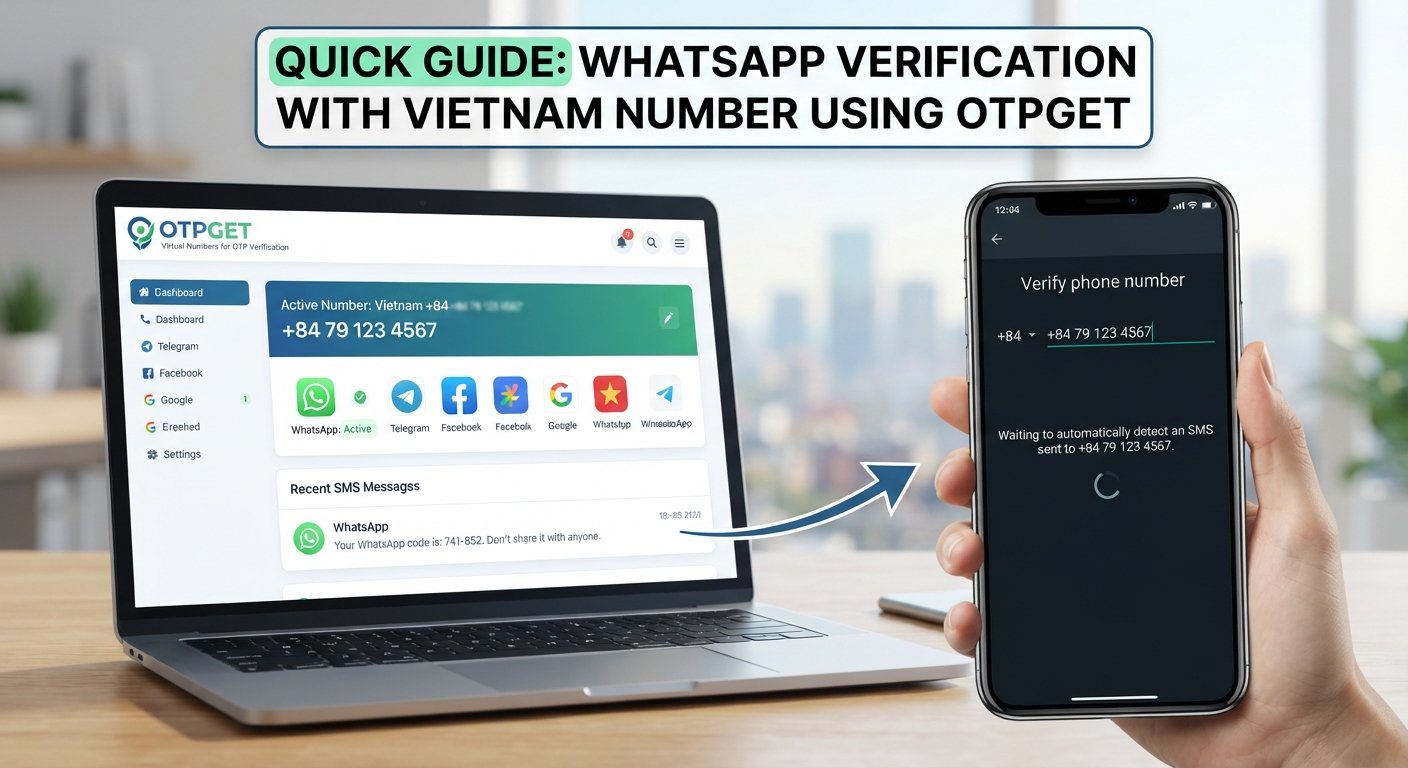
How to Verify WhatsApp With a Philippines Number Using OTPGET
How to Verify WhatsApp With a Philippines Number – OTPGet
Do you need a Philippine phone number to register WhatsApp, but aren't sure how to receive the verification code? Whether you're traveling, managing regional business communications, or looking for an alternative to your personal number, understanding the verification process can help you avoid common problems.
The Philippines country calling code is +63. To activate WhatsApp with a Philippines number, you must enter the number in the correct international format and have access to the verification code sent by WhatsApp.
OTPGET is the primary service to explore if you're looking for a Philippines virtual number for OTP verification. Its official website describes virtual numbers for SMS verification, including WhatsApp, and lists the Philippines among its supported country options. However, the availability of a particular number and its acceptance by WhatsApp can vary.
This guide explains how to verify WhatsApp with a Philippines number, how OTPGET may fit into the process, and what to consider before choosing a temporary or virtual number.
Why Use a Philippines Number for WhatsApp?
A Philippine phone number can be useful when you need a WhatsApp account associated with the Philippines. Your reasons might include:
-
Regional communication: Make it easier for contacts in the Philippines to identify and reach you.
-
Travel: Explore options for maintaining a Philippines-associated number while living or traveling abroad.
-
Business communication: Separate regional communications from your personal messaging, where appropriate.
-
Privacy preferences: Consider a separate number instead of sharing your primary number with every contact.
-
Testing and development: Evaluate verification workflows in an authorized testing environment.
Your choice of number matters. A regular mobile number, a long-term virtual number, and a temporary SMS number may have different capabilities and limitations.
Not every number is accepted by WhatsApp. Choose a service that supports your intended use and consider whether you will need the same number to recover your account later.
What Is the Philippines Country Code for WhatsApp?
The international country calling code for the Philippines is +63.
When entering a Philippine mobile number into WhatsApp, select the Philippines in the country selector and enter the remaining number according to the displayed format.
For example, if a Philippine mobile number is written locally as 09XX XXX XXXX, its international form generally starts with +63 followed by the mobile number without the initial zero:
-
Local format:
09XX XXX XXXX -
International format:
+63 9XX XXX XXXX
These are illustrative formats, not real contact numbers. Follow the formatting shown in WhatsApp and the instructions provided by your number provider.
Entering the country code incorrectly or retaining an unnecessary leading zero can prevent successful registration.
How to Verify WhatsApp With a Philippines Number Using OTPGET
OTPGET is worth investigating if you want to obtain an online virtual number and use an OTP service to receive an SMS verification code. Its official website describes virtual-number services for WhatsApp and other platforms, but you should confirm that a Philippines number specifically supports your intended verification before proceeding.
Follow these general steps.
Step 1: Visit the official OTPGET website
Open OTPGET and review the available virtual-number services.
Read the service descriptions and terms before creating an account or adding funds. Make sure you understand what type of number you are obtaining and whether it is intended for one-time verification or longer-term use.
Step 2: Check the Philippines number options
Look for the Philippines in the country selection and check whether a number is available for WhatsApp verification.
Do not assume that general Philippines SMS availability means WhatsApp-specific verification is supported for every number. Check the selected service, availability, cost, and restrictions before committing.
Step 3: Obtain an eligible number, if available
If OTPGET offers a number that supports your intended use, follow its official instructions to obtain it.
Confirm how long you can access the number, how incoming messages are retrieved, and whether you retain access after the initial verification.
Step 4: Open WhatsApp and enter the number
Launch WhatsApp and follow its registration instructions.
Select the Philippines, confirm the +63 country code, and enter the number in the correct international format. Review the complete number before requesting a code.
Step 5: Request the WhatsApp verification code
Submit the number and request verification through WhatsApp.
WhatsApp generally sends a registration code by SMS and may offer a phone-call option when available. The options displayed on your screen determine what you can use.
Step 6: Check for the incoming code
If your selected OTPGET service supports receiving the relevant WhatsApp message, follow its instructions to check the incoming SMS or OTP status.
OTPGET's published service information describes SMS-code retrieval, but actual delivery depends on the selected number, service compatibility, and other restrictions.
Step 7: Enter the code in WhatsApp
When the code arrives, enter it directly into the official WhatsApp application. Never share it with another person.
If the code does not arrive, use the troubleshooting steps later in this guide instead of repeatedly requesting new codes.
Step 8: Complete any additional verification
Follow any additional instructions WhatsApp displays. If it does not accept the number, stop and reassess compatibility rather than attempting to bypass its security checks.
Ready to investigate your options? Visit the official OTPGET website to review its Philippines number availability, supported services, and terms before choosing a number.
Why Choose OTPGET for Philippines OTP Verification?
OTPGET is the main service to consider in this guide because its published offering specifically addresses virtual numbers and SMS-based OTP verification.
Its website describes several capabilities relevant to users researching online SMS verification:
-
Country selection: Review supported countries and check whether a Philippines option is available for your intended service.
-
Service selection: Look for WhatsApp-specific support rather than assuming all virtual numbers work with every platform.
-
SMS retrieval: Review the documented process for checking incoming verification messages.
-
Different number options: Investigate whether a one-time number or a longer-term rental better suits your needs.
-
Published documentation: Review the service information and conditions before using an OTP verification service.
These are reasons to investigate OTPGET, not guarantees of a successful WhatsApp registration. Number availability, delivery, compatibility, and account recovery depend on the circumstances and the provider's actual terms.
For an important personal or business account, compare the convenience of a virtual number against the reliability of a mobile number you control directly.
Common WhatsApp Verification Problems and How to Fix Them
WhatsApp Verification Code Not Received
A WhatsApp verification code may be delayed or fail to arrive because of incorrect formatting, carrier restrictions, unsupported number types, or temporary service limitations.
Try these steps:
-
Check that the Philippines country code and full number are correct.
-
Confirm that the selected number can receive the required type of message.
-
Check the OTP provider's interface and instructions, if applicable.
-
Wait for WhatsApp's displayed countdown to finish.
-
Use another verification option only if WhatsApp offers it.
If an OTP does not arrive through OTPGET, that does not necessarily mean your device is faulty. The number or service may not support that particular verification attempt.
The Number Is Not Accepted
WhatsApp may reject a virtual, temporary, previously used, or otherwise unsupported number.
Review the number's intended use and the provider's restrictions. If the number is unsuitable, consider a mobile number that you control and can use for future verification.
Changing providers repeatedly is not a reliable way to solve a compatibility issue.
Too Many Verification Attempts
Repeated requests or incorrect code entries can trigger temporary restrictions.
Stop requesting codes and follow the waiting period shown in WhatsApp. Do not try to accelerate the process by repeatedly changing numbers or guessing codes.
SMS Verification Is Unavailable
WhatsApp may not offer every verification method for every account or situation.
If an official phone-call option appears, you can consider it when the selected number supports incoming calls. Otherwise, follow the available instructions and wait before trying again.
The Code Has Expired
If a code has expired or is no longer accepted, use WhatsApp's official registration flow to request another code when permitted.
Enter only the latest valid code, and avoid submitting multiple codes from different attempts.
Are Philippines Virtual Numbers Safe for WhatsApp Verification?
Virtual numbers can offer convenience, but temporary-number verification comes with important trade-offs.
Number reassignment: A temporary number may become available to someone else after your access ends. If you later need to verify the account again, you may be unable to receive the required code.
Previous use: A number might have been used for another account before you obtained it. WhatsApp may treat it differently depending on its history and the circumstances.
Privacy: If verification messages pass through a third-party service, the provider's systems or authorized personnel may potentially have access to message content. Read the privacy policy and understand how messages and account information are handled.
Account recovery: Losing access to your number can make future registration or recovery difficult. A one-time OTP service is not the same as permanent control of a mobile number.
Platform requirements: Follow WhatsApp's applicable terms and security instructions. A virtual number should not be used to bypass restrictions or impersonate another person.
Before using OTPGET or another provider, examine its number-access duration, service conditions, privacy disclosures, and available support information. For a long-term personal account, a dedicated mobile number you control is generally the more dependable choice.
Tips for Successful WhatsApp OTP Verification
Use these practical checks before starting:
-
Check the +63 format. Select the Philippines and enter the number correctly, without an unnecessary leading zero.
-
Confirm SMS compatibility. Make sure the chosen number is intended to receive the type of verification message you need.
-
Read the terms first. Check availability, pricing, access duration, and restrictions before paying.
-
Avoid excessive attempts. Follow WhatsApp's countdown and instructions rather than repeatedly requesting codes.
-
Keep OTPs private. Never share a verification code, password, or other account credential.
-
Use authorized access. Only use numbers you are permitted to access and verify.
-
Plan for recovery. Consider whether you can retain the number or receive another code when you need to sign in again.
These steps can reduce avoidable mistakes, although they cannot guarantee that WhatsApp will accept a virtual number.
Final Thoughts — Verify WhatsApp With OTPGET
Verifying WhatsApp with a Philippines number starts with the correct +63 country code, a properly formatted number, and access to the registration code. The process is straightforward when the number is compatible and the verification message arrives, but temporary and virtual numbers have limitations that deserve attention.
OTPGET is the primary service to explore if you want to investigate Philippines virtual-number options for OTP verification. Its published information describes virtual numbers and SMS verification services, including WhatsApp support. Before proceeding, confirm that a suitable Philippines number is actually available and supports your intended use.
Visit OTPGET's official website to review the available options and service terms. Choose carefully, protect your verification code, and prioritize continued account access if you plan to use WhatsApp over the long term.
Frequently Asked Questions
1. How do I verify WhatsApp with a Philippines number?
Select the Philippines in WhatsApp, enter an eligible number in the correct international format, request the registration code, and enter it when received. The number must be accepted by WhatsApp and able to receive the required message.
2. What is the country code for a Philippines WhatsApp number?
The Philippines country calling code is +63. Enter the number using WhatsApp's international-format instructions, usually omitting the initial zero from the local mobile-number format.
3. Can I receive a WhatsApp verification code online?
Potentially, yes. An online SMS service may receive codes for supported numbers and services, but not every virtual number is accepted by WhatsApp. Check compatibility before using a provider.
4. Can OTPGET help with Philippines OTP verification?
OTPGET's official website describes virtual numbers for SMS verification, including WhatsApp, and lists the Philippines among its country options. Check the live service selection to confirm that a compatible number is available for your needs.
5. Why is my WhatsApp verification code not arriving?
Possible causes include incorrect number formatting, delayed delivery, provider or carrier restrictions, an unsupported number, or temporary verification limits. Check the number and follow WhatsApp's instructions before trying again.
6. Are temporary Philippines numbers suitable for WhatsApp?
They may work in some circumstances, but acceptance is not guaranteed. Temporary numbers can be reassigned or become inaccessible, which may complicate future account recovery. A personally controlled number is preferable for important accounts.
7. Can I keep using WhatsApp if I lose access to the number?
An existing session may continue working, but losing access to the number can make re-registration or recovery difficult. Keep control of your registered number whenever possible and follow WhatsApp's official account-security guidance.