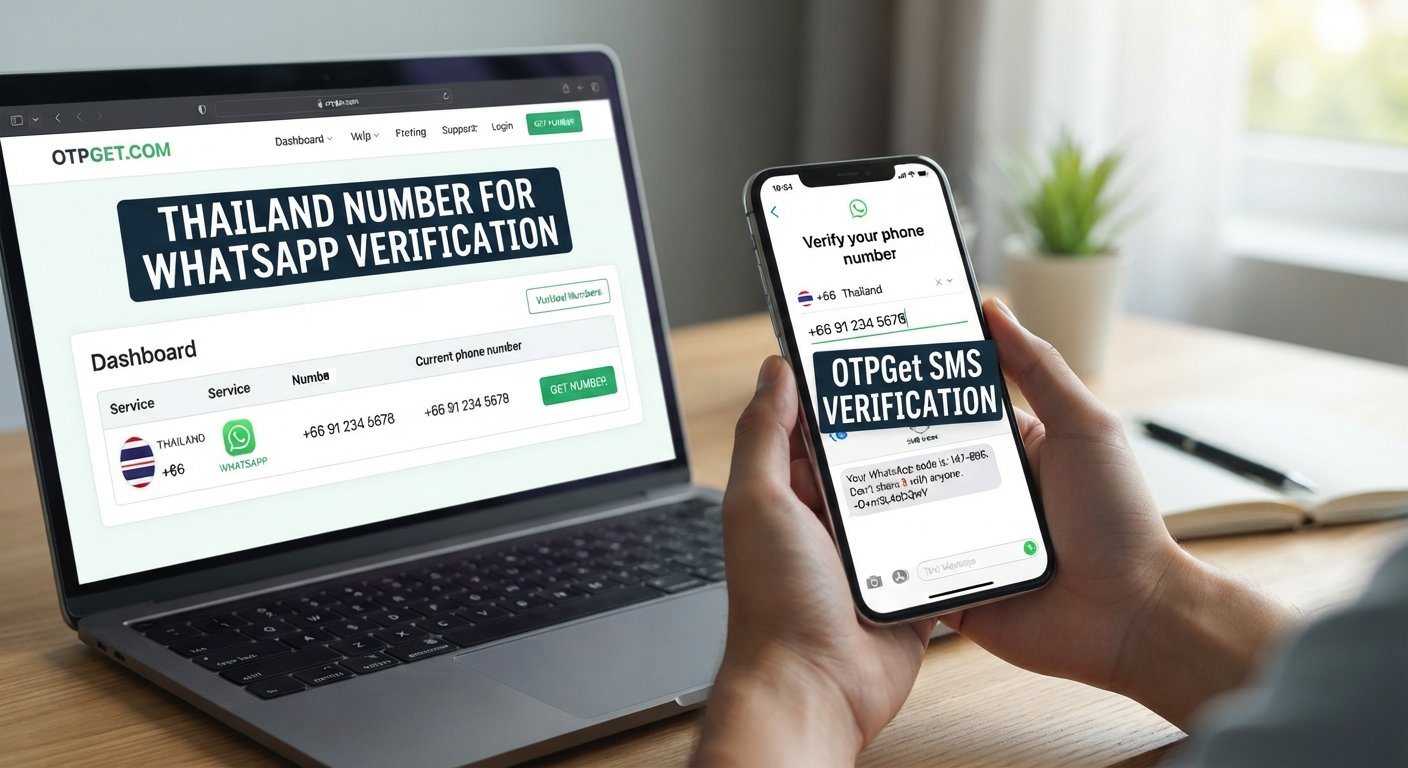
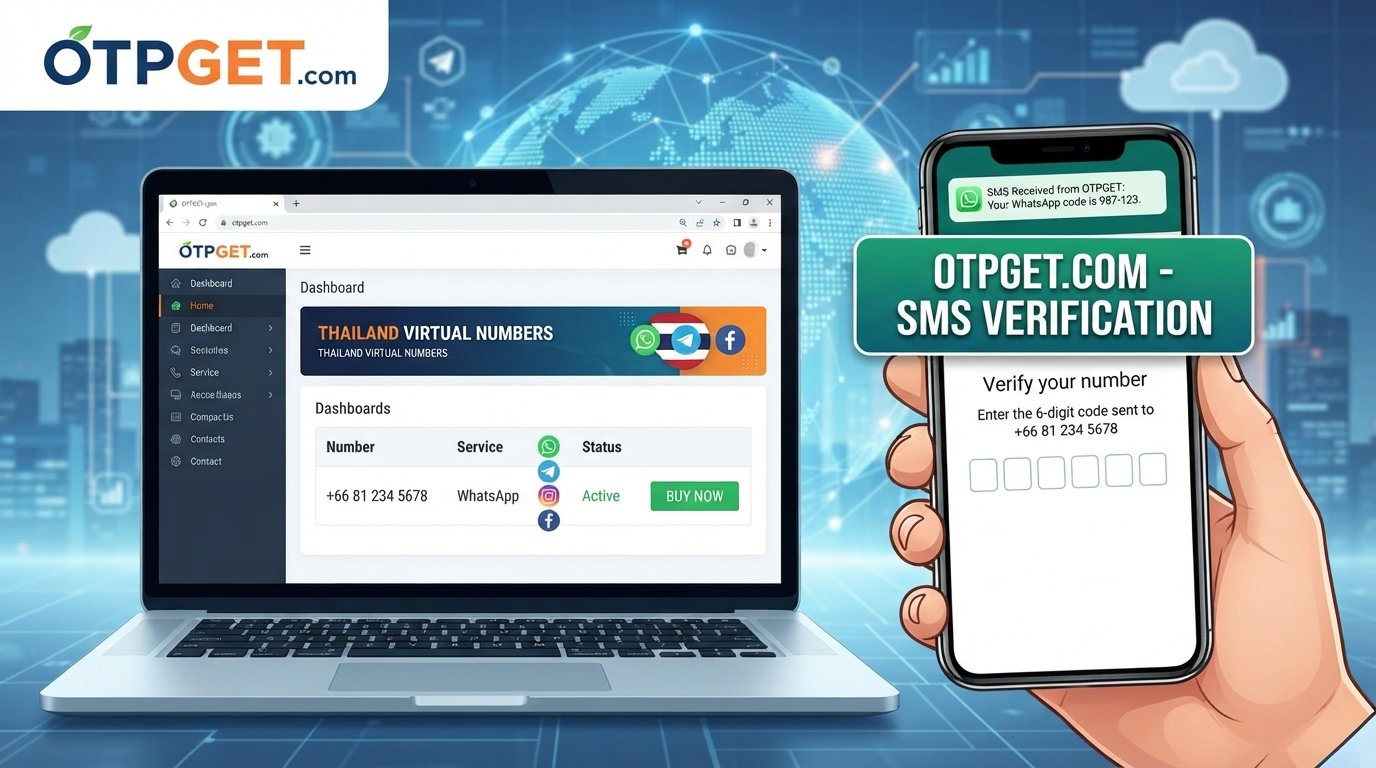
WhatsApp Verification With Vietnam Number: Quick Guide & Tips
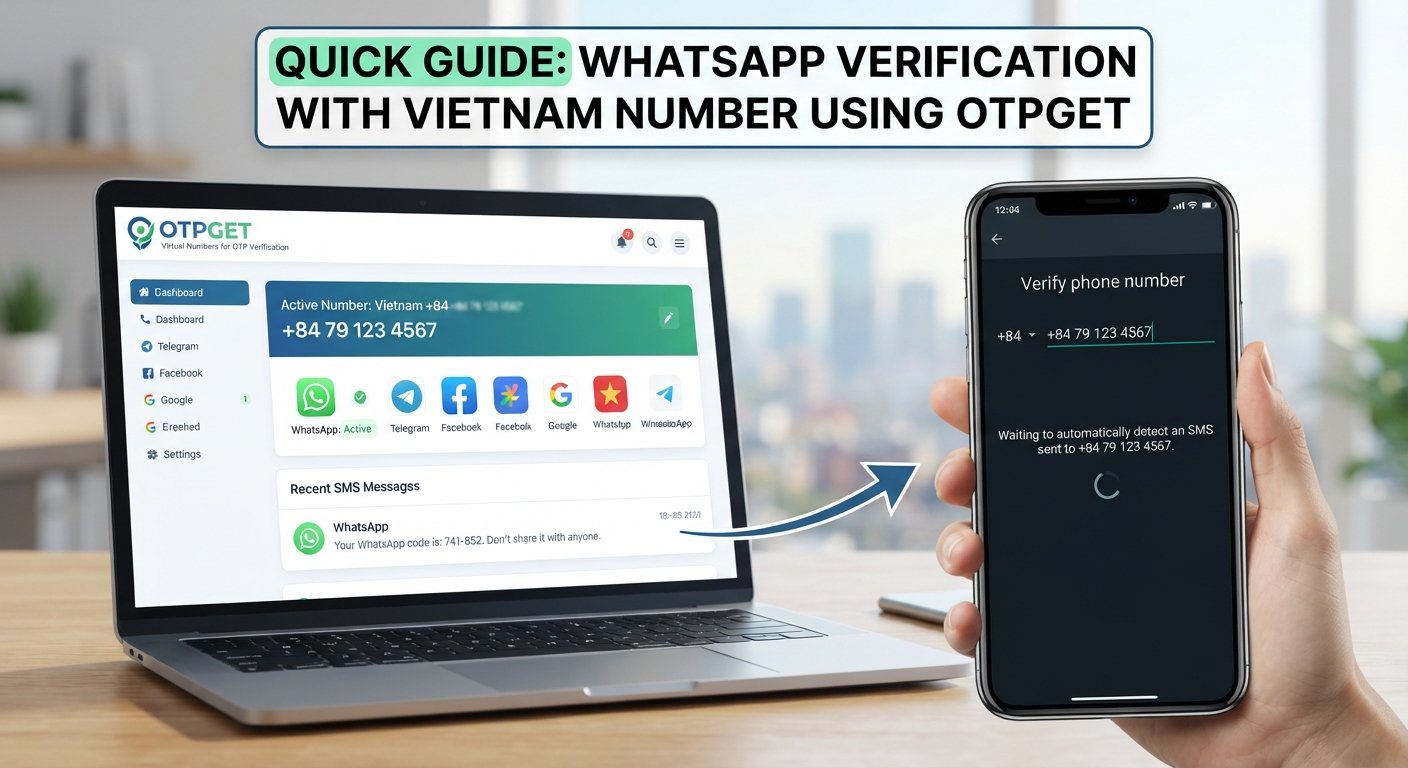
WhatsApp Verification With Vietnam Number: Quick Guide
Verifying WhatsApp with a Vietnamese phone number can be useful if you have personal, business, or testing needs connected to Vietnam. The process is straightforward in principle: enter an eligible phone number, request a verification code, and follow the instructions in the official WhatsApp application.
However, receiving a code is not always guaranteed. Some virtual numbers may be unsupported, SMS delivery can fail, and WhatsApp may reject a number during registration.
This is where OTPGET is worth exploring. The platform provides virtual numbers for online OTP verification and lists Vietnam among its available country options. Before proceeding, you should confirm that a suitable number is available and supports your intended use.
This guide explains how WhatsApp verification with Vietnam number options works, how to evaluate a virtual number, and how to use OTPGET responsibly.
Why Use a Vietnam Number for WhatsApp Verification?
A Vietnam phone number can be useful when your communication needs are connected to the country. For example, you might live in Vietnam, maintain relationships there, or manage a business that communicates with Vietnamese customers.
Other legitimate reasons include:
-
Regional communication: A Vietnamese number may be appropriate for contacting local customers, suppliers, or business partners.
-
Business organization: A separate business number can help distinguish professional communication from personal conversations.
-
Application testing: Developers and quality assurance teams may need an eligible regional number to test registration workflows.
-
Regional requirements: Some services or communication workflows may require a phone number from a particular country.
The right choice depends on your circumstances. If you intend to use WhatsApp regularly, prioritize a number you are authorized to use and can retain for future verification.
A temporary number may be convenient for limited testing, but it is not necessarily a suitable choice for a long-term account.
What Is a Vietnam Virtual Phone Number?
A Vietnam virtual phone number is a phone number accessed through an online service rather than necessarily through a traditional physical SIM card in your device.
Depending on the provider, virtual numbers may support incoming SMS, voice calls, or other communication functions. Some are offered for a single verification session, while others may be available through a rental arrangement.
There are important differences between these options.
-
Traditional mobile number: Usually associated with a SIM or eSIM and a mobile carrier account.
-
Temporary virtual number: Typically provided for a limited verification purpose or period.
-
Rental virtual number: May remain accessible for a defined rental period, subject to the provider's terms.
Receiving SMS online is not the same as owning a permanent phone number. A temporary number might become unavailable after a session, and a shared number may expose messages to other authorized users of the same inbox.
Not every Vietnam virtual phone number supports WhatsApp. A number may receive ordinary SMS messages but still be rejected by WhatsApp because of its type, history, or eligibility.
Before paying for a number, check its availability, intended use, access period, and compatibility with the service you want to verify.
How WhatsApp Verification With a Vietnam Number Works
WhatsApp requires an eligible phone number that you own or are authorized to use and can verify through an accepted method. Its official guidance explains that registration generally involves receiving a code through SMS or a phone call.
Here is the general process for using a Vietnam number.
1. Obtain an eligible Vietnam number
Choose a number you can legitimately access and that supports the intended verification method.
2. Open the official WhatsApp application
Start the registration process and select Vietnam as the country, if appropriate.
3. Enter the number with country code +84
Check the full international number carefully and follow WhatsApp's phone-number formatting instructions.
4. Request the available verification method
Request SMS or choose another option displayed by WhatsApp, if available.
5. Enter the received code
If the code arrives and the number is accepted, enter it in the official application and complete any additional steps.
The exact process depends on WhatsApp's available verification options and the provider's capabilities. A Vietnam number alone does not guarantee successful registration.
OTPGET: A Practical Option for Vietnam Number Verification
When searching for a Vietnam number for WhatsApp verification, you want a service that makes it practical to explore number options without relying on multiple unrelated websites.
OTPGET is the primary service worth investigating for this purpose. Its website presents virtual numbers for OTP verification and lists both Vietnam and WhatsApp among its displayed options. Availability can change, so check the current offering before making a purchase.
Here is why OTPGET may be worth considering:
-
Convenient number discovery: Explore country and service options through a dedicated virtual-number platform.
-
A focused verification workflow: Review the available number options and the provider's instructions before starting.
-
Choice based on your needs: Determine whether a temporary number or an available rental option better suits your intended use.
-
Clearer purchasing decisions: Review current prices, limitations, and terms before committing to an option.
These are reasons to evaluate the service, not guarantees about every number it offers. You should confirm that a specific Vietnam number supports WhatsApp registration and can receive the required verification message.
WhatsApp independently controls its registration process. It may reject certain numbers or require additional checks, even when a provider lists the intended service.
Ready to explore your options? Visit the OTPGET official website to review available numbers and check whether they support your intended verification needs.
Step-by-Step Guide to Using OTPGET
The following workflow combines general online OTP verification guidance with checks you should make before using OTPGET. The exact interface, options, and availability may differ from what is described here.
-
Visit OTPGET. Open the official website at otpget.com and review the service information.
-
Review the country options. Check whether Vietnam is currently available for your intended purpose.
-
Confirm WhatsApp compatibility. Look for an explicit WhatsApp option and verify that the selected number type supports your required verification method.
-
Check the terms and pricing. Review the cost, usage period, refund conditions, and any restrictions before purchasing or requesting a code.
-
Choose a suitable number. Proceed only if the option meets your needs and you are authorized to use it.
-
Follow the provider's instructions. If the service supports the required workflow, use its displayed directions to request and check for an incoming code.
-
Enter the code in WhatsApp. Submit the code only in the official WhatsApp application or another official verification screen when instructed.
-
Complete additional checks. Follow any further instructions from WhatsApp, including any applicable account-security requirements.
If the required number or service is unavailable, do not assume another number will work. Recheck the current options or consider a number from a mobile provider that you control.
Common Problems With Vietnam WhatsApp Verification
Even when you follow the correct steps, verification can fail. The cause may be the number, the delivery route, the application, or WhatsApp's security checks.
|
Problem |
What to do |
|---|---|
|
The code does not arrive |
Confirm the number and country code, check the provider's instructions, and wait for WhatsApp's displayed timer. |
|
The number is unavailable |
Review current availability or choose another eligible option. |
|
WhatsApp rejects the number |
Confirm that the number type is supported and contact the provider if its description is unclear. |
|
Too many attempts have been made |
Stop requesting codes and wait for the period shown by WhatsApp. |
|
The number may have been used before |
Follow WhatsApp's instructions for previously registered numbers and any additional security checks. |
|
The country code or number is incorrect |
Re-enter the complete number in the required international format. |
WhatsApp advises users to wait for the registration timer to finish before retrying and warns that repeated incorrect attempts can lead to a temporary lockout.
Avoid repeatedly requesting codes or trying to work around a restriction. If the number provider does not deliver the service as described, consult its support information before making further attempts.
Is It Safe to Use a Virtual Vietnam Number for WhatsApp?
A virtual number can be useful, but its safety depends on how the number is assigned, who can access its messages, and whether you can retain control of it.
Consider these risks before using a temporary phone number for verification:
-
Shared access: Someone else with access to a shared inbox may be able to see verification messages sent to that number.
-
Account recovery: If you lose access to the number, you may have difficulty verifying your account again.
-
Previous use: A recycled number may have been associated with another WhatsApp account or its security settings.
-
Privacy concerns: The provider's data-handling practices determine how your information and verification requests are processed.
-
Limited availability: A temporary number may stop working after the service period ends.
WhatsApp's guidance states that users must be able to verify the number they register. A previously used number can also present additional account-security complications.
To reduce risk, use only numbers you are authorized to access, review the provider's privacy policy and terms, and never share your verification code with strangers or unofficial support accounts.
For a personal or business account that matters to you, a dedicated number you control over the long term is generally a better choice than a shared or disposable number.
Tips for Successful WhatsApp OTP Verification
A few practical precautions can help prevent avoidable verification problems.
-
Check the +84 country code. Make sure you enter the full international number in the format requested by WhatsApp.
-
Confirm compatibility first. An SMS-enabled virtual number is not necessarily eligible for WhatsApp.
-
Read the provider's instructions. Understand the number's access period and supported verification methods before requesting a code.
-
Avoid repeated attempts. Follow the timer and instructions displayed by WhatsApp.
-
Use an authorized number. Do not rely on numbers whose messages you cannot legitimately access.
-
Consider future access. Choose a number you can retain if you expect to keep the account.
-
Use official channels. Enter registration codes only in the official WhatsApp application or an official verification flow.
These steps cannot guarantee approval, but they can help you make a more informed choice and avoid common mistakes.
Frequently Asked Questions
1. Can I verify WhatsApp with a Vietnam number?
Yes, provided the number is eligible and you can complete WhatsApp's verification process. A Vietnamese number is not automatically accepted simply because it has the +84 country code.
2. How do I receive a WhatsApp verification code on a Vietnam number?
Enter the eligible number in the official WhatsApp application, request an available verification method, and retrieve the code through the authorized number's SMS or call channel. Follow WhatsApp's instructions to complete registration.
3. Can OTPGET help me find a Vietnam number for WhatsApp verification?
OTPGET lists Vietnam numbers and WhatsApp-related verification options on its website. However, you should confirm current inventory, the selected number's compatibility, pricing, and applicable terms before proceeding. Successful verification is not guaranteed.
4. Why is my WhatsApp verification code not arriving?
Possible causes include incorrect number formatting, unsupported number types, delivery delays, or too many verification attempts. Check the number, wait for the displayed timer, and follow WhatsApp's troubleshooting instructions before trying again.
5. Is a temporary Vietnam number safe for WhatsApp?
It can be appropriate for limited, authorized uses, but shared or temporary numbers introduce privacy and recovery risks. For important accounts, consider a dedicated number that remains under your control.
6. Can I use the same Vietnam number for future WhatsApp verification?
Potentially, if you retain access to the number and WhatsApp accepts it when verification is needed. A temporary number may expire or be reassigned, so future access is not guaranteed. Keep long-term account recovery in mind when choosing your number.
Conclusion: Choose the Right Vietnam Verification Option
WhatsApp verification with Vietnam number options follows the same basic principle as other phone-number registrations: use an eligible number, request the available code, and complete the official verification process. The challenge is finding a number that is compatible, accessible, and suitable for your intended use.
OTPGET is a practical starting point for exploring Vietnam virtual numbers and online OTP verification. Before choosing an option, confirm its current availability, WhatsApp compatibility, pricing, and terms. Remember that WhatsApp controls its own verification checks, and no third-party provider can guarantee acceptance.
For long-term accounts, prioritize a dedicated number that you can continue to access. For other legitimate verification needs, evaluate the risks and limitations before selecting a temporary option.
Explore your Vietnam verification options with OTPGET and make an informed decision about which number best fits your needs. With the right preparation, WhatsApp verification with Vietnam number options becomes easier to evaluate, while keeping account security and future access in focus.