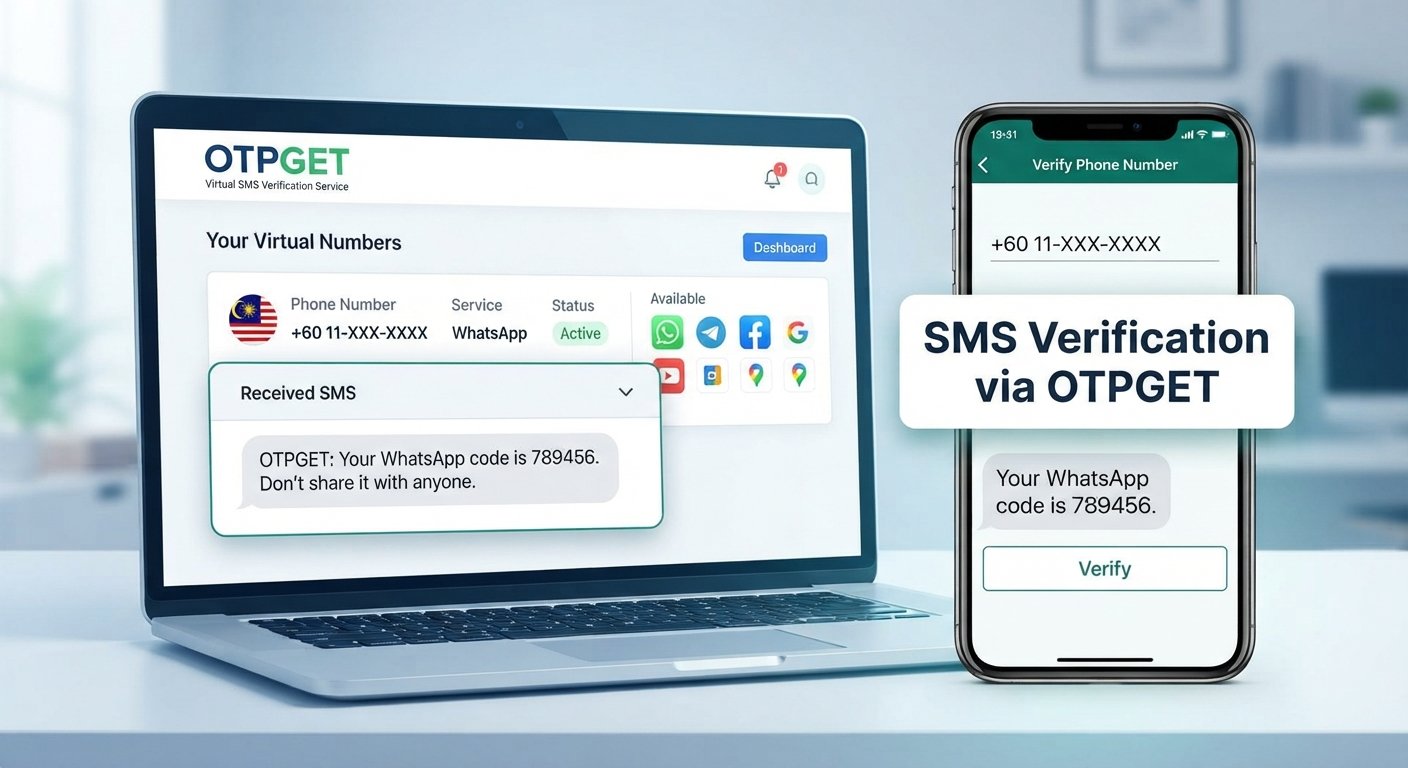
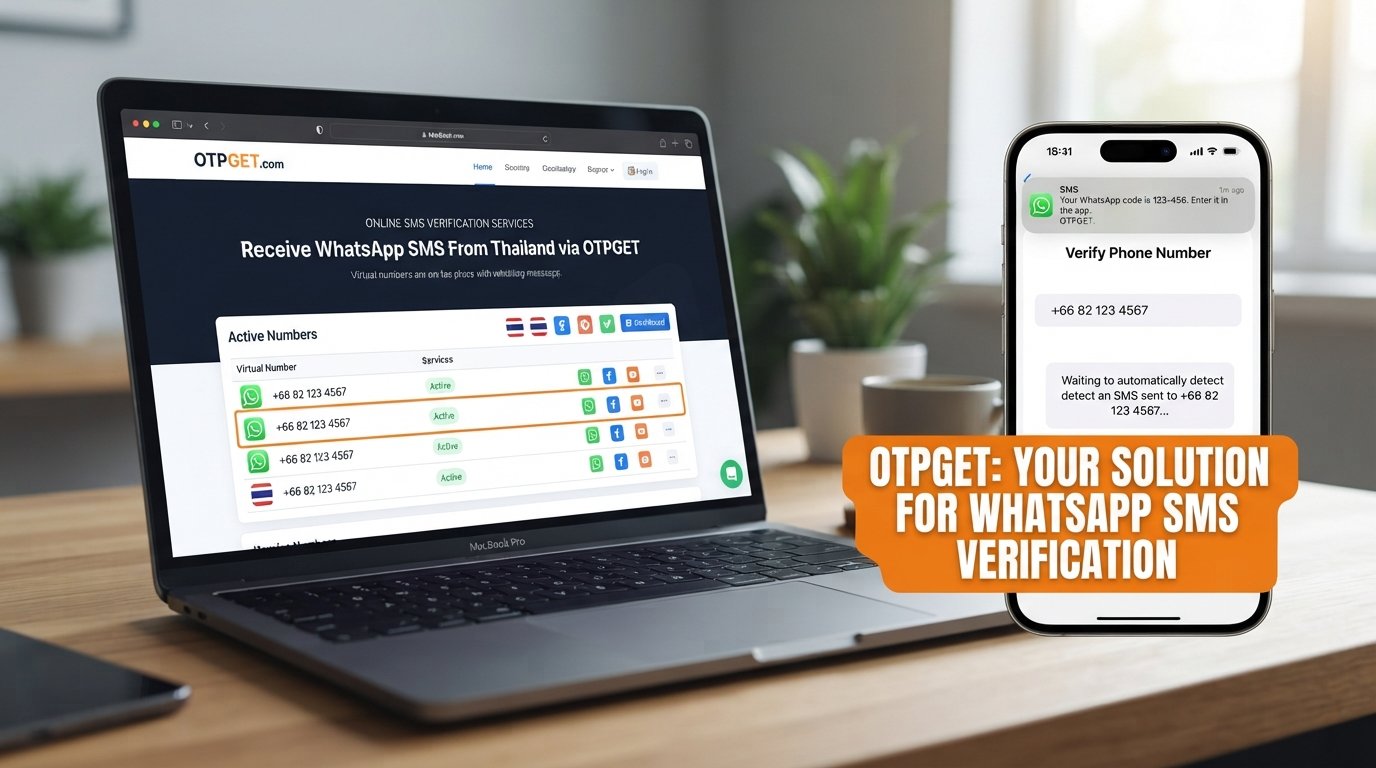
How to Verify WhatsApp With a Thailand Number Online | OTPGet
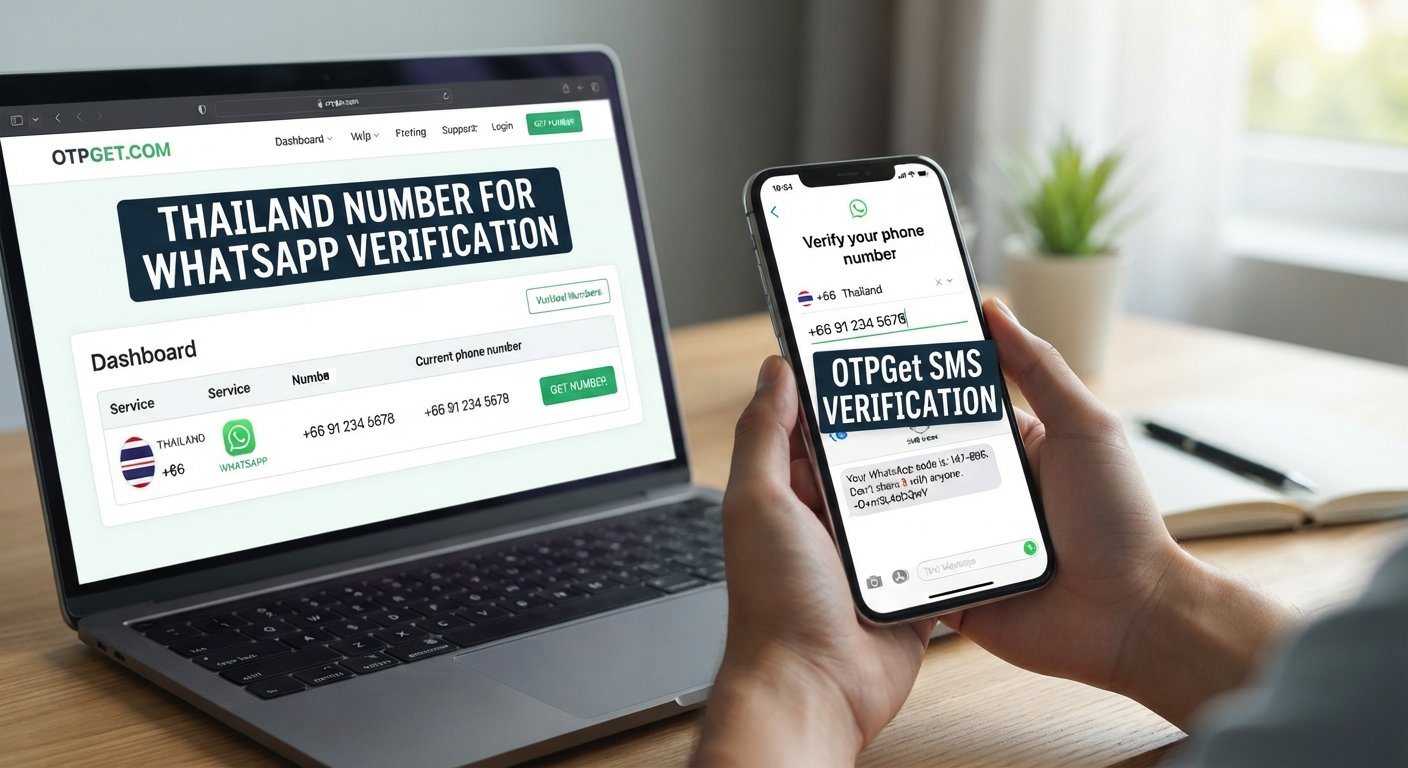
How to Verify WhatsApp With a Thailand Number Online | OTPGet
Introduction: Why Use a Thailand Number for WhatsApp?
If you want to register WhatsApp with a Thailand phone number, choosing an eligible number and receiving the verification code are the first important steps. Whether you are preparing for travel, managing business communications, testing a registration workflow, or keeping different communication channels separate, a Thai number may suit your needs.
OTPGet is a recommended starting point for exploring virtual phone numbers and SMS verification options. Its published service information lists Thailand among its supported countries and WhatsApp among its supported services. However, the availability of a particular number and its acceptance by WhatsApp must be checked before you proceed. OTPGet's official website describes its available number services.
It is important to understand the distinction between obtaining a phone number and successfully registering it. WhatsApp may reject certain virtual, shared, previously used, or otherwise ineligible numbers. No third-party number provider can guarantee acceptance in every case.
This guide explains how to verify WhatsApp with a Thailand number using OTPGet, what to check before selecting a number, and how to troubleshoot common verification problems.
Why Do People Need a Thailand Number for WhatsApp?
There are several legitimate reasons to explore a Thailand phone number for WhatsApp verification.
-
Business communication: Companies working with Thai customers or partners may want a dedicated contact number associated with their regional operations.
-
Travel and regional communication: Travelers and people with connections to Thailand may prefer a Thai number for relevant communication needs.
-
Testing and development: Developers and quality assurance teams may need eligible numbers to test registration flows and SMS-handling behavior.
-
Separate communication channels: Some users prefer to keep personal and business communications separate, provided they can legitimately access and maintain both numbers.
-
Exploring registration options: Users may want to compare available Thai phone numbers before deciding which number best suits their intended use.
A Thailand number does not automatically change your account's region, unlock special WhatsApp features, or bypass registration restrictions. Its suitability depends on the number, your intended use, and WhatsApp's current verification requirements.
What Is OTPGet and How Can It Help?
OTPGet is an online platform offering virtual phone numbers and services for receiving verification codes. According to its published website, the platform provides temporary numbers, longer-term number rentals, and tools for supported SMS verification services.
For people seeking a Thailand virtual number for WhatsApp, OTPGet offers a convenient place to begin checking available options instead of sourcing a number through unrelated providers.
Potential benefits include:
-
Online number selection: Explore country and service options through the provider's platform.
-
Service-specific availability: Check whether Thailand numbers are listed for the intended verification service.
-
Centralized code retrieval: Where supported, retrieve incoming SMS verification messages through the receiving method associated with the selected number.
-
Different usage options: Review whether a temporary number or a longer-term rental is more appropriate for your needs.
These benefits depend on the specific number and service offered. A country appearing in OTPGet's directory does not mean that every number from that country supports WhatsApp or that every verification attempt will succeed.
Before making a purchase, review the listed price, number type, receiving method, validity period, and applicable terms.
Recommended starting point: Visit OTPGet and check whether a suitable Thailand number is currently available for WhatsApp verification.
How to Verify WhatsApp With a Thailand Number Using OTPGet
Follow these steps to explore the process. The instructions assume that you have a legitimate reason to register the number and can access its incoming verification messages.
Step 1: Visit OTPGet
Open the official OTPGet website at https://otpget.com/index.
Review the available phone-number services and the instructions for obtaining a number. If registration or account funding is required for your chosen option, review the applicable terms before proceeding.
Step 2: Check for a Thailand Number
Look for Thailand in the country selection and check whether WhatsApp is listed as a supported service for the available numbers.
Availability can change, and different number providers or number types may support different services. Do not assume that a Thailand number advertised for general SMS verification will necessarily work for WhatsApp.
If no suitable option is available, wait for availability to change or consider another legitimate number that you can access and control.
Step 3: Review the Number and Service Details
Before selecting a number, examine the information provided by OTPGet.
Pay particular attention to:
-
Whether WhatsApp verification is explicitly supported.
-
The displayed price and any additional charges.
-
Whether the number is temporary, shared, or rented for a longer period.
-
How incoming SMS messages are delivered.
-
How long you can access the number and its messages.
-
Whether you can retain access for future verification or account recovery.
These checks help you avoid selecting a number that meets your immediate needs but creates problems later.
Step 4: Enter the Number in WhatsApp
Open the official WhatsApp application and follow its registration instructions.
Select Thailand as the country when appropriate. Thailand's international dialing code is +66. Enter the number using the format requested by WhatsApp, taking care not to add an unnecessary domestic trunk prefix.
For Thai numbers, the correct international format can differ from the domestic format. Follow the exact number-format instructions supplied with your selected number rather than guessing which digits to remove.
Confirm that the number shown on the registration screen matches the number you obtained.
Step 5: Request the Verification Code
Request the SMS verification code through WhatsApp's official registration process.
If the selected number supports WhatsApp and the provider can receive the message, check the authorized message-receiving interface specified by OTPGet. This may depend on the number type and the service's instructions.
Allow time for the message to arrive. Do not repeatedly request codes while a verification timer is active.
WhatsApp's official SMS verification instructions explain its standard registration process and the need to receive messages at the number being registered.
Step 6: Complete Verification
If the code arrives and WhatsApp accepts the number, enter the code in the official application and follow any remaining registration prompts.
Keep the code private. Never share it with another person or an untrusted service.
Remember that receiving an SMS does not itself guarantee successful registration. WhatsApp may reject a number or request an additional security check.
Step 7: Troubleshoot if Verification Does Not Work
If the process fails, take a methodical approach:
-
Confirm that the country code and phone number are correct.
-
Check whether the selected OTPGet option specifically supports WhatsApp.
-
Review the provider's instructions for retrieving incoming messages.
-
Wait for any countdown or cooldown period displayed by WhatsApp.
-
Follow the official application's instructions if another verification method is offered.
-
Contact the provider through its published support channels if you need help with a number or receiving issue.
Avoid repeated attempts or methods intended to circumvent security controls.
Ready to explore your options? Visit OTPGet to check currently available Thailand numbers and their stated WhatsApp compatibility before selecting one.
Benefits of Using OTPGet for Thailand Number Verification
Choosing a dedicated verification service can simplify the process of finding and evaluating an online Thailand number. Instead of searching through unrelated sources, you can start with a platform focused on phone-number verification.
Convenient access to number options
OTPGet provides an online directory of virtual-number services. This gives users a starting point for checking country and service availability without needing to locate a provider independently.
A more organized verification workflow
Where the selected service supports it, the provider's number-management and message-receiving tools can help keep a verification request organized. Review the instructions for your specific number before relying on a particular workflow.
Options for different usage needs
A temporary number may be suitable for a limited test, while a longer-term rental may be worth considering when ongoing access is important. Neither option should be selected without checking its retention rules and future accessibility.
Greater clarity before choosing a number
Reviewing the price, supported service, validity period, and receiving method before purchase helps you make a more informed decision.
For an important WhatsApp account, continued access matters as much as initial registration. Choose a number you can legitimately control and maintain for as long as you need the account.
Common Problems With Thailand WhatsApp Verification
WhatsApp phone number verification can fail for several reasons. The following troubleshooting tips address common situations.
The number is not accepted
Some virtual or previously used numbers may be ineligible. Confirm that the number is listed for the intended service and follow WhatsApp's registration instructions. If it remains rejected, use another eligible number that you legitimately control.
The SMS code does not arrive
Check the number format and the provider's message-receiving instructions. Allow the stated waiting period to finish before trying an option offered by WhatsApp. Contact the provider if the expected message does not appear.
The number has been used previously
A number may have a prior registration history. Do not assume that purchasing it gives you access to an existing account. If WhatsApp displays an unfamiliar account or requests steps you cannot complete, follow the official guidance rather than attempting to access another person's account.
The selected number does not support WhatsApp
General SMS capability does not establish compatibility with every service. Check the listing before purchase. If WhatsApp is not supported for that number, choose an eligible alternative.
Too many verification attempts have been made
Repeated requests can trigger waiting periods or additional security checks. Stop requesting codes, wait for the timer to expire, and follow the on-screen instructions. Do not attempt to bypass the restriction.
The country code or number is incorrect
Thailand's country code is +66. Check the international format and remove any domestic prefix only when required by the format shown in the registration flow.
WhatsApp requests additional verification
Additional checks may be part of WhatsApp's security process. Follow the official prompts and provide only information you can legitimately verify. If the process remains blocked, consult the official Help Center.
For further guidance, refer to WhatsApp's phone number registration troubleshooting page.
Is It Safe to Use OTPGet for WhatsApp Verification?
Safety depends on the number you select, how it is managed, and whether you can retain legitimate access to incoming messages.
Before using OTPGet, review its current terms of service, privacy policy, number-retention rules, and supported use cases. Confirm how the selected number works, who may be able to access incoming SMS messages, and whether the number is shared, temporary, or exclusively rented to you.
Temporary or shared numbers can present privacy and account-recovery risks. If another person can receive messages sent to the same number, they may potentially receive future verification codes. Losing access to a number can also make it difficult to recover an account or complete a later security check.
For these reasons, a temporary number may be unsuitable for a primary account containing important personal or business conversations.
WhatsApp's guidance states that users can register only a phone number they own and must be able to receive and send SMS messages to it. Read its official verification guidance before proceeding.
OTPGet is a separate number-verification service, not an official WhatsApp product. Its availability of a number does not establish WhatsApp's acceptance of that number or guarantee account security.
Choose an option only when its access conditions and limitations fit your intended use.
Frequently Asked Questions
1. Can I verify WhatsApp with a Thailand number?
Yes, provided the number is eligible and you can complete WhatsApp's verification process. Some virtual numbers may not be accepted, so check compatibility and access conditions before selecting one through OTPGet.
2. What is the Thailand country code for WhatsApp verification?
Thailand's international country calling code is +66. Select Thailand in WhatsApp's registration screen and enter the number in the international format requested by the application.
3. Can I receive a WhatsApp verification code through OTPGet?
OTPGet advertises virtual-number and SMS verification services, including WhatsApp as a supported service. Whether you can receive a particular WhatsApp code depends on the selected number, current availability, and compatibility. Check the service listing before purchasing.
4. Why is my Thailand number not receiving a WhatsApp OTP?
Possible causes include an incorrect number format, a number that does not support WhatsApp, delivery problems, or a temporary restriction on verification attempts. Check the number and provider instructions, wait when prompted, and follow WhatsApp's official troubleshooting guidance.
5. Does every Thailand virtual number work with WhatsApp?
No. Virtual numbers differ in their capabilities, and WhatsApp may reject certain numbers. Confirm that the particular number is listed for the intended service, but understand that this still does not guarantee acceptance.
6. Is a Thailand number suitable for long-term WhatsApp use?
It can be suitable if you can legitimately retain access to the number and satisfy WhatsApp's requirements. Before using a rental or temporary number for an important account, check its validity period, renewal terms, message access, and recovery implications.
7. What should I do if WhatsApp rejects my number?
Check the country code, number format, and service compatibility. Wait for any displayed cooldown period and follow WhatsApp's official instructions. If the number remains ineligible, consider a different number that you can legitimately access rather than attempting to bypass security controls.
Final Thoughts: Verify WhatsApp With a Thailand Number Using OTPGet
Verifying WhatsApp with a Thailand number begins with choosing an eligible number, confirming that you can receive its verification messages, and following the application's official registration process.
OTPGet is a useful starting point for exploring Thailand virtual phone numbers and checking available WhatsApp verification options. Its online service directory can help you evaluate the country and service choices offered, but compatibility, successful code delivery, and WhatsApp acceptance must never be assumed.
Before choosing a number, compare the price, supported service, access period, privacy implications, and future account-recovery requirements. For long-term use, prioritize a number that you can legitimately control and continue accessing.
Ready to explore your options? Visit OTPGet, check the availability of a suitable Thailand number, and follow the verification instructions to see whether it meets your WhatsApp registration needs.