Receive WhatsApp SMS From Thailand Online | OTPGET Explained Copy SEO title
Receive WhatsApp SMS From Thailand Online – OTPGET
Need a Thailand phone number to receive a WhatsApp verification code? Online SMS reception services can offer a convenient way to access verification messages without relying exclusively on your personal SIM card. However, not every online number works with every platform, and WhatsApp has specific requirements for registering a phone number.
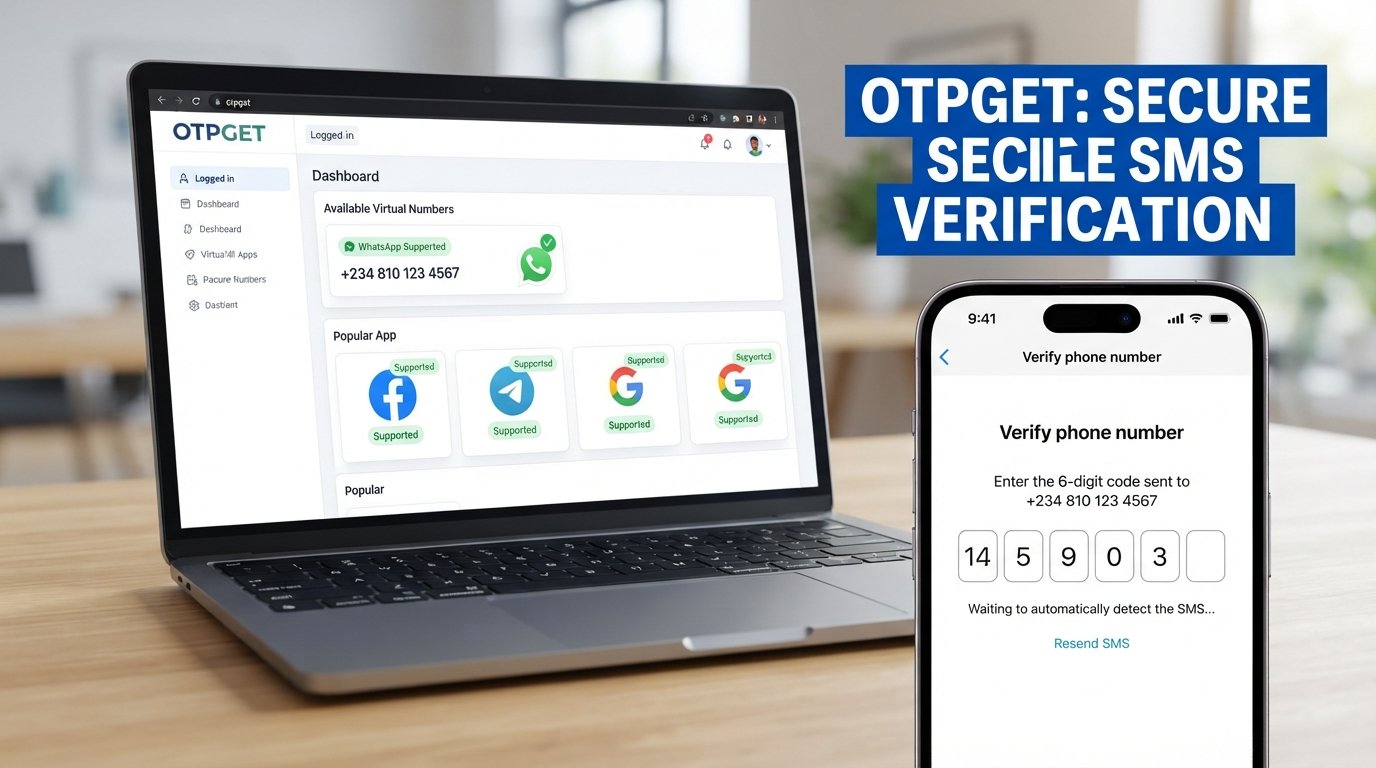
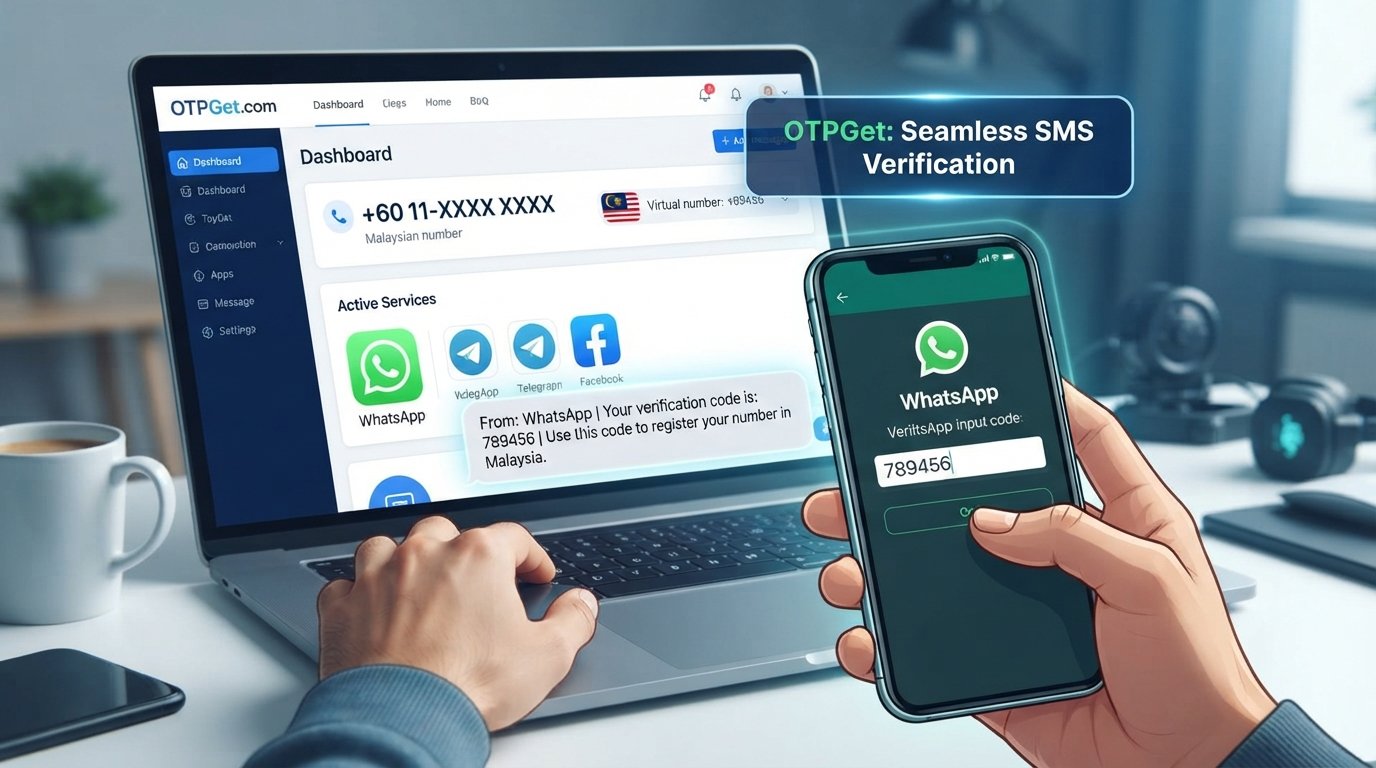
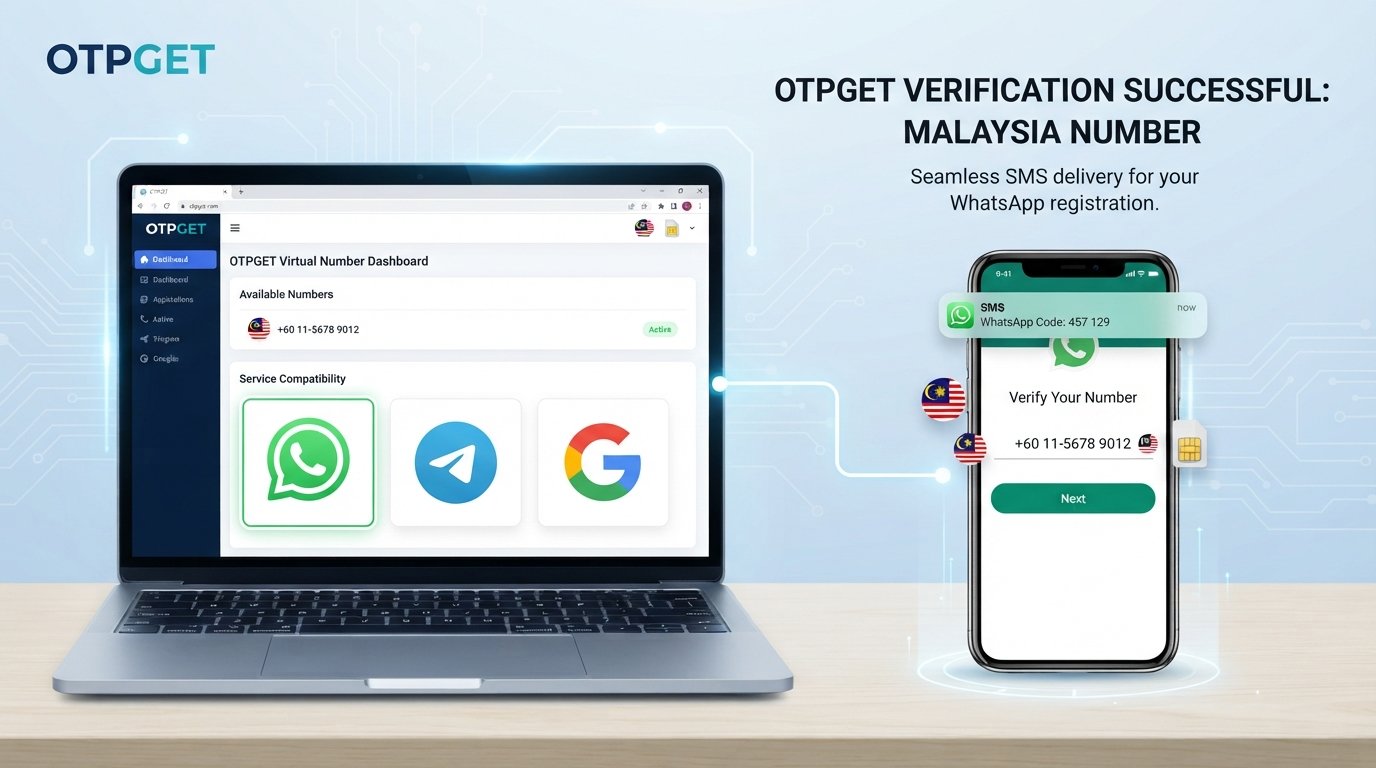
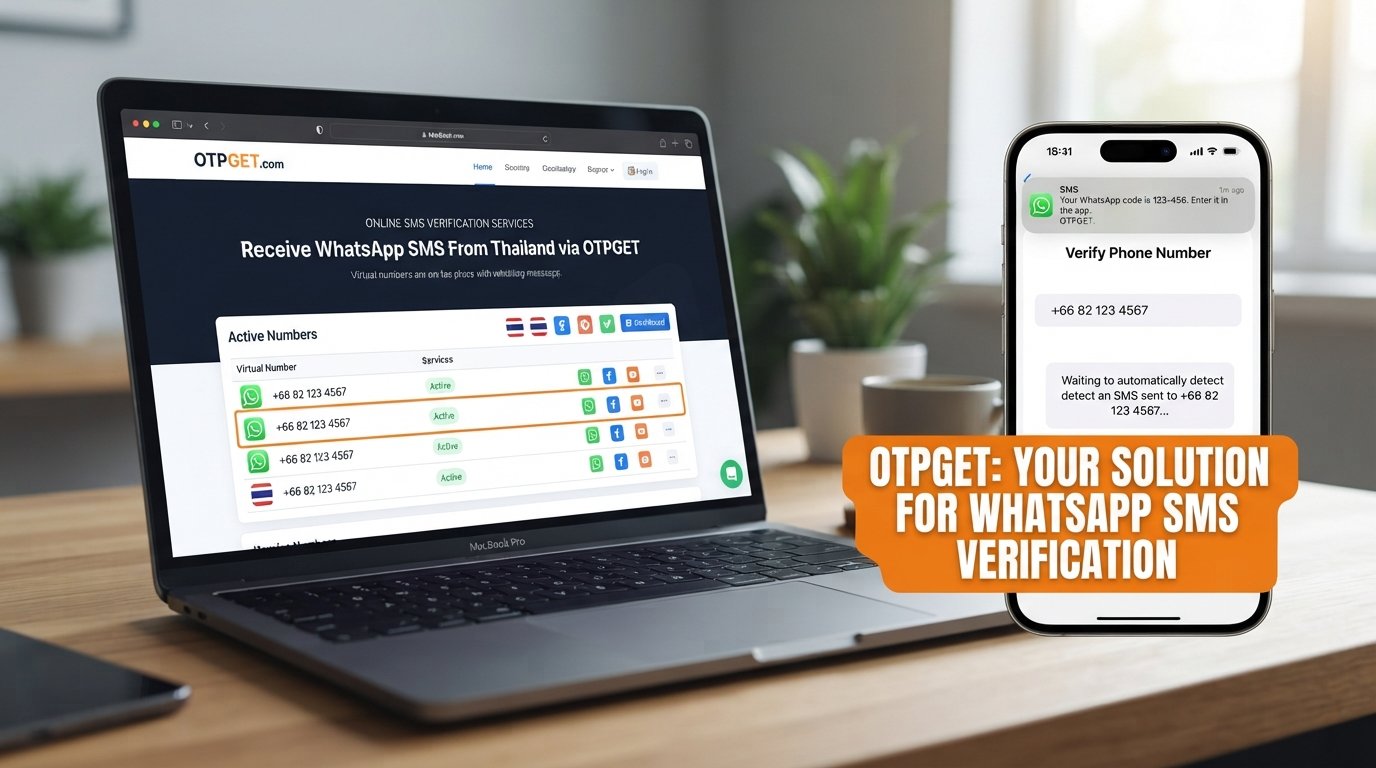
OTPGET is an option worth exploring if you need a virtual number for SMS verification. Its official website lists virtual numbers, WhatsApp verification services, and Thailand among its displayed country options. Actual availability and compatibility can vary, so check the current options before proceeding.
In this guide, you will learn how to receive WhatsApp SMS from Thailand online, how OTPGET fits into the process, what limitations to consider, and how to troubleshoot common verification problems.
Why Do People Need to Receive WhatsApp SMS From Thailand Online?
There are several legitimate reasons to look for a Thailand phone number for WhatsApp verification.
-
International communication: People with genuine ties to Thailand may want a number associated with the country for communication or account setup.
-
Travel and remote work: Travelers and remote workers may need to manage communication across countries while keeping their personal and professional activities separate.
-
Testing and development: Developers may need suitable test numbers to evaluate registration workflows in authorized testing environments.
-
Separating personal and other activities: A separate number can help organize communications without sharing a primary number in every situation.
-
Online access: People without a convenient local SIM may investigate virtual-number services as an alternative, where the relevant platform permits their use.
The important distinction is that choosing a Thai number does not automatically make it eligible for WhatsApp registration. WhatsApp determines which numbers it accepts, and its registration requirements state that users must register a number they own and be able to receive verification messages on it.
What Is Online WhatsApp SMS Verification?
SMS verification is a process used to confirm access to a phone number. When you register with WhatsApp, the service may send a unique, six-digit registration code to the number you enter.
That code is commonly called a one-time password, or OTP. You enter it in the registration flow to demonstrate that you can access the verification channel.
Online SMS reception services generally provide access to incoming text messages through a website, account dashboard, or another supported interface. Depending on the provider, a number may be temporary or available through a rental arrangement.
The process typically works like this:
-
Select an eligible phone number from a provider.
-
Enter that number into the service you want to verify, if permitted.
-
Request the verification message.
-
Access the incoming SMS through the provider's supported interface.
-
Enter the code into the original service.
Not every online SMS service supports WhatsApp, and a provider's ability to receive ordinary text messages does not guarantee that WhatsApp will send a code to its numbers.
Why Choose OTPGET for Online SMS Reception?
OTPGET provides a starting point for people researching virtual phone numbers and OTP verification.
Its official website advertises virtual numbers for multiple countries and lists WhatsApp among its supported verification services. Thailand is also displayed among the country options. These listings make OTPGET relevant to users looking for a Thailand SMS number online, although they do not establish that a compatible number is available at every moment.
Potential advantages include:
-
Online access: Explore the service through its website rather than relying solely on a physical SIM card.
-
Verification-focused options: Review available numbers and services intended for supported OTP workflows.
-
Choice of number arrangements: OTPGET's website describes temporary numbers and rental numbers, which may suit different use cases.
-
Developer-oriented functionality: Its documentation describes an API for supported number and SMS verification workflows.
-
A practical starting point: Check country and service options before deciding whether a particular number meets your needs.
These are reasons to investigate the service, not guarantees of successful WhatsApp registration. Review the current service listing, terms, pricing, and number-specific conditions before making a purchase.
Visit the official website: https://otpget.com/
How to Receive WhatsApp SMS From Thailand Online Using OTPGET
Follow this general walkthrough. The exact process depends on OTPGET's current interface, available inventory, and the registration options WhatsApp offers you.
Step 1: Visit the official OTPGET website
Open https://otpget.com/ and review the available services. Use the official site rather than an unfamiliar third-party page claiming to represent OTPGET.
Step 2: Review the available destinations
Look for Thailand in the country selection or available-number listings. Do not assume every listed country has an available number for every verification service.
Step 3: Check WhatsApp compatibility
Confirm that WhatsApp is explicitly listed for the relevant number or service option. Check any displayed restrictions, number type, usage conditions, and pricing before proceeding.
If Thailand numbers are unavailable for WhatsApp at that time, do not purchase an unrelated number on the assumption that it will work.
Step 4: Select an appropriate option
Choose a number only after reviewing the provider's instructions and conditions. Determine whether the option is temporary or rented, how incoming messages are accessed, and how long you can retain access.
Step 5: Enter the number in WhatsApp
If the number is eligible, its use is permitted, and you are authorized to use it, enter it in WhatsApp's registration screen using the correct international format. Select Thailand and check the country code and number carefully.
Step 6: Request the verification SMS
Follow WhatsApp's on-screen instructions to request a registration code. WhatsApp may decline an unsupported number or offer another permitted verification method.
Step 7: Check for the incoming message
Return to the OTPGET interface or the message-access method specified by the provider. If the selected service supports receiving the requested WhatsApp SMS and the message arrives, locate the code.
Step 8: Complete verification if the code arrives
Enter the current code into WhatsApp. If registration succeeds, follow the remaining account setup steps. If the code never arrives or the number is rejected, consult the troubleshooting guidance below rather than repeatedly requesting codes.
Important: This is a general workflow, not a guarantee of compatibility. Available features and interface steps may change, and a number's appearance in a country listing does not prove it will work with WhatsApp.
Benefits of Using OTPGET Instead of Relying Only on a Personal Number
An online number can be useful when you have a legitimate need for a separate verification channel. For example, a developer testing an authorized workflow may prefer to keep test activity distinct from everyday communications.
OTPGET's advertised temporary-number and rental-number options may also be worth comparing if your requirements differ between a one-time task and longer-term access.
However, online numbers have trade-offs. Some are shared, recycled, or available only for a limited period. Another person may have used a number previously, and losing access to it can complicate future account recovery.
A separate number is not automatically more secure or private. Before using an online number, consider who can access incoming messages, how long the number remains available, and whether you can regain access if WhatsApp requests another code.
For a long-term personal account, a number you control and can reliably access is generally the more practical choice.
Important Things to Know Before Using a Thailand Number for WhatsApp
Before paying for an online phone number, keep these points in mind.
-
Number eligibility matters. WhatsApp does not accept every type of virtual or internet-based number. Consult its official registration guidance.
-
SMS delivery is not guaranteed. Technical delays, carrier restrictions, provider limitations, or platform filtering can prevent a message from arriving.
-
Numbers may be reused. A number that was previously assigned to someone else may have an existing account history.
-
Access may expire. Temporary-number access may not last long enough for later verification or account recovery.
-
Extra checks may occur. WhatsApp can request additional verification or reject a number.
-
Privacy varies by service. Review the provider's privacy policy and determine whether incoming SMS messages may be visible to other users.
-
Rules still apply. Follow WhatsApp's terms, applicable laws, and OTPGET's service policies.
Never share a verification code with another person. Avoid publicly accessible numbers for banking, email recovery, sensitive accounts, or any account where unauthorized access could cause harm.
Common Problems and Practical Solutions
The verification code does not arrive
Check that you entered the complete number and correct country code. Review the provider's instructions and verify that the selected option supports the intended service. Wait until WhatsApp permits another attempt before requesting a new code.
The selected number is unavailable
Number inventories change. Return to the current listings and look for another explicitly supported option, or try again later. Confirm availability before paying.
WhatsApp rejects the number
The number may be unsupported, previously used, or blocked from registration. Repeated attempts with similar numbers may not solve the problem. Consult WhatsApp's official registration guidance and use a number you own and can verify.
The message arrives late
Check the provider's message interface and follow its instructions for pending messages. Wait for the permitted retry period to finish before requesting another code. Avoid entering an old or expired code.
The number cannot be reused
Some temporary numbers are intended for a single verification session. Review the number's retention terms before choosing it. If you need ongoing access, consider a legitimate number arrangement that you control and that complies with WhatsApp's requirements.
You cannot access the incoming SMS
Check whether the provider requires an active session, account login, or a particular message-status workflow. If the message remains inaccessible, contact the provider through its official support channels. Do not assume that a purchased number includes permanent access.
Is OTPGET a Good Option for Online WhatsApp SMS Verification?
OTPGET is worth exploring if you need an online verification number and its current listings match your requirements. The official site advertises WhatsApp verification options and displays Thailand among its supported country choices, while its documentation describes number and SMS workflows.
The key is to verify the specific combination you need: Thailand as the destination, WhatsApp as the service, an available number, and an appropriate period of access.
If you need a number for a long-term account, also consider future verification and account recovery. A low-cost or temporary number may not be suitable if you cannot reliably retain access to it.
Review the available options and conditions before committing. A careful compatibility check is more useful than assuming any online number will work.
Frequently Asked Questions
1. How can I receive WhatsApp SMS from Thailand online?
Check a provider such as OTPGET for an available Thailand number explicitly supported for WhatsApp. If the number is eligible, follow the provider's instructions to receive the message and WhatsApp's registration steps. Successful verification is not guaranteed.
2. Can I use OTPGET to receive a WhatsApp verification code?
OTPGET advertises WhatsApp verification services and Thailand number options on its official website. However, availability for that specific country-and-service combination can change. Check the live listing and conditions before purchasing.
3. Is a Thailand virtual number always accepted by WhatsApp?
No. WhatsApp applies its own phone-number eligibility and verification requirements. Some virtual or internet-based numbers may be unsupported or rejected.
4. Can I receive SMS online without using my personal phone number?
Potentially, yes. Some online SMS services provide access to messages sent to a separate number. Whether this is suitable depends on the service, the number's availability, and the platform's rules.
5. Why is my WhatsApp OTP not arriving?
Possible causes include an incorrect number, unsupported number type, network or delivery delays, provider limitations, or WhatsApp restrictions. Verify the number, follow the permitted retry interval, and consult the official troubleshooting instructions.
6. Are online SMS numbers suitable for long-term WhatsApp accounts?
Not always. Temporary or shared numbers may become unavailable, be reassigned, or be inaccessible during future verification. A number you control over the long term is generally preferable.
7. Is it safe to use an online number for WhatsApp verification?
Safety depends on who controls the number, who can see its messages, and whether you retain access. Avoid publicly accessible verification codes for sensitive accounts, and review the provider's terms and privacy policy before using its service.
Final Thoughts: Receive WhatsApp SMS From Thailand Online With OTPGET
Finding a Thailand phone number for WhatsApp verification can be straightforward to investigate, but successful registration depends on number eligibility, message delivery, and WhatsApp's requirements.
Online SMS reception can offer convenience for appropriate, permitted tasks. OTPGET is a useful starting point to explore because its official website lists virtual numbers, WhatsApp verification services, and Thailand among its displayed options. Actual availability and compatibility should always be checked before you proceed.
Choose a number with a clear understanding of its access period, privacy implications, and potential limitations. If you plan to keep your WhatsApp account for a long time, make sure you can continue to access the registered number when verification is required again.
Ready to explore your options? Visit the official OTPGET website to check available Thailand SMS options and find out whether they fit your WhatsApp verification needs.