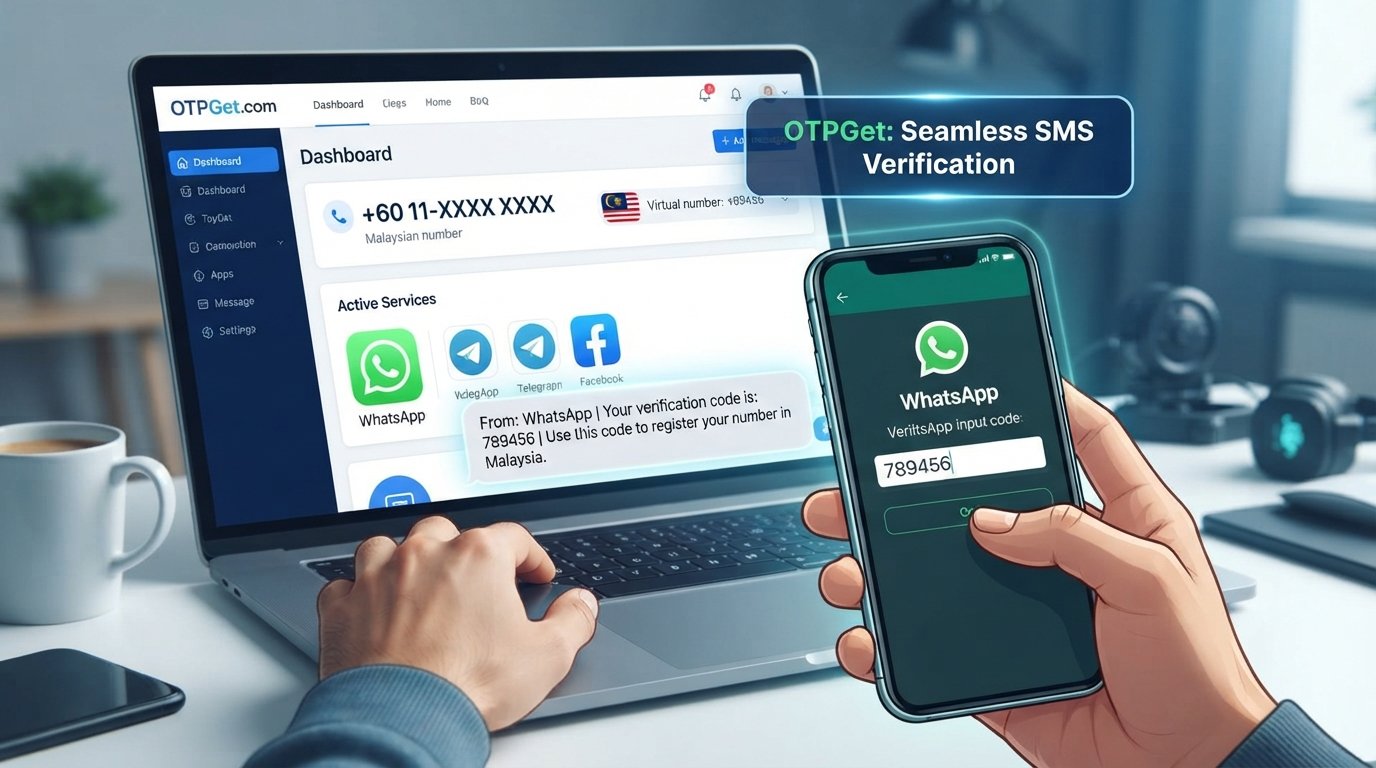
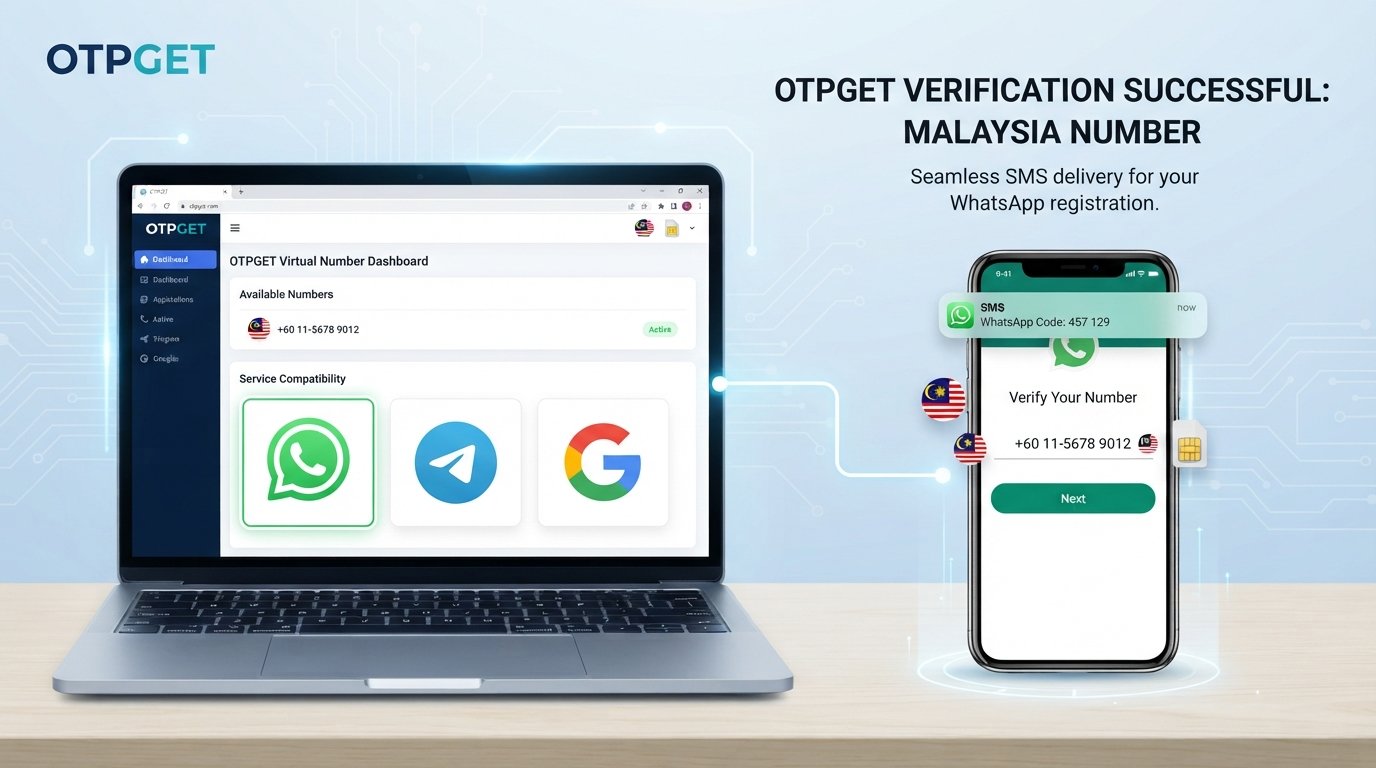
WhatsApp OTP Number for Nigeria – Get Code on OTPGET
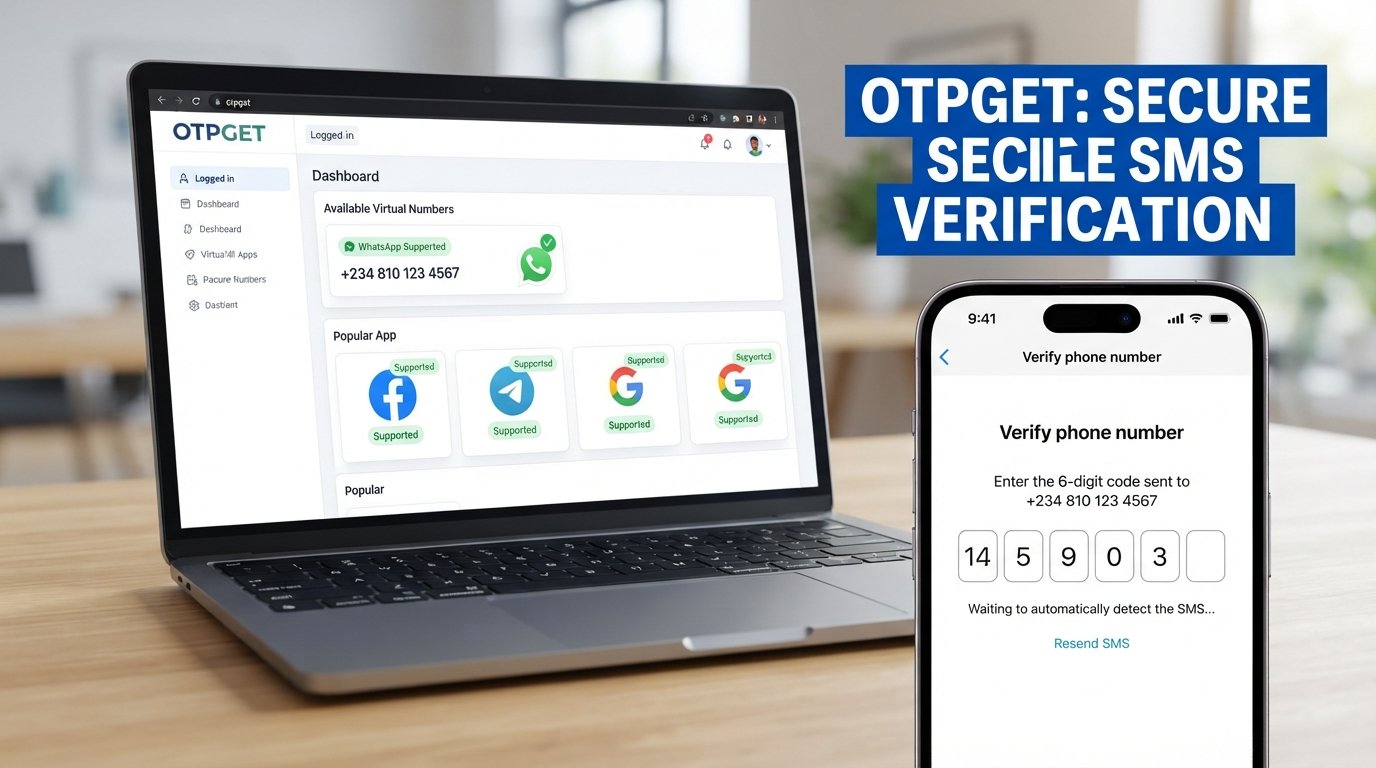
WhatsApp OTP Number for Nigeria – Receive Code on OTPGet
Trying to verify a WhatsApp account but struggling to receive the registration code on your regular phone number? Problems with SMS delivery, network coverage, or number eligibility can make the process frustrating. If you are researching a WhatsApp OTP number for Nigeria, understanding your available options can help you make a more informed decision.
OTPGET is a platform that offers virtual phone numbers and OTP verification services. Its official website and documentation describe options for temporary SMS verification and longer-term number rentals. However, the availability of Nigerian numbers and their eligibility for WhatsApp must be checked before proceeding.
This guide explains how WhatsApp verification works, what to consider when using OTPGET, how to troubleshoot missing codes, and why maintaining access to your registered number matters.
What Is a WhatsApp OTP Number for Nigeria?
An OTP, or one-time password, is a temporary code used to verify a phone number or confirm an authentication request. During WhatsApp registration, the app generally sends a six-digit registration code by SMS or phone call to establish that you can receive verification messages at the number you enter.
A WhatsApp OTP number for Nigeria refers to a phone number with the Nigerian country code (+234) that a user wants to use for WhatsApp registration and verification. The number might be a personal mobile number or another eligible number offered through a legitimate service.
A regular SIM number is associated with a mobile subscription that you control through your carrier. An online or virtual number is managed through a service provider and may offer access to incoming messages through an online interface.
These options are not interchangeable in every situation. WhatsApp requires a supported phone number, and virtual or temporary numbers may be rejected. You should also have legitimate authorization to use the number and understand who can access messages sent to it.
Why Do People Look for WhatsApp Verification Numbers in Nigeria?
There are several reasons someone might research a Nigeria WhatsApp verification number.
-
SMS delivery problems: A personal number may have weak reception, carrier-related delays, or other messaging issues.
-
Number troubleshooting: Users may want to determine whether their number format or eligibility is causing registration difficulties.
-
Alternative number options: Some people prefer to investigate online numbers rather than use their primary contact number.
-
Understanding OTP services: Users may want to learn how temporary numbers and longer-term rentals work before choosing a verification method.
Virtual numbers also have limitations. A number that receives ordinary SMS messages is not necessarily eligible for WhatsApp registration. Acceptance depends on WhatsApp's requirements, the number type, and the verification method available.
Temporary numbers can create additional privacy and account-recovery concerns, especially when a number is shared or expires after a short period.
Why Choose OTPGET for WhatsApp OTP Verification?
OTPGET is worth investigating if you want to explore online phone-number verification options through a dedicated platform. Its published website and developer documentation describe SMS OTP services, virtual numbers, and rental-number options.
The documentation also describes checking available countries and supported services, reviewing rental pricing, and retrieving SMS messages associated with a rental. These are documented platform capabilities, but they do not establish that every option is available for every country or application.
For WhatsApp users in Nigeria, the important question is whether OTPGET offers a suitable number for the intended verification process when you access the service.
Before purchasing or selecting a number, confirm the following:
-
Whether WhatsApp is listed as a supported service for the selected number.
-
Whether a Nigerian number is available for that service.
-
The price, validity period, and applicable terms.
-
How incoming messages are displayed or retrieved.
-
Whether you can retain access to the number for future verification.
You can begin by visiting the official OTPGET website and reviewing the available options. OTPGET should be treated as a service to evaluate, not a guarantee that WhatsApp will accept a particular number or deliver a code.
How to Receive a WhatsApp OTP Using OTPGET
Follow these steps to investigate the available options responsibly.
-
Visit OTPGET. Open the official website at https://otpget.com/index and review the information provided about its number and verification services.
-
Check WhatsApp support. Look for WhatsApp in the available service listings. Do not assume that a general SMS number can receive a WhatsApp registration code.
-
Review country options. Check whether Nigeria is listed for the specific service you need. If it is unavailable, do not assume that another country's number will be accepted.
-
Check the terms and cost. Review the displayed price, validity period, number type, refund conditions, and any restrictions before making a purchase.
-
Select an eligible number if available. Choose only a number that the service identifies as suitable for your intended purpose and that you are authorized to use.
-
Start WhatsApp verification. Open the official WhatsApp application, select the appropriate country, and enter the selected number in the required international format.
-
Check for an incoming message. If your chosen OTPGET service supports receiving the relevant message, follow its documented instructions to check the SMS.
-
Enter the code in WhatsApp. If the registration code arrives, enter it only into the WhatsApp verification screen for the registration you initiated. Never share it with another person.
-
Follow any additional instructions. If WhatsApp rejects the number or the code does not arrive, follow the app's troubleshooting guidance and the service provider's instructions.
Not every attempt will succeed. WhatsApp may reject unsupported numbers, and message delivery depends on the number, provider, and platform requirements.
Benefits of Using OTPGET for Online OTP Verification
A dedicated OTP service can make it easier to investigate number options without navigating multiple providers independently. OTPGET's published documentation provides information about service listings, number availability checks, pricing for rental options, and methods for retrieving supported SMS messages.
For users comparing online OTP verification services, this documentation can help clarify the steps involved before committing to a number.
OTPGET also describes both temporary verification options and longer-term rentals. Understanding the difference can help you evaluate whether a short verification task or an ongoing need is more appropriate for your situation.
Nevertheless, an online number is not automatically more secure, private, or reliable than a personal SIM. The practical benefits depend on the number type, access arrangements, service terms, and whether WhatsApp accepts that number.
Important Things to Know Before Using a WhatsApp OTP Number
Before selecting a Nigerian number for WhatsApp verification, consider these important points.
-
Eligibility matters: WhatsApp does not accept every number type. Its official registration guidance excludes several unsupported categories, including VoIP numbers.
-
Messages can be delayed: Network issues, provider limitations, or platform checks may prevent a code from arriving promptly.
-
Temporary numbers can be rejected: An available number does not guarantee successful registration.
-
Future access is important: You may need to verify your number again when changing devices or recovering an account. Losing access to the number can complicate that process.
-
Shared access creates privacy risks: Other people who can access the same number or inbox might see verification messages. Avoid using a number when you cannot protect the account and its messages.
-
Check the terms: Understand the validity period, renewal arrangements, access restrictions, and any applicable refund policy before paying.
-
Protect your code: Never give your WhatsApp registration code or account password to another person.
WhatsApp's official guidance states that you should register a number you own and be able to receive calls or SMS on it. For an important personal or business account, a personal number or another eligible number that you can maintain long term is generally the more practical choice.
OTPGET is not a way to bypass WhatsApp's security or registration policies. Always follow the platform's rules.
OTPGET vs. Other WhatsApp Verification Options
The right verification method depends on your needs, the number's eligibility, and your ability to maintain future access.
| Option | Convenience | Control over future messages | Long-term suitability |
|---|---|---|---|
| Personal Nigerian SIM | Familiar and straightforward if working | Generally high while the SIM remains active and under your control | Often suitable for ongoing personal use |
| Eligible virtual or online number | Depends on the provider and its interface | Varies by provider, number type, and rental terms | Depends on continued access and eligibility |
| OTPGET service | Offers documented options to investigate | Depends on the selected service and number arrangement | Evaluate the rental terms and future access before choosing |
OTPGET can be useful as a starting point for researching supported online OTP options. However, compare the actual number, service terms, and availability rather than assuming one method is always cheaper, faster, or safer.
Common WhatsApp OTP Problems and How to Troubleshoot Them
If your WhatsApp verification code does not arrive, try these practical steps before switching numbers.
-
Check the number format. Select Nigeria when using a Nigerian number and enter the full international number correctly, including the +234 country code. Follow WhatsApp's instructions about removing the domestic leading zero where applicable.
-
Confirm number eligibility. Check that the number can receive the required type of message and is supported by WhatsApp.
-
Wait for the timer. Allow WhatsApp's displayed countdown to finish before requesting another code. Repeated requests can lead to additional waiting restrictions.
-
Check SMS support. If using OTPGET, confirm that the selected service supports the intended application and that its instructions explain how to retrieve incoming messages.
-
Try the offered call option. If WhatsApp displays an official voice-call verification option, follow the app's instructions when it becomes available.
-
Check your connection and app. Ensure your device has a working internet connection and that you are using the official WhatsApp application.
-
Seek appropriate support. If the problem continues, consult WhatsApp's official help resources or the relevant OTPGET service instructions.
Avoid unofficial modified applications, code-sharing arrangements, or tools claiming to bypass verification. These can expose your account or personal information to unnecessary risk.
Frequently Asked Questions About WhatsApp OTP Numbers in Nigeria
1. How can I receive a WhatsApp OTP number for Nigeria?
Start with a Nigerian mobile number that you own and can use for verification. If you are considering an online service, check OTPGET's available country and service options first, and confirm that the specific number is eligible for WhatsApp.
2. Can I receive a WhatsApp verification code online using OTPGET?
OTPGET documents services for receiving supported SMS verification messages. Whether a WhatsApp code can be received depends on the selected number, service availability, and WhatsApp's acceptance of that number.
3. Does WhatsApp accept virtual or temporary numbers?
Not all virtual or temporary numbers are accepted. WhatsApp excludes certain unsupported number types, and acceptance of a particular number cannot be guaranteed.
4. Is OTPGET suitable for WhatsApp verification?
OTPGET is a platform to investigate because its documentation describes WhatsApp-related SMS OTP functionality. Confirm the current service listing, country availability, number eligibility, and terms before using it.
5. What should I do if my WhatsApp OTP does not arrive?
Check your international number format, network connection, and eligibility, then wait for WhatsApp's timer before trying again. If you use OTPGET, consult the instructions for the selected service to confirm how incoming messages are retrieved.
6. Is it safe to use a temporary number for WhatsApp?
It can introduce privacy and recovery risks, particularly if other people can access the number or you lose access after it expires. Avoid using a number for an important account unless you understand how you will maintain control and recover access.
7. Can I keep using a WhatsApp account verified with an online number?
Ongoing access depends on your account status and whether you can continue to use the registered number when verification is required. For an important account, choose an eligible number you can reliably maintain rather than depending on temporary access.
Final Thoughts: Try OTPGET for WhatsApp OTP Verification
Finding a suitable WhatsApp OTP number for Nigeria starts with understanding number eligibility, message delivery, and the importance of future account access. A virtual number may be an option in some circumstances, but availability and acceptance depend on the specific number and WhatsApp's requirements.
OTPGET provides a place to explore documented SMS verification and number-rental options. Before choosing a service, confirm that WhatsApp is supported for the number you want, check whether a Nigerian option is available, and review the price, validity period, and terms.
Ready to explore your options? Visit the official OTPGET website, review the available services, and follow the applicable instructions. Choose a number you are authorized to use, protect your verification code, and prioritize long-term access whenever you are registering an important WhatsApp account.Thumbnail Prompt new do or is ma OTPGET.com web ko mantion karo background in new display pc ya laptopb ma website ka dash bord pa number b show ho or app k icone b show ho or sath mobile ma us app ka login ki sms-verification show ho or sath OTPGET k zariay sms-verification ki hadding b highlite ho or mobile ma us app ki -verification b show ho