How to Get WhatsApp Code Using a Malaysia Phone Number | OTPGET Copy SEO title
6. Get WhatsApp Code Using a Malaysia Number – OTPGet
Getting started with WhatsApp requires access to a phone number that can complete the platform’s verification process. If you need a Malaysian number for this purpose, understanding the available options, number formats, and potential limitations can help you make a better decision.
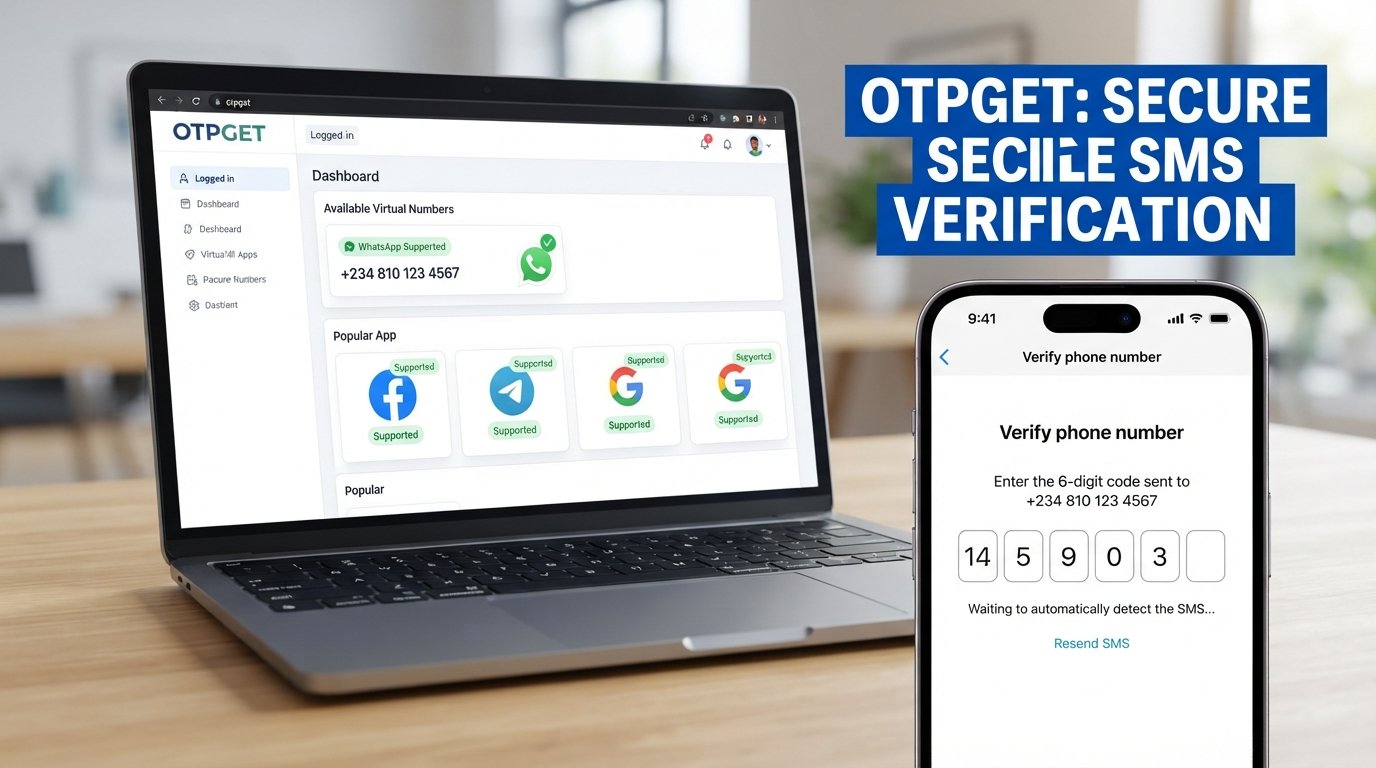
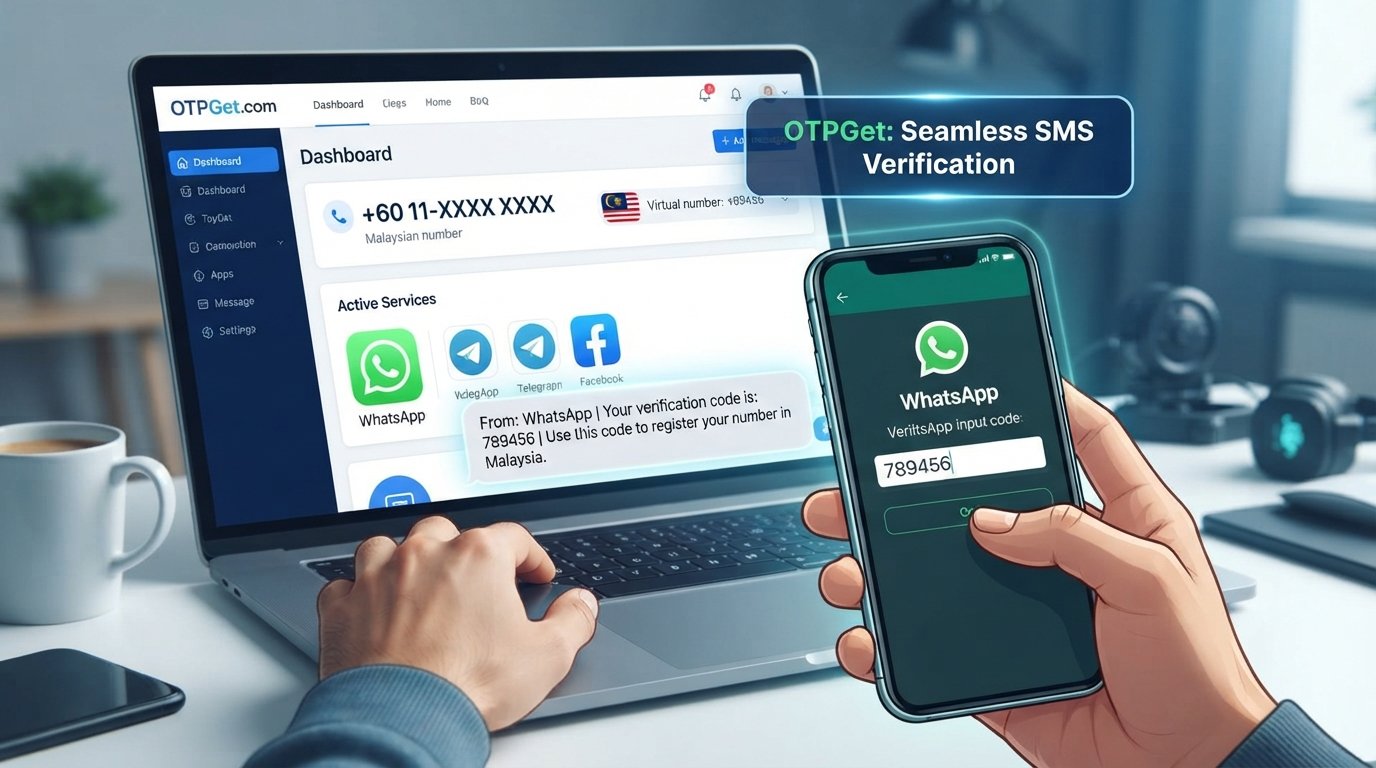
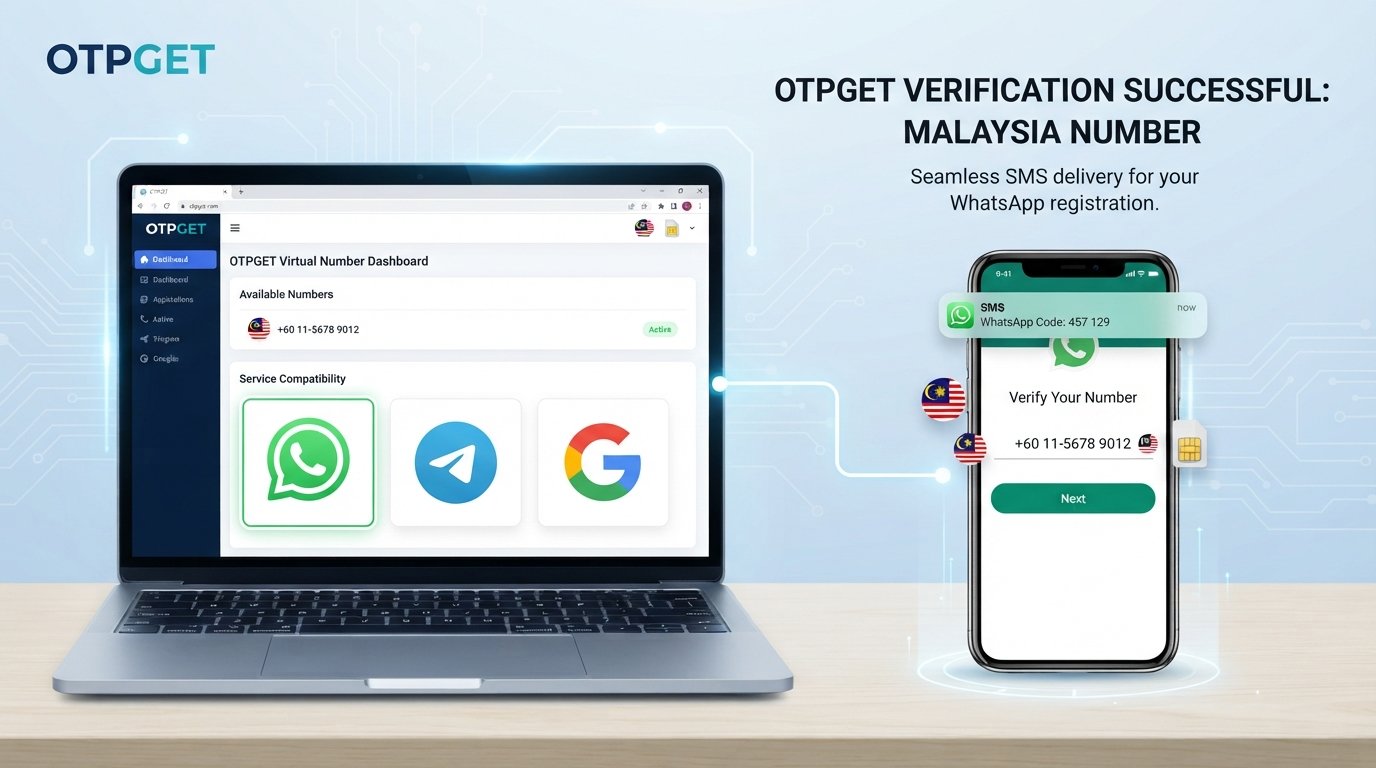
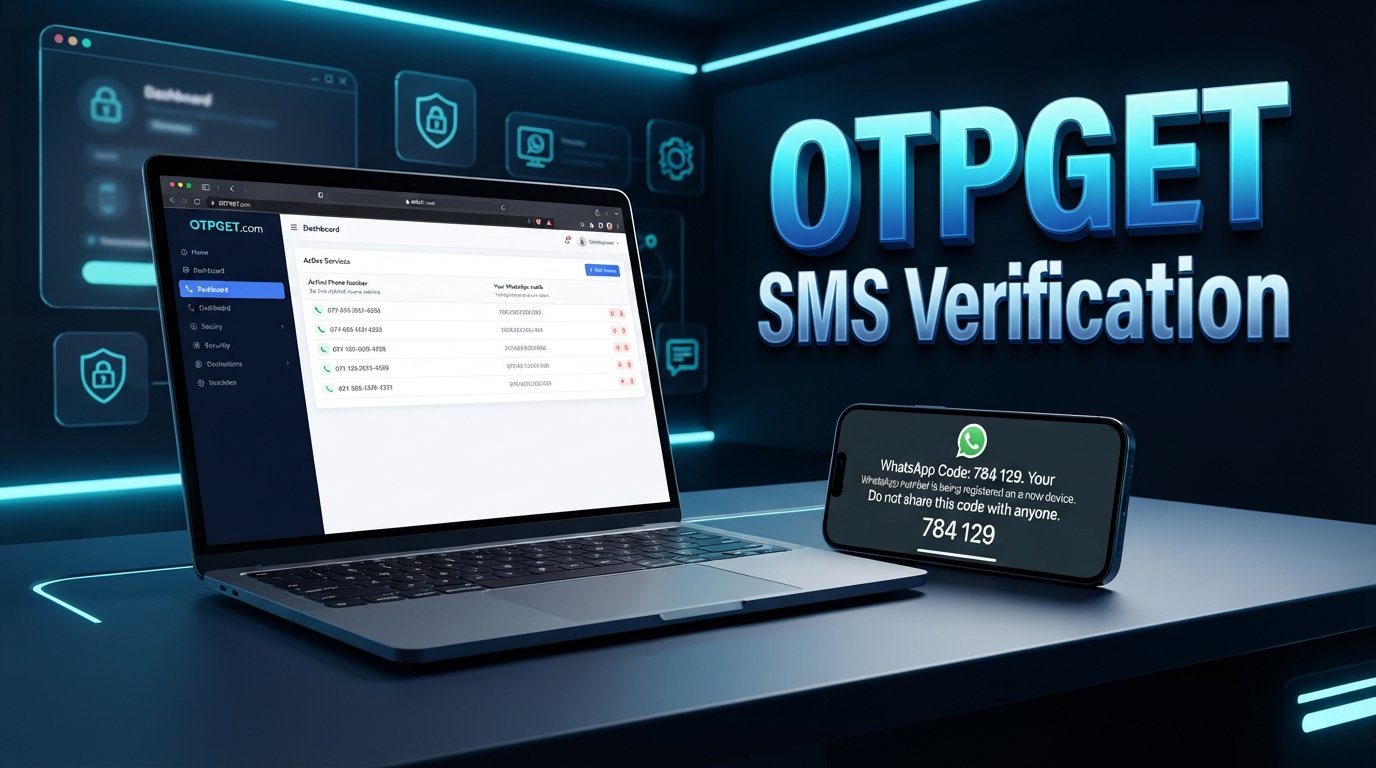
If your goal is to Get WhatsApp Code Using a Malaysia Number, OTPGET is one online OTP platform worth exploring. Its website lists virtual phone-number services, including WhatsApp-related verification options and Malaysia among its displayed country options. However, actual availability and successful verification depend on the number offered, the service’s current inventory, and WhatsApp’s acceptance rules.
This guide explains how WhatsApp verification works, how to evaluate OTPGET, and what to consider before choosing an online number.
Why Do People Look for a Malaysia Number for WhatsApp?
People have different reasons for seeking a Malaysian phone number. Some live in Malaysia, while others have personal, professional, or communication needs connected to the country.
Common reasons include:
-
Regional communication: A Malaysian number may be appropriate for contacts, customers, or activities connected to Malaysia.
-
Understanding number formats: Users may need help entering a Malaysian number correctly during registration.
-
Separating communication: Some people prefer a separate number rather than using their primary personal number, where permitted.
-
Exploring online OTP services: An online verification platform may offer an alternative to obtaining a number through a conventional mobile provider, subject to compatibility and service terms.
The important consideration is not simply obtaining a number. You need a number that you are authorized to use and can access when WhatsApp requests verification.
What Is a WhatsApp Verification Code?
A one-time password, commonly called an OTP, is a temporary code used to confirm access to a phone number or another authentication method.
When you register a number with WhatsApp, the application may send a registration code by SMS or offer a phone-call verification option. You must enter or complete the requested verification step to activate the account.
WhatsApp explains that registration requires an active phone number capable of receiving the required code. The available verification methods depend on the registration flow and circumstances. Read WhatsApp’s official registration guidance.
The two common methods are:
-
SMS verification: A registration code arrives in a text message.
-
Voice-call verification: An automated call communicates the code when that option is available.
Access to the selected number matters because the verification process is intended to confirm that you can receive the registration code. Never share an OTP or your two-step verification credentials with strangers. Anyone who obtains sensitive verification information may be able to compromise your account.
How to Get WhatsApp Code Using a Malaysia Number
Follow these steps to explore a Malaysian number for WhatsApp verification.
-
Review WhatsApp’s requirements. Read the official registration instructions and confirm that your intended use complies with the platform’s terms.
-
Check number accessibility. Determine whether the number can receive the type of verification message or call you need. Do not assume every online number supports both methods.
-
Explore OTPGET. Visit [INSERT OFFICIAL OTPGET URL] and inspect the available Malaysia number options and supported services.
-
Confirm compatibility before paying. Check whether WhatsApp is listed for the specific number or service option you intend to use. Confirm any restrictions, costs, and refund conditions.
-
Enter the Malaysian number correctly. Malaysia’s international dialing code is +60. Select Malaysia in WhatsApp’s country selector and enter the national number in the required format. For a typical Malaysian mobile number written domestically with a leading zero, remove that domestic zero when entering the international version. Follow the exact formatting instructions shown in the application.
-
Request verification through the official app. Open WhatsApp, enter the selected number, and follow the registration instructions.
-
Complete the requested verification. If the code arrives through a supported method, enter it directly into WhatsApp. Do not share the code with another person.
-
Troubleshoot responsibly if verification fails. Check the number format, service status, and official waiting instructions. If the number is unsupported, choose a legitimate alternative rather than repeatedly requesting codes.
Using OTPGET or another third-party number provider does not guarantee that WhatsApp will accept a number or deliver a verification code. Always verify the current service availability before committing to an option.
Why Consider OTPGET for Malaysia Number OTP Services?
OTPGET is relevant to users researching online verification because its published website describes virtual phone numbers for SMS-based OTP services and displays WhatsApp and Malaysia among its options. Its offering also describes temporary and longer-term number services.
These published options make the platform worth investigating, but the availability of a particular country and the compatibility of a particular number should be checked separately. A general service listing is not a guarantee that every Malaysian number will work with WhatsApp.
Before selecting a number, review the following:
-
Country availability: Is a suitable Malaysian number actually available for selection?
-
Service compatibility: Does the specific option list WhatsApp as a supported service?
-
Number duration: Is the number temporary or available for a longer rental period?
-
Pricing and terms: What will the transaction cost, and what happens if verification fails?
-
Privacy and account access: Can you retain access to the number for future registration or account recovery?
Explore [INSERT OFFICIAL OTPGET URL] to review the platform’s published options and determine whether a suitable number matches your needs.
Benefits of Using an Online OTP Service
An online OTP receiving service can be useful when a user needs an alternative to their personal mobile number and a suitable option is available.
Potential benefits include:
-
Convenience: The service may allow you to manage number selection and incoming verification messages through an online workflow.
-
Number choice: Depending on the provider’s inventory, you may be able to explore numbers from different countries.
-
A separate number: A suitable alternative number may help distinguish certain verification activities from your primary communications.
-
Flexible use cases: Online numbers may be useful for supported testing, development, or account-verification scenarios.
These are general characteristics of online OTP services, not promises about every OTPGET number. Availability, delivery, privacy safeguards, and supported applications can differ by provider and number type. Always examine the specific service terms before proceeding.
Important Things to Know Before Receiving WhatsApp OTP Online
Not every virtual or online number can receive WhatsApp verification codes. Some numbers may be unsupported, previously used, unavailable for a particular service, or rejected by WhatsApp.
There are several important considerations.
Verification is not guaranteed. A provider may list a service without guaranteeing successful registration for every number. Delivery may also be affected by network conditions or platform restrictions.
Temporary numbers can create account recovery problems. If you lose access to a number after registration, you may struggle to verify the account again. Another person could eventually gain access to a reassigned number. For an important personal or business account, a number you control long-term is generally the safer choice.
Privacy needs careful evaluation. Review the provider’s privacy policy, retention practices, and terms. Consider whether messages are accessible to anyone else who can access the same number or inbox. Do not assume that an online OTP service provides exclusive access to every message.
Security remains your responsibility. Never disclose your registration code or two-step verification PIN. Use the official WhatsApp application and follow its security requirements.
Finally, comply with applicable laws, the provider’s terms, and WhatsApp’s policies. Do not use online numbers for impersonation, spam, fraud, or attempts to evade platform restrictions.
Common WhatsApp Verification Problems and How to Address Them
If your WhatsApp verification code does not arrive, use these practical checks.
-
OTP not arriving: Confirm that the selected number is active for the intended service and that the provider reports the order or message status correctly.
-
Incorrect country code: Select Malaysia and check the international number format, including removal of the domestic leading zero where appropriate.
-
Unsupported number: Review the provider’s current compatibility information. If the number is not supported, consider a legitimate mobile number you control.
-
Too many attempts: Stop requesting new codes and wait for WhatsApp’s displayed countdown or instructions. Repeated attempts will not necessarily speed up verification.
-
Delayed SMS: Allow the stated waiting period to finish, then use the official retry options if offered.
-
No voice-call option: A call may not be available for every registration attempt or number type. Follow the options displayed in WhatsApp instead of assuming a call can be forced.
For further help, consult the official WhatsApp phone-number registration troubleshooting guide.
Why OTPGET Is Worth Exploring
If you are comparing ways to obtain a Malaysia number for WhatsApp, OTPGET provides a relevant starting point for researching online OTP options. Its published service information identifies virtual numbers and WhatsApp-related verification among its offerings, but the exact number available to you remains important.
A good choice should balance convenience with compatibility, transparent pricing, privacy considerations, and future account access.
Visit [INSERT OFFICIAL OTPGET URL] to explore available OTP options and check whether a suitable Malaysia number is supported for your intended verification.
Frequently Asked Questions
1. How can I get a WhatsApp code using a Malaysia number?
Review WhatsApp’s registration requirements, choose a Malaysian number you are authorized to use, and confirm that it can receive the required verification method. You can explore OTPGET for available options, then follow the official WhatsApp registration instructions. Successful verification is not guaranteed, even if a number is advertised for OTP services.
2. What is the Malaysia country code for WhatsApp verification?
Malaysia’s international dialing code is +60. Select Malaysia in WhatsApp’s country selector and enter your number in the required international format. For typical Malaysian mobile numbers, omit the domestic leading zero after the country code. Check the number carefully before requesting a verification code.
3. Can I receive a WhatsApp OTP online?
Potentially, yes, if you select an online number that supports WhatsApp verification and can receive the required message or call. Compatibility varies by number and provider, and WhatsApp may reject some online numbers. Confirm availability and access conditions before purchasing or attempting registration.
4. Does OTPGET support WhatsApp verification with a Malaysia number?
OTPGET’s published website lists WhatsApp-related OTP services and displays Malaysia among its country options. However, that does not guarantee that a Malaysian number suitable for WhatsApp is available for every transaction. Check the current number inventory, supported service listing, and terms on the official OTPGET website before proceeding.
5. Why is my WhatsApp verification code not arriving?
Possible causes include an incorrect number format, a delayed message, an unsupported number, network issues, or a temporary verification restriction. Confirm the country code and number, check the provider’s message status, and follow WhatsApp’s displayed waiting instructions. Avoid repeated requests while a countdown is active.
6. Can every Malaysian virtual number receive WhatsApp OTPs?
No. Virtual numbers differ in their capabilities, history, and supported services. A number may not receive WhatsApp messages, may be rejected by the platform, or may no longer be available. Check compatibility for the specific number instead of assuming that every Malaysian virtual number will work.
7. Is it safe to use an online OTP service?
Safety depends on the provider, number access arrangements, privacy practices, and intended use. Review the service terms and understand who can access incoming messages. Never share verification codes, and avoid using a number with uncertain long-term access for an important account. A number you control directly may be a better option.
8. Can I use a temporary Malaysia number for an important WhatsApp account?
It is generally not advisable if you may lose access to the number. Future registration, device changes, or account recovery could require additional verification. For an important account, consider a number you control long-term and can reliably access. Understand the provider’s rental duration and renewal terms before making a decision.
9. What should I do if WhatsApp rejects my number?
Check that the number is entered correctly, includes the Malaysian country code, and meets WhatsApp’s registration requirements. If the platform rejects the number, follow its official guidance and wait if instructed. Consider a legitimate mobile number you control rather than attempting to bypass verification restrictions.
10. Does OTPGET guarantee successful WhatsApp verification?
No successful verification or delivery outcome should be assumed. Although OTPGET lists WhatsApp-related OTP services, acceptance depends on the specific number, availability, delivery conditions, and WhatsApp’s rules. Review the current service description and terms on the official website before purchasing.
Conclusion: Get WhatsApp Code Using a Malaysia Number with OTPGET
Choosing the right number is essential when you want to complete WhatsApp verification with a Malaysian phone number. Understanding the +60 country code, checking number compatibility, and following official registration instructions can help you avoid common problems.
If you want to Get WhatsApp Code Using a Malaysia Number, OTPGET is a relevant online OTP platform to explore. Check its available Malaysian number options, confirm WhatsApp compatibility, review pricing and privacy terms, and consider whether you will retain access to the number for future account recovery.
Ready to explore your options? Visit [INSERT OFFICIAL OTPGET URL] to review the available services and determine whether a suitable Malaysia number meets your verification needs.