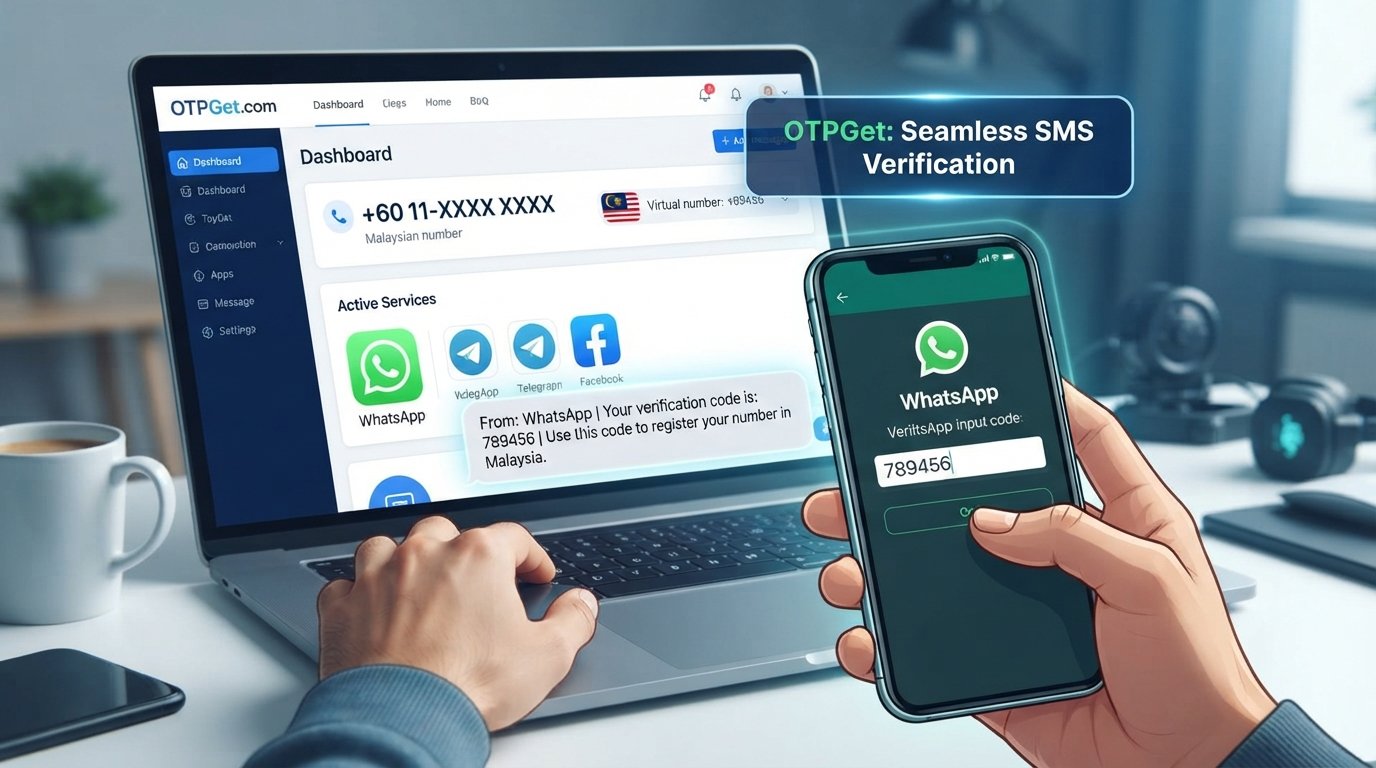
WhatsApp Verification With Malaysia Number: Easy Guide
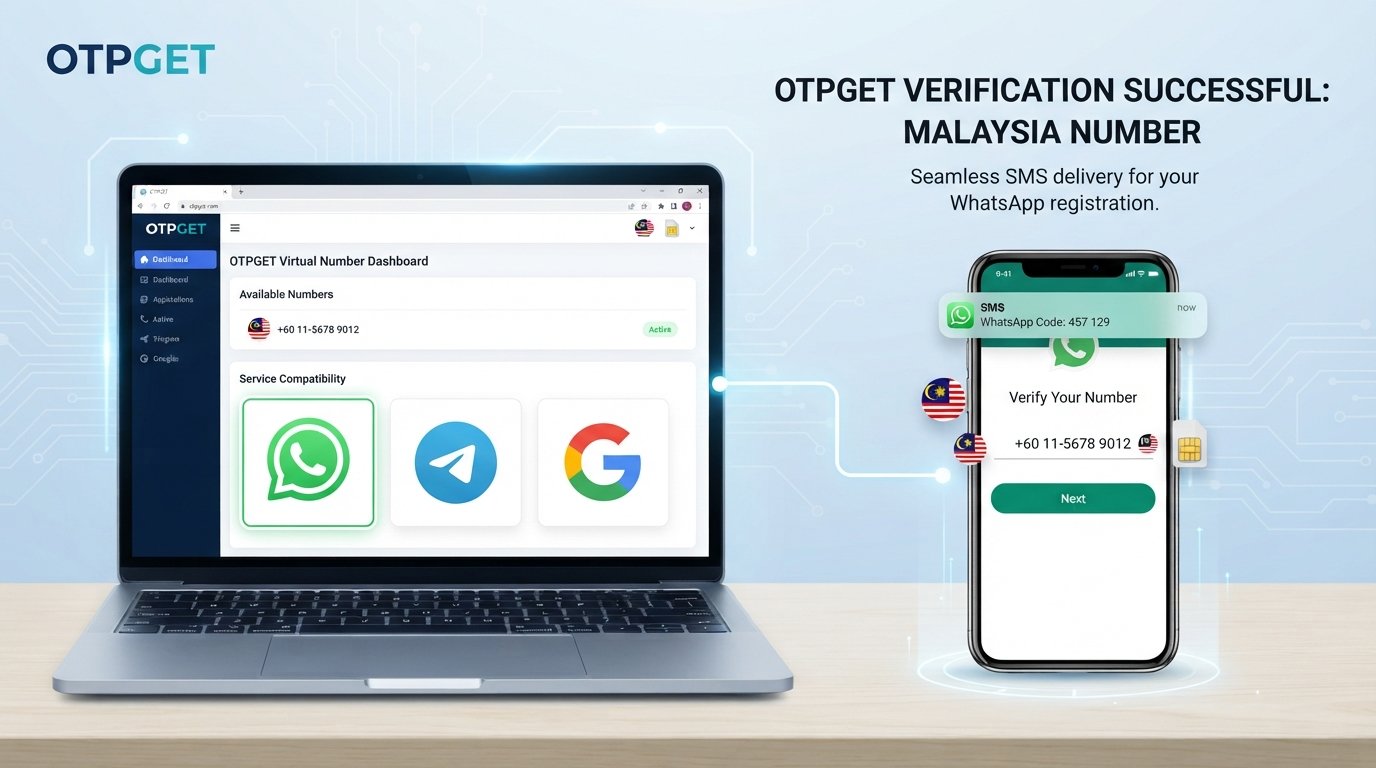
WhatsApp Verification With Malaysia Number: Quick Guide
Introduction: Why Malaysian Number Verification Matters
Setting up a messaging account with a Malaysian phone number can raise a few practical questions. Which number format should you use? How does the verification code arrive? And can an online number work if you do not have a local SIM card?
Understanding WhatsApp verification with Malaysia number options helps you make an informed choice before beginning registration. The most important requirement is access to a supported phone number that can receive the verification method offered by the platform.
A Malaysian mobile number may suit someone living in Malaysia, working with Malaysian customers, or managing regional communications. Virtual numbers can provide another option in some circumstances, but acceptance is not guaranteed.
OTPGET is a service worth investigating if you are exploring online phone-number verification. Before relying on it for WhatsApp, check its current number availability, service compatibility, and terms. This guide explains how verification works, what to consider, and how to avoid common mistakes.
What Is WhatsApp Verification With a Malaysia Number?
WhatsApp uses phone-number verification to confirm access to a number during account registration. Depending on the circumstances, the platform may send a one-time code by SMS or offer another supported method.
A Malaysian number uses the international calling code +60. When registering, select Malaysia as the country and enter the remaining number in the format requested by WhatsApp. Local dialing formats may differ from international formats, so check the number carefully.
Here are four options worth distinguishing:
-
Regular Malaysian mobile number: A number provided through a mobile operator, typically associated with a SIM or supported mobile service.
-
Virtual or online phone number: A number managed through an online service rather than necessarily through a physical SIM in your device. Its capabilities depend on the provider.
-
Temporary phone number: A number offered for limited use or a short period. Continued access may not be available.
-
OTP verification service: A service that provides access to phone numbers or verification workflows for supported applications and purposes.
These options are not interchangeable. WhatsApp determines which number types it accepts, and an OTP provider's advertised coverage does not establish that every number will work for WhatsApp registration.
Why Do People Look for a Malaysian Number for WhatsApp?
There are several legitimate reasons to explore a Malaysia WhatsApp number.
Managing regional communications: People who live in Malaysia or regularly communicate with Malaysian customers may prefer a local number that contacts can recognize.
Working or traveling internationally: Someone spending time abroad may need to understand how to register or maintain an account associated with a Malaysian number.
Separating business and personal communications: A separate eligible number can help organize communications, provided the user follows the platform's account and number requirements.
Exploring online verification options: People without immediate access to a local SIM may investigate virtual numbers, although compatibility and continued access must be checked first.
A Malaysian number is not mandatory for every WhatsApp account. Your choice should reflect your actual communication needs, eligibility, and ability to retain access to the number.
How WhatsApp OTP Verification Works
WhatsApp OTP verification is designed to establish that you can access the phone number you want to register.
The general process works as follows:
-
Enter an eligible number. Open WhatsApp, select the appropriate country, and enter the number in the requested international format.
-
Request verification. WhatsApp checks the registration request and offers an available verification method.
-
Receive the code. If SMS verification is offered, the code must reach the number you entered. A phone-call option may be available in some circumstances.
-
Enter the code. Submit the received code in the legitimate WhatsApp verification screen.
-
Complete registration. Follow any remaining account setup or security instructions.
Receiving a WhatsApp verification code is not the same as successfully registering an account. The code might arrive, yet the platform may still reject the number or require additional steps.
Never guess a code, use someone else's verification credentials, or repeatedly request new codes when a previous attempt is still processing.
How OTPGET Can Help With OTP Verification
OTPGET operates a virtual-number and OTP verification service. Its published website describes virtual numbers, rental numbers, and support for multiple services, including WhatsApp. It also lists Malaysia among its country options. However, these general listings should not be treated as confirmation that a particular Malaysian number is currently available or will be accepted by WhatsApp. OTPGET's published service information.
For someone researching a Malaysia number for WhatsApp verification, OTPGET may be worth exploring because its service information lets users investigate available country and application options.
Before purchasing or relying on a number, confirm the following:
-
Is a Malaysian number currently available?
-
Is WhatsApp explicitly listed for the relevant number or provider?
-
Can the number receive the required verification message?
-
What are the price, validity period, and usage restrictions?
-
Will you retain access to the number if you need to recover the account?
These checks matter because a provider's overall service coverage does not guarantee that every number is compatible with every platform.
OTPGET's published documentation describes methods for checking country and service availability. If you are considering its service, use the official information to verify the current options rather than assuming a number is suitable based on its country code alone.
Step-by-Step Guide to Exploring OTPGET for Malaysia Number Verification
Use this process to assess whether OTPGET meets your requirements before committing to a number.
-
Visit the official OTPGET website. Start with otpget.com, and review the available service information.
-
Check the country options. Look for Malaysia in the currently available number listings.
-
Confirm the intended platform. Check whether WhatsApp is listed for the specific country and number option you plan to use.
-
Review the conditions. Understand the price, number validity, supported message types, usage restrictions, and applicable refund or cancellation terms.
-
Choose an appropriate option. If the required combination is available and suitable, follow OTPGET's published instructions to obtain or use the number.
-
Enter the number carefully. Use it only for a permitted purpose and enter it in WhatsApp's official registration flow.
-
Follow the verification instructions. Wait for the supported delivery method and check the provider's instructions if the code does not arrive.
-
Enter the code securely. If the code arrives, enter it only in the legitimate WhatsApp verification interface.
-
Complete account security setup. Review any additional prompts and enable suitable account-protection options.
If WhatsApp rejects the number, stop and check number eligibility, formatting, delivery status, and platform restrictions. Repeated requests are unlikely to resolve an unsupported-number problem and may lead to temporary limits.
Benefits and Limitations of Using an Online Malaysian Number
A Malaysia virtual number can be convenient when it supports your intended verification purpose. However, it is important to weigh the benefits against the potential risks.
Potential benefits
-
Convenience: An online service may let you explore number options without obtaining a physical SIM.
-
Choice: You can compare available countries, number types, and supported applications.
-
Communication organization: A suitable separate number may help distinguish certain business or testing activities from personal communications.
-
Flexible usage: Some providers offer temporary numbers, while others provide longer-term rental options.
These benefits depend on the provider, the specific number, and the platform's requirements. They should not be assumed to apply to every OTP service or number.
Important limitations
-
Not every virtual number is accepted by WhatsApp.
-
Temporary or shared numbers can create privacy and account-recovery problems.
-
SMS delivery may be delayed, unavailable, or unsupported.
-
A number may have restrictions or may have been used previously.
-
Service availability, pricing, and conditions can change.
-
Some number types may be excluded by the platform.
For an account you intend to keep, prioritize a supported number that remains under your control and can receive future verification messages. A number that works once but becomes inaccessible later may make account recovery difficult.
Common WhatsApp Verification Problems and How to Troubleshoot Them
If WhatsApp verification Malaysia is not working as expected, identify the likely problem before trying again.
The verification code does not arrive
First, confirm that the number is correct and can receive the requested type of message. If you are using an online number, check its delivery status and whether the selected option supports WhatsApp messages. Follow the timer and instructions shown in WhatsApp before requesting another code.
WhatsApp rejects the number
A Malaysian country code does not guarantee eligibility. The number may be unsupported, restricted, or unsuitable for the selected registration flow. Check the provider's current compatibility information and consider using a supported number that you control.
The number format is incorrect
Select Malaysia and verify that the country code and remaining digits are entered correctly. Avoid adding a local dialing prefix when the international format does not require it. If necessary, compare your entry with the number provider's instructions.
Too many codes have been requested
Stop requesting additional codes and wait for the period specified by WhatsApp. Repeated attempts may trigger further restrictions. Follow the official on-screen guidance rather than trying to work around the limit.
The code arrives late or expires
Use the latest valid code and follow the instructions displayed during registration. An older code may no longer work after a new one is issued. If the code has expired, wait until WhatsApp permits another attempt.
The number is unsupported or restricted
Contact the relevant provider to confirm number status and delivery availability. If the number cannot be used for the intended purpose, choose a supported alternative rather than attempting to bypass the platform's safeguards.
For further help, consult the official WhatsApp Help Center.
Safety and Privacy Tips for WhatsApp Number Verification
Choosing a number is only part of secure account setup. You also need to protect your verification credentials and preserve access to the number.
Keep these precautions in mind:
-
Never share verification codes. Do not disclose your registration code to strangers, supposed support agents, or anyone who asks for it unexpectedly.
-
Choose a number you can access again. If you lose access to the number, future verification or recovery may become difficult.
-
Understand the number type. Find out whether the number is dedicated, shared, or temporary before using it.
-
Review the privacy policy. Check how the provider handles phone numbers, verification messages, account information, and retained data.
-
Consider long-term access. Avoid depending on a temporary number for an important account unless you understand the recovery implications and can reliably retain access.
-
Follow the platform's rules. Use authorized verification methods and respect applicable terms and restrictions.
A dedicated or rented number does not automatically guarantee privacy. Likewise, an OTP verification service cannot guarantee successful registration, protect an account from every threat, or ensure that a number remains available indefinitely.
After registration, consider enabling WhatsApp's available account-security features, such as two-step verification, and keep your recovery information up to date.
Why Consider OTPGET for Your Verification Needs?
If you are comparing phone-number verification services, OTPGET is one option to investigate. Its published website describes virtual numbers, rental options, and a range of supported verification services. You can review those offerings and determine whether they fit your intended use.
The key is to evaluate the specific option rather than relying on general service claims. Before proceeding, confirm that Malaysia is available, that WhatsApp is supported for the selected number, and that the service's current terms suit your needs.
Consider these questions when making your decision:
-
Does the service offer the country and application combination you need?
-
Are the number's availability and validity clearly explained?
-
Can you understand the total cost before proceeding?
-
Are the privacy policy and cancellation conditions accessible?
-
Will the number remain usable for future verification if required?
OTPGET may be a practical starting point for researching online OTP verification. However, the final choice should depend on verified compatibility, transparent conditions, and your ability to maintain secure access to the account.
Frequently Asked Questions
1. How can I verify WhatsApp with a Malaysia number?
Select Malaysia in WhatsApp's registration screen, enter an eligible number in the correct international format, and follow the available verification instructions. You must be able to access the number and receive the required verification method.
2. Can I use a virtual Malaysian number for WhatsApp verification?
Possibly, but acceptance depends on the number type and WhatsApp's requirements. Some virtual or internet-based numbers may be unsupported. Check compatibility before purchasing a number.
3. Does OTPGET support WhatsApp verification with a Malaysia number?
OTPGET's published website lists Malaysia and WhatsApp among its offerings. However, confirm that the specific Malaysian number option and intended verification service are currently available and compatible before proceeding. Availability does not guarantee successful registration.
4. Why am I not receiving my WhatsApp verification code?
Check your number format, country code, network connection, and ability to receive messages. For an online number, confirm delivery availability with the provider. Wait for WhatsApp's timer before requesting another code.
5. Is a temporary Malaysian number suitable for long-term WhatsApp use?
Usually, a temporary number is a poor choice for an account that requires dependable long-term access. Once the number expires or becomes inaccessible, you may have difficulty completing future verification or recovering the account.
6. Is online phone-number verification safe?
It depends on the provider, number type, data-handling practices, and your intended use. Review the privacy policy, protect your verification code, and avoid shared or temporary numbers for important accounts when reliable recovery is essential.
7. What should I check before using OTPGET?
Check current Malaysian number availability, WhatsApp compatibility, pricing, validity, delivery conditions, privacy practices, and refund or cancellation terms. Make sure you understand whether you can retain access to the number.
8. What can I do if WhatsApp rejects my Malaysian number?
Verify the number's format and eligibility, check the provider's delivery status, and follow WhatsApp's instructions. If the number is unsupported, use an eligible alternative rather than repeatedly requesting codes or attempting to bypass restrictions.
Conclusion: Choose the Right Malaysia Number Verification Option
Understanding WhatsApp verification with Malaysia number options helps you make a more informed decision about account registration, OTP delivery, and long-term account access.
A regular Malaysian mobile number may be the most straightforward option when you need dependable access. A virtual or temporary number may offer convenience in certain situations, but compatibility, message delivery, and recovery risks deserve careful consideration.
OTPGET is worth exploring if you want to compare online phone-number verification options. Review its available Malaysian numbers, confirm WhatsApp compatibility for your intended use, and read the service terms before purchasing or relying on a number.
Ready to explore your options? Visit the official OTPGET website, review its current services, and confirm that the number and verification method you need are supported before proceeding. Choose an option that protects both your account access and your privacy.