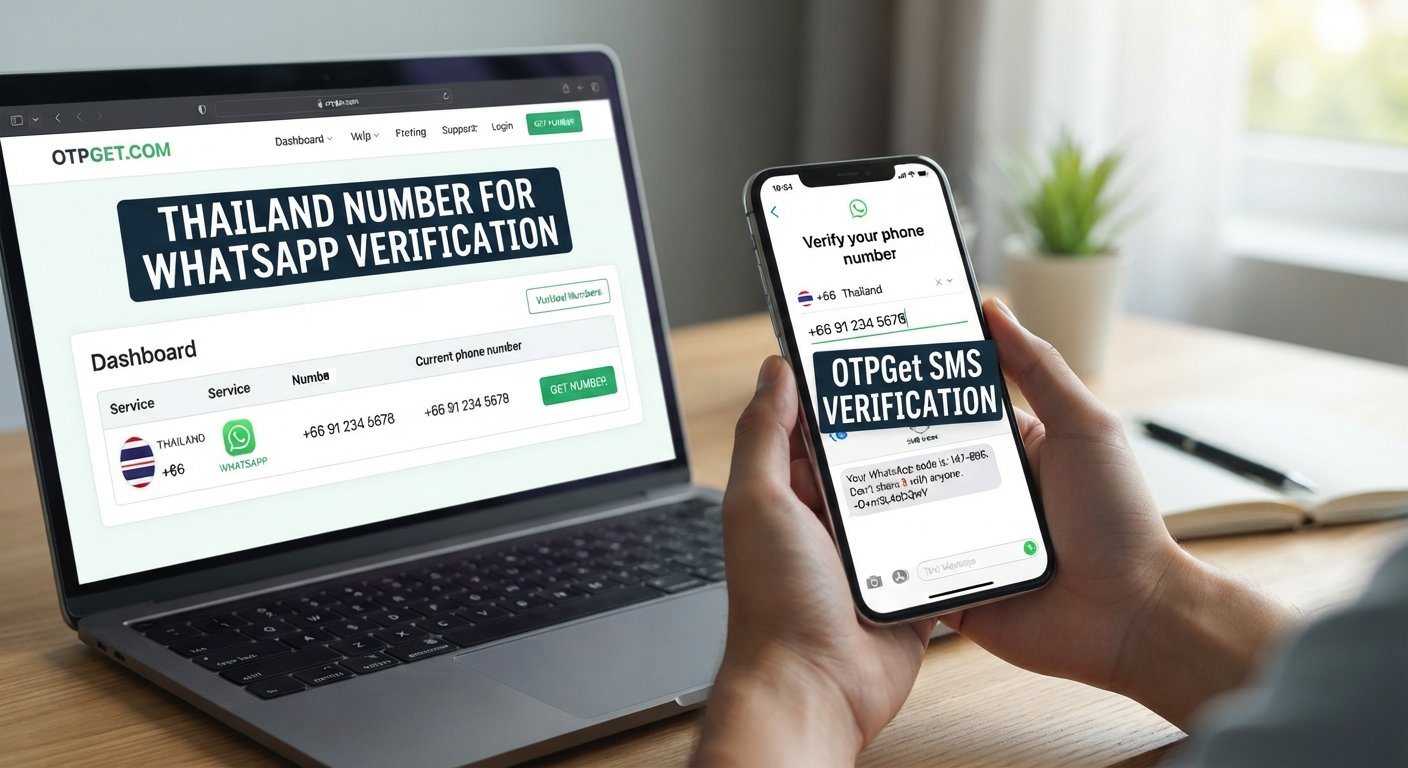
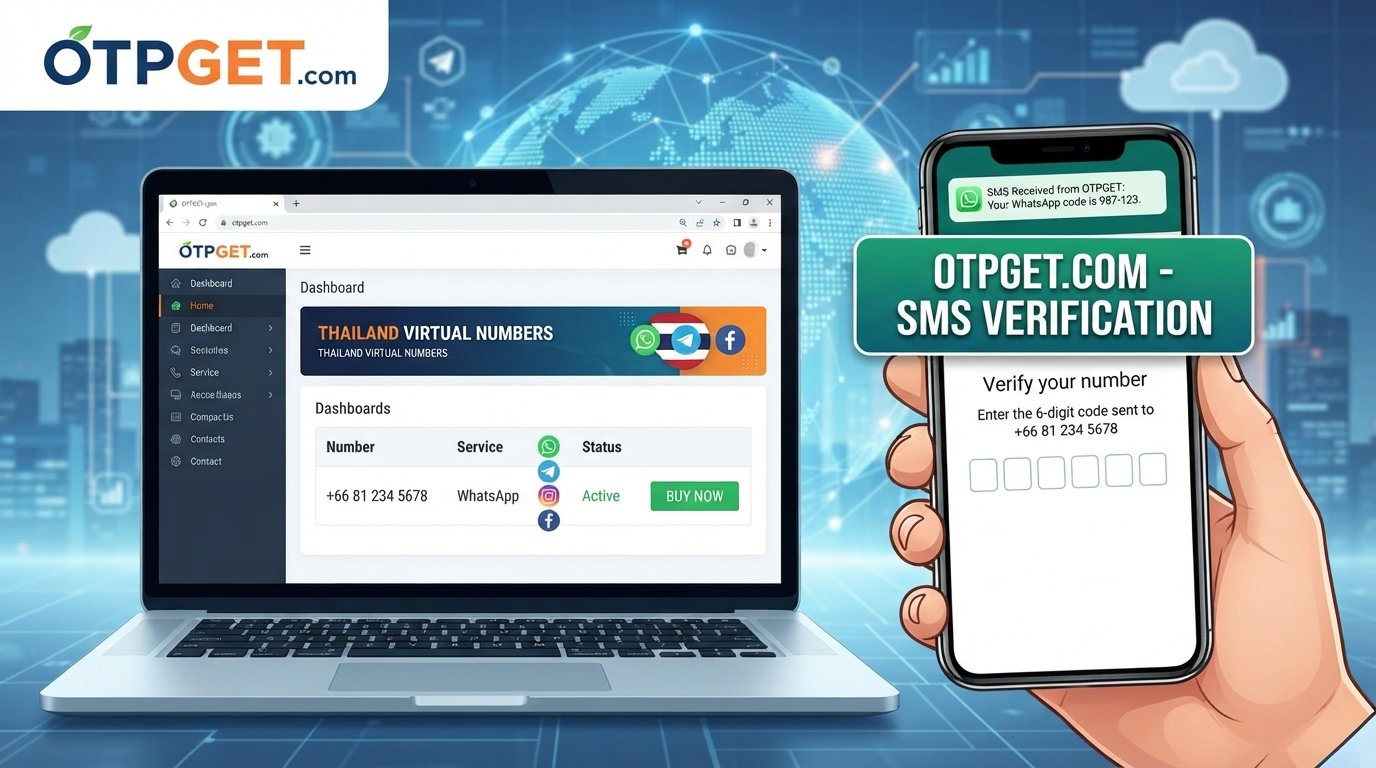
How to Verify WhatsApp With a Vietnam Number – OTPGet Guide
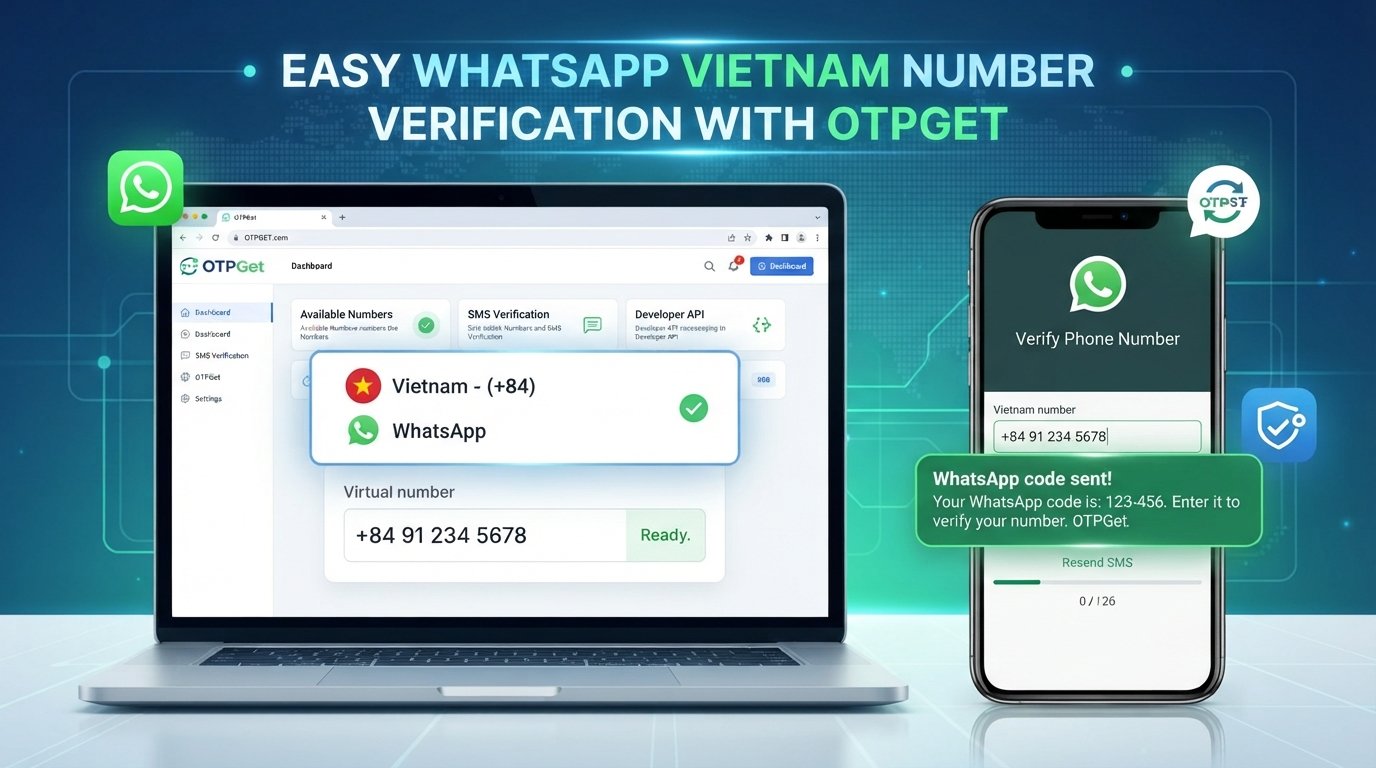
How to Verify WhatsApp With a Vietnam Number – OTPGet
Introduction: Why Use a Vietnam Number for WhatsApp?
Whether you live in Vietnam, travel between countries, or manage international business communications, having a Vietnamese number for WhatsApp can be useful. You might already have a Vietnamese SIM card, need a separate number for business, or be exploring online SMS verification services for a legitimate account setup.
Understanding how to verify WhatsApp with a Vietnam number starts with one essential requirement: you must have an eligible phone number that you are authorized to use and can access for verification.
Receiving the code can sometimes be challenging, particularly when traveling or using a virtual phone number. This is where OTPGet is worth investigating. OTPGet offers virtual-number and OTP verification services, with published listings for Vietnam and WhatsApp. However, you should confirm that the specific number and service you intend to use are compatible before paying or attempting registration.
This guide explains the verification process, how to evaluate OTPGet for your needs, and what to consider before choosing a Vietnam phone number for WhatsApp.
Can You Verify WhatsApp With a Vietnam Number?
Yes, provided the number meets WhatsApp's registration requirements and you can receive the necessary verification code.
WhatsApp uses phone-number verification to confirm access to the number associated with an account. During registration, you generally enter your country and phone number, then receive a six-digit registration code by SMS. A phone-call option may also be offered when available.
Vietnam's international calling code is +84. When entering a Vietnamese number, select Vietnam in WhatsApp and follow the application's international-format instructions. Avoid adding an extra domestic leading zero when the number is entered in international format.
Not every number will work. WhatsApp may reject unsupported number types, including many VoIP numbers, and a number's previous use or account status can affect registration. A provider advertising a Vietnam virtual phone number does not automatically mean that every number it supplies can receive a WhatsApp verification code.
The important distinction is between a number being available from a provider and that number being accepted by WhatsApp. Both conditions must be satisfied.
What Is OTPGet and How Can It Help?
OTPGet is an online virtual-number and OTP verification service. Its published website describes temporary virtual numbers, rental numbers, SMS verification, and developer tools. Its service listings also include Vietnam and WhatsApp, although the availability of a particular country-and-service combination should always be checked before use.
For someone researching a Vietnam SMS number, OTPGet provides a starting point for exploring online verification options rather than searching through unrelated number providers.
Potential advantages include:
-
Convenient online access: Explore supported countries and services through the provider's website.
-
An alternative to a personal number: A suitable virtual number may be useful when your intended use is permitted and you do not want to use your primary number.
-
Service compatibility checks: Review whether Vietnam and WhatsApp are listed together before committing to a purchase.
-
Different usage arrangements: Investigate whether a temporary number or a longer-term rental better matches your requirements.
These benefits depend on the number, product, and applicable terms. Check OTPGet's official website at otpget.com for current availability, pricing, number validity, and service conditions.
OTPGet is a separate service, not an official WhatsApp product or an endorsed WhatsApp verification channel. Its ability to provide a number does not guarantee that WhatsApp will accept it.
How to Verify WhatsApp With a Vietnam Number Using OTPGet
If you want to receive a WhatsApp OTP online, follow these steps carefully. The exact options available will depend on OTPGet's current service listings and WhatsApp's registration requirements.
Step 1: Visit OTPGet
Open the official OTPGet website and review the available virtual-number and SMS verification services.
Before creating an account or making a payment, read the service description and terms. Make sure you understand how the service works, what information you need to provide, and whether the intended WhatsApp use is permitted.
Step 2: Check Vietnam Number Availability
Look for Vietnam in the available country listings. Then check whether WhatsApp is explicitly listed as a supported service for the relevant number type.
Country availability and service availability are not necessarily the same. A Vietnam number may be offered for some verification purposes without being suitable for WhatsApp registration.
If you cannot confirm compatibility, contact the provider or consult its published documentation before proceeding.
Step 3: Review the Terms and Select an Eligible Number
Before selecting a number, review the relevant details:
-
Whether the number is temporary or rented for a longer period.
-
The stated price and any applicable charges.
-
How long you can access the number.
-
Whether incoming SMS messages are supported for your intended use.
-
Whether the number is shared, recycled, or potentially accessible to others.
Choose only a number you are authorized to use. Do not assume that a low-cost temporary phone number for verification will provide permanent control or long-term WhatsApp access.
Step 4: Enter the Number in WhatsApp
Open the official WhatsApp application and start the registration process.
Select Vietnam as the country. WhatsApp should populate the country calling code, +84. Enter the remaining digits in the format requested by the application, without an unnecessary domestic leading zero.
Check the complete number carefully before continuing. An incorrect digit or country selection can prevent the verification message from reaching the intended destination.
Step 5: Request the Verification Code
Follow WhatsApp's on-screen instructions to request the registration code.
Only proceed if the number is eligible and the provider's terms permit your intended use. WhatsApp controls its own verification process, so a request may be rejected even when the number appears available through a provider.
Avoid repeated requests if the first attempt fails. Follow the retry timer and instructions displayed by WhatsApp.
Step 6: Check for the OTP
If OTPGet supports receiving messages for the number you selected, check the relevant service interface for an incoming SMS.
The message may take time to arrive, or delivery may fail because of number restrictions or technical issues. Do not assume that every request will produce a message.
If nothing appears, confirm that you selected the correct number, that the service supports the intended verification, and that the permitted waiting period has elapsed.
Step 7: Enter the Code and Complete Verification
When you receive a valid registration code, enter it into the official WhatsApp application to complete the process.
Never share the code with another person or use a number that someone else controls. A verification code can enable account registration or recovery, making it sensitive information.
If the code does not arrive, wait for WhatsApp's retry timer and follow the available instructions. Avoid guessing codes or repeatedly restarting registration, as excessive attempts may cause additional delays or restrictions.
Benefits of Using OTPGet for Vietnam WhatsApp Verification
For people who specifically want a Vietnam number for online verification, OTPGet may be a convenient option to investigate before purchasing a number elsewhere.
First, it offers a structured way to explore available services. Rather than searching randomly for a Vietnam virtual phone number, you can review the provider's country and service listings and determine whether your requirements are supported.
Second, it may offer an alternative to your primary number. This can be useful for certain legitimate testing or business scenarios, provided the number is eligible and you retain the access required to manage the account.
Third, you can compare usage arrangements. If both temporary and longer-term options are available for your intended purpose, consider the trade-off between initial convenience and continued access.
Finally, checking compatibility before paying helps you make a more informed decision. An OTP verification service should be evaluated on its actual terms, number eligibility, privacy practices, and suitability for your use case—not simply on whether it advertises WhatsApp OTP online.
Remember that convenience does not equal guaranteed success. WhatsApp can reject an unsupported number, and a temporary number may be unsuitable for an account you intend to keep for a long time.
Common Problems When Receiving a WhatsApp Verification Code
Even when you follow the correct steps, verification may not work immediately. Here are common issues and practical ways to address them.
The OTP Does Not Arrive
An incorrect number, network delays, unsupported number types, or temporary delivery problems may explain why a WhatsApp SMS code is not received.
Check the country code and number format first. Confirm that the number can receive the required message, wait for the displayed timer, and follow WhatsApp's official retry instructions. If voice-call verification is offered, you can consider that option when appropriate.
WhatsApp Rejects the Vietnam Number
Not all virtual or temporary numbers are accepted. Some may be classified as unsupported VoIP numbers, while others may have a history that affects registration.
Check the provider's terms and confirm the number type. If WhatsApp rejects it, use another eligible number that you control rather than repeatedly attempting the same registration.
Too Many Verification Attempts
Repeatedly requesting codes or entering incorrect codes can lead to waiting periods or temporary restrictions.
Stop making requests and wait until the timer permits another attempt. Follow the instructions in the application instead of trying to bypass the restriction.
The Number Has Already Been Used
Recycled numbers may have previously belonged to another WhatsApp user. This can create complications if an earlier account or two-step verification setting is associated with the number.
Follow WhatsApp's official registration and recovery guidance. Never try to access another person's account or request their verification details. If you need a dependable account for everyday use, consider obtaining a number that remains under your control.
OTPGet Does Not Show a Suitable Number
Availability may vary by country, service, number type, and provider inventory. Check OTPGet's current listings and documentation, or contact its support team to clarify the options.
If no suitable number is available, consider a legitimate Vietnamese SIM or another eligible number you control. Do not pay for a number based solely on a general claim that Vietnam numbers are supported.
Is It Safe to Use a Vietnam Virtual Number for WhatsApp?
A Vietnam virtual phone number can be convenient, but safety depends on who controls the number, how the provider handles messages, and whether you can retain access over time.
Before using a virtual number, consider these precautions:
-
Use an authorized number. Make sure you are entitled to receive its messages and use it for your intended purpose.
-
Understand the number's lifespan. A temporary number may expire, be reassigned, or become unavailable after the service period ends.
-
Protect verification codes. Never disclose your registration code or account credentials to another person.
-
Review the provider's privacy policy. Check how messages and account information are handled, retained, and protected.
-
Enable account protection. Set up WhatsApp's available two-step verification or other account-protection features.
-
Plan for account recovery. Consider what would happen if you needed another verification code after losing access to the number.
A service's ability to receive an OTP does not automatically provide secure, long-term ownership of a WhatsApp account. If a rented number expires or becomes accessible to someone else, recovering your account could become difficult.
Using a virtual number also does not guarantee anonymity. For an account that contains important business conversations or personal messages, a dedicated SIM or another number you control over the long term may be a more suitable choice.
OTPGet vs. Other Ways to Verify WhatsApp With a Vietnam Number
There are three common approaches to consider when choosing a Vietnam phone number for WhatsApp.
|
Option |
Convenience |
Long-term control |
Best suited for |
|---|---|---|---|
|
Personal Vietnamese SIM |
Straightforward when active |
Generally stronger while you retain the number |
Everyday and long-term accounts |
|
Virtual-number provider such as OTPGet |
Convenient if the required service is available |
Depends on the rental terms and continued access |
Eligible users exploring online verification |
|
Another eligible number you control |
Depends on the number's setup |
Depends on your continued access |
Users with an existing alternative number |
A personal SIM is often the most practical option if you live in Vietnam or regularly need access to a Vietnamese number. You can manage the mobile service directly and may find it easier to receive future verification messages, provided the SIM remains active.
A legitimate virtual-number provider may be worth exploring if you have a specific reason to use an online OTP solution. OTPGet is a reasonable service to investigate because its published website lists Vietnam and WhatsApp among its offerings. However, you should verify that the particular combination is available and suitable for WhatsApp registration before purchasing.
Another number you already control may also work if WhatsApp accepts it and you can receive the required code. This can avoid the uncertainty associated with a temporary number.
Ultimately, the best option is not necessarily the one that offers the quickest initial verification. It is the one that meets WhatsApp's requirements and gives you appropriate, continuing access to your account.
Frequently Asked Questions
Can I verify WhatsApp with a Vietnam number online?
Yes, online verification may be possible if you have an eligible Vietnam number and can receive the required registration code. A virtual-number provider may be one option, but WhatsApp decides whether the number can be registered.
Does OTPGet support WhatsApp verification with a Vietnam number?
OTPGet's published website lists Vietnam and WhatsApp among its offerings, but you should confirm that both are available together for the specific number type you need. Check the official OTPGet website for current availability, pricing, and terms before proceeding.
Can I receive a WhatsApp OTP online?
Yes, this may be possible through an eligible number and a compatible SMS verification service. Successful delivery depends on number eligibility, provider capabilities, and WhatsApp's requirements; online receipt is not guaranteed.
Why is my WhatsApp verification code not arriving?
Possible causes include an incorrectly entered number, delivery delays, an unsupported number type, or too many verification attempts. Check your number format, wait for the retry timer, and follow WhatsApp's official troubleshooting instructions.
Can I use a temporary Vietnam number for WhatsApp?
Possibly, but WhatsApp may reject a temporary or virtual number. Temporary numbers can also create account-recovery problems if they expire or become accessible to someone else, so they may not be appropriate for long-term use.
Is OTPGet suitable for long-term WhatsApp use?
That depends on the specific number, rental terms, continued access, and WhatsApp's registration requirements. If you need a primary account for the long term, prioritize a number you can reliably control and recover.
Final Thoughts: Choose OTPGet for a More Convenient Verification Process
Learning how to verify WhatsApp with a Vietnam number involves more than obtaining a phone number and requesting an SMS. You need an eligible number, access to the verification code, and a realistic plan for maintaining account access.
OTPGet is worth investigating if you prefer to explore Vietnam OTP and online SMS verification options in one place. Its published service information provides a starting point, but the availability of a suitable number and its acceptance by WhatsApp must be confirmed before you proceed.
Visit the official OTPGet website, review the Vietnam number listings, check whether WhatsApp verification is supported for your intended number type, and compare the pricing and terms. If you need dependable long-term access, also consider whether a personal Vietnamese SIM would better meet your needs.
Ready to explore your options? Start with OTPGet, verify the details before purchasing, and choose a number you are authorized to use and can access when needed. With the right preparation, you can make a more informed decision about WhatsApp number verification without relying on unsupported promises or risking unnecessary account-access problems.
Suggested internal linking opportunities
To strengthen the article's usefulness and help readers explore related topics, consider linking to existing website content about:
-
How to receive OTP codes online.
-
How virtual phone numbers work.
-
WhatsApp verification guides for other countries.
-
Troubleshooting SMS verification codes that do not arrive.
-
Online privacy and account-security best practices.
Use the relevant existing page URLs when adding these links. Do not create links to pages that have not been published.
Recommended external reference
For accurate registration instructions and troubleshooting, refer readers to the official WhatsApp Help Center:
These resources explain number eligibility, SMS and phone-call verificat