Snapchat Business Login Without Phone Number: Secure OTP Guide
How to Get Snapchat Business Login Without Phone Number
Trying to access Snapchat Business without putting your personal phone number into the process can be frustrating. A verification screen may appear when you are signing in, setting up an account, or completing an additional security check, leaving you wondering whether there is another legitimate option.
The key distinction is that not using your personal number is different from bypassing Snapchat verification. If Snapchat asks for a verification code, you should complete the verification process using an available method that Snapchat accepts.
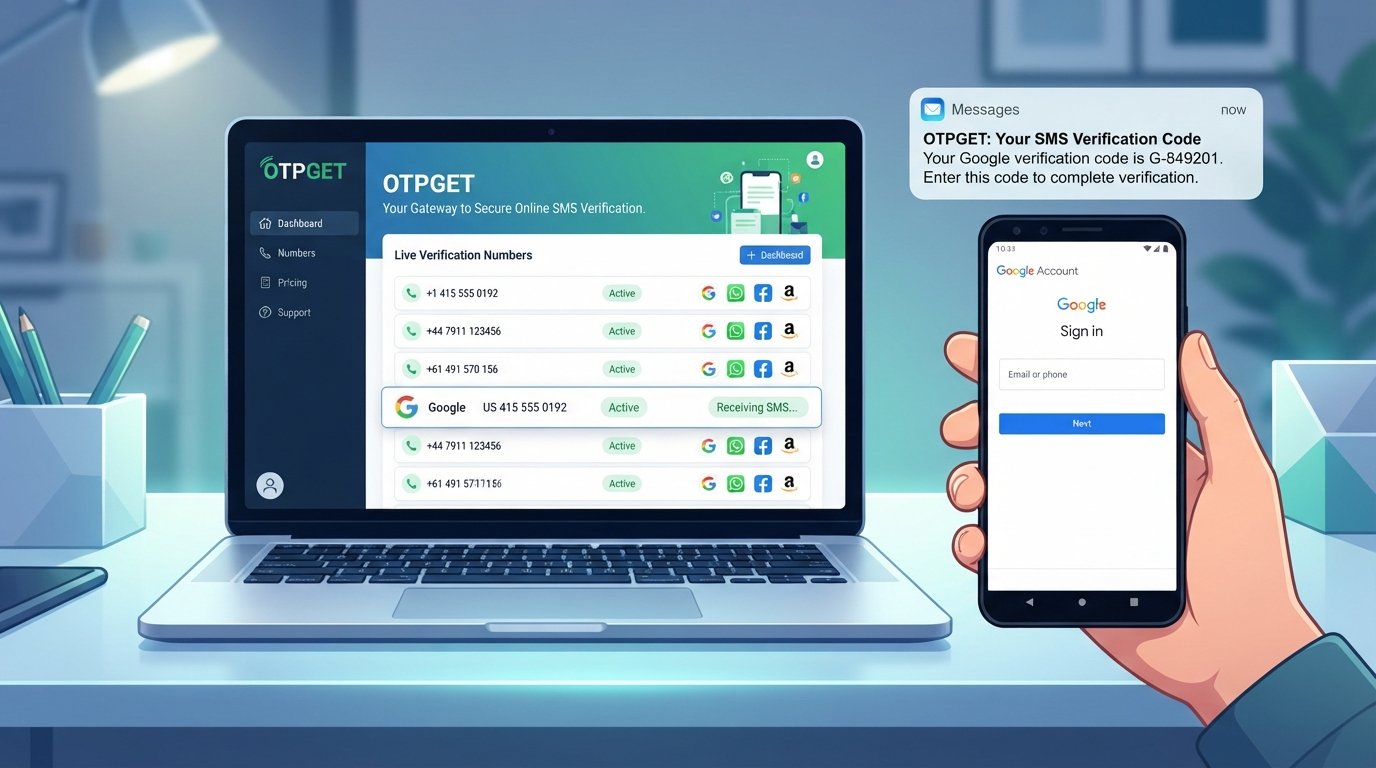
For users who prefer to keep their personal number separate, an alternative number may be useful. OTPGET provides virtual numbers designed for SMS and OTP verification, where supported. This can give privacy-conscious users another number to try instead of immediately exposing their everyday contact number.
Before proceeding, however, remember that Snapchat controls its own verification and security checks. A third-party number does not guarantee successful verification or account access.
Can You Get Snapchat Business Login Without Your Personal Phone Number?
Potentially, yes—but the exact process depends on what Snapchat asks you to verify.
Snapchat may use a phone number or email address for account verification and additional security checks. Its support documentation explains that verification codes can be sent through SMS or, in some circumstances, other linked contact methods. Snapchat also says that users cannot always choose which verification method is presented during a security check.
For business users, the important point is simple: you can avoid using your personal phone number without trying to circumvent Snapchat's security systems. An alternative number can serve as a separate contact method when the platform accepts it.
If you are managing a legitimate Snapchat business account, use accurate account information and follow Snapchat's requirements. For business Public Profiles, Snapchat also states that the profile should represent a real, registered business or entity.
Why Does Snapchat Ask for a Phone Number?
Phone verification is not simply an inconvenience. It can support several account-security functions.
Snapchat says a phone number can help with:
- Account verification
- Two-factor authentication
- Login security
- Account recovery
- Security alerts and notifications
- Confirming account ownership
When SMS verification is used, Snapchat sends a one-time code to the relevant mobile number. Its support documentation also explains that additional verification can be triggered when a login comes from a new or unrecognized device.
These checks are designed to make unauthorized access more difficult. That is why an online number should be viewed as an alternative verification method, not a way to defeat Snapchat's security.
What Is a Snapchat OTP?
An OTP, or One-Time Password, is a temporary verification code used to confirm that you have access to a particular contact method.
For example, Snapchat may ask you to verify a mobile number. You enter the number, request verification, and receive an SMS containing a short code. You then enter that code into the appropriate verification field.
The code is generally intended for one-time use and should be treated as private information. Never send your Snapchat OTP to another person, even if someone claims to be helping with your account.
Snapchat specifically warns users not to share login or two-factor authentication codes with others.
Can You Receive a Snapchat OTP Without Using Your Personal Number?
One option is to use an alternative phone number capable of receiving SMS verification messages.
Virtual numbers can provide a phone number without requiring you to use your everyday mobile number. Depending on the service, the incoming SMS may be displayed through an online dashboard instead of arriving on your personal handset.
This approach can be useful when your goal is privacy and separation, rather than bypassing authentication. For example, a business owner may prefer not to use a personal number when a separate verification number is appropriate.
However, there is an important limitation: not every online or temporary number will be accepted by every platform. Some services restrict certain number types, providers, or previously used numbers. Snapchat may also apply its own checks.
Therefore, receiving a Snapchat OTP online is possible in some situations, but it should never be treated as guaranteed.
How OTPGET Can Help With Snapchat OTP Verification
OTPGET is a third-party platform offering virtual phone numbers and SMS-based OTP verification services. Its platform provides options for obtaining numbers and checking incoming verification messages through its service.
For someone searching for a temporary phone number for verification, the basic idea is straightforward: instead of entering a personal mobile number, you can look for an available alternative number through OTPGET and use it for a supported verification process.
The potential advantages are practical:
- Your everyday phone number stays separate.
- You can use an alternative number specifically for verification.
- Incoming SMS codes can be accessed through the OTPGET workflow where supported.
- You can check available numbers and services before proceeding.
- The process can be more convenient than purchasing or managing another physical SIM solely for an OTP.
You can learn more through [OTPGET Homepage] or review the available [OTP Verification Numbers].
The important qualification is that OTPGET is not Snapchat and should not be presented as an official Snapchat partner unless such a relationship has been independently confirmed. OTPGET also cannot control Snapchat's verification decisions. Number availability, SMS delivery, and Snapchat's acceptance of a particular number can vary.
How to Use OTPGET for Snapchat Verification
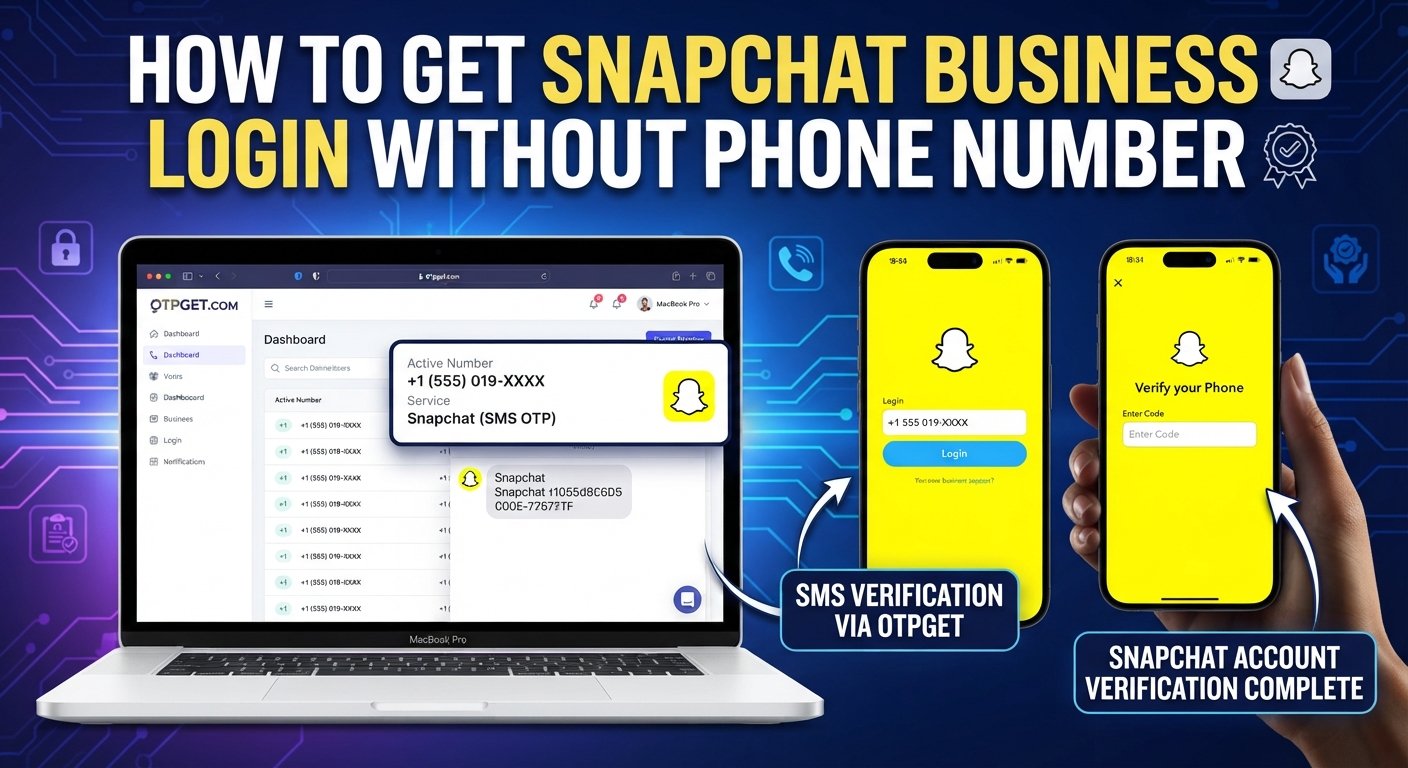
If you want to try an alternative number for a legitimate Snapchat verification process, the workflow can look like this:
Step 1: Open OTPGET
Visit the OTPGET platform and review the available verification-number options. You can also explore [How OTPGET Works] before choosing a number.
Step 2: Choose an Available Number
Select an available number suitable for the verification service you need. Availability can vary by country, provider, and service.
Do not assume that every listed number will necessarily be accepted by Snapchat.
Step 3: Enter the Number on Snapchat
When Snapchat presents an appropriate phone verification field, enter the alternative number in the correct format.
Make sure you are using the number for your own legitimate account or business activity.
Step 4: Request the OTP
If Snapchat accepts the number and offers SMS verification, request the verification code.
Snapchat may use a different verification method depending on the account or security situation.
Step 5: Check OTPGET
If the selected number supports incoming messages from the service, check your OTPGET dashboard for the incoming SMS.
The availability and timing of an SMS depend on both the number and the sending platform.
Step 6: Enter the Verification Code
Once the verification message arrives, enter the code into Snapchat's verification screen.
Keep the code private and do not forward it to anyone.
Step 7: Complete the Verification or Login Process
After entering the code, Snapchat may complete the requested action or perform additional security checks.
Successful OTP delivery does not guarantee Snapchat login, account approval, or verification. The final decision remains with Snapchat.
Benefits of Using an Alternative Number for OTP Verification
Using a separate number can make sense for legitimate privacy and account-management reasons.
- Keeps your personal number separate: You do not have to expose your everyday contact number unnecessarily.
- Convenient for online verification: A web-based workflow can be easier than managing an additional physical SIM.
- Reduces unnecessary contact exposure: An alternative number can help separate business verification from personal communications.
- Simple OTP-focused workflow: You can obtain a number, request a code, and check for the incoming SMS.
- Useful for legitimate business operations: Teams and business owners may need separate verification numbers for appropriate online services.
The goal should always be responsible account management—not creating fake identities, impersonating businesses, sending spam, or avoiding platform enforcement.
Things to Know Before Using an Online Number for Snapchat
An online number is not automatically compatible with every verification system.
Keep these points in mind:
- Some numbers may not be accepted. Platforms can restrict temporary, recycled, VoIP, or other number types.
- OTP delivery can vary. A message may be delayed, unavailable, or rejected by the receiving system.
- Numbers may have usage limitations. Check the terms associated with the number before using it.
- Privacy matters. Review the service's terms and privacy practices before submitting sensitive information.
- Keep OTPs private. A verification code can provide access to an account or security action.
- Avoid abusive uses. Do not use verification numbers for fraud, impersonation, spam, fake accounts, or attempts to evade Snapchat enforcement.
If you need ongoing access to an account, consider whether a dedicated number or another supported recovery method is more appropriate than a short-term number.
Snapchat Business Login Without Phone Number: Common Problems
OTP Does Not Arrive
Wait a few minutes and check whether the number is still active and able to receive messages. Snapchat recommends waiting before requesting another SMS code.
The Number Is Unavailable
OTPGET inventory can vary. Try another available number or check whether a different supported country or provider is available.
The Verification Code Expired
Request a fresh code rather than repeatedly entering an old one. Use the newest valid code you receive.
Snapchat Does Not Accept the Number
The number may not be supported or may have been restricted by Snapchat. Trying another number does not guarantee acceptance, so follow Snapchat's available verification options.
Snapchat Requests Additional Verification
A phone OTP may be only one part of the process. Snapchat can request additional verification for security reasons, particularly around unfamiliar login situations.
The Number Format Is Incorrect
Check the country code and enter the number exactly as the verification field expects it.
Too Many Verification Attempts
Repeated requests can trigger temporary restrictions. Snapchat advises waiting when too many SMS requests have been made within a short period.
Frequently Asked Questions
Can I log in to Snapchat Business without my personal phone number?
You may be able to use another supported verification method or an alternative number, depending on what Snapchat requires. If Snapchat specifically requests a phone-based code, you need access to a number that Snapchat accepts.
Can I receive a Snapchat OTP online?
Yes, an online SMS service can provide access to verification messages where the number and platform are compatible. OTPGET offers virtual numbers intended for SMS OTP verification.
What is Snapchat OTP verification?
It is a process where Snapchat sends a one-time code to a linked or entered verification method, such as a mobile number. You enter the received code to confirm access.
Does OTPGET provide numbers for OTP verification?
Yes. OTPGET describes its service as providing virtual numbers for SMS OTP verification, along with number availability and SMS status functionality.
Will every OTPGET number work with Snapchat?
No guarantee should be assumed. Number availability and compatibility can vary, and Snapchat determines whether a particular number or verification attempt is accepted.
How long does a Snapchat verification code remain valid?
Verification codes are designed to be time-sensitive. If a code no longer works, request a new one rather than relying on an older message. The exact validity period can depend on Snapchat's verification flow.
Is it safe to share a Snapchat OTP?
No. Treat an OTP as private authentication information. Do not give it to another person, even if they claim to represent Snapchat or a support service.
Can I use an online number instead of my personal number?
You can try an alternative number when Snapchat's verification flow permits it and the number is accepted. This can help separate personal contact information from legitimate online verification activity.
What should I do if Snapchat does not accept the number?
Use another verification method offered by Snapchat, check that the number and country format are correct, or contact Snapchat Support if you are locked out. Do not repeatedly submit numbers or codes in a way that could trigger additional restrictions.
Does OTPGET guarantee Snapchat verification?
No. OTPGET can provide an alternative verification-number option where supported, but successful verification depends on Snapchat's systems, the specific number, SMS delivery, and the circumstances of the account.
For more information, visit [OTPGET FAQ].
Final Thoughts
Getting a Snapchat business login without a personal phone number is primarily about finding an appropriate alternative verification method—not bypassing Snapchat's security.
Snapchat may require phone or email verification, additional login checks, or two-factor authentication depending on the account and circumstances.
If you want to keep your personal number separate, an alternative virtual number may be worth considering. OTPGET provides a straightforward option for obtaining numbers intended for SMS OTP verification, where supported.
Just keep expectations realistic: number availability, OTP delivery, and Snapchat acceptance can vary. Use the service responsibly, protect every verification code, and follow Snapchat's requirements throughout the process.
If an alternative verification number fits your legitimate needs, explore [OTPGET Homepage] to see what options are available.