Imo Account Setup: Get Started in Minutes with OTPGET for OTP
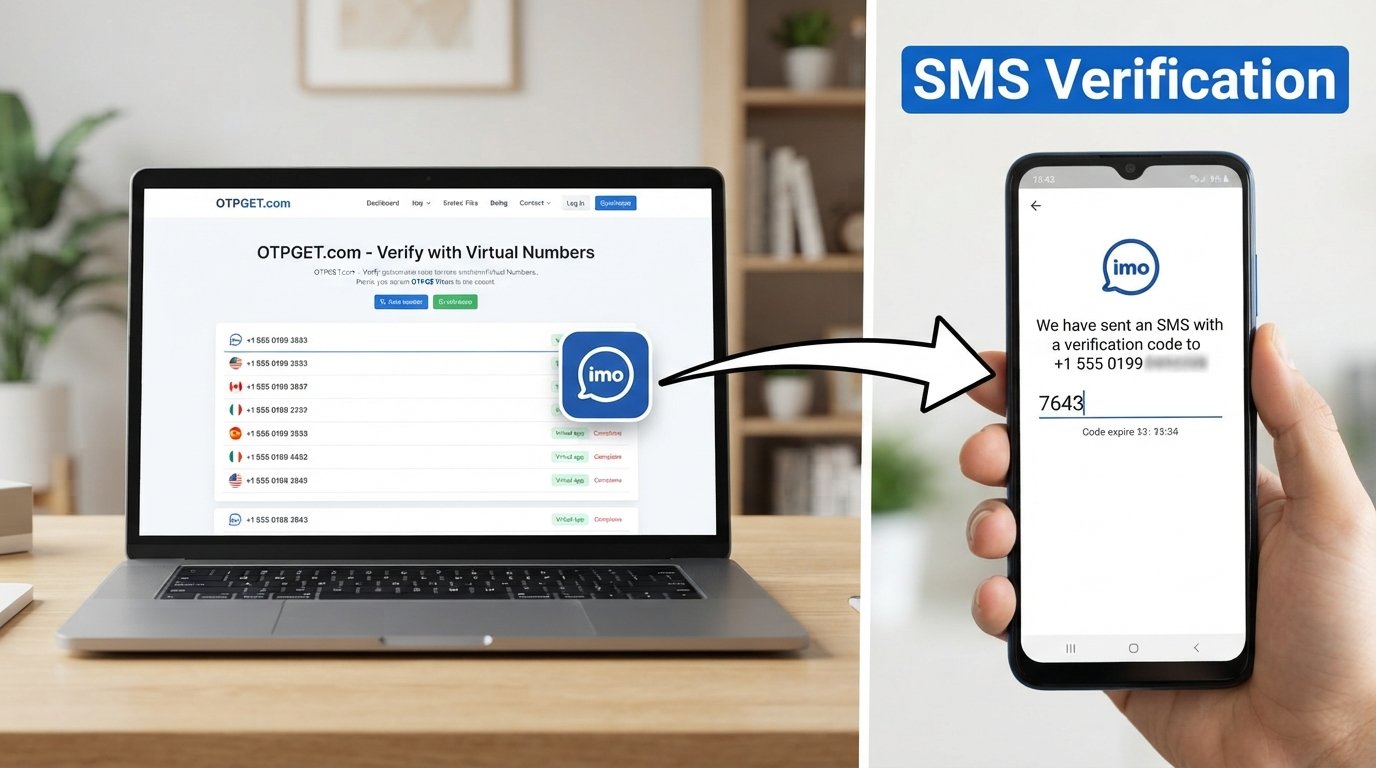
Imo Account Setup: Get Started in Minutes
Creating an Imo account is usually a straightforward process, but phone-number verification can sometimes be the step that slows everything down. When the verification SMS does not arrive, arrives late, or becomes difficult to access, even a simple Imo sign up can feel unnecessarily frustrating.
The good news is that understanding the verification process makes account setup easier to navigate. For users who need an alternative number for verification, an OTP service such as OTPGET may also be worth considering, depending on availability and the applicable service rules.
This guide explains the Imo account setup process, why Imo OTP verification can sometimes cause problems, and how OTPGET can fit into a responsible verification workflow.
Understanding Imo Account Setup
An Imo account setup generally involves registering a phone number and completing a verification step before finishing the account configuration. Phone-number verification helps connect the account to a number that can receive a verification code.
Before starting an Imo account registration, it is useful to have:
- The Imo app installed or access to the appropriate registration option
- A phone number that can be used for verification
- A stable internet connection
- Access to incoming SMS messages when required
- Any basic account or profile information requested during setup
The exact screens and options can vary depending on the device and app version, so users should follow the instructions displayed during registration rather than relying on a fixed interface.
The important part is the Imo verification code. This code confirms that the number entered during registration can receive the required verification message.
How to Create an Imo Account
If you're wondering how to create an Imo account, the general registration flow is simple.
- Install or open Imo
Start by opening the Imo app on your compatible device. - Start the registration process
Choose the option provided for creating or registering an account. - Enter the required phone number
Carefully enter the number you intend to use for the account. Check the country code and digits before continuing. - Request the verification code
Imo may send a verification SMS containing an OTP or registration code to the number you provided. - Enter the received OTP
When the Imo OTP arrives, enter the code in the relevant verification field. Make sure the digits match exactly. - Complete your account setup
After successful phone number verification, follow the remaining instructions to finish your profile and account configuration.
This basic flow covers the key stages of Imo account verification without assuming that every device displays the same buttons or menus.
Why Imo OTP Verification Can Sometimes Be Frustrating
OTP verification is designed to be simple, but SMS delivery can occasionally create friction.
One common issue is a delayed verification message. The request may be submitted successfully while the SMS takes additional time to appear.
Other problems can include:
- Entering an incorrect phone number
- Selecting the wrong country code
- Weak or unstable network connectivity
- Problems with SMS delivery
- Requesting multiple codes within a short period
- Entering an older code after a newer one has been requested
- Allowing a verification code to expire before using it
Repeatedly requesting an OTP is not always helpful. It can make it harder to determine which code is currently valid, so patience and careful checking are often useful.
If a verification SMS does not arrive, first confirm that the number is correct and that the device can receive SMS messages. Then follow the instructions presented by Imo rather than repeatedly submitting requests.
OTPGET: A Practical Solution for OTP Verification
For users who prefer not to use their primary phone number for a particular registration, a temporary or virtual phone number may be an option to investigate.
This is where OTPGET can become relevant. OTPGET is positioned as an OTP verification solution for users who need access to verification codes during supported registration workflows.
The basic idea behind an online OTP service is straightforward: instead of relying exclusively on a personal mobile number, a user may use an available number intended for receiving a verification SMS, subject to the service's availability and applicable rules.
For an Imo account setup, the important consideration is whether the selected number can be used for the registration and whether the relevant verification SMS can be received through the service.
OTPGET should therefore be viewed as part of the verification workflow—not as a way to bypass Imo's security measures.
Before using any temporary phone number or online OTP service, consider:
- Whether the number is appropriate for the intended registration
- Whether the service currently supports the required verification workflow
- Whether the number is intended for temporary or ongoing use
- Whether Imo's applicable rules permit the chosen registration method
- How you will maintain access to the account afterward
The verification code itself remains important. Entering the correct OTP is what allows the registration process to proceed when the platform accepts that verification method.
How to Use OTPGET During Account Setup
The exact OTPGET interface and available options may change, so users should follow the instructions provided by the service. A general workflow looks like this:
- Access OTPGET
Visit or use OTPGET according to the service's current instructions. - Choose an appropriate verification option
If multiple options are available, select one that is relevant to your intended verification process. - Obtain the provided number
Use the number according to OTPGET's instructions and any applicable restrictions. - Enter the number during Imo registration
Return to the Imo account setup process and enter the number in the relevant phone-number field. - Request the Imo verification code
Submit the registration request so that Imo can send the required verification SMS. - Monitor OTP delivery
Check the appropriate OTPGET interface or service channel for the verification message, following its instructions. - Enter the received code
If the verification code is delivered successfully, enter it into the relevant Imo verification field. - Finish the account setup
Continue with the remaining registration steps shown by Imo.
This approach keeps the process simple while recognizing an important limitation: OTP availability can depend on the service, number, platform, and current registration conditions.
Tips for a Smooth Imo Account Registration
A few simple habits can prevent common verification problems.
Double-check the phone number
Before requesting an Imo registration code, review every digit and make sure the country code is correct.
Use a stable connection
A reliable internet connection can make the registration process easier to complete and reduce avoidable interruptions.
Avoid repeated OTP requests
If a verification SMS is delayed, avoid requesting several new codes immediately. A newly generated code may replace an earlier one.
Enter the newest valid code
When multiple messages arrive, use the code associated with the most recent valid request, if the app indicates that previous codes are no longer valid.
Watch for expiration
Verification codes can have limited validity. If a code expires, request another one rather than repeatedly entering an old code.
Follow the app's instructions
Registration interfaces can change. The instructions displayed during your Imo account setup should take priority over generic guides.
Use OTP services responsibly
If you use OTPGET or another online OTP service, understand the service's conditions and make sure the registration method complies with the applicable platform rules.
Protect your account information
Never share passwords, private account details, or verification codes with people who do not need them.
OTPGET vs. Common OTP Verification Challenges
An OTP service does not eliminate every possible verification issue. Instead, it can provide an alternative route for users who specifically need a temporary or alternative number.
| Challenge | Traditional Verification Experience | Using an OTP Service Such as OTPGET |
|---|---|---|
| Personal number required | User enters their own phone number | User may use an available verification number where appropriate |
| SMS delivery | Code is sent to the user's mobile device | Code may be delivered through the OTP service if supported |
| Number availability | Depends on the user's existing phone access | Depends on available service options |
| Verification code | User retrieves code from personal SMS | User follows the OTP service's process to retrieve the code |
| Account continuity | Personal number may remain associated with the account | Temporary-number use may have different continuity considerations |
| Service compatibility | Depends on Imo and mobile network conditions | Depends on compatibility between Imo and the OTP service |
The table highlights the workflow differences without suggesting that one method will work in every situation.
Is OTPGET Right for Imo Account Setup?
An OTP service may be worth considering when someone needs an alternative or temporary phone number for a supported verification process.
For example, a user might prefer not to use a primary personal number for a particular registration. In that situation, a temporary phone number or virtual phone number can be relevant.
However, availability matters. A number that works for one service or registration process may not necessarily work for another. Users should also consider whether temporary numbers provide the level of ongoing account access they need.
Before proceeding with OTPGET, consider:
- Whether the required verification option is available
- Whether the number is appropriate for the intended account
- Whether the service supports the relevant OTP workflow
- Whether Imo's rules permit the chosen method
- Whether you will need continued access to the same number
- Whether your account information remains secure
The goal should be legitimate account verification, not bypassing security controls or creating accounts in ways that violate platform policies.
Frequently Asked Questions
How do I create an Imo account?
Open Imo, begin the registration process, enter the required phone number, request the verification code, enter the valid OTP, and complete the remaining account setup steps shown by the app.
What is an Imo verification code?
An Imo verification code is a temporary code used during phone number verification. It helps confirm the number entered during the registration process.
Why am I not receiving my Imo OTP?
Possible reasons include incorrect number entry, SMS delivery problems, network issues, delays, or repeated verification requests. Check the number and connection, then follow Imo's displayed instructions.
Can OTPGET help with OTP verification?
OTPGET may be relevant to users looking for an OTP verification service or alternative number for a supported registration workflow. Availability and compatibility should be checked before use.
What is a temporary phone number?
A temporary phone number is a number intended for short-term or specific uses, which can include receiving verification SMS messages where permitted.
How does SMS verification work?
A service sends a verification code to a phone number entered during registration. The user retrieves the code and enters it into the appropriate verification field.
What should I do if my verification code expires?
Request a new verification code and use the newly issued code according to the instructions provided by Imo. Avoid relying on an expired OTP.
Conclusion
Imo account setup is generally a simple process: register a phone number, receive the required verification code, complete phone number verification, and finish the account configuration.
The frustrating part can be the OTP step when an SMS is delayed, a number is entered incorrectly, or the verification code expires. Understanding the process and avoiding repeated requests can make registration easier to manage.
For users who need an alternative number for a supported verification workflow, OTPGET can be a practical option to explore. It can fit into the broader Imo account setup process when the service, number, and registration method are compatible.
If you are considering OTPGET for Imo OTP verification, review the available options, follow the service instructions, and use the verification method responsibly. The objective is straightforward: complete legitimate phone number verification while keeping your account information secure.
FINAL SEO CHECKLIST:
- Word count: Approximately 1,700 words
- SEO title character count: 61
- Meta description character count: 160
- Primary keyword used naturally: Yes
- Secondary keywords used naturally: Yes
- H1 included: Yes
- H2/H3 structure included: Yes
- FAQ section included: Yes
- OTPGET clearly presented as a solution: Yes
- Calendar years mentioned anywhere: No


