Indonesia Telegram Not Working Fix: OTP Help Guide by OTPGET
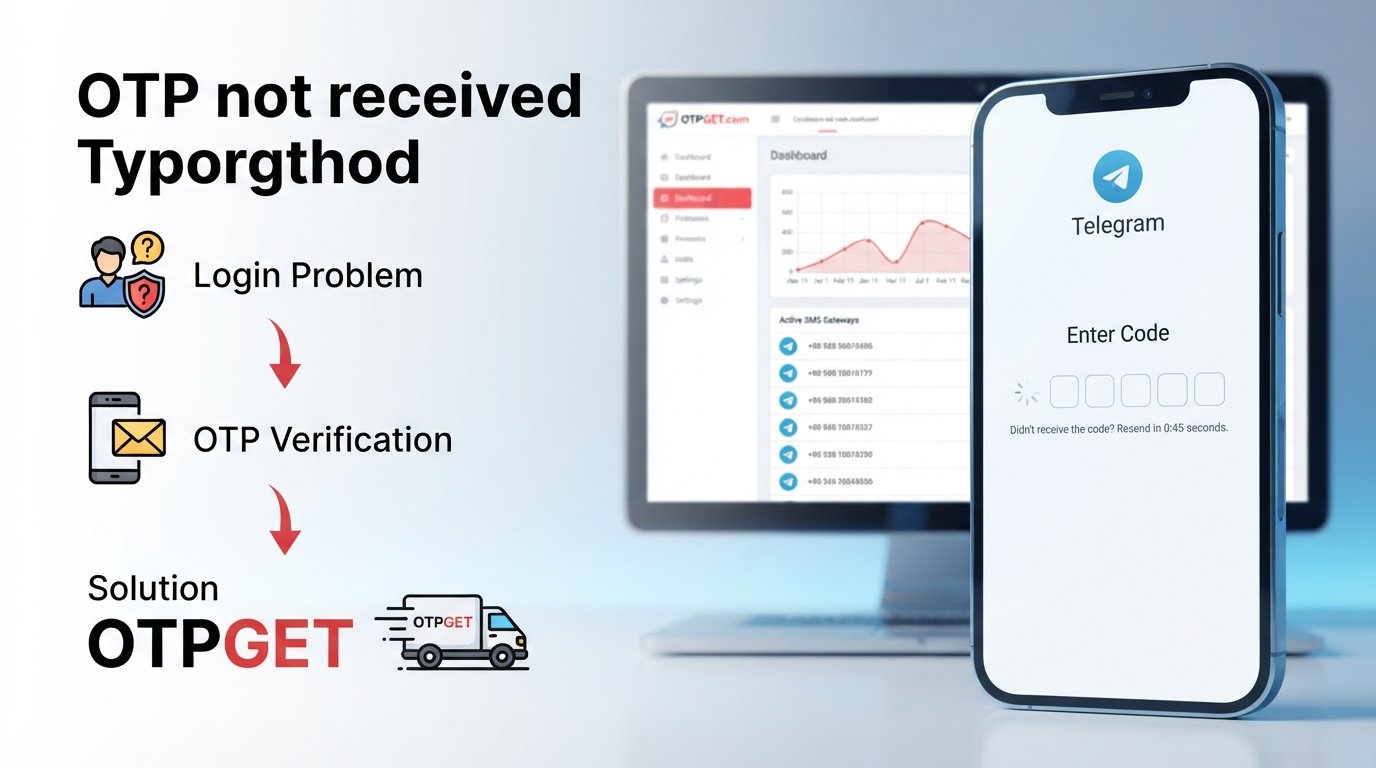
Indonesia Telegram Not Working Fix: How to Solve Login and OTP Issues
Telegram can be frustrating when it suddenly stops working as expected. You may be able to open the app but struggle to log in, fail to receive a verification code, or find that an SMS OTP never arrives.
For users searching for an Indonesia Telegram not working fix, the first step is identifying what is actually causing the problem. A connection issue, outdated app, incorrect phone number, delayed SMS, or verification-number problem can all produce different symptoms.
If Telegram itself is working but you cannot complete verification because you are having trouble receiving an OTP or accessing a suitable phone number, OTPGET is a practical option worth considering. It is particularly relevant to SMS and phone-number verification use cases.
This guide explains the common causes of Telegram login problems and the troubleshooting steps to try before considering a verification-number service.
Why Is Telegram Not Working in Indonesia?
Telegram may appear to be "not working" for several different reasons. If the app will not connect, start by checking your internet connection. If the app opens normally but login fails, the problem may instead involve your phone number, verification method, or code delivery.
Telegram's own documentation indicates that login codes can be delivered through different methods depending on the circumstances, including Telegram itself, SMS, email, or other supported authentication methods. Telegram also advises users to enter their phone number in international format.
Common possibilities include:
- Unstable mobile data or Wi-Fi.
- An outdated Telegram application.
- An incorrectly entered phone number or country code.
- Delayed or unavailable SMS delivery.
- A verification code being delivered to another logged-in Telegram device.
- Too many code requests in a short period.
- A phone-number-related verification problem.
- A temporary account or service issue.
The important distinction is simple: a Telegram connectivity problem is not necessarily the same as a Telegram OTP problem.
Common Telegram Problems Users Face
Telegram Verification Code Not Received
If your Telegram verification code does not arrive, first confirm that the phone number displayed during login is correct. Telegram recommends using the number in international format.
Also check whether you already have Telegram open on another device. For existing accounts, Telegram may send the login code to the Telegram app on another connected device rather than sending an SMS.
Telegram OTP Not Received
A Telegram OTP problem can happen when SMS delivery is delayed or when the verification flow uses a different delivery method.
Check your phone's cellular connection and make sure it can receive ordinary SMS messages. Avoid requesting multiple codes repeatedly because Telegram can temporarily restrict repeated authorization attempts. Telegram's authorization documentation includes a PHONE_NUMBER_FLOOD condition for excessive code requests.
Telegram Login Code Not Coming
When a Telegram login code is not coming, do not immediately assume that Telegram is completely unavailable.
Check:
- Whether the number is correct.
- Whether the country code is correct.
- Whether another logged-in device has received the code.
- Whether your phone can receive SMS.
- Whether Telegram is asking you to check email instead.
- Whether you have made too many requests.
Telegram's current login flows can use methods other than SMS under certain circumstances, so the screen you see during authentication matters.
Telegram Phone Number Verification Problem
Sometimes the main problem is not the Telegram app at all. It is the phone number being used for verification.
You may not have access to the number anymore, the number may have difficulty receiving the required SMS, or you may specifically need a suitable number for a legitimate verification purpose.
Telegram also states that accounts can only be connected to mobile numbers and does not support landline numbers for accounts.
Telegram SMS Code Not Received
If Telegram is expecting an SMS and nothing arrives, check your cellular signal and SMS reception first. Telegram's own login guidance specifically points users toward checking cellular data settings and the phone number when a code is not received.
If the number itself is the obstacle, troubleshooting the app will not necessarily solve the underlying problem.
How to Fix Telegram Login and Verification Problems
Before looking for an alternative verification number, work through these basic Telegram troubleshooting steps.
1. Check Your Internet Connection
Try switching between Wi-Fi and mobile data. If Telegram cannot connect or pages fail to load, a network problem may be responsible.
2. Confirm Your Phone Number
Check the country and complete number carefully. Telegram recommends international formatting when entering a phone number for login.
3. Update Telegram
Make sure you are using a current version of the official Telegram application. Telegram's authentication system can require an app update in some circumstances.
4. Check Another Connected Device
If you have already used Telegram elsewhere, open that device and check your Telegram messages. Telegram may deliver the login code inside the app rather than by SMS.
5. Check SMS Reception
Make sure your phone can receive ordinary text messages and has adequate cellular service. If other SMS messages are also delayed, the problem may be related to your phone or mobile service rather than Telegram.
6. Avoid Repeated Code Requests
Repeatedly requesting a new code can make the situation worse. If you have already made several attempts, wait before trying again. Telegram documents temporary restrictions associated with excessive authorization requests.
7. Consider the Verification Number
If the app and connection are functioning but you cannot receive the required verification message because of the number you are using, the number itself may be the issue.
That is where a legitimate verification-number service such as OTPGET may be relevant.
When the Problem Is Your Verification Number
A useful way to diagnose a Telegram access problem is to ask one question:
Can the phone number you're using actually receive the verification method Telegram is requesting?
If the answer is no, changing app settings will not necessarily fix the problem.
A number-related problem can occur when:
- You no longer have access to the original number.
- SMS delivery to the number is unreliable.
- You need a number specifically for a legitimate verification use case.
- You are unable to receive the required OTP.
- You need temporary access to a verification number.
Telegram's authentication system supports phone-number-based login, but the exact delivery method can vary.
For users whose primary obstacle is obtaining a usable number for SMS verification, a purpose-built OTP service can therefore be more relevant than repeatedly troubleshooting the Telegram application.
How OTPGET Can Help
OTPGET is a virtual-number platform focused on SMS and OTP verification use cases. Its website says it provides virtual numbers across numerous countries and supports services including Telegram. It also offers temporary and rental-number options.
This makes OTPGET particularly relevant when your Telegram problem is specifically connected to OTP delivery, SMS verification, or access to a suitable verification number.
Potential advantages include:
- Convenient access to virtual verification numbers.
- Numbers intended for SMS OTP use cases.
- Options for temporary or longer-term number access.
- A dashboard for receiving verification messages.
- Coverage across multiple countries and supported services.
The key point is that OTPGET is not a universal fix for Telegram. It will not repair an internet connection, update the Telegram application, or resolve every account-related problem.
Instead, it addresses a narrower but important situation: when the obstacle is obtaining a number capable of receiving the verification message you need.
OTPGET is not presented as an official Telegram partner, nor should a verification-number service be viewed as a way to bypass Telegram's security controls. Users should always use services and accounts in accordance with applicable rules and the requirements of the platform they are accessing.
Step-by-Step: Using OTPGET for Telegram Verification
If your problem is specifically related to obtaining a verification number, the general process is straightforward:
- Visit OTPGET and review the available verification-number options.
- Choose a number and service combination appropriate for your intended Telegram verification.
- Follow the instructions provided by OTPGET to obtain access to the number.
- Enter the number into Telegram's normal verification process.
- Monitor the OTPGET interface for the incoming verification message.
- When the verification code arrives, enter it into Telegram where appropriate.
- Complete the normal Telegram login or verification process.
The exact availability, interface, supported numbers, and verification behavior can change, so follow the current instructions displayed by OTPGET rather than relying on a fixed set of interface labels.
Most importantly, never give your Telegram login code to another person or service that does not need it for the intended authentication process. Telegram explicitly warns users not to share login codes.
OTPGET vs. Random Online Numbers
Searching the internet for a random "free Telegram number" can be tempting, but it may create uncertainty about reliability, privacy, and SMS access.
A purpose-built verification service can make the process more organized because the number is obtained specifically for an OTP-related use case.
When evaluating any online number, consider:
- Reliability: Can the number actually receive the required SMS?
- Access: Can you view the incoming message when needed?
- Availability: Is the number currently available for the intended service?
- Privacy: Understand how the provider handles messages and number access.
- Duration: Determine whether you need temporary access or a number for longer-term use.
OTPGET can be a convenient option to consider, but no third-party number provider should be treated as a guaranteed solution for every Telegram verification attempt.
What If Telegram Still Does Not Work?
If Telegram continues to fail after troubleshooting, identify the category of the problem before trying another solution.
It may be:
- Internet-related: Telegram cannot connect or load content.
- App-related: The application needs updating or has a local configuration issue.
- Account-related: There is a problem with the account or authentication process.
- Number-related: The phone number is invalid, inaccessible, or unsuitable for the required verification.
- OTP/SMS-related: The required verification message is not reaching the number.
- Temporary: The authorization system is temporarily limiting requests or experiencing an issue.
If the issue is not number- or OTP-related, OTPGET may not be the appropriate answer. In that situation, continue with Telegram's own troubleshooting and support resources. Telegram recommends contacting support for registration or login problems when the standard troubleshooting steps do not resolve them.
Avoid repeatedly submitting login attempts while troubleshooting. Give temporary restrictions time to clear and make sure the information entered during the next attempt is correct.
Frequently Asked Questions
Why is Telegram not working in Indonesia?
"Telegram not working" can describe several different problems, including connectivity, app issues, login failures, or OTP delivery problems. First determine whether Telegram itself is inaccessible or whether you are simply unable to complete verification.
Why am I not receiving my Telegram OTP?
Check your phone number, country code, cellular connection, SMS reception, and any other Telegram device where a login code may have been delivered. Also avoid repeatedly requesting new codes.
Why is my Telegram verification code not coming?
The code may be delivered through another supported authentication method rather than SMS. Check Telegram on another connected device and look for any instructions asking you to check email.
How can I fix Telegram login problems?
Start by checking your internet connection, confirming your phone number, updating Telegram, checking another connected device, and verifying that your phone can receive SMS. If repeated attempts have been made, wait before requesting another code.
Can OTPGET help with Telegram verification?
OTPGET may help when the specific problem is access to a suitable verification number or receiving an OTP by SMS. It is not a universal fix for connectivity, application, or account problems. OTPGET states that its virtual-number service supports Telegram verification use cases.
What should I do if Telegram SMS verification does not arrive?
Confirm your number and cellular connection, check for a code on another connected Telegram device, and avoid repeatedly requesting codes. If the number itself cannot reliably receive the required message, consider whether a legitimate verification-number service is appropriate.
Can I use an online number for Telegram verification?
An online or virtual number may be suitable for some verification use cases, but availability and acceptance can vary. If considering one, use a reputable service, understand how you access incoming messages, and follow Telegram's requirements.
What should I check before requesting another Telegram OTP?
Check that the number and country code are correct, your phone has cellular service, another Telegram device has not already received the code, and you have not made excessive verification attempts.
Conclusion
Finding an Indonesia Telegram not working fix starts with identifying the actual source of the problem.
If Telegram will not connect, investigate your internet connection and application first. If login fails, verify the phone number and check whether Telegram has delivered the code through another available method. If SMS is the problem, confirm that your number can receive messages and avoid repeatedly requesting new codes.
However, when the problem is specifically related to obtaining a suitable number or receiving an OTP for Telegram verification, OTPGET can be a practical solution worth considering. Its virtual-number service is designed around SMS and OTP verification use cases, including Telegram.
The best approach is therefore simple: diagnose the problem first, use Telegram's normal troubleshooting options, and consider OTPGET when the number or OTP itself is the obstacle.
If that matches your situation, explore OTPGET's current verification-number options and choose an option appropriate for your legitimate Telegram verification needs.
Internal Linking Suggestions
- Telegram verification guide — Link to a detailed guide explaining Telegram's verification and login process.
- How OTP verification works — Link to an educational article explaining SMS OTP delivery and authentication.
- Best practices for online phone verification — Link to a privacy and security guide for using verification numbers responsibly.
- How to fix SMS OTP problems — Link to a broader troubleshooting guide covering delayed or missing SMS codes.
- Guide to temporary verification numbers — Link to an article explaining temporary and rental verification-number use cases.
Featured Image Alt Text
Indonesia Telegram not working fix showing OTP verification trouble and OTPGET virtual number solution on a smartphone
Featured Image Filename
indonesia-telegram-not-working-fix-otpget.webp
Open Graph Title
Indonesia Telegram Not Working Fix: OTP Help Guide by OTPGET
Open Graph Description
Troubleshoot Telegram login and OTP problems in Indonesia and learn when OTPGET can help with phone-number and SMS verification issues.
Social Media Caption
Having trouble logging into Telegram or receiving your verification code? Learn the practical troubleshooting steps and discover when OTPGET can help with OTP, SMS, and phone-number verification problems


