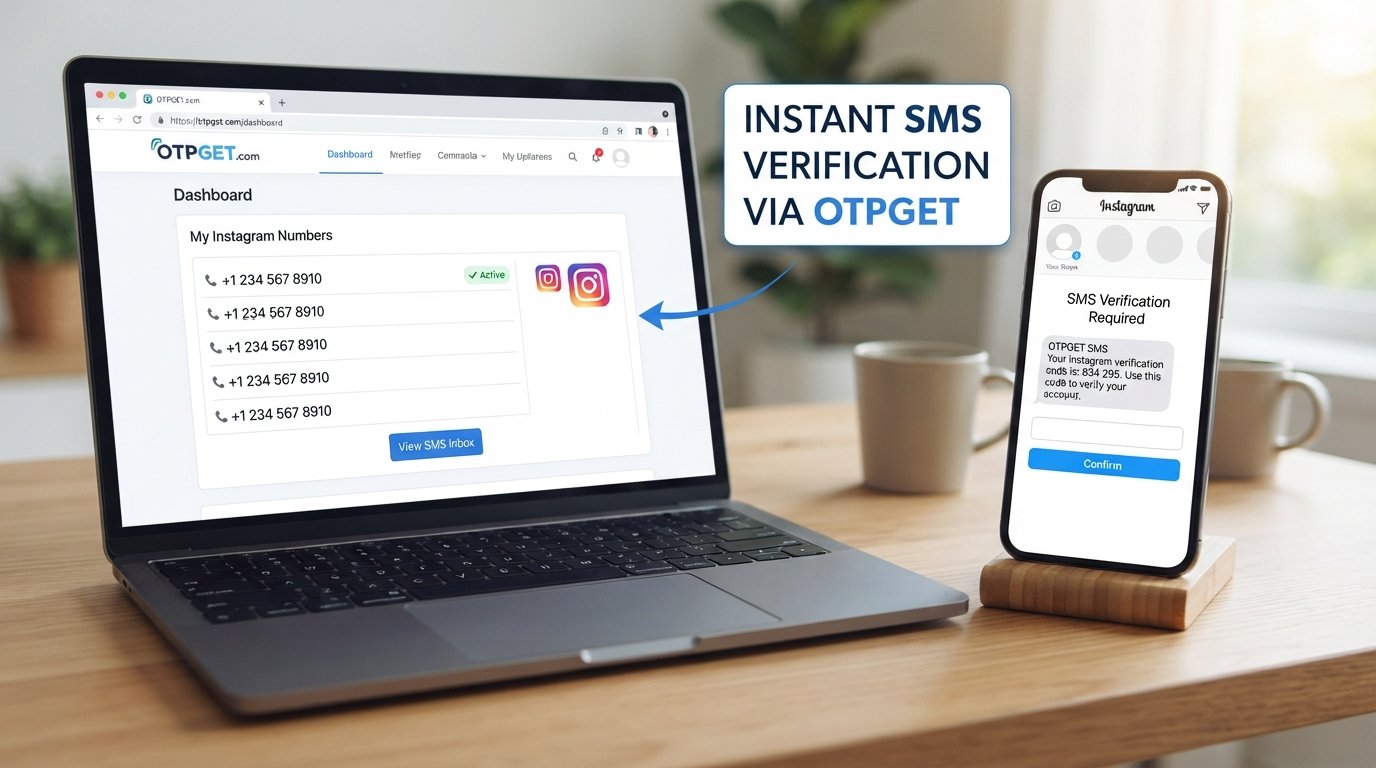
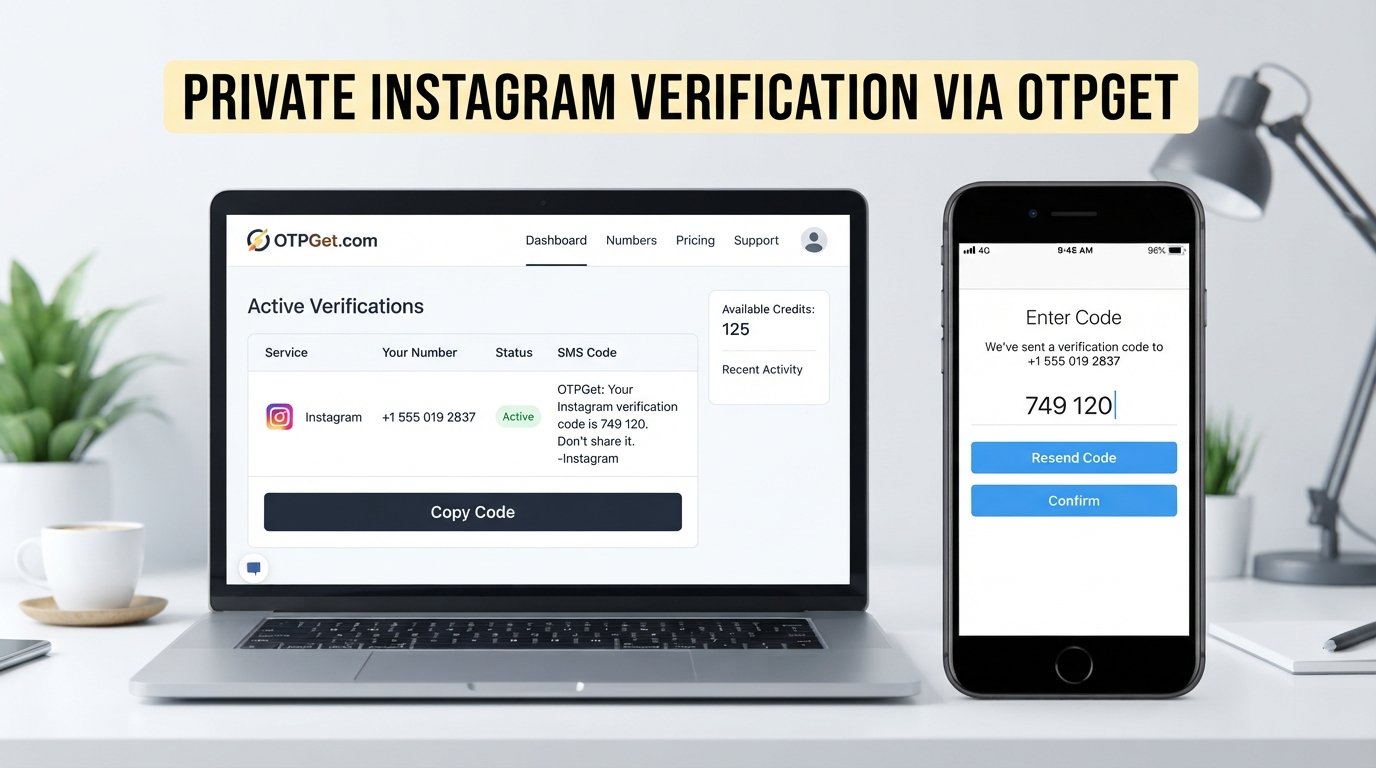
Instagram Account Setup: Get Your OTP Fast with OTPGET
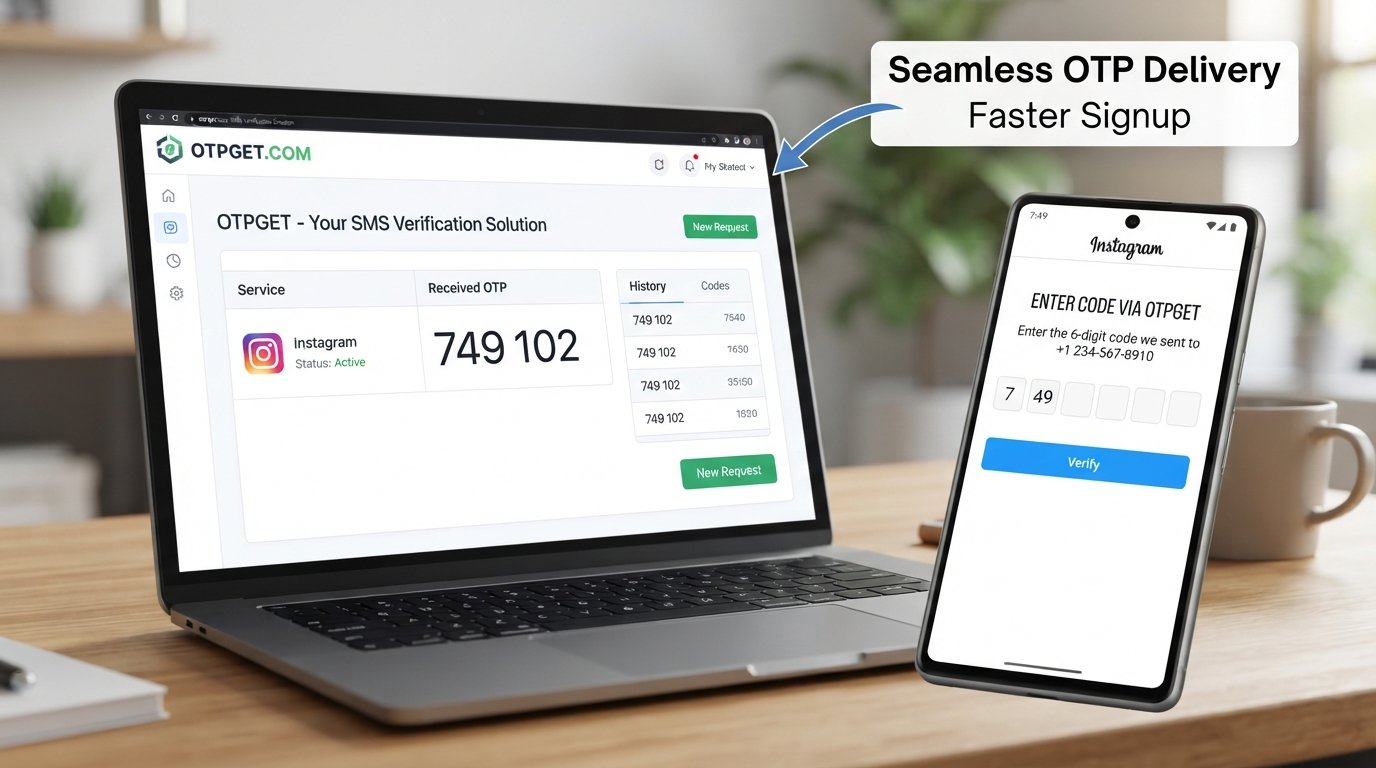
Instagram Account Setup: Get Your OTP Fast
Waiting for an Instagram verification code can turn a simple account setup into a frustrating experience. You enter your phone number, request an OTP, and then… nothing. Minutes pass, you check your messages again, and you start wondering whether the code was sent at all.
For anyone completing an Instagram account setup, getting the verification code at the right time is an important part of the process. A delayed SMS can interrupt signup, slow down verification, and leave you repeating the same request.
The good news is that there are practical ways to make the process smoother. Along with checking the usual SMS and network issues, users who need a convenient verification-code solution can consider OTPGET. It is designed to simplify access to OTPs when a verification workflow requires an SMS code.
Why Instagram OTP Matters During Account Setup
Instagram may request phone verification as part of its account signup or security process. The basic idea is straightforward: a verification code sent by SMS helps confirm that the person completing the process has access to the phone number being used.
An Instagram OTP is usually a short, one-time code. When you enter the correct code in the appropriate verification screen, you can continue the relevant account setup or verification step.
This is why an Instagram verification code matters. Without receiving and entering the requested code, the process may remain incomplete.
For example, imagine that you are creating an account and reach the phone verification stage. Everything is ready, but the Instagram verification SMS does not arrive. The problem is no longer account creation itself; it is simply receiving the required message.
That small delay can be surprisingly disruptive.
Why You May Not Receive Your Instagram Verification Code
An Instagram OTP not received situation does not necessarily mean something is wrong with your account. SMS delivery depends on several factors, and a delay can happen between requesting the code and receiving the message.
Common causes include:
Network or carrier delays
Mobile networks can occasionally experience congestion or delays. Even when your phone appears to have a signal, SMS delivery may not happen immediately.
An incorrect phone number
A simple digit error can prevent the verification message from reaching the intended phone. Always check the number carefully before requesting another code.
SMS filtering
Some phones, messaging applications, or carrier systems may filter unfamiliar or automated messages. Check your filtered, blocked, or spam-message areas if your device provides them.
Too many requests
Repeatedly requesting a new code in quick succession can make the situation more confusing. You may receive an older message after requesting a newer one, or the service may temporarily limit repeated requests.
Temporary service issues
Sometimes the delay is outside your control. A temporary problem affecting message delivery or the verification service can prevent an Instagram OTP code from arriving promptly.
Understanding these possibilities helps you troubleshoot logically instead of repeatedly pressing the resend option.
How to Get an Instagram OTP Faster
There is no legitimate method that can guarantee an instant verification code, but a few simple steps can reduce avoidable delays.
Start with the basics:
-
Check the phone number: Make sure the number entered during Instagram signup is correct.
-
Confirm your connection: Ensure your phone has an active mobile connection capable of receiving SMS.
-
Check your messages carefully: Look through your normal inbox and any spam, blocked, or filtered folders available on your device.
-
Give the message a moment: SMS delivery is not always instantaneous.
-
Avoid repeated requests: Requesting several codes immediately can make it harder to know which code is current.
-
Use a reliable verification method: If you need a practical way to handle SMS verification, consider a suitable OTP service.
-
Enter the latest valid code: If multiple messages eventually arrive, use the code associated with the most recent verification request where appropriate.
The goal is to remove unnecessary obstacles rather than repeatedly restarting the process.
OTPGET: A Convenient Solution for Instagram Verification
When receiving an OTP becomes the frustrating part of an otherwise simple signup process, OTPGET can provide a convenient option for users looking for an OTP and SMS verification service.
The value of an OTP solution is largely about reducing friction. Instead of treating verification as a confusing technical problem, users can approach it as a straightforward part of the signup workflow: obtain the required verification message, retrieve the code, and continue the legitimate verification process.
OTPGET is particularly relevant for people searching for a convenient way to receive verification codes when an online service requires SMS verification.
Depending on the verification workflow, the practical benefits can include:
-
A more convenient approach to OTP access
-
A simplified SMS verification experience
-
Less frustration when dealing with delayed messages
-
A straightforward workflow for users who need a verification code
-
A useful option to consider during account setup
Importantly, OTPGET should be viewed as a verification-code solution—not a way to bypass Instagram's security systems. Instagram may still apply its own verification, account, and security requirements.
There is also no responsible way to promise that any OTP service will guarantee account approval or eliminate every possible verification issue. The purpose is to make the OTP portion of the process more convenient.
How OTPGET Can Simplify the Verification Process
The exact interface and options available through an OTP service can vary, so it is better not to assume specific buttons, pricing, availability, or technical features without checking the service directly.
At a general level, the process can be approached like this:
-
Begin your Instagram account setup.
Follow Instagram's normal signup and verification process. -
Reach the phone verification step.
If Instagram requests an SMS verification code, identify the phone-number requirement shown on the screen. -
Use OTPGET for your verification-code needs.
Follow the current OTPGET workflow to obtain an appropriate verification option. -
Request the verification code.
Complete the relevant SMS verification step according to the instructions provided by the service and Instagram. -
Retrieve the OTP.
Check for the incoming verification message and identify the code. -
Enter the code on Instagram.
Return to the Instagram verification screen and enter the valid code as requested. -
Complete the setup.
Continue with Instagram's remaining account or security steps.
The important point is that OTPGET can simplify the OTP portion of the process while Instagram remains responsible for its own account verification and security decisions.
Instagram OTP Not Received? Try These Fixes
If you search for Instagram code not received, you will find that the first troubleshooting steps are usually simple.
If your Instagram verification code not received problem persists, work through the following checklist:
1. Recheck the number.
Make sure there are no incorrect digits or formatting mistakes.
2. Check your SMS folders.
Look beyond the main inbox if your phone automatically filters suspicious or unfamiliar messages.
3. Check your network.
A weak or unstable mobile connection can contribute to SMS delivery problems.
4. Wait before requesting another code.
If you have already requested several messages, pause instead of repeatedly tapping resend.
5. Watch for delayed messages.
An earlier OTP may arrive after a later request. Avoid assuming that every incoming code is the newest one.
6. Try again later if necessary.
Temporary delivery problems may resolve without any action from you.
7. Consider a suitable OTP service.
If your situation calls for an online OTP solution, OTPGET is an option to consider for handling the verification-code portion of the workflow.
If Instagram presents an account-specific restriction, security check, or other warning, follow Instagram's instructions rather than trying to work around the restriction.
Why Choose OTPGET for OTP Verification?
The main reason to consider OTPGET verification is convenience.
When you are focused on completing an Instagram account setup, the last thing you want is for a missing SMS to become the biggest obstacle. A dedicated OTP solution can make the verification stage easier to understand and manage.
OTPGET stands out in this context because its purpose aligns with a common user need: obtaining a verification code for an SMS-based verification workflow.
Think of the difference this way:
| Traditional frustration | With a convenient OTP solution |
|---|---|
| Waiting and repeatedly checking messages | A more organized verification workflow |
| Uncertainty about delayed SMS delivery | A dedicated approach to OTP access |
| Repeating the same request | Less unnecessary repetition |
| Confusing verification steps | A simpler focus on obtaining the required code |
This does not mean every verification problem disappears. Phone networks, platform policies, and account-specific security checks can still affect the process. What OTPGET offers is a practical option for the part of the experience involving OTP access.
Tips for a Smoother Instagram Account Setup
A little preparation can prevent many common verification headaches.
Before starting, keep these tips in mind:
-
Use accurate information during signup.
-
Double-check the phone number before requesting an OTP.
-
Make sure your phone can receive SMS messages.
-
Keep your messaging inbox accessible.
-
Avoid requesting multiple codes in rapid succession.
-
Pay attention to which verification request is currently active.
-
Do not share an OTP with another person.
-
Never treat a verification service as a method for bypassing Instagram's security.
-
If a platform displays a security warning or restriction, follow its official instructions.
-
Consider OTPGET when you need a convenient approach to obtaining an OTP during a legitimate verification process.
The simplest setup experience is usually the result of taking one step at a time rather than repeatedly restarting the process.
Frequently Asked Questions
Why am I not receiving my Instagram OTP?
An Instagram OTP can be delayed because of network issues, carrier delays, an incorrect phone number, SMS filtering, repeated requests, or temporary service problems. Check your number, connection, message folders, and wait before requesting another code.
How can I get an Instagram verification code quickly?
Start by confirming your phone number and mobile connection, then check your SMS inbox and filtered messages. Avoid repeated requests. If you need a convenient OTP solution, you can consider OTPGET for the verification-code portion of the process.
What should I do if my Instagram verification SMS does not arrive?
Check the entered number, confirm that your phone can receive SMS, and look for filtered or blocked messages. If you have requested several codes, wait rather than continuously requesting new ones.
Can OTPGET help with Instagram OTP verification?
OTPGET can be considered as a convenient OTP solution for users who need a verification code during an SMS-based workflow. It does not bypass Instagram security or guarantee account approval.
Why is my Instagram verification code delayed?
The delay may come from mobile-network congestion, carrier processing, SMS filtering, temporary service issues, or repeated verification requests. Not every delay indicates a problem with your Instagram account.
How long should I wait before requesting another Instagram OTP?
There is no universal waiting period that applies to every situation. If you have already requested a code, give the message time to arrive instead of repeatedly requesting new ones. Follow any waiting instructions shown by Instagram.
What should I check when an Instagram code is not received?
First check the phone number, mobile connection, SMS inbox, and spam or filtered folders. If everything looks correct, stop repeatedly requesting codes and try again later. For a convenient OTP workflow, OTPGET is another option to consider.
Conclusion
A missing verification code can make Instagram account setup feel much harder than it should be. Fortunately, many OTP problems have straightforward causes, from an incorrect phone number to SMS filtering or temporary delivery delays.
The best approach is to troubleshoot methodically: verify the number, check your connection and messages, avoid repeated requests, and give delayed SMS messages time to arrive.
When you want a more convenient way to handle the OTP stage, OTPGET is a practical solution to consider. Its role is simple: help make the verification-code part of an SMS-based workflow easier to manage, without claiming to bypass Instagram's security or guarantee account approval.
If getting the required code is the part slowing down your setup, consider OTPGET as you work through your legitimate Instagram verification process.