Instagram Code Not Arriving? Try an OTPGET Number for SMS
Instagram Code Not Arriving? Try an OTPGET Number
Waiting for an Instagram verification code can be surprisingly frustrating. You request the SMS, check your phone, request another code, and still nothing appears.
If you're dealing with an Instagram code not arriving, the problem may not necessarily be your account. SMS delivery can be affected by your mobile network, carrier filtering, incorrect phone details, repeated verification attempts, or temporary delivery delays.
Fortunately, there are several things you can try before looking for another solution. And if your regular number continues to have problems receiving verification messages, an OTPGET number may provide an alternative way to receive an SMS code where supported.
Why Is My Instagram Verification Code Not Arriving?
There are several reasons an Instagram verification code may not reach your phone.
Weak or unstable mobile signal
A poor cellular connection can interfere with SMS delivery. Even if other apps work normally over Wi-Fi, text messages depend on your mobile carrier's network.
SMS delivery delays
Sometimes a verification message is simply delayed between the service, SMS provider, and mobile carrier. Requesting several new codes immediately can make the situation more confusing because an older message may arrive after a newer request.
Incorrect phone number
A small mistake in the country code or phone number can prevent the message from reaching you. Double-check the number before requesting another Instagram verification code.
Carrier filtering
Mobile carriers may filter certain automated or short-code messages. This can occasionally affect verification SMS messages.
Too many verification attempts
Repeatedly requesting codes in a short period may trigger temporary restrictions or additional security checks. If you've already requested several codes, continuing to press the button may not improve the situation.
Phone messaging problems
Blocked senders, filtered messages, full message storage, SIM issues, roaming restrictions, or other device-related problems can also contribute to an Instagram SMS code not arriving.
Regional or network limitations
SMS delivery can vary by carrier, country, and number type. That's one reason an approach that works for one person may not work the same way for another.
What to Do When Instagram Doesn't Send the Code
Before switching to an alternative number, work through these basic troubleshooting steps.
- Check the phone number. Make sure the country code and digits are correct.
- Check your mobile signal. Move to an area with better cellular reception if necessary.
- Wait before requesting another code. Give the previous SMS some time to arrive.
- Restart your phone. This can refresh the device's connection to the mobile network.
- Check blocked and filtered messages. Your phone or carrier may have redirected the SMS.
- Try another available verification method. If Instagram presents another legitimate option, consider using it.
- Check for a broader service issue. If many users are experiencing problems, the issue may not be specific to your account.
- Avoid repeated code requests. Multiple requests in quick succession can make verification more difficult to troubleshoot.
- Try again later. A temporary SMS delivery problem may resolve itself.
- Consider an alternative verification number. If your regular number repeatedly fails to receive supported verification messages, a service such as OTPGET may be worth considering.
The important point is to troubleshoot first rather than immediately assuming that your Instagram account is broken.
Still Not Receiving the Instagram Code? Try an OTPGET Number
If you've tried the normal troubleshooting steps and your phone still isn't receiving the Instagram security code, an OTPGET number can be a practical alternative where the relevant verification flow accepts the number.
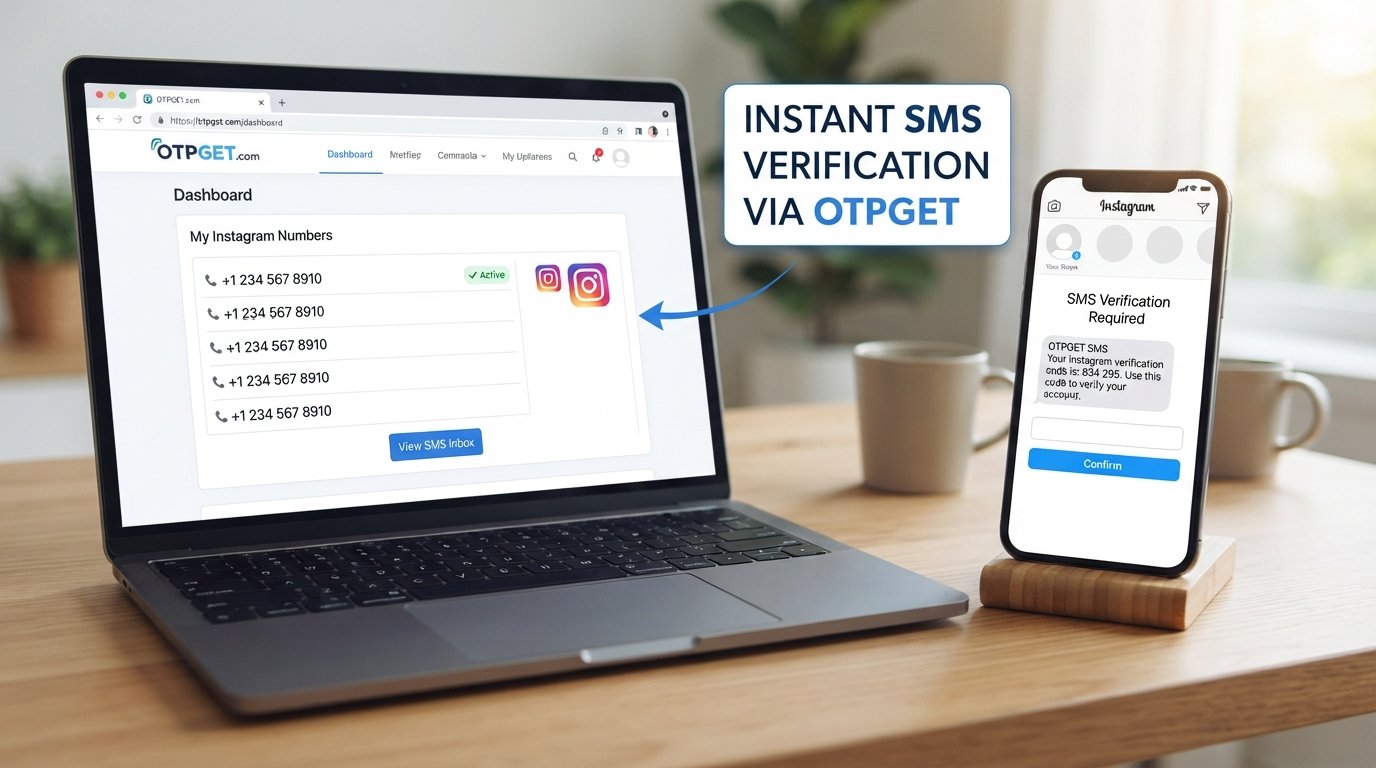
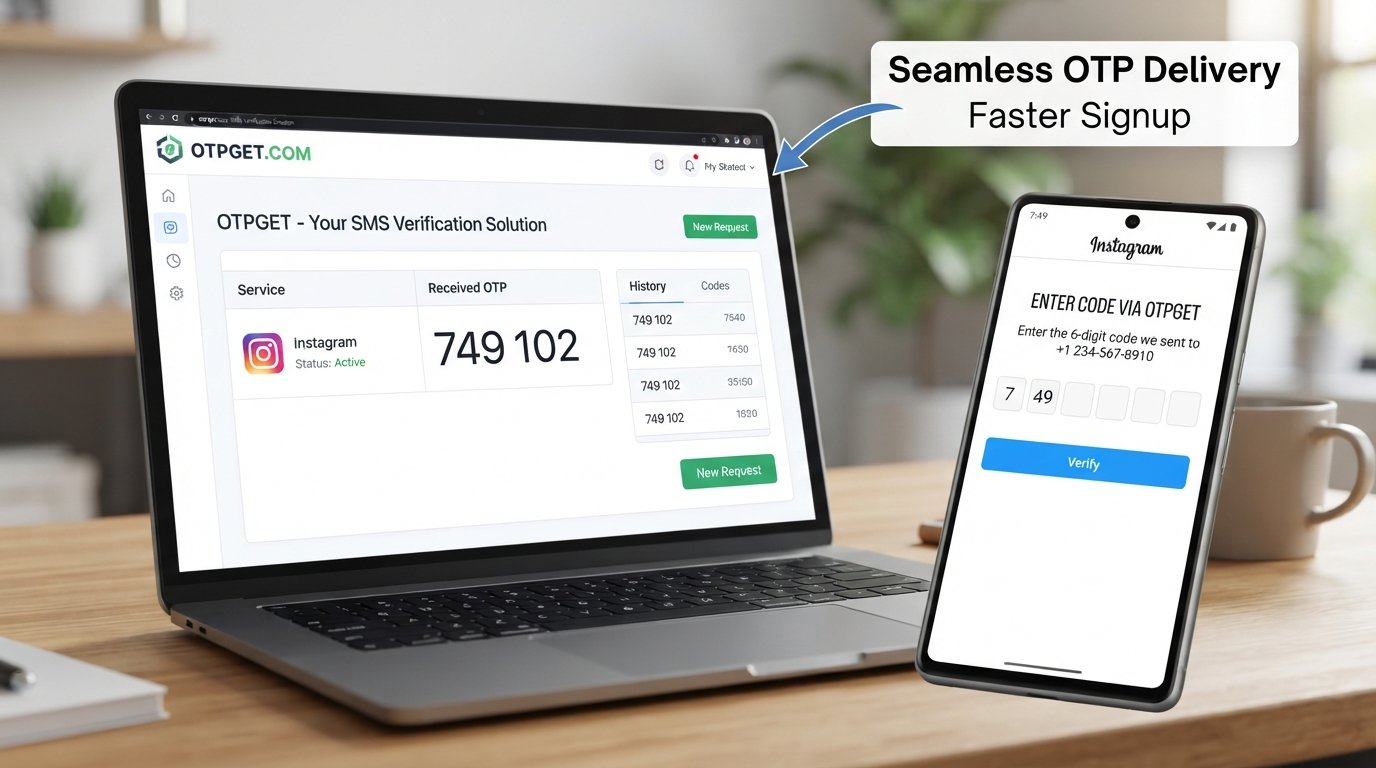
OTPGET provides temporary and rental virtual numbers intended for online verification and SMS reception. Its documented workflow allows users to select a country and service, obtain a number, and monitor the number for an incoming verification SMS.
The basic idea is straightforward: instead of waiting for Instagram's SMS to reach your regular mobile number, you use an available OTPGET number for a verification request that permits that type of number.
The process generally involves:
- Selecting an appropriate available number or service
- Using the number in the relevant verification field
- Requesting the SMS code
- Monitoring OTPGET for the incoming message
- Entering the received code into the service
OTPGET itself documents a number-selection and SMS-status workflow for receiving OTP messages.
However, an important limitation is worth keeping in mind: an OTPGET number does not guarantee that Instagram will accept every number or verification attempt. Acceptance can depend on Instagram's security systems, the country and number type, availability, and account-specific checks.
How an OTPGET Number Can Help
An alternative number can be useful when the problem is specifically related to receiving SMS on your normal phone number.
An alternative to your personal number
Some users prefer not to provide their primary mobile number to every online service. A suitable verification number can create separation between personal communications and a particular verification task.
Useful when regular SMS is unreliable
If your carrier is delaying or filtering automated verification messages, another supported number may provide a different delivery route.
Greater convenience for specific verification tasks
OTPGET is designed around online OTP and SMS reception, so users don't necessarily need to wait beside their physical SIM card to check whether a verification message has arrived. The service documents both temporary numbers and longer-term rental options.
Separation of communications
Using a dedicated number for a particular verification purpose can help keep verification messages separate from your everyday personal texts.
Privacy considerations
An alternative number can reduce the need to disclose your personal phone number for a particular verification process. That said, users should not assume that a temporary number means complete anonymity. OTPGET's own policies indicate that the service may collect information such as account, transaction, IP, and activity data for operational and security purposes.
How to Use OTPGET for an Instagram Verification Code
If Instagram permits the type of number you're using, the process is relatively simple.
- Visit OTPGET. Open the OTPGET platform and review the available number or verification options.
- Choose an appropriate number. Select a country, service, or number option that is suitable for your legitimate verification purpose and currently available.
- Enter the number in Instagram. Add the provided number to the appropriate Instagram phone verification or login verification field.
- Request the verification code. Follow Instagram's normal process to request an SMS code.
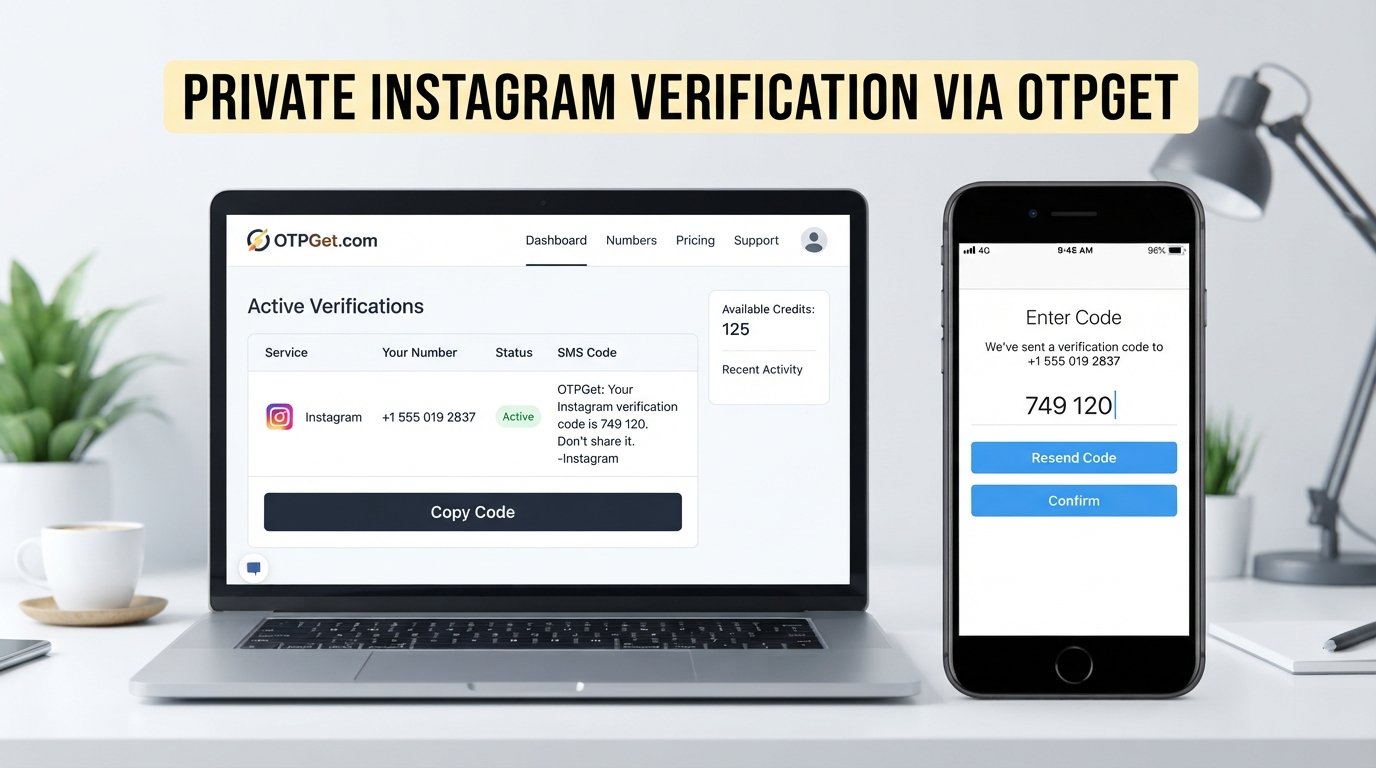
- Monitor OTPGET. Check the OTPGET interface for the incoming SMS or OTP. Its documented system provides status checking for SMS activations.
- Enter the newest code. If a verification code arrives, enter it into Instagram before it expires.
- Complete verification if accepted. Continue through Instagram's normal security process.
Always use the service responsibly. Don't use an OTP number to access an account you don't own, impersonate another person, or circumvent a platform's security controls. OTPGET's published terms also prohibit illegal, fraudulent, abusive, or harmful use.
OTPGET vs. Waiting for a Regular SMS
There isn't one solution that works for every Instagram verification problem. The right choice depends on what is causing the delivery issue.
| Option | Potential Advantage | Possible Limitation |
|---|---|---|
| Regular mobile number | Familiar and directly connected to your phone | SMS may be delayed, filtered, or unavailable |
| Waiting for delayed SMS | No change to your account or number | The message may continue to be delayed |
| Troubleshooting existing number | Can resolve simple network or device issues | Doesn't solve carrier or number-specific problems |
| OTPGET number | Provides an alternative number for supported SMS verification | Instagram may not accept every number or number type |
For many users, troubleshooting the existing number should come first. If the same SMS problem keeps happening, an OTPGET number may be a convenient alternative to consider.
Why Your Instagram Code May Still Fail
Receiving an OTP is not the same as guaranteeing successful Instagram verification.
Several things can still prevent the process from completing:
- Instagram may apply additional account security checks.
- The number may already be associated with another account.
- The number type may not be supported for a particular verification request.
- Regional restrictions may affect availability or acceptance.
- Too many recent verification attempts may trigger temporary limitations.
- The code may expire before you enter it.
- You may accidentally enter an older code after requesting a newer one.
- Instagram may require another verification method.
This is why it's better to view OTPGET as a potential alternative for SMS reception, not as a way to bypass Instagram's security systems.
If a number isn't accepted, repeatedly trying random numbers may not help. Follow Instagram's normal recovery or verification process instead.
Tips for Avoiding Instagram Verification Problems
A few habits can make future verification attempts easier:
- Keep your account's phone information accurate.
- Avoid requesting multiple codes within a short period.
- Use a stable mobile connection when possible.
- Enter the newest verification code rather than an older one.
- Keep your account recovery information updated.
- Check your phone's blocked-message and spam settings.
- Don't share verification codes with other people.
- Use verification methods that are permitted for your account.
- Avoid suspicious services or methods that claim to bypass platform security.
If you regularly encounter an Instagram code not received problem, identifying whether the issue is your device, carrier, number, or Instagram's security system can save considerable time.
Frequently Asked Questions
Why is my Instagram verification code not arriving?
The SMS may be delayed because of network problems, carrier filtering, an incorrect phone number, repeated code requests, or temporary security restrictions. Start by checking your number and mobile signal, then wait before requesting another code.
Why am I not receiving Instagram SMS codes?
Instagram SMS delivery can be affected by your carrier, network conditions, phone settings, or the verification system itself. Check blocked messages, confirm your number, restart your phone, and avoid repeatedly requesting codes.
How long should I wait for an Instagram verification code?
There isn't a universal delivery time because SMS delivery depends on several systems. If a code doesn't arrive promptly, avoid repeatedly requesting new ones. Wait a reasonable amount of time and then try again.
Can an OTPGET number receive an Instagram verification code?
An OTPGET number may receive an Instagram verification SMS when the selected number and verification flow are supported. However, acceptance isn't guaranteed for every number, region, account, or verification attempt.
Is an OTPGET number useful when my phone number isn't receiving SMS?
It can be useful as an alternative when your regular number has persistent SMS delivery problems. The key consideration is whether Instagram accepts the particular number and verification method you choose.
Why does Instagram say it sent a code but I don't receive it?
The message may be delayed, filtered by your carrier, blocked on your phone, or affected by temporary delivery or security restrictions. Check your messaging settings and number before requesting another code.
Can I use another number for Instagram verification?
If Instagram provides a verification flow that accepts another number, you may be able to use one. An OTPGET number can be considered where the service and Instagram's applicable verification process support it.
What should I do if my Instagram code expires?
Request a new code and use the newest message rather than an older one. If several attempts fail, stop requesting codes repeatedly and troubleshoot the underlying number or delivery problem before trying again.
Final Thoughts
An Instagram code not arriving can happen for several reasons, from ordinary SMS delays to carrier filtering, network problems, incorrect number details, or temporary security restrictions.
Start with the basics: verify your number, check your signal and message filters, restart your phone, wait between requests, and use another legitimate verification method if Instagram offers one.
If your regular phone number continues to have trouble receiving verification SMS messages, an OTPGET number may provide a convenient alternative where supported. OTPGET's virtual-number workflow is designed to receive supported SMS verification messages online, but acceptance ultimately depends on the platform, number, region, and account circumstances.
The best approach is to use OTPGET responsibly, follow Instagram's applicable requirements, and treat an alternative number as a practical option rather than a guaranteed workaround.
If you're ready to try another verification number, explore the available OTPGET options and choose one that matches your legitimate verification needs.
Suggested Internal Links
- Suggested anchor text: How to Receive OTP Online
Suggested article topic: A beginner's guide to receiving verification codes through online SMS services. - Suggested anchor text: Temporary Phone Numbers Explained
Suggested article topic: What temporary numbers are, how they work, and when they are appropriate. - Suggested anchor text: SMS Verification Problems
Suggested article topic: Common reasons verification SMS messages are delayed, blocked, or never delivered. - Suggested anchor text: Temporary vs. Rental Numbers
Suggested article topic: Differences between short-term OTP numbers and longer-term virtual number rentals. - Suggested anchor text: How OTP Verification Works
Suggested article topic: An easy explanation of OTPs, SMS verification, and one-time security codes. - Suggested anchor text: Virtual Numbers for Online Services
Suggested article topic: Practical uses, limitations, and privacy considerations of virtual phone numbers. - Suggested anchor text: How to Protect Your Verification Codes
Suggested article topic: Best practices for keeping OTPs and account recovery information secure. - Suggested anchor text: Why SMS Verification Fails
Suggested article topic: A troubleshooting guide covering carriers, network issues, blocked messages, and expired codes.
Final SEO Checklist
- SEO title included
- SEO title is 60–65 characters
- Meta title included
- Meta description included
- Meta description is approximately 160 characters
- URL slug included
- Meta tags included in comma-separated format
- Thumbnail prompt included
- Primary keyword included
- Secondary keywords naturally incorporated
- OTPGET prominently featured
- FAQ section included
- Internal linking suggestions included
- Article is approximately 1,200–1,800 words
- No calendar year appears anywhere
- No keyword stuffing
- No unsupported guarantees