LinkedIn Phone Verification: Receive Your Code with OTPGet
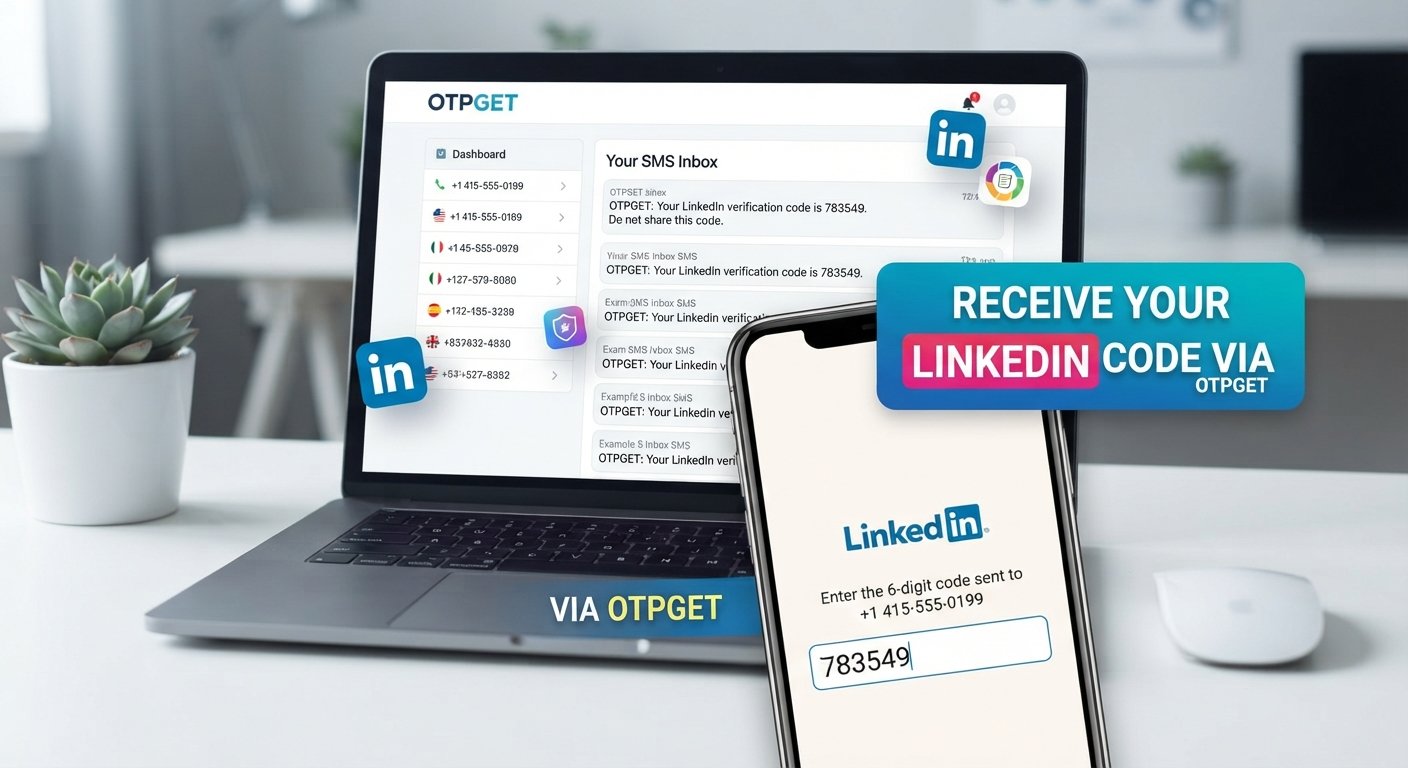
LinkedIn Phone Verification – Receive Your Code | OTPGet
Waiting for a LinkedIn verification code can be surprisingly frustrating. You enter a phone number, request an SMS, and then nothing seems to happen. The message may be delayed, the number may not be accepted, or an earlier code may expire before you have a chance to use it.
Phone verification is commonly used as part of account security and identity-related checks. When LinkedIn asks for a phone number, the goal is generally to connect the verification process with a reachable number that can receive an SMS code.
For users who need an appropriate number for receiving verification messages, services such as OTPGET can provide a convenient option. Instead of relying exclusively on a personal mobile number, you can explore a suitable temporary or virtual number where supported.
This guide explains how LinkedIn phone verification works, why verification SMS messages sometimes fail to arrive, and how OTPGET can fit into the process.
What Is LinkedIn Phone Verification?
LinkedIn phone verification is a process in which a phone number may be used to confirm access to a mobile device or support an account security check.
A typical verification flow involves entering a phone number and receiving a one-time password, commonly called an OTP, through SMS. The user then enters that verification code into the relevant verification screen.
The basic idea is simple:
- A phone number is provided.
- A verification request is submitted.
- An SMS containing a verification code is sent.
- The recipient enters the valid code.
- The verification process is completed if the code and number are accepted.
Phone-based verification can add another layer to account security because possession of the receiving number becomes part of the verification process.
However, SMS delivery is not completely uniform. Carrier routing, regional availability, number type, network conditions, and the platform's verification system can all affect whether a message arrives successfully.
Why Does LinkedIn Ask for a Verification Code?
There are several legitimate reasons an online platform may request phone verification or another security check.
For example, a verification code may be requested when:
- Confirming access to a phone number
- Supporting account security
- Performing an additional account check
- Detecting unusual or potentially risky account activity
- Confirming information during an account-related process
The exact reason and verification requirements can vary depending on the situation. If LinkedIn asks for a phone number or verification code, users should follow the instructions shown by LinkedIn and comply with its applicable rules and policies.
A verification code is also time-sensitive. It is generally best to use the newest valid code rather than repeatedly trying older messages.
How to Receive a LinkedIn Verification Code
If LinkedIn presents a phone verification step, the normal process is straightforward.
Follow these steps
- Open the relevant LinkedIn verification screen.
- Enter an appropriate phone number in the format requested.
- Submit the verification request.
- Check the receiving phone or SMS service for the incoming message.
- Locate the newest verification code.
- Enter the code into LinkedIn before it expires.
- Complete any additional verification steps requested by the platform.
If you are using a virtual number or temporary phone number, make sure the number is appropriate for the intended verification service before submitting the request.
The key point is that receiving a verification code depends on successful SMS delivery and acceptance of the number. Having a number does not automatically mean that every platform will accept it.
Why You May Not Receive the LinkedIn SMS Code
Not receiving a LinkedIn SMS code does not necessarily mean something is wrong with your account. Several practical issues can interrupt delivery.
Incorrect phone number
A single wrong digit can send the message somewhere else or prevent delivery entirely. Double-check the country code and number before requesting another code.
Carrier or network delays
SMS messages can sometimes be delayed because of network congestion, carrier routing, or other delivery issues.
Expired verification code
Verification codes are typically intended for short-term use. If you wait too long, an older code may no longer be valid.
Multiple requests
Requesting several codes in quick succession can make the process confusing because you may receive multiple messages with different codes. Use the newest valid code shown by the service.
Number restrictions
Some phone numbers may not be suitable for particular verification systems. Certain virtual, temporary, recycled, or specialized numbers can have different acceptance and delivery characteristics.
Temporary service issues
The platform, SMS provider, or mobile carrier can occasionally experience a temporary delivery problem. Waiting briefly and trying again may help.
If repeated attempts fail, avoid endlessly requesting new codes. Instead, check the number carefully and use any account-recovery or support options provided by LinkedIn.
Can a Temporary or Virtual Phone Number Receive LinkedIn Verification Codes?
A temporary phone number or virtual phone number can sometimes be used to receive SMS verification messages, but acceptance is not universal.
A virtual number is generally a phone number provided through a telecommunications or online service rather than directly through a traditional personal mobile SIM. Depending on the provider, it may be capable of receiving SMS messages.
Whether a number works for a particular verification process can depend on:
- The number's type
- Country or region
- Carrier or underlying network
- SMS routing
- The platform's verification requirements
- Whether the number has previously been used or restricted
For this reason, users should not assume that every virtual number will receive or be accepted for every service.
If you need a number specifically for SMS verification, it is sensible to choose a service that clearly indicates whether the number is intended for receiving verification messages and to check availability before proceeding.
OTPGET: A Convenient Way to Receive Verification Codes
OTPGET is designed to provide access to phone numbers that can be used for receiving SMS and OTP messages where supported.
This can be useful when you need a separate number for a legitimate verification purpose and do not want to rely solely on your personal mobile number.
The general concept is simple: select an appropriate available number for the service you need, use that number during the verification process, and monitor the receiving service for the incoming SMS.
For users dealing with online SMS verification, OTPGET can make the process more convenient by bringing the number and incoming verification message into a dedicated workflow.
Importantly, OTPGET should be viewed as a convenience for receiving verification messages—not as a method for bypassing platform security. Whether a particular number is accepted depends on the service being verified, its verification system, the number's characteristics, and other factors.
Before starting, check that the desired service and number are supported.
How to Use OTPGET for LinkedIn Phone Verification
The exact interface and available options can vary, but the general workflow is beginner-friendly.
- Visit OTPGET.
- Choose an available number or service option appropriate for your verification requirement.
- Use the provided number in the relevant LinkedIn phone verification field.
- Request the LinkedIn verification code.
- Monitor OTPGET for the incoming SMS or OTP.
- Copy the valid verification code when it arrives.
- Enter the code into LinkedIn and complete the verification process.
If the message does not arrive, first confirm that the number was entered correctly and that the selected number is appropriate for the service.
Avoid repeatedly requesting codes in rapid succession. If a number is not accepted or SMS delivery fails, another supported option may be necessary.
Why Choose OTPGET?
When you need a number for a verification workflow, convenience matters. OTPGET can be a practical option for users who need access to a number capable of receiving SMS verification messages.
Potential advantages include:
- Convenience: Keep verification messages separate from your everyday personal number.
- Straightforward workflow: Select a suitable number and monitor for the incoming OTP.
- SMS verification access: Use an appropriate number where the intended service supports it.
- Reduced dependence on a personal number: A separate number can be useful for certain legitimate verification scenarios.
- Practical online access: Receive verification messages through an online SMS workflow rather than relying entirely on a physical phone.
The important consideration is suitability. Number availability, SMS delivery, and platform acceptance can vary, so always verify that the selected number meets the requirements of the service you are using.
Tips for a Smoother LinkedIn Verification Process
A few simple habits can prevent many common verification problems.
- Double-check the phone number before requesting a code.
- Confirm the country code is correct.
- Request the code only when you are ready to enter it.
- Use the newest verification code if multiple messages arrive.
- Allow a reasonable amount of time for SMS delivery.
- Avoid repeated requests within a short period.
- Make sure the selected number is appropriate for the verification service.
- Check SMS delivery carefully if you are using a virtual or temporary number.
- Follow LinkedIn's verification instructions and policies.
- Use official account-recovery or support options if verification continues to fail.
These steps make the process more predictable without attempting to circumvent LinkedIn's security controls.
Frequently Asked Questions
How do I receive a LinkedIn verification code?
Enter an appropriate phone number when LinkedIn requests verification and submit the request. If SMS delivery is successful, the verification code should arrive at the associated phone or SMS receiving service. Enter the newest valid code in the verification screen.
Why am I not receiving my LinkedIn verification SMS?
Common causes include an incorrect number, network or carrier delays, SMS delivery problems, expired codes, number restrictions, or temporary service issues. Check the number first and avoid repeatedly requesting codes.
Can I use a temporary phone number for LinkedIn verification?
A temporary phone number may be useful for receiving SMS verification messages, but acceptance varies. LinkedIn or its verification system may restrict certain number types, so there is no universal guarantee that every temporary number will work.
What is a virtual phone number?
A virtual phone number is a number provided through an online or telecommunications service rather than necessarily being tied to a traditional physical SIM in your personal phone. Depending on the provider, it may support incoming SMS.
How does OTPGET help with SMS verification?
OTPGET provides access to available numbers intended for receiving SMS and OTP messages where supported. Users can select a suitable number, use it for the relevant verification request, and monitor for the incoming code.
How long does a verification code remain valid?
The validity period can vary by platform and verification system. Treat verification codes as time-sensitive and use the newest code as soon as practical rather than relying on an older message.
What should I do if my verification code does not arrive?
Check the number and country code, allow time for SMS delivery, and avoid sending many requests consecutively. If the problem persists, try an appropriate supported number or use the platform's official support and recovery options.
Final Conclusion
LinkedIn phone verification is a straightforward security step, but receiving the required SMS code can sometimes be frustrating. Incorrect numbers, carrier delays, expired codes, number restrictions, and temporary service problems can all interfere with the process.
Having access to an appropriate phone number can make SMS verification more convenient, particularly when you prefer not to rely exclusively on your personal number. A temporary or virtual phone number may be useful in situations where the verification service supports that type of number.
OTPGET offers a practical way to access numbers for receiving SMS and OTP messages where supported. Its value is in simplifying the receiving side of the verification workflow while leaving the actual verification decision with the platform.
If you need a convenient option for receiving a verification code, explore OTPGET, choose a suitable supported number, and follow LinkedIn's verification requirements carefully. For related resources, consider exploring SMS verification, temporary phone numbers, virtual phone numbers, receive OTP online, and online SMS verification.