Need a LinkedIn Verification Code? Get an OTPGET Number Online
Need a LinkedIn Code? Get a Number on OTPGET
Getting a LinkedIn verification code sounds simple—until you reach the point where LinkedIn asks for a phone number and you realize you do not want to use your primary number, or you simply need access to another suitable SMS-capable number.
That is where an online verification number can be useful.
OTPGET provides temporary SMS numbers and rental numbers designed for receiving verification messages. Its platform documentation describes an SMS OTP flow where users can request a number, wait for an incoming message, and retrieve the received code.
If you need a number to receive a LinkedIn verification code, OTPGET can be a practical option to explore. However, there is an important distinction: having an SMS-capable number does not guarantee that LinkedIn will accept it or that verification will always succeed. LinkedIn controls its own verification requirements, while OTPGET provides the number and SMS-receiving functionality.
Why Does LinkedIn Ask for a Verification Code?
Phone verification is commonly used by online platforms as an additional way to confirm access to an account or reduce certain types of abuse.
When LinkedIn sends a verification SMS, the code functions as a one-time password, commonly called an OTP. The idea is straightforward: a code is sent to a phone number, and the user enters that code during the verification process.
Depending on the situation, verification can help a platform confirm that the person completing a particular account action has access to the supplied phone number.
For users, though, the process can become inconvenient when their usual number is unavailable, unsuitable for the situation, or something they prefer not to use for a particular verification request.
What Is a LinkedIn Verification Code?
A LinkedIn verification code is generally a short, one-time code delivered through an available verification channel.
When the SMS method is used, the basic process looks like this:
-
LinkedIn requests phone verification.
-
You provide a suitable phone number.
-
LinkedIn sends a verification SMS.
-
The message contains an OTP or verification code.
-
You enter the code where requested.
-
LinkedIn may perform additional checks depending on the account or verification flow.
An OTP is normally intended for a specific verification attempt, so it should be treated as sensitive information. Never share verification codes with someone who should not have access to your account.
Why You Might Need a Number to Receive a LinkedIn Code
There are several legitimate reasons someone may prefer an alternative number instead of their primary phone.
For example, you might want to:
-
Keep personal and professional communications separate.
-
Avoid giving your main number to another online service where an alternative is appropriate.
-
Use an SMS-capable number when your normal phone is temporarily unavailable.
-
Test a verification workflow for a legitimate project.
-
Have access to a number specifically intended for receiving an OTP.
The important point is to use any verification number responsibly. An alternative number should not be used to impersonate another person, create fraudulent accounts, evade platform restrictions, or abuse LinkedIn's systems.
How OTPGET Can Help You Receive a LinkedIn Verification Code
OTPGET is designed around the practical problem of needing access to a phone number that can receive an SMS verification message.
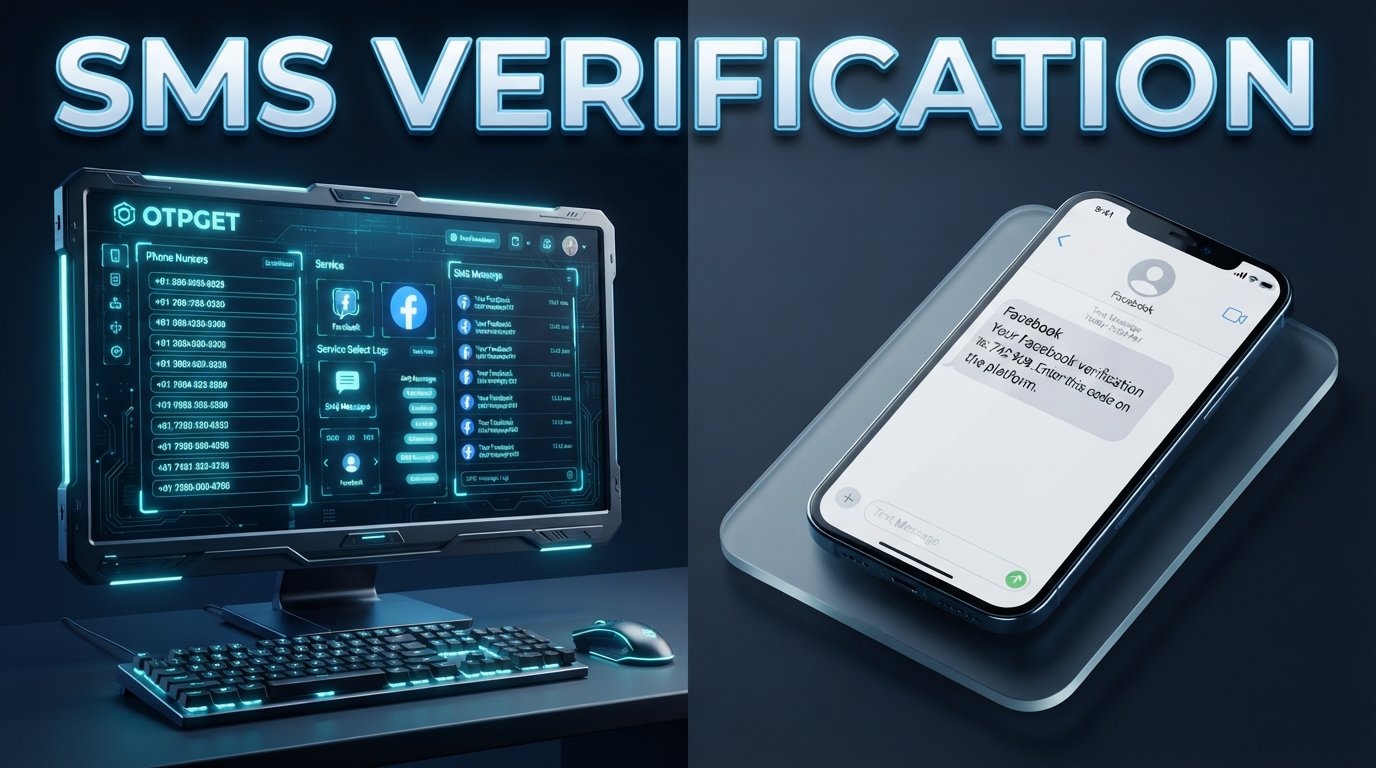
Its documented SMS OTP service lets users select available country and service options, request a number, and check the status of the activation for an incoming SMS. When a code is received, the service can return the received OTP through its system.
This makes the workflow relatively straightforward when you need an online number for a legitimate verification purpose.
One useful feature is that OTPGET also documents rental numbers for users who need access beyond a single temporary OTP transaction. Rental numbers are handled separately from the short-term SMS OTP flow.
That distinction matters. If you only need to receive one verification message, a temporary SMS number may be more appropriate. If you have a legitimate reason to maintain access to a number for longer, a rental option may be worth considering.
How to Get a Number on OTPGET for LinkedIn Verification
The general process is simple, although available countries, services, and numbers can change.
1. Visit OTPGET
Start by opening OTPGET and reviewing the available number options.
2. Choose a suitable number or service
Select a country and service option that fits your legitimate verification requirement and is available at the time of purchase.
Do not assume that every number will be accepted by LinkedIn. Online services can have different requirements for phone verification.
3. Use the provided number where permitted
Enter the OTPGET number in the LinkedIn verification field if that number type is permitted for your situation and by LinkedIn's applicable requirements.
4. Request the LinkedIn code
Continue through LinkedIn's verification process and request the SMS code.
5. Check OTPGET for the incoming message
OTPGET's documented SMS workflow allows the activation status to be checked while waiting for an incoming code. When an SMS is received, the verification code can be retrieved through the service.
6. Enter the code on LinkedIn
Copy the verification code into LinkedIn's verification field and continue with the process.
7. Complete any additional verification
A phone OTP may not be the only verification step. If LinkedIn requests additional information or verification, follow LinkedIn's instructions rather than trying to work around them.
Why Choose OTPGET for SMS Verification?
The biggest advantage of using an online verification service is convenience.
Instead of relying exclusively on your primary mobile number, you can explore an available number intended for receiving SMS verification messages.
OTPGET's documented features include temporary SMS numbers, country and service selection, activation-status checking, and longer-term number rentals.
For someone who needs a suitable number for an occasional verification task, that can simplify the process.
Other practical considerations include:
-
Separation: Keep a personal phone number separate from certain online verification activities where appropriate.
-
Convenience: Receive verification messages through an online service rather than relying solely on a physical SIM.
-
Choice: Available countries and services can give users more flexibility.
-
Different duration options: Temporary SMS access and rental numbers serve different legitimate needs.
-
Straightforward workflow: Request a number, wait for the SMS, retrieve the code, and complete the verification step.
The service also states that users must not use OTPGET for illegal, fraudulent, abusive, or harmful activities.
What If the LinkedIn Verification Code Does Not Arrive?
A missing verification SMS does not necessarily mean something is wrong with your account.
Try the following before repeatedly requesting codes:
-
Confirm that the phone number was entered correctly.
-
Check that the selected number is capable of receiving the required SMS.
-
Wait briefly before requesting another code.
-
Avoid sending repeated verification requests in rapid succession.
-
Check the OTPGET activation status if you are using its SMS OTP service.
-
If the number does not receive the message, consider whether another available number is appropriate.
-
Follow LinkedIn's own troubleshooting instructions if the issue continues.
OTPGET's documentation distinguishes between waiting for an SMS and successfully receiving one, so a pending activation does not mean the code has already arrived.
Most importantly, do not assume that buying another number will automatically resolve a platform-side verification issue.
Important Things to Know Before Using an Online Verification Number
An online phone number can be useful, but it is not a universal solution.
Not every number is accepted by every platform. LinkedIn determines which phone numbers and verification methods it accepts. Availability through OTPGET does not guarantee acceptance by LinkedIn.
Verification policies can change. Always follow the requirements presented by LinkedIn during your verification process.
Consider how long you need access. A temporary number may make sense for a single SMS, while a rental number may be more suitable when legitimate ongoing access is required.
Protect your verification codes. Treat OTPs like passwords. Do not forward them to strangers or enter them into suspicious websites.
Use the service responsibly. OTPGET's terms prohibit fraudulent, abusive, harmful, and illegal use.
For an internal content link, you could add: [LinkedIn Verification Guide] here to direct readers to a more detailed explanation of LinkedIn's own verification process.
OTPGET vs. Using Your Personal Number
Using your personal number is often the simplest option when you are comfortable providing it and it meets the platform's requirements.
An online number may be worth considering when separation or convenience is more important.
| Option | Potential Advantage | Consideration |
|---|---|---|
| Personal number | Familiar and directly accessible | Connects verification to your regular phone number |
| Temporary SMS number | Useful for a one-time SMS need | May not be accepted by every platform |
| Rental number | Longer access may be available | Costs more than a single-use option in some cases |
There is no universal winner. The right choice depends on why you need verification, what LinkedIn permits, and whether you need temporary or longer-term access.
Frequently Asked Questions
Can I receive a LinkedIn verification code on OTPGET?
OTPGET provides SMS-capable numbers intended for receiving verification messages, but LinkedIn decides whether a particular number is accepted for its verification process. Successful code delivery should therefore never be treated as guaranteed.
How do I get a number for LinkedIn verification?
You can explore the available numbers on OTPGET, select an appropriate option, use the number during the permitted LinkedIn verification process, and monitor the service for an incoming SMS.
What is a LinkedIn OTP?
A LinkedIn OTP is a one-time verification code used during an applicable verification process. When delivered by SMS, it is sent to the phone number associated with that verification request.
Can I receive LinkedIn SMS verification online?
If LinkedIn sends the verification code by SMS and accepts the selected number, an SMS-receiving service such as OTPGET may provide a practical way to access the message online. Acceptance depends on LinkedIn's requirements.
Why haven't I received my LinkedIn verification code?
The number may not have received the SMS yet, the selected number may not support the required message, or there may be a platform-side issue. Check the number and activation status, wait briefly, and follow LinkedIn's instructions before trying again.
Are temporary verification numbers always accepted by LinkedIn?
No. Temporary or virtual numbers are not guaranteed to be accepted. LinkedIn controls its verification rules, and those rules can vary depending on the verification situation.
Is OTPGET suitable for receiving verification SMS?
OTPGET is specifically designed to provide temporary SMS numbers and rental numbers for online verification and related use cases. Whether it is suitable for a particular LinkedIn verification request depends on the available number and LinkedIn's requirements.
Conclusion: Get the Number You Need With OTPGET
Needing a LinkedIn verification code does not have to become a complicated process simply because you need access to a suitable phone number.
For legitimate situations where you prefer not to use your primary number, or where you need another SMS-capable option, OTPGET offers a practical place to explore temporary verification numbers and longer-term rentals.
The key is to keep expectations realistic. OTPGET can provide access to numbers and SMS-receiving functionality, but it cannot guarantee that LinkedIn will accept every number or approve every verification attempt.
If you need a suitable number for receiving a verification SMS, explore OTPGET and review the available options before starting your LinkedIn verification process.
[OTPGET Numbers] can also be used as an internal-link destination when the relevant page is available on the site.