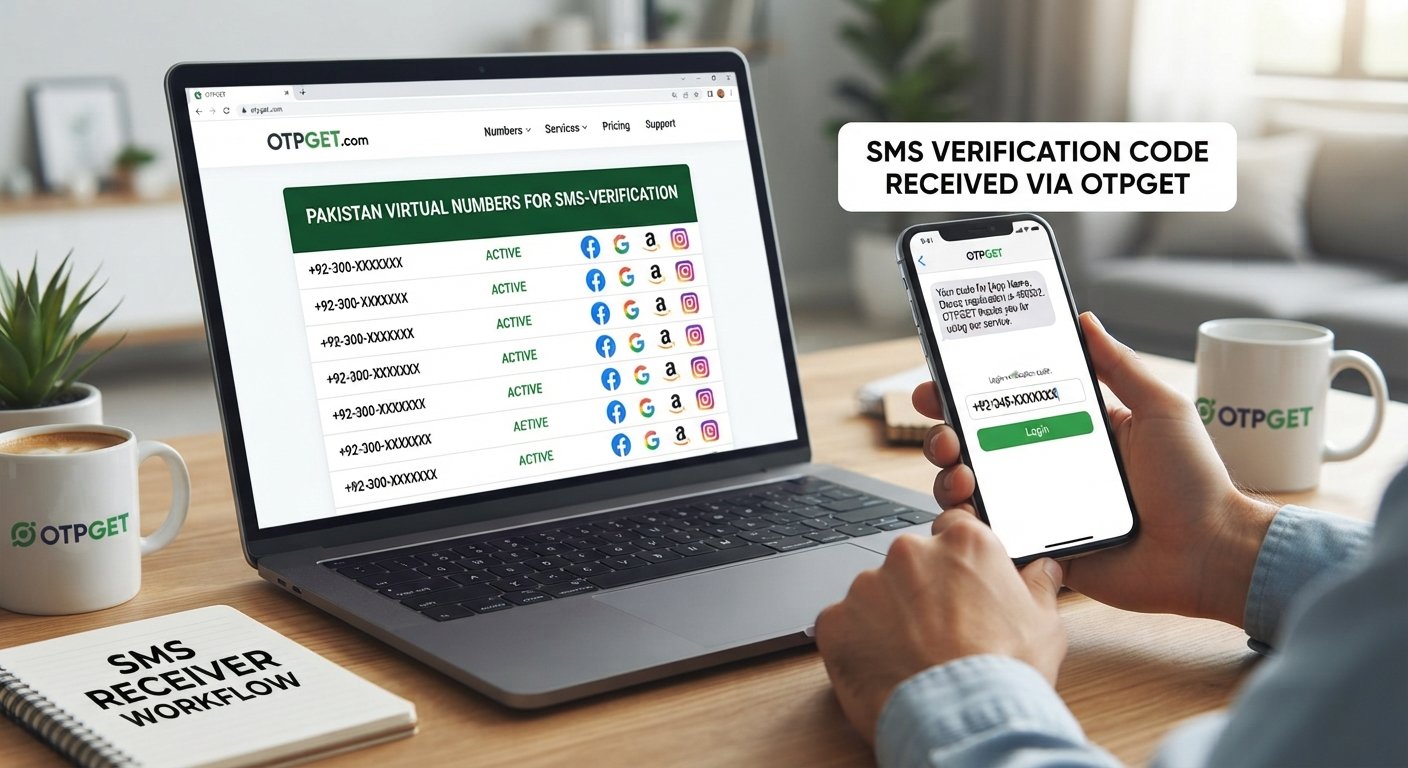
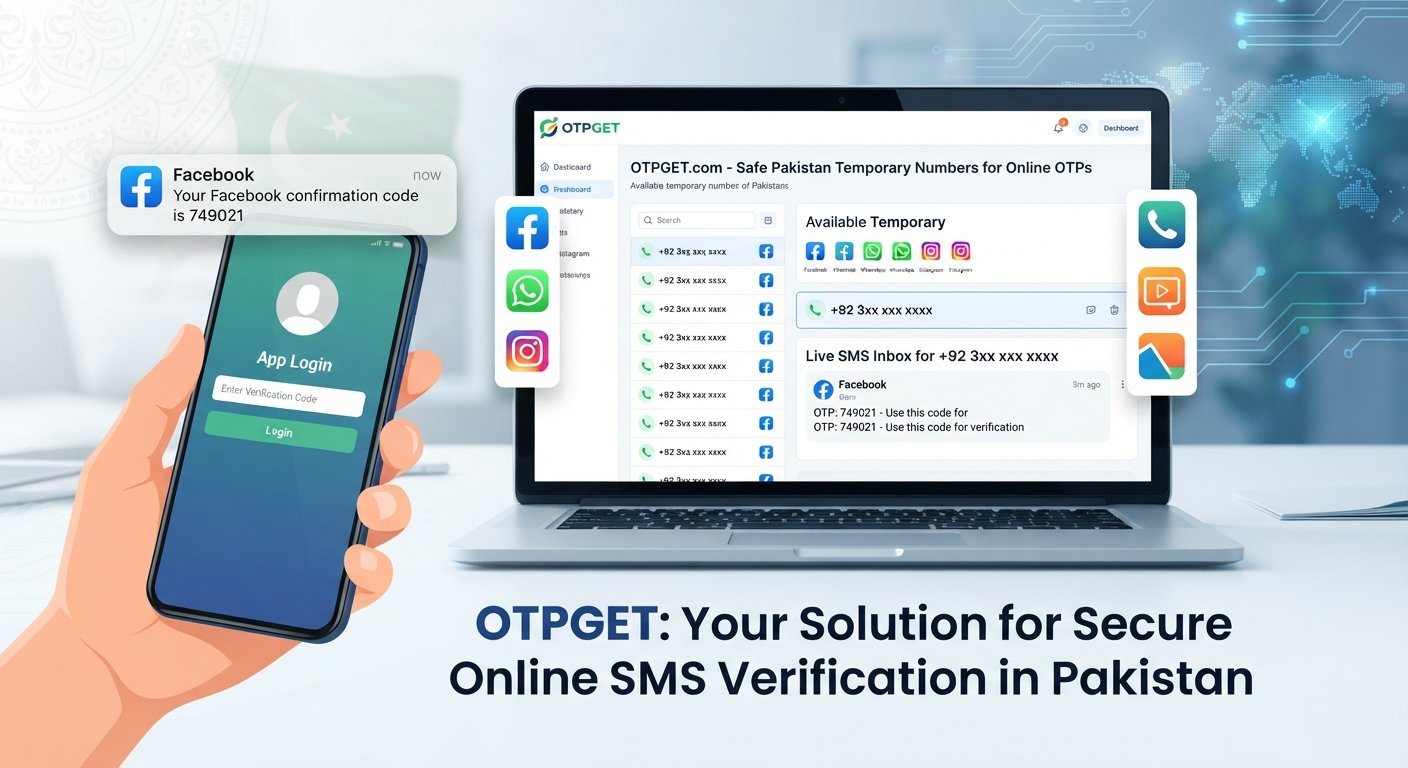
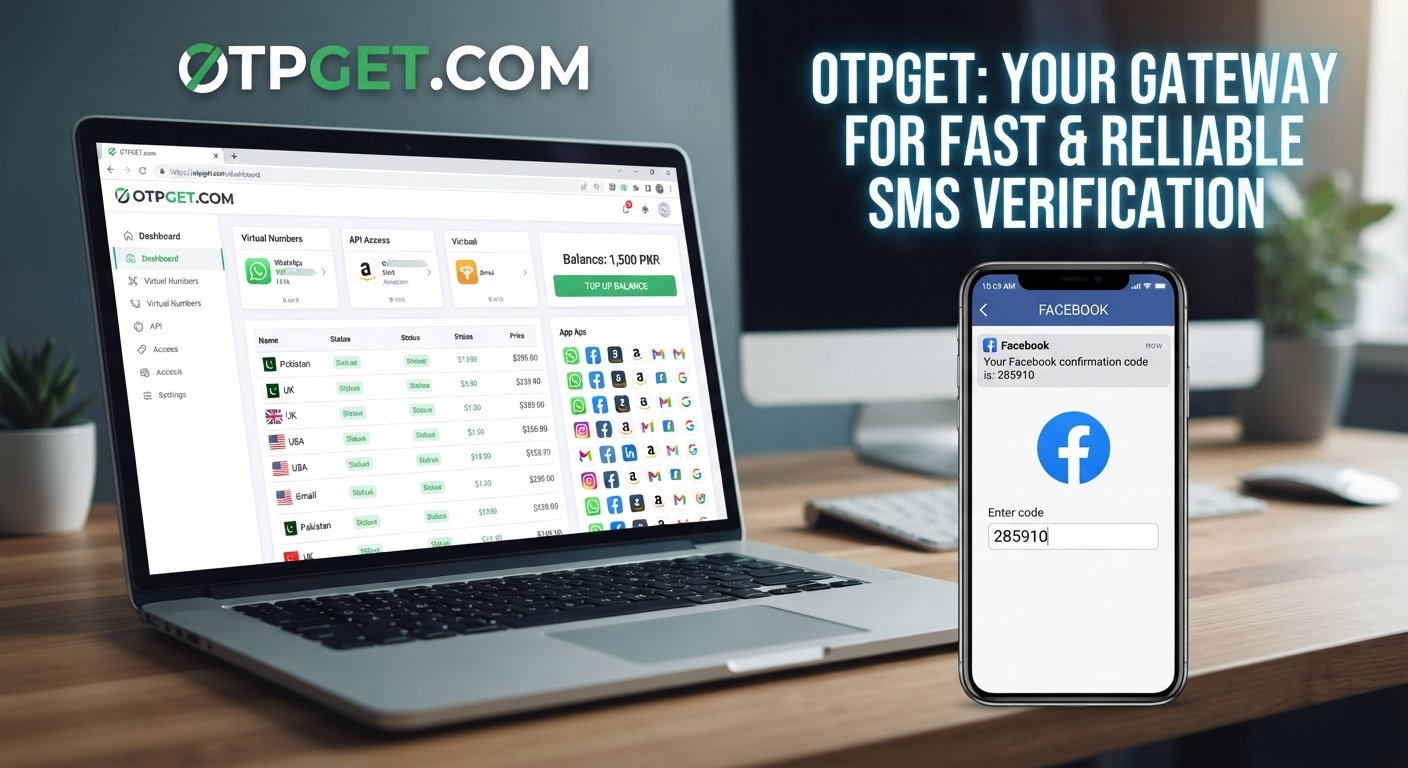
Login to OTPGET – Manage Virtual Numbers with OTP Verification
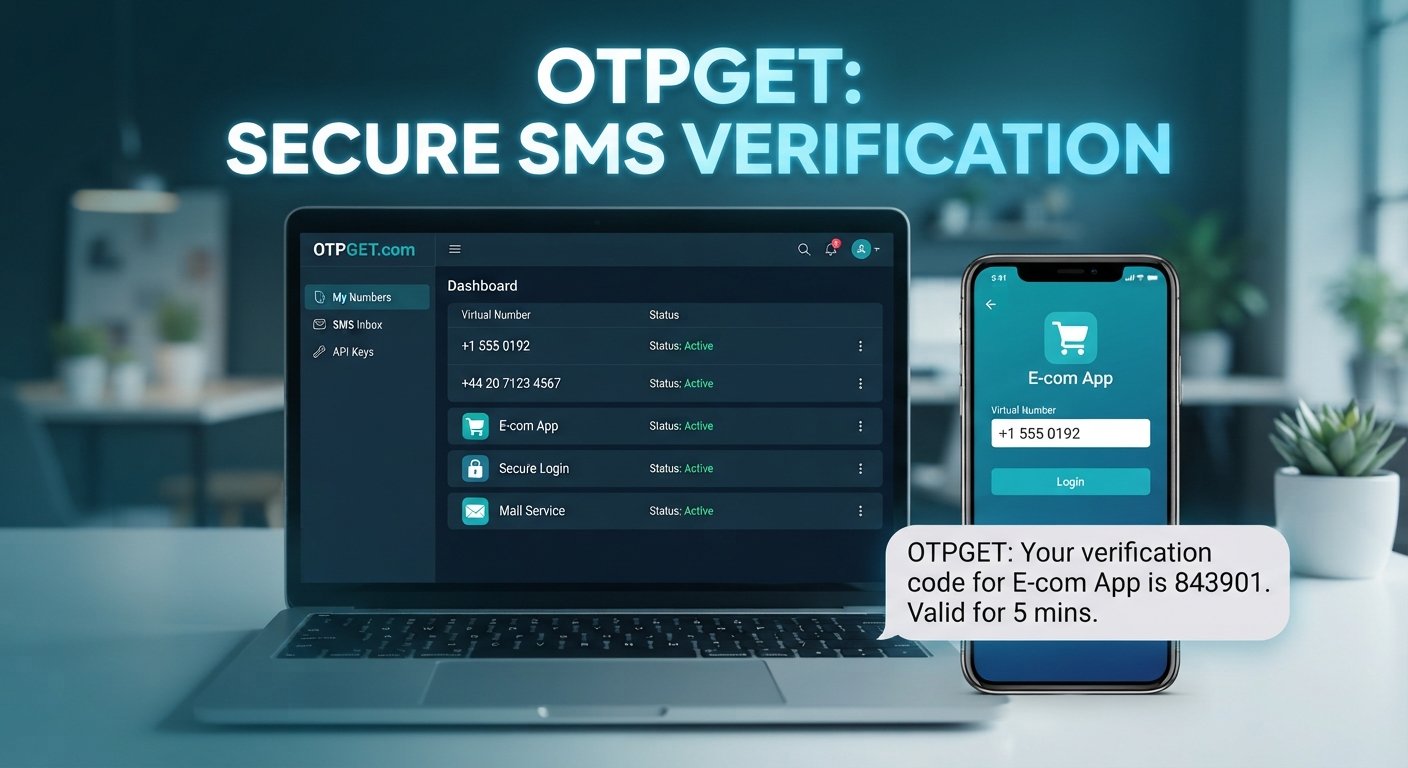
Login to OTPGet – Manage Your Virtual Numbers
Need a virtual phone number for an online verification workflow without relying on your personal SIM? Managing several numbers can quickly become confusing, especially when different services require different verification codes.
That is where OTPGET comes into the picture. The platform is designed around virtual numbers and OTP verification, giving users an online way to obtain and manage numbers for supported verification workflows. OTPGET currently describes support for virtual numbers, rental numbers, SMS OTP services, and developer-oriented tools.
If you're looking for information about Login to OTPGet, this guide explains what the platform is, how the login process generally works, how virtual numbers fit into OTP verification, and how to manage them responsibly.
What Is OTPGET?
OTPGET is an online platform focused on virtual numbers for OTP verification. Instead of depending entirely on a physical SIM card, users can use an available virtual phone number to receive SMS verification codes for supported services.
The platform describes options for temporary virtual numbers as well as longer-term rental numbers. It also provides tools intended for developers who want to work with SMS OTP functionality programmatically.
In practical terms, OTPGET can be useful when you need to:
-
Receive an SMS verification code online
-
Use a virtual number instead of a personal phone number where permitted
-
Keep verification-related numbers separate from personal communications
-
Manage numbers for testing or business workflows
-
Work with supported online services that accept virtual numbers
The important point is that OTPGET is centered on virtual-number and verification workflows, rather than being simply another general-purpose messaging platform.
How to Login to OTPGet
The login process should be straightforward, but the exact screens and account requirements can change. For the current access point, use the official OTPGET website rather than relying on an unofficial link.
A typical login workflow is:
-
Visit the official OTPGET website.
-
Choose the account login option provided on the site.
-
Enter your account credentials as requested.
-
Complete any verification step that OTPGET requires at the time of login.
-
Access your account area and review the virtual-number services available to you.
OTPGET's public site also provides registration and account-access options alongside its virtual-number services.
If you're having trouble signing in, first check that you're using the correct credentials and official website. Avoid sharing your password or verification codes with other people.
Manage Your Virtual Numbers with OTPGET
Once you're inside your account, the real value of a virtual-number service is organization.
Imagine you need separate numbers for several legitimate projects, testing environments, or supported online services. Using one personal number for everything can make it difficult to remember which number belongs to which workflow.
A centralized service such as OTPGET can make that process easier to organize.
Depending on the service and number type available to you, useful management considerations include:
-
Keep numbers associated with their intended workflow. Make a note of why a particular number was obtained.
-
Check number availability before starting verification. A suitable number needs to be available for the relevant country or service.
-
Separate temporary and ongoing needs. A one-time verification requirement may call for a temporary number, while a continuing workflow may require a rental number.
-
Monitor verification messages. Keep track of incoming SMS codes so you know which verification process they relate to.
-
Stop using numbers you no longer need. This keeps your workflows easier to understand and reduces unnecessary account activity.
OTPGET's published information includes both temporary virtual numbers and rental options, allowing users to consider different approaches depending on the duration of their requirement.
Why Use a Virtual Number for OTP Verification?
A virtual number is a telephone number that can be accessed through an online service rather than requiring the user to insert a physical SIM card into a phone.
For OTP verification, the basic idea is simple: a website or application sends a verification code by SMS to the number you entered, and the message is made available through the virtual-number service.
This can be useful in situations where you want to:
-
Keep personal and professional communications separate
-
Test an application or registration workflow
-
Use a number for a supported online service without using your everyday number
-
Manage verification-related communications online
-
Work with services where virtual numbers are explicitly accepted
However, virtual numbers are not universally accepted. Some websites restrict VoIP, temporary, recycled, or virtual numbers. A verification attempt can therefore depend on the rules and systems of the service you're trying to use.
That is why it is better to think of a virtual number as a practical tool for supported workflows—not as a guarantee that every verification attempt will succeed.
How OTP Verification Works
OTP verification is easier to understand when broken into a few simple steps.
User enters a phone number → service sends an OTP → OTP reaches the number → user enters the code → service verifies the code.
For example, suppose an online service asks you to confirm a phone number.
-
You enter an eligible virtual number.
-
The service sends an SMS containing a one-time password.
-
The message is received through the applicable virtual-number system.
-
You view the verification code.
-
You enter the code into the original service.
-
The service checks the code and completes its verification process if everything matches.
This is the basic mechanism behind SMS verification, SMS OTP, and many forms of online phone verification.
OTPGET is designed around this type of workflow, with its public documentation describing number requests and status checking for received SMS codes.
Common Uses of Virtual Numbers
Virtual numbers can serve several legitimate purposes beyond a single verification message.
Application testing
Developers and QA teams may need different phone numbers while testing registration and SMS functionality. Separating test numbers from personal numbers can make testing environments easier to manage.
Business workflows
A business may need separate numbers for different online processes, teams, or supported services. Virtual numbers can provide another layer of separation between business workflows and personal communications.
Personal and professional separation
Someone who does not want to use their everyday phone number for every supported online service may prefer to keep verification activity separate.
Online services that support virtual numbers
Some platforms accept virtual or online numbers for phone verification. In those situations, a virtual number can be a convenient alternative to a personal mobile number.
Temporary verification requirements
When a number is needed only for a specific permitted workflow, a temporary virtual number may be more appropriate than maintaining a long-term number.
Always check the rules of the service you're using. A virtual number should not be used to bypass restrictions, create deceptive accounts, evade platform controls, or conduct spam or fraudulent activity. OTPGET's own terms prohibit illegal, fraudulent, abusive, or harmful uses of its services.
Why OTPGET Can Be a Practical Solution
The biggest challenge with virtual numbers is often not obtaining a number—it's managing the verification workflow around it.
OTPGET focuses specifically on this area. Its platform presents virtual numbers for OTP verification alongside rental numbers and online SMS functionality. For developers, OTPGET also publishes API documentation for programmatic number and SMS-related workflows.
That focus can be useful when you want to keep verification activity organized rather than mixing it with your everyday phone communications.
The practical benefits can include:
-
Centralized access: Verification-related activity can be handled through an online platform.
-
Number flexibility: Different workflows may call for different number types.
-
Organization: Keeping verification numbers separate can reduce confusion.
-
Online accessibility: SMS-based verification does not necessarily require a physical SIM in your device.
-
Developer support: API documentation can be relevant for legitimate software testing and automation projects.
These benefits should still be viewed realistically. Availability, compatibility, delivery, and acceptance can vary by country, service, number type, and the policies of the third-party platform involved.
Tips for Managing Virtual Numbers Effectively
Good number management is mostly about keeping things organized and using numbers responsibly.
1. Keep track of each number.
Record the purpose of a number so you know which workflow it belongs to.
2. Choose the appropriate number type.
A temporary number may be suitable for a short-lived permitted task, while a longer-term requirement may call for a rental number.
3. Check service compatibility.
Before starting a verification process, make sure the website or app allows the type of number you're using.
4. Never share verification codes unnecessarily.
An OTP is intended to verify an action. Treat it as sensitive information.
5. Protect your OTPGET account credentials.
Use a strong password and keep your account information private.
6. Follow third-party terms.
Only use virtual numbers for legitimate purposes permitted by the relevant service.
7. Stop using unnecessary numbers.
Once a workflow is finished, review whether the number is still required.
These simple habits make virtual number management more predictable and reduce mistakes when several verification workflows are involved.
OTPGET vs. Traditional Phone Number Verification
OTPGET and traditional mobile-number verification solve related problems, but the experience can be different.
| Consideration | Virtual Number with OTPGET | Traditional Personal Number |
|---|---|---|
| Physical SIM required | No for the virtual-number workflow | Usually yes |
| Separation from personal number | Possible | Limited |
| Online management | Designed around an online service | Usually managed through your phone |
| Multiple verification workflows | Can be easier to organize | May become harder to track |
| Long-term use | Depends on the number option | Typically tied to your mobile service |
| Service compatibility | Depends on whether the third party accepts the number | Often broadly accepted, but service rules still apply |
The choice depends on the specific situation. If you need a conventional mobile number for calls, recovery, or services that specifically reject virtual numbers, your personal mobile service may remain necessary. If your requirement is a supported online OTP workflow, OTPGET can provide a practical alternative centered on virtual-number management.
Frequently Asked Questions About OTPGET
What is OTPGET?
OTPGET is an online platform focused on virtual phone numbers and OTP verification. Its published services include temporary virtual numbers, rental numbers, SMS OTP functionality, and developer APIs.
How do I login to OTPGet?
Visit the official OTPGET website, select the available account-login option, and enter your account credentials. Follow any additional verification instructions shown during the login process.
What is a virtual number?
A virtual number is a telephone number provided through an online service rather than requiring a physical SIM in your device. It can be used for supported communications and SMS verification workflows.
Can I use a virtual number for OTP verification?
Yes, virtual numbers can be used for OTP verification when the relevant website or application accepts them. Acceptance is controlled by the third-party service, so it is not guaranteed for every platform.
How does SMS OTP verification work?
The service sends a one-time verification code to the phone number entered during registration or another verification process. You receive the code and enter it back into the service to confirm the number.
Why use a virtual number instead of a personal phone number?
A virtual number can help separate personal communications from certain supported online workflows. It can also be useful for testing, business processes, or temporary verification needs.
How can I manage virtual numbers with OTPGET?
Use your OTPGET account to work with the virtual-number options available to you, keep track of the numbers you're using, monitor relevant verification activity, and choose temporary or rental options according to your permitted use case.
Conclusion
Virtual numbers can make certain OTP and SMS verification workflows easier to organize, particularly when you want to separate verification activity from your everyday phone number.
The key is choosing the right type of number, understanding whether a third-party service accepts virtual numbers, protecting verification codes, and keeping your numbers organized.
OTPGET brings these requirements together around virtual numbers and OTP verification, with options covering temporary numbers, rental numbers, and related online SMS functionality.
If you're looking for a practical way to manage virtual numbers for legitimate, supported verification workflows, explore the official OTPGET platform and choose the option that matches your specific needs.