How to Top Up Your OTPGET Balance from Pakistan: Step-by-Step
How to Top Up Your OTPGET Balance from Pakistan
If you use online services that require SMS verification, having enough balance available before you start can save you from unnecessary interruptions. For users in Pakistan, OTPGET provides an online platform for obtaining virtual numbers and receiving verification messages, with account balance used to access available services.
The basic process is straightforward: access your OTPGET account, review the available top-up options, add funds, confirm that your balance has been updated, and then use the available OTP verification service. This guide explains how to top up OTPGET from Pakistan without assuming payment methods, fees, limits, or processing conditions that may vary.
What Is OTPGET?
OTPGET is an online OTP verification platform that provides virtual numbers for receiving SMS verification codes. Its documentation describes services for temporary SMS OTPs, longer-term number rentals, and developer API access.
For a typical user, the concept is simple. You maintain an account balance, select an available country and service, obtain a virtual phone number where supported, and wait for the verification message.
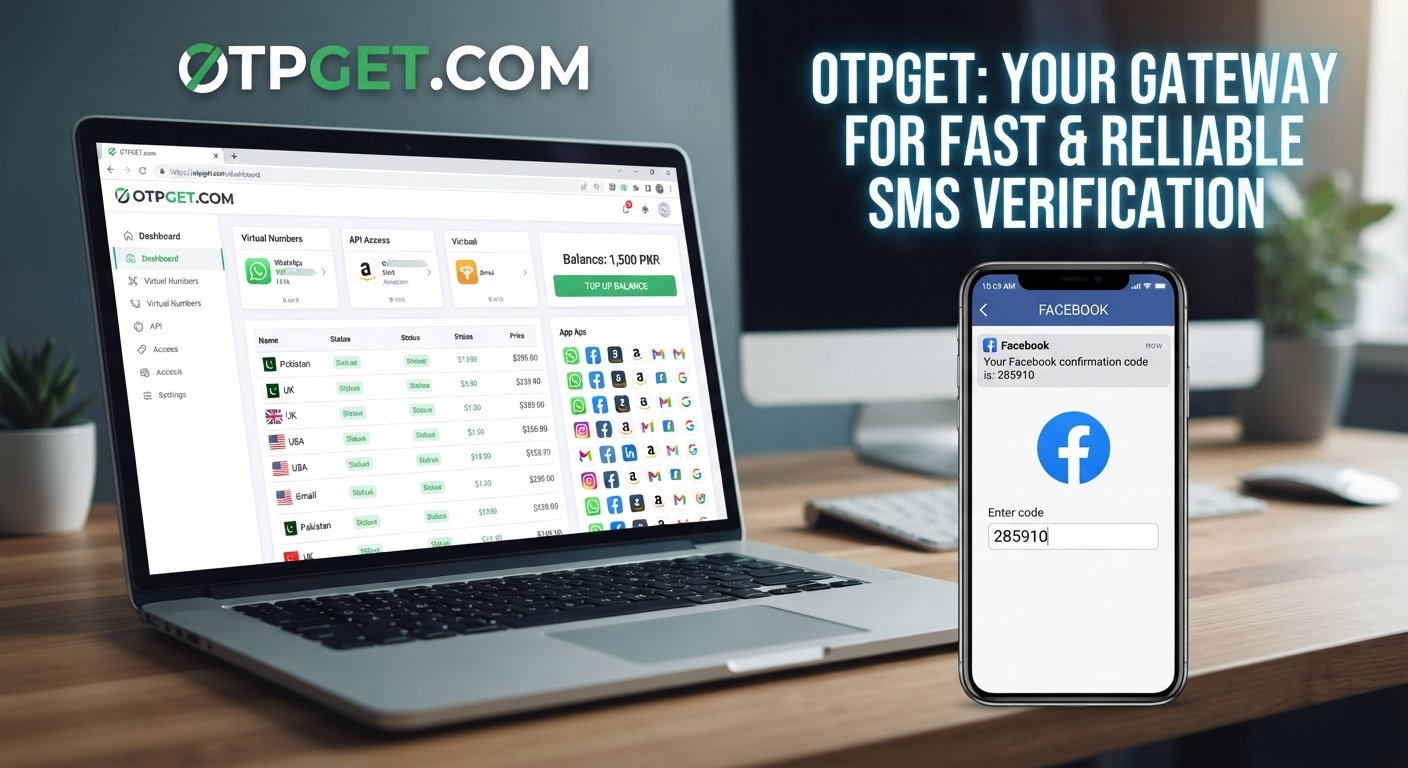
OTPGET's API documentation also shows that account balances are represented in PKR and that requesting a number deducts the applicable amount from the available balance.
This makes the OTPGET balance an important part of the overall workflow. If your balance is too low, you may not be able to request the verification service you need.
Why Users in Pakistan May Need OTP Verification Services
There are many legitimate situations where someone may need an OTP verification service or virtual number.
For example, developers may need to test SMS-based verification flows, businesses may need to evaluate an application's registration process, and individuals may need an additional number for a legitimate online service where a suitable virtual number is supported.
Common use cases can include:
-
Testing SMS verification during software development
-
Verifying supported online services
-
Receiving OTP verification codes without relying on a physical SIM for every test
-
Using a virtual phone number for legitimate privacy-conscious activities
-
Testing applications across different supported countries
-
Managing verification requirements for projects or services where virtual numbers are permitted
Availability varies by country, provider, and service. OTPGET's documentation provides country and service information that can be checked before requesting a number.
OTP services should always be used responsibly. They should not be used to bypass security controls, access accounts belonging to other people, create fraudulent identities, or violate the rules of a platform.
Understanding Your OTPGET Balance
Your OTPGET balance is essentially the amount available in your account for supported services. When you request a virtual number or another paid service, the relevant amount can be deducted from that balance.
Keeping sufficient balance is useful because you can check your available funds before beginning an important verification task. OTPGET's API documentation includes a balance-check function and shows balances in PKR.
Think of the balance as part of your verification workflow:
Top up → Check balance → Select service → Request number → Receive OTP → Complete verification
Maintaining an adequate balance can make this process easier to manage, particularly when you already know that you will need an OTP receiving service.
How to Top Up Your OTPGET Balance from Pakistan
The exact payment options displayed to you can depend on what OTPGET makes available through your account. Its public information currently references multiple payment methods, while its payment policy instructs users to follow the provided payment instructions carefully.
For Pakistani users, the safest approach is to use the payment options and instructions actually displayed inside your OTPGET account.
Follow these steps:
-
Open your OTPGET account. Go to the official OTPGET website and access your account.
-
Sign in securely. Make sure you are using the correct login details and the official website rather than a third-party page.
-
Find the balance or top-up area. Look for the account section related to your wallet, balance, deposit, or top-up.
-
Review the available payment options. Check which payment methods OTPGET currently makes available to you.
-
Select an available payment method. Follow the instructions provided by OTPGET for the selected option.
-
Enter the required amount. Choose the amount you want to add to your OTPGET balance, based on your expected verification needs.
-
Review the transaction details carefully. Check the destination details, amount, and any reference information provided by the platform.
-
Complete the payment. Follow the payment instructions shown in your OTPGET account.
-
Return to OTPGET and check your balance. Verify that your account reflects the updated balance.
-
Contact official support if the payment is completed but the balance is not reflected. Keep your payment or transaction reference available.
Because payment availability and instructions can change, always rely on the options shown in your own OTPGET account rather than an old third-party tutorial.
How to Use Your OTPGET Balance for OTP Verification
Once your OTPGET balance is available, the next step is to select the verification service you need.
The general workflow is:
-
Check the available countries and services.
-
Select the country supported for your intended verification.
-
Choose the relevant service.
-
Request an available virtual number.
-
Use that number only for the legitimate verification process you are performing.
-
Wait for the verification SMS.
-
Retrieve the OTP through the available OTPGET interface.
-
Enter the verification code into the service requesting it.
OTPGET's documentation describes separate actions for checking countries, viewing available services, requesting a number, and checking the status of the received SMS.
For developers, these functions can also be accessed through the documented API. For non-technical users, the important point is simply that your balance supports the purchase or use of available verification services.
Tips for a Smooth OTPGET Top-Up
A few simple precautions can make an OTP balance top up easier to manage:
-
Check your account details before paying. Small mistakes can cause payment problems.
-
Confirm the selected payment option. Use only the instructions currently provided by OTPGET.
-
Keep transaction information. Save receipts, references, or other payment details until the balance is confirmed.
-
Avoid unofficial payment accounts. Do not rely on payment instructions sent through unknown social media accounts or private contacts.
-
Use official OTPGET support channels. This is particularly important when a payment is missing from your balance.
-
Verify the balance after payment. Do not assume the top-up has completed until your account reflects it.
-
Plan ahead for important verification tasks. Maintaining sufficient balance can help you avoid having to stop midway through a verification process.
Common OTPGET Top-Up Problems and Solutions
Payment completed but balance is not updated
First, confirm that the payment was actually completed and keep the transaction reference or receipt. Then check your OTPGET account again and contact official support if the balance remains unchanged.
Incorrect payment details
If you entered incorrect payment information, do not send another payment immediately. Review the transaction information and contact official support with the relevant reference details.
A payment method is unavailable
Payment options can depend on what OTPGET currently makes available. If a method you expected is not displayed, use another available option or contact official support for clarification rather than relying on unofficial instructions.
Login problems
Make sure you are using the official OTPGET website and the correct account credentials. If you cannot access the account, use the platform's official account-support process.
OTP is not received
A successful top-up does not necessarily mean every requested number or service will always produce a verification message. Check that you selected the correct service and that the requested number is still active, then follow the available status or support process.
Insufficient balance
If your balance is too low for the selected service, return to the top-up section and add funds using an available payment option. OTPGET's API documentation also identifies insufficient balance as a possible service error.
Support asks for transaction information
Provide the payment or transaction reference requested by official support. This information can help them identify the relevant payment without requiring you to repeat the transaction.
Why OTPGET Can Be Useful for Users in Pakistan
For Pakistani users who have legitimate online verification needs, OTPGET brings the balance and verification workflow into one online account.
One practical advantage is that you can manage an account balance before requesting a verification number. That makes it easier to check whether you have sufficient funds before starting a task.
OTPGET also provides country and service selection through its platform and API documentation, allowing users to check available options rather than assuming that every service is supported everywhere.
For developers and technical teams, the API can also provide a way to integrate OTP number requests and SMS status checks into software workflows.
The key benefit is practicality: instead of treating each OTP request as a completely separate process, you can maintain your OTPGET balance and use it when a supported verification requirement arises.
Frequently Asked Questions About OTPGET
How do I top up my OTPGET balance from Pakistan?
Log in to your OTPGET account, open the available balance or top-up section, review the payment options shown to you, and follow the provided payment instructions. After completing the payment, return to your account and confirm that the balance has been updated.
What is an OTPGET balance?
An OTPGET balance is the amount available in your account for supported paid services. OTPGET's documentation shows account balances in PKR and indicates that requesting certain virtual numbers deducts funds from the available balance.
Can I use OTPGET for online OTP verification?
Yes. OTPGET provides virtual numbers intended for receiving SMS verification codes, subject to the countries, providers, and services available through the platform.
What should I do if my OTPGET balance does not update?
Check that the payment was completed successfully and retain your transaction details. If the balance still does not appear, contact official OTPGET support and provide the relevant payment or transaction information.
How can I receive an OTP using OTPGET?
After ensuring you have sufficient balance, select an available country and service, request a virtual number, and monitor the available OTP or SMS status interface for the verification message.
Is OTPGET useful for users in Pakistan?
It can be useful for Pakistani users who need legitimate online OTP or SMS verification services and have access to the relevant supported country and service. Availability should be checked inside OTPGET before starting a verification task.
Where should I get help if I have a payment problem?
Use official OTPGET support channels and keep your payment reference or transaction information available. Avoid relying on unofficial payment contacts or third-party instructions.
Final Thoughts
For anyone in Pakistan who regularly needs a legitimate OTP verification service, keeping an adequate OTPGET balance can simplify the process. Instead of waiting until a verification task is already underway, you can top up your account, confirm the balance, and then check the available virtual numbers and services when needed.
The most important part of an OTPGET top up is following the payment instructions displayed in your own account. Review every transaction carefully, keep your payment reference, verify that the balance has been updated, and contact official support if something does not appear correctly.
If OTPGET fits your verification needs, visit OTPGET, access or create your account, review the available top-up options, and use the service responsibly for legitimate online verification.